ENEnglish
 LTLietuviškai
 DEDeutsch
 FRFrançais
 RUРусский
 ESEspañol
 PLPolski
 ITItaliano
 UKУкраїнська
 CSČeština
 PTPortuguês
 JA日本語
JA日本語 LVLatviešu valoda
 ETEesti
 HUMagyar
 IDBahasa Indonesia
 TRTürkçe
 HIहिन्दी
 ELΕλληνικά
 ARالعربية
 THไทย
THไทย VITiếng Việt
 RORomână
 MSBahasa Melayu
 BNবাংলা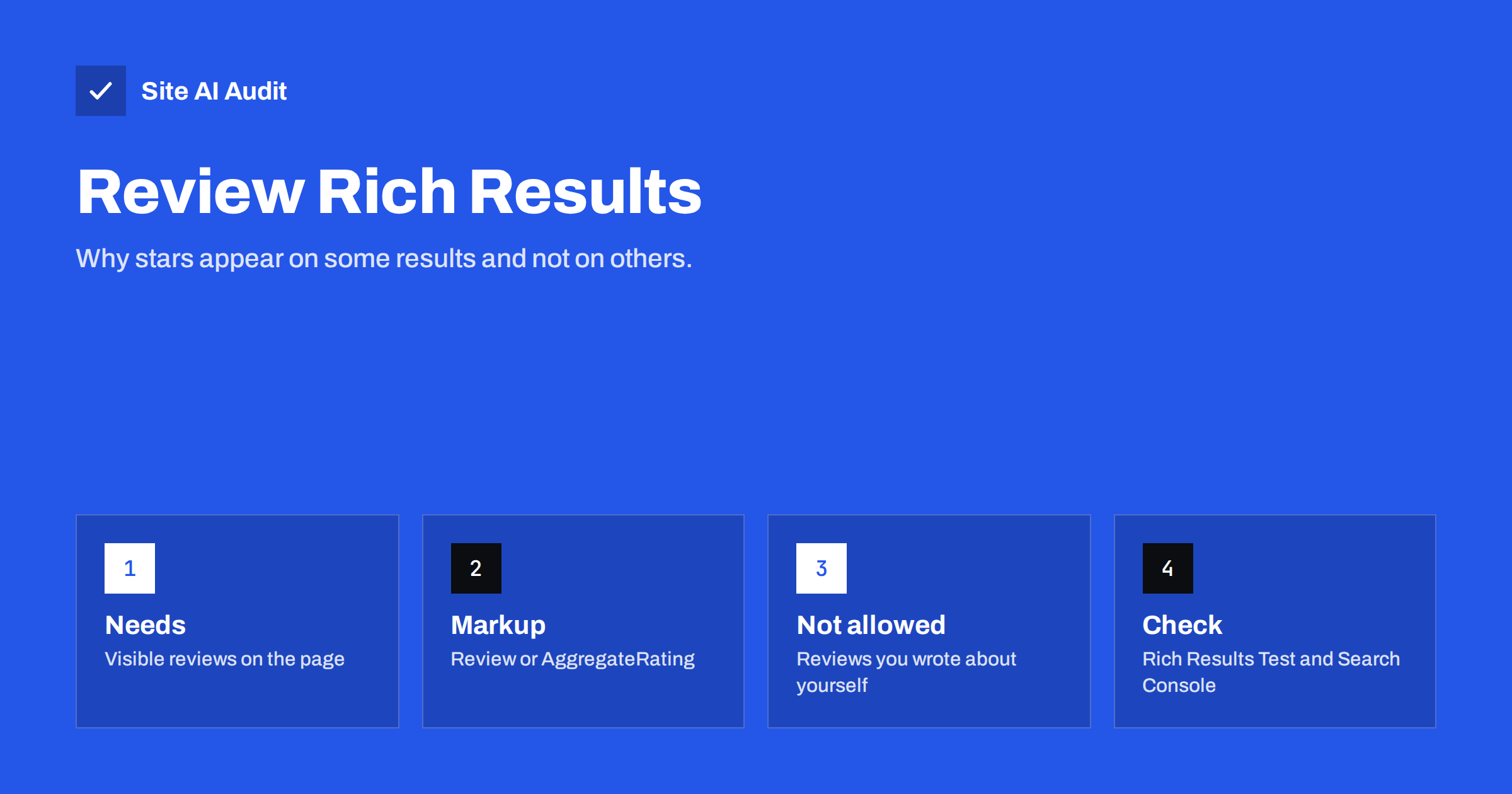
Short answer: Star ratings in search results come from review structured data on the page, but adding the markup does not guarantee stars. Google shows them only for certain types of content, only when the reviews are visible to visitors and genuinely written by customers, and only when its systems decide the result deserves the extra display. Reviews that a business writes about itself do not qualify.
What a review rich result is
A review rich result is a normal search listing with extra information added under the title: a row of stars, a rating such as 4.6 out of 5, and sometimes the number of reviews. For a small business this is attractive because a listing with stars usually looks more trustworthy and takes more visual space than its neighbours.
The stars are not drawn from the page text. Google reads them from structured data, a block of code in the page that describes the content in a standard vocabulary. If you are new to the idea, our guide to structured data for small business websites explains the basics. The review part uses two common types: a single review, and an aggregate rating that summarises many reviews.
Which pages can show stars
Google does not show review stars for every kind of page. The feature is limited to a defined list of content types, and the list has changed over the years, so always check Google’s current documentation before building anything. In general, products, books, courses, recipes, software applications, movies and a few other specific items are supported. A page about a product you sell can qualify. A page about a service you offer usually needs another approach.
An important restriction applies to businesses reviewing themselves. If a local business or an organisation puts review markup on its own pages to rate itself, Google ignores it. The idea is that a company should not be the judge of its own quality. Ratings for a local business belong in places such as its business profile, where customers leave them directly, which is why our local SEO basics article treats reviews as part of the profile work and not as a markup trick.
The rules your markup must follow
Google’s policies for review markup are strict, and breaking them can lead to a manual action against your structured data. The key rules are easy to remember:
- The reviews must be visible on the page. Do not mark up ratings that visitors cannot see.
- The reviews must be real. They should come from actual customers, not from the owner, staff or a paid writer.
- The markup must describe the item on the page. A rating for one product cannot be attached to a page about a different one.
- Do not copy ratings from other sites unless the page itself shows them and credits the source.
- Use the required properties. A rating needs a value, a best and worst value where they are not the default, and an item that is being reviewed.
Do not invent a rating to get stars. A made-up number is a policy violation, it can lead to a manual action, and it damages trust the moment a visitor reads the actual reviews.
How the markup is usually added
The easiest way to add review markup is JSON-LD, a script block placed in the page. Many WordPress review and e-commerce plugins generate it automatically, and that is usually the safest route, because the plugin reads the same data it shows on the page. If you write the code by hand, you must keep it in step with the visible content. A rating of 4.8 in the markup and 4.2 on the page is exactly the kind of mismatch that causes problems.
For an aggregate rating, the markup contains the average value and the count of ratings. Make sure the count is accurate and update it when new reviews arrive. A plugin that stores reviews in the database and builds the numbers on the fly removes the risk of forgetting. If you sell products, the product page checklist in our product page SEO guide shows where reviews fit among the other elements.
Why you may not see stars even with correct markup
This is the most common frustration. You add valid markup, the testing tool shows no errors, and still no stars appear. There are several normal reasons:
- Google decides case by case whether to show a rich result. Valid markup makes a page eligible, not guaranteed.
- The page may not be indexed yet, or may have been crawled before the markup was added.
- The content type may not be one for which review snippets are supported.
- The page may have too few reviews, or the quality signals for the site may be low.
- The result may show stars for some searches and not for others, and the display can change over time.
Be patient and do not change the markup every few days. Each change has to be crawled again, and repeated edits make it hard to know what worked.
How to test and monitor review markup
Use Google’s Rich Results Test to check a live URL or a piece of code before publishing. It tells you which rich result types the page is eligible for and lists errors and warnings. Fix errors first. Warnings point to recommended properties, which you can add if you have the data.
After publishing, look at the enhancement reports in Search Console. They count the valid pages and list problems found at crawl time. Our article on structured data errors in Search Console shows how to read these reports and which problems matter. If a result gets stars and later loses them, check that the reviews are still visible and the markup still renders, since a theme or plugin update can silently remove it.
Collecting real reviews without breaking the rules
The best markup in the world is useless without honest reviews to describe. Ask customers after a purchase, with a short email that links directly to the place where they can write. Keep the request neutral. Offering a discount or a gift in return for a positive review is risky and, in many places, against consumer rules. Asking every customer, not only the happy ones, keeps the average believable and gives you useful feedback.
Reply to reviews, including the critical ones, in a calm and factual way. Visitors read the replies as closely as the reviews. A shop that answers a complaint politely often looks more reliable than one with only perfect scores, and a mixed rating such as 4.6 is generally seen as more credible than a flawless 5.0.
Common mistakes to avoid
A few errors show up again and again on small business sites:
- Placing the same sitewide rating on every page, including the contact page and the blog posts, where it describes nothing.
- Marking up a rating on a category page that lists many products, instead of the individual product pages.
- Hiding the reviews in a tab that never loads for visitors while the markup stays in the source.
- Forgetting to remove the markup when a product is discontinued and its page now shows an out-of-stock notice with old reviews.
- Using a rating plugin and a theme that both output markup, which produces duplicate or conflicting data.
If you suspect duplicate output, view the page source and search for the word AggregateRating. You should find it once per reviewed item, not several times.
How Site AI Audit fits in
Site AI Audit crawls up to 50 pages of your website and reports titles, descriptions, headings, broken links, redirects, the XML sitemap, robots.txt and pages blocked by noindex. It does not validate review markup or tell you whether stars will appear, so use the Rich Results Test for that. What it does show is whether the product pages you want to feature are crawlable and indexable, which is the starting point for any rich result. You can run a free check of your website or see the plans.
Related reading
- Structured Data for Small Business Websites: A Beginner Guide
- Structured Data Errors in Search Console: How to Fix Them
- Featured Snippets: How to Format Content Google Can Quote
- Why Google Rewrites Your Title Tags and How to Prevent It
The bottom line
Review stars are a reward for honest, visible customer reviews on supported types of pages, not a feature you can switch on with code alone. Add accurate markup that matches what visitors see, test it with the official tool, avoid self-written ratings and give Google time. If stars do not appear, the page is still better off with real reviews than without them.
DUK
Can I add star ratings to my own business page?
You can add the markup, but Google ignores reviews that a business writes about itself for its own local business or organisation page. Customer reviews on a product page are treated differently.
How long does it take for stars to show?
There is no fixed time. Google has to crawl the page again and then decide whether to show the extra display. It can take days or weeks, and it may never appear for some pages.
Do stars improve my ranking?
Review markup is not a ranking factor on its own. Stars can raise the share of people who click your result, which is a separate benefit.
What if my markup has warnings but no errors?
The page is still eligible. Warnings mean that optional properties are missing. Add them when you have accurate data, but do not invent values just to clear a warning.
Can I show reviews copied from another website?
Only if the reviews are visible on your page and the source is clear. Copying ratings that your customers never gave on your site is risky and can lead to a manual action.