 ENEnglish
 LTLietuviškai
 DEDeutsch
 FRFrançais
 RUРусский
 ESEspañol
 PLPolski
 ITItaliano
 UKУкраїнська
 CSČeština
 PTPortuguês
 JA日本語
JA日本語 LVLatviešu valoda
 ETEesti
 HUMagyar
 IDBahasa Indonesia
 TRTürkçe
 HIहिन्दी
 ELΕλληνικά
 ARالعربية
 THไทย
THไทย VITiếng Việt
 RORomână
 MSBahasa Melayu
 BNবাংলা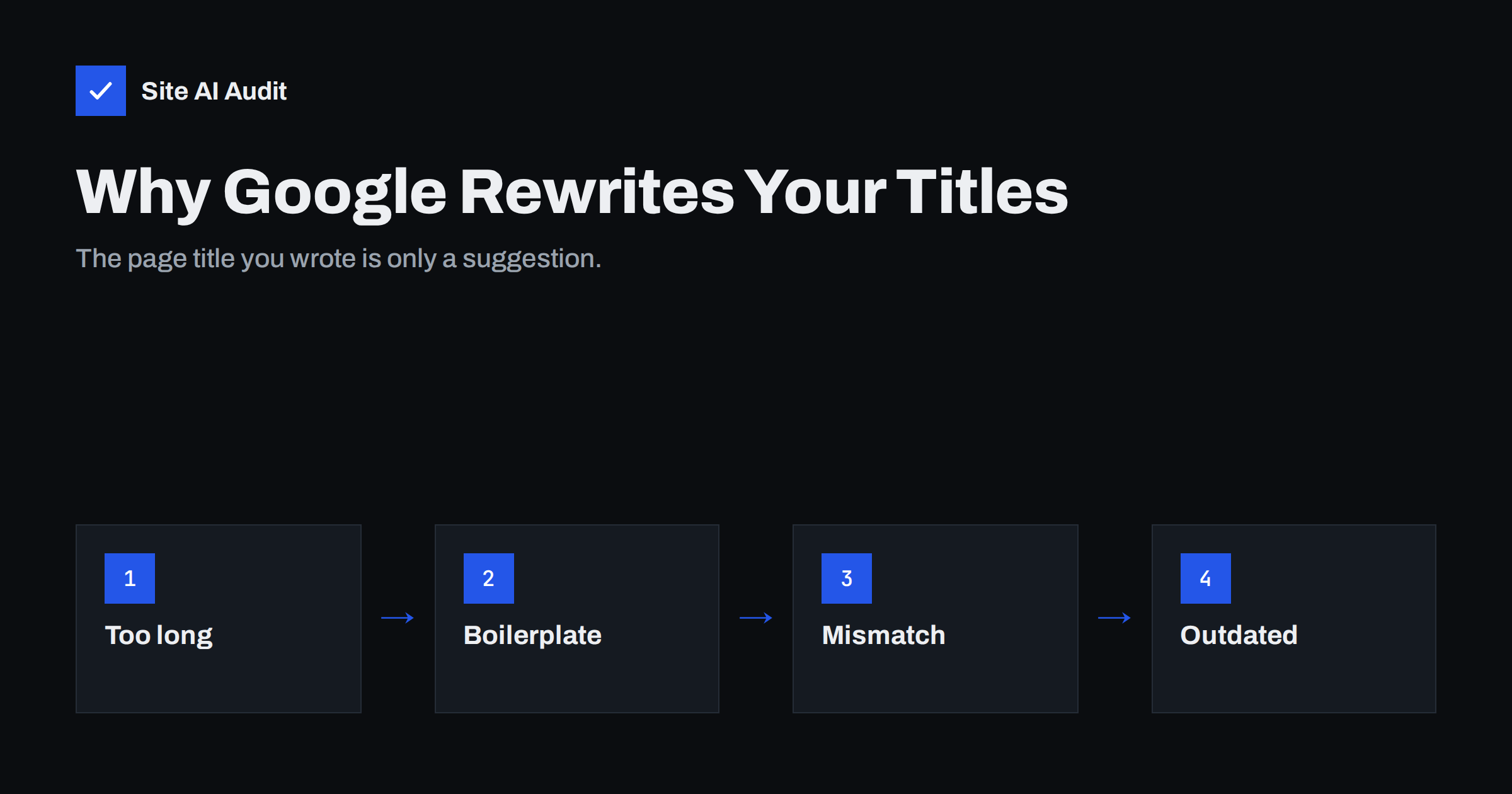
Short answer: Google rewrites a title when it thinks your title tag does not describe the page well for the searcher: when it is too long, stuffed with keywords, full of repeated boilerplate, outdated, empty or different from the visible main heading. Google then builds the title link from other text on the page, most often the H1. You cannot force Google to use your title, but a unique, accurate, concise title that matches the H1 is used far more often.
What Google actually shows: the title link
The clickable headline in a search result is called a title link. Most site owners assume it always equals the <title> element in the page’s HTML, and for many pages it does. But since an update in August 2021, Google has generated title links from several sources and chooses the one it considers the best description of the page.
According to Google’s documentation on influencing title links, the sources include:
- the content of the
<title>element; - the main visual title shown on the page, usually the H1;
- other headings and large, prominent text;
- other content on the page;
- anchor text of links pointing to the page;
- text inside structured data and the
og:titlemeta tag.
The title element is still the most common source. Rewrites happen when it looks unhelpful, which means most rewrites point to a fixable problem with the title itself.
The most common reasons for a rewrite
Google has described the patterns that trigger replacement titles. In practice, almost every rewritten title on a small business site falls into one of these groups:
- Too long. A title that runs well past the space in results gets cut, and Google may instead choose a shorter text that fits, often the H1.
- Keyword stuffing. Titles like “Plumber London | London Plumber | Emergency Plumber London” look spammy and are a classic rewrite candidate.
- Boilerplate. When many pages share the same title, or the same long prefix such as the full company slogan, Google cannot tell them apart and rewrites to something more distinctive.
- Half-empty titles. A title with only the site name, or “Home”, or “Untitled”, does not describe the page. Google fills the gap with page text.
- Outdated titles. A title that says “Prices 2023” on a page that clearly covers a newer period may be adjusted to match the visible content.
- Mismatch with the page. If the title promises one thing and the main heading says another, Google tends to trust the heading users actually see.
- Unclear main heading. Several large headings of equal weight, or an H1 that is hidden, make it harder for Google to decide what the page is about, so the chosen text may seem random.
- Site name handling. Google may add, remove or shorten the site name part of a title, separately from the page-specific part.
Is a rewritten title a problem?
Not always. Sometimes Google’s version is clearer than the original, and it may even improve clicks. A rewrite becomes a problem when:
- the new title drops your main keyword or the product name people search for;
- it picks up a fragment that makes no sense out of context, such as a button label or a section heading like “Our services”;
- it shows the wrong brand name or an old company name;
- it makes several of your results look identical, so searchers cannot pick the right page.
Treat rewrites as a signal. If Google consistently rewrites a page’s title, the title probably has one of the weaknesses above, and fixing it helps both Google and people reading your result.
How to find pages with rewritten titles
There is no “rewritten titles” report in Search Console, so you have to compare what you wrote with what Google shows.
- List your important pages. Start with pages that get impressions: open the Search Console Performance report, switch to the Pages tab and sort by impressions. Our guide to reading the Performance report explains the columns.
- Collect your title tags. Use a crawler or a site audit to export the title element of each page.
- Check the results. Search for each page’s main query, or use a
site:search with a distinctive phrase, and note the title link Google shows. - Mark the differences. Note whether Google cut the title, used the H1, removed the brand or picked unrelated text.
- Look for patterns. If a whole template is rewritten, for example every product or blog post, the cause is usually in the template rather than individual titles.
Remember that the title link can vary with the query and the device, so check the queries that actually bring traffic.
How to write titles Google is more likely to keep
The fixes follow directly from the causes. A good title is specific, short and honest about the page.
- Put the main topic first. Lead with what the page is about, then add a qualifier, then the brand if there is room.
- Keep it concise. Roughly 50–60 characters is a sensible target: long enough to be descriptive, short enough not to be cut. Our guide to writing title tags covers length in detail.
- Make every title unique. Each indexable page needs its own title. Duplicated titles across pages are one of the most common audit findings.
- Use the brand once, briefly. “Service name | Brand” works. A full slogan repeated on every page is boilerplate.
- Match the H1. The title and the visible main heading do not have to be identical, but they should say the same thing. See how to use H1, H2 and H3 properly.
- Avoid repetition. One clear keyword phrase reads better and ranks no worse than three variations.
- Update dates when content changes. If a title includes a year, change it only when the content is truly updated.
| Before | After | Why it helps |
|---|---|---|
| Pradžia | Emergency Plumber in Leeds, 24/7 | Smith Plumbing | Describes the page instead of the template |
| Shoes | Shoes Online | Cheap Shoes | Best Shoes Shop | Women’s Running Shoes | Brand | Removes stuffing, names the actual category |
| Smith Plumbing – Quality Since 1998 – Blog – How to Fix a Leaking Tap | How to Fix a Leaking Tap in 5 Steps | Smith Plumbing | Main topic first, boilerplate removed |
| Prices 2022 | Boiler Service Prices and What Is Included | No outdated year, clearer intent |
Template and technical causes to check
When rewrites affect many pages at once, look beyond individual wording:
- CMS defaults. Themes and SEO plugins often generate titles from patterns such as “%title% %sep% %sitename% %sep% %tagline%”. Remove the tagline part; it adds boilerplate to every page.
- Empty or missing title fields. Pages created quickly, such as landing pages or archive pages, may fall back to the site name only.
- Multiple title elements. Two plugins can each output a
<title>. Check the page source: there must be exactly one, inside<head>. - Hidden or styled-down H1. If the visible main heading is not the H1, or the H1 is a logo image without text, Google may pick other prominent text.
- Pagination and filters. Page 2, 3 and filtered views often reuse the same title. Make them distinguishable or keep them out of the index where appropriate.
- Language mismatch. A title in one language on a page written in another is likely to be replaced.
After changing titles, Google needs to recrawl the pages before results update. You can request indexing for key URLs in Search Console, but most changes are picked up within days to weeks on their own.
How Site AI Audit helps
Site AI Audit crawls your website like a search engine and checks titles and descriptions, headings and alt texts on every page it visits: up to 50 pages on the free check. Findings such as several pages sharing the same title come with a plain-language explanation and a concrete fix, ranked by impact, so you know which titles to rewrite first. You can check your website for free; paid plans add re-checks after every fix and monitoring, as shown on the pricing page.
Related reading
- Meta Descriptions: What They Do and How to Write Them
- Site Name and Favicon in Google: How to Get Them Right
- Duplicate Content in SEO: Common Causes and How to Fix Them
- How to Prioritise SEO Audit Findings: What to Fix First
The bottom line
Google rewrites titles when it thinks they do not describe the page: too long, repetitive, stuffed, outdated, empty or out of line with the main heading. You cannot switch rewriting off, but you can make it rare. Give every page one unique, concise title with the main topic first, keep it consistent with the H1, strip boilerplate from your templates, and recheck the results that matter most for your traffic.
DUK
Can I stop Google from rewriting my title tags?
No, there is no tag or setting that forces Google to use your title. You can only make your title the best available description of the page. Accurate, unique and concise titles that match the visible heading are rewritten much less often.
Does a rewritten title hurt my rankings?
The rewrite itself is not a penalty and does not lower rankings. It can affect clicks if the new title is less clear or drops your key phrase. The underlying cause, such as duplicated or stuffed titles, may also point to wider quality issues worth fixing.
Why does Google use my H1 instead of my title?
Google often treats the H1 as the most reliable description because it is what visitors see first. If your title tag is long, generic or different in meaning from the H1, Google may prefer the heading. Aligning both usually solves this.
How long until Google shows my new title?
Google has to recrawl the page first. For frequently crawled pages this can take a few days; for others, a few weeks. Requesting indexing in Search Console can speed it up for important URLs.
What is the ideal title length?
There is no exact limit, because Google truncates titles by pixel width rather than characters. Around 50–60 characters is a practical target that usually displays in full while still describing the page.


