ENEnglish
 LTLietuviškai
 DEDeutsch
 FRFrançais
 RUРусский
 ESEspañol
 PLPolski
 ITItaliano
 UKУкраїнська
 CSČeština
 PTPortuguês
 JA日本語
JA日本語 LVLatviešu valoda
 ETEesti
 HUMagyar
 IDBahasa Indonesia
 TRTürkçe
 HIहिन्दी
 ELΕλληνικά
 ARالعربية
 THไทย
THไทย VITiếng Việt
 RORomână
 MSBahasa Melayu
 BNবাংলা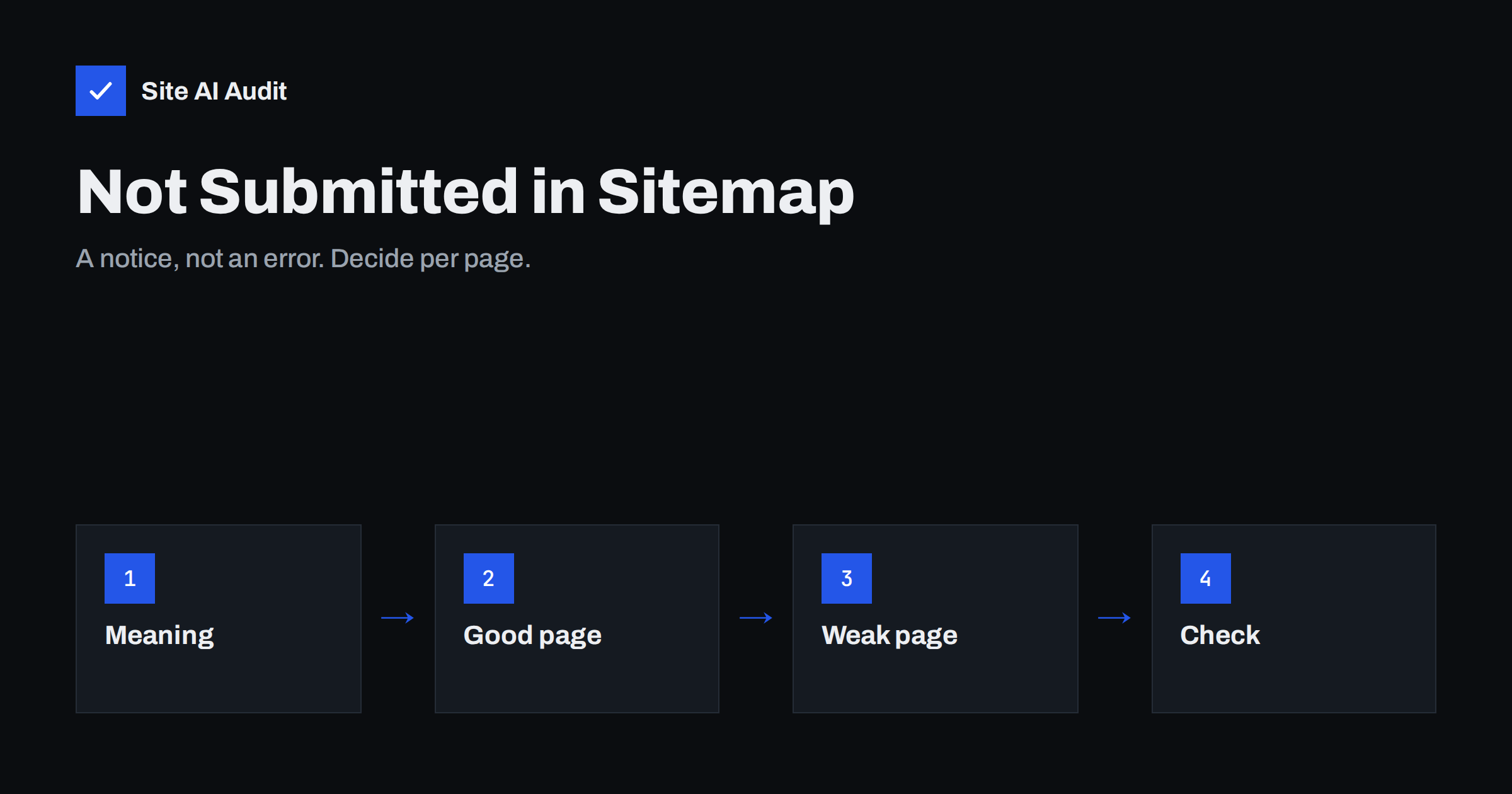
Short answer: The status “Indexed, not submitted in sitemap” means Google found a page by following links or other signals and indexed it, although the page is not listed in any sitemap you submitted. It is a notice and not an error. If the page is valuable, add it to your sitemap. If it is a weak or accidental page, such as a filter result or an archive, decide whether to merge it, redirect it or mark it noindex.
What the status means
Google discovers pages in several ways: by following links from other pages, by reading your sitemap, and from other sources. A sitemap is a list that you hand to Google to say which pages you consider important. When Search Console reports “Indexed, not submitted in sitemap”, it is telling you that a page is in the index, but you did not include it in the list you submitted.
The notice is not a penalty and does not mean the page is in trouble. It is a prompt to compare two lists: the pages you think should be indexed and the pages Google actually indexed. The difference between them is often where useful discoveries are made.
Why pages end up in this group
There are several common reasons, and some are harmless:
- The sitemap is incomplete. A plugin may leave out certain post types, new pages may be added after the file was generated, or the sitemap may be cached.
- Automatic pages. WordPress creates author pages, date archives, tag pages and attachment pages that are not always in the sitemap.
- Parameter and filter addresses. Sorting and filtering options in a shop can create many variations that Google finds through links.
- Old addresses. Pages that were once in the sitemap and have been removed, or older versions of a site, may still be indexed.
- Internal search pages. Result pages that are linked from somewhere can slip into the index.
- Intentional exclusions. Some pages are left out of the sitemap on purpose, such as thank-you pages, which then should be marked noindex.
Often several of these reasons overlap. A shop might have an incomplete sitemap, automatic tag pages and filter addresses all at once. Treat each group separately, because the right fix for a missing product page is the opposite of the right fix for a filter variation.
Why it matters, and when it does not
A page missing from the sitemap can still rank. The sitemap helps discovery and gives Google a hint about priority and freshness, but it is not a requirement for indexing. If the page is a good, unique page that Google found and indexed, there is nothing broken. Still, adding it to the sitemap makes your intentions clear and helps Google to recrawl it when it changes.
The status matters more when it shows a pattern of unwanted pages. If thousands of filter, tag or parameter addresses are indexed without being in the sitemap, you may be spending crawl attention on thin variations and diluting the pages that count. This is the situation we describe in our guide to index bloat cleanup.
How to see which pages are affected
Open the Page indexing report in Search Console and look for the status in the list. Click it to see example addresses. Export the list if there are many, and sort it by type of address: normal pages, archives, parameters and attachments. This usually shows the pattern within minutes.
For a single address, use the URL Inspection tool. It shows whether the page is indexed, how Google found it and which canonical it selected. Our guide to the URL Inspection tool shows how to read the answer. If the page was discovered through a link from another page, you can also see which one referred to it.
Look at the dates too. Pages that appeared in the group only recently are the ones to inspect first, since they often point to a recent change on the site, such as a new plugin, a redesign or a new feature that generates addresses automatically. Older pages that have sat there for a long time are usually less urgent.
Decide for each group of pages
Sort the examples into groups and decide what you want for each group. The rule of thumb is short: pages that deserve to rank belong in the sitemap, and pages that do not deserve it should not be indexed.
- Valuable page missing from the sitemap: add it, and check why the sitemap left it out.
- Duplicate or near-duplicate version: point it to the main version with a canonical tag, as explained in our canonical tags guide, or redirect it.
- Thin archive or tag page: merge it into a better page or mark it noindex. Our article on category and tag pages helps you decide.
- Internal search result: block it from indexing, as described in internal search pages and SEO.
- Private or utility page: use noindex, and make sure it is not blocked in robots.txt, so Google can see the tag.
Write the decision down for each group, together with the date. When you revisit the report next month, you will know what you chose and can check that the numbers move in the expected direction. Without notes, it is easy to repeat the same analysis every few weeks and never finish.
How to fix the sitemap
Most WordPress sites generate the sitemap with an SEO plugin or with the built-in sitemap feature. Check which post types and taxonomies it includes. If an important type is missing, the plugin settings usually offer an option to include it. If the sitemap is cached, clear the cache after changes so that the new list is visible.
Then compare the sitemap with the list of indexed pages. Open the sitemap in a browser and check that the pages you care about are there. Remove addresses that redirect, return errors or are marked noindex, because a clean sitemap contains only pages you want in search results. Our guide to XML sitemaps covers the structure and the usual mistakes, and if Search Console cannot read the file at all, see sitemap could not be fetched.
What not to do
A few reactions make the problem worse. Do not block these pages in robots.txt as a way to remove them from the index: Google can no longer read a noindex tag on a blocked page, and the address may stay in search results. Do not delete good pages just because they are not in the sitemap. And do not stuff the sitemap with every address in the notice list, since that brings the unwanted pages into your official list and signals that you want them indexed.
Be patient after changes. Google must crawl the pages again before the status updates, and the report can lag by days or weeks. Check again after a few weeks and compare the numbers.
Make it part of a regular routine
Look at the indexing report once a month. Note the total number of indexed pages, the number of pages in the sitemap and the size of the gap between them. A sudden rise in indexed pages that are not in the sitemap often points to a plugin update, a new filter feature or a change in how the site links its pages. Catching that early keeps the clean-up small.
Also check pages that are indexed but never receive traffic. The Performance report in Search Console shows which pages get impressions and clicks, and the ones that get none for months are candidates for improvement, merging or removal. This keeps the index focused on pages that serve your visitors.
How Site AI Audit helps
Site AI Audit crawls up to 50 pages of your website and reports titles, descriptions, broken links, redirects, the XML sitemap, robots.txt and pages blocked by noindex. It can show whether your sitemap exists, whether it lists redirecting pages and which pages carry noindex. It cannot read your Search Console data, so it will not tell you which pages Google has indexed. Use both together. You can run a free check of your website or see the plans.
Related reading
- Why Is My Page Not on Google? A Step-by-Step Checklist
- WordPress Attachment, Author and Date Archives: SEO Guide
- URL Parameters and SEO: Filters, Tracking and Crawl Waste
- The Noindex Tag: When to Use It and How to Check It
The bottom line
This status is a prompt, not a problem. Review which pages Google found on its own, add the good ones to your sitemap and deal with the weak ones through canonical tags, redirects or noindex. A sitemap that lists exactly the pages you want in search results, and an index that matches it, make your site easier to manage and easier for Google to understand.
DUK
Is “Indexed, not submitted in sitemap” an error?
No. It is an informational status. The page is indexed. It only tells you that the page is not part of a sitemap you submitted.
Do I need every page in my sitemap?
You should include every page you want to appear in search results. Pages you do not want indexed should not be in the sitemap.
Will adding the page to the sitemap improve its ranking?
Not directly. It helps discovery and recrawling, but rankings depend on the quality and relevance of the page.
Should I block these pages in robots.txt?
No. If you want a page removed from the index, allow crawling and use a noindex tag. Blocking can leave the address in results.
How long until the status changes?
It depends on how often Google crawls the pages. Expect days to weeks, and check the report again after that time.