ENEnglish
 LTLietuviškai
 DEDeutsch
 FRFrançais
 RUРусский
 ESEspañol
 PLPolski
 ITItaliano
 UKУкраїнська
 CSČeština
 PTPortuguês
 JA日本語
 LVLatviešu valoda
 ETEesti
 HUMagyar
 IDBahasa Indonesia
 TRTürkçe
 HIहिन्दी
 ELΕλληνικά
 ARالعربية
 THไทย
 VITiếng Việt
 RORomână
 MSBahasa Melayu
 BNবাংলা
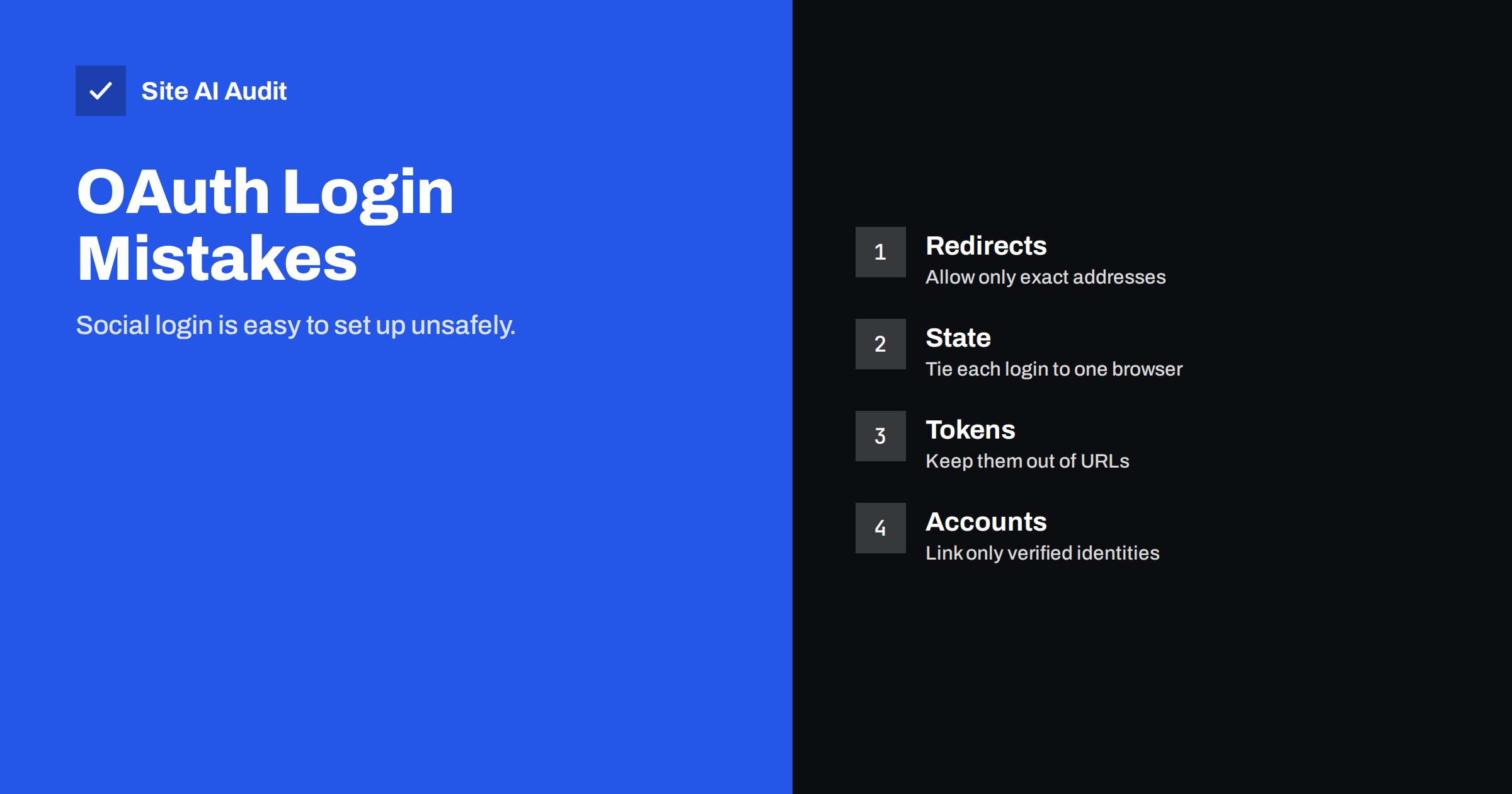
Short answer: OAuth and OpenID Connect let visitors sign in to your site with an account from another provider, but the setup has many details that are easy to get wrong. The most common mistakes are loose redirect address checks, a missing state value, tokens exposed in URLs or front-end code, accepting unverified e-mail addresses and requesting more permissions than needed. Use a maintained library, follow the provider’s current guidance and test each step.
What social login does
With “Sign in with” buttons, your site does not handle the visitor’s password. Instead, it sends the visitor to the provider, where they log in and agree to share some details. The provider then sends the visitor back to your site with a short-lived code, and your server exchanges that code for tokens that prove who the person is. This is convenient for users, who do not need another password, and it can be safer, because a large provider invests heavily in account protection.
The security of the whole process depends on a series of checks. If your site skips one, an attacker may log in as someone else, or take over an account. Most of the problems below come from simple shortcuts during setup.
Mistake 1: loose redirect address checks
After login, the provider sends the visitor and the code back to a redirect address that you registered. If the provider or your site accepts patterns, such as any address under a domain, or accepts an address that comes from the request, an attacker can arrange for the code to be sent to a page that they control. With that code they can sign in as the victim.
- Register exact redirect addresses, including the protocol and the path.
- Do not use wildcards, and do not build the address from user input.
- Remove old or test addresses from the provider’s settings.
- Be careful with open redirect flaws elsewhere on your site, which can be chained with this one. See open redirect vulnerabilities.
Mistake 2: no state value
The state parameter is a random value that your site creates before sending the visitor to the provider, stores in the browser session and checks when the visitor returns. If it is missing or not checked, an attacker can trick a victim’s browser into completing a login that the attacker started. The result is that the victim’s session becomes linked to the attacker’s account, or the other way round. This is a form of cross-site request forgery, explained in the guide to CSRF attacks.
- Generate an unpredictable value for every login attempt.
- Store it in the session and compare it exactly when the visitor returns.
- Use it only once, and expire it quickly.
Mistake 3: using the wrong flow
Older tutorials describe the implicit flow, in which tokens are returned directly to the browser in the address. This exposes tokens in browser history, logs and referrer headers. Current guidance recommends the authorization code flow, with PKCE for apps that cannot keep a secret, such as single-page applications and mobile apps. PKCE adds a one-time proof that stops an attacker who steals the code from using it. Choose the flow recommended by your provider today, and check that your library uses it by default.
Mistake 4: handling tokens carelessly
- Tokens in URLs. Addresses are stored in logs and history and passed in headers. Keep tokens out of them.
- Secrets in front-end code. The client secret belongs on the server only. See API keys exposed in front-end JavaScript.
- Not validating ID tokens. Check the signature, the issuer, the audience, the expiry and the nonce. A token meant for another application must be rejected.
- Weak storage. Store session data safely, with secure cookie flags, as described in secure cookie flags. The risks of tokens that are not checked correctly are covered in JWT security mistakes.
- Long lifetimes. Keep access tokens short, and protect refresh tokens carefully.
Mistake 5: trusting the e-mail address blindly
Many sites link or merge accounts by e-mail address. If a provider allows unverified addresses, an attacker can create an account there with the victim’s address, sign in to your site and take over the existing account. Accept the e-mail only when the provider states that it is verified, and prefer the provider’s stable user identifier as the key for linking. When someone already has a password account with the same address, ask them to prove ownership, for example by logging in with the old method, before linking. Avoid merging accounts silently.
Mistake 6: asking for too much
Every permission you request, called a scope, is a risk if your site is compromised. Ask only for the basics, such as identity and e-mail, unless you truly need more. Visitors also hesitate when a long list of permissions appears, so a small request improves sign-up rates. Review the scopes from time to time and remove those that are no longer used.
Also remove old routes and test settings. They are a quiet source of problems.
- A debug login that skips verification, left in the live code.
- Test client identifiers or secrets that still work on the production system.
- Apps that you no longer use but that remain registered with the provider.
- Admin accounts that can sign in with social login without a second factor.
Review the list of applications and keys in your provider’s console, delete what you do not recognise and rotate secrets after staff changes, in line with developer access and offboarding.
How to build and test it safely
- Use a well-maintained library or a trusted plugin. Do not write the protocol yourself. Keep it updated, because libraries fix security problems regularly.
- Follow the provider’s documentation and current best practice. Standards for OAuth change over time.
- Test the failure paths. Remove the state, change the redirect address, replay an old code and use an expired token. Each attempt must fail.
- Log the events. Record successful and failed logins and linking events, as suggested in security logging for small sites.
- Offer a second factor for important accounts, as in two-factor authentication for websites, and consider passkeys as a modern option.
- Plan for account recovery. What happens if a visitor loses access to the provider account?
Think, too, about the user’s point of view. Make it clear which provider the visitor is signing in with, and what your site will receive from it. Explain what happens if the visitor later wants to remove the connection or delete the account, and make that process simple. People trust a login button more when the information around it is honest and short, and trust is the real reason for offering social login in the first place.
Finally, keep an eye on changes at the provider. Providers update their rules, retire old endpoints and tighten requirements for applications from time to time. Subscribe to their developer announcements, put the review dates in your calendar and test the login flow after every provider notice or library update. A login that worked last year can quietly become insecure or stop working altogether, and it is much better to find out from your own test than from a customer who cannot get in. A short checklist for each review, covering redirect addresses, scopes, secrets and logs, keeps the work quick.
If all this sounds like a lot, remember that you can often avoid most of it by using a hosted login service or a mature plugin that handles the protocol for you, as long as you keep it updated and review its settings once in a while.
How Site AI Audit helps
Site AI Audit does not test your OAuth setup or your login code. It checks the public protection around it: the SSL certificate and its expiry, the redirect from HTTP to HTTPS, security headers and exposed software versions, along with SEO, speed and e-mail authentication. Login pages must run on a valid certificate, and callback addresses depend on it. The first check is free, covers up to 50 pages and needs no sign-up. You can run a free check of your website or see the plans for weekly monitoring and alerts.
Related reading
- Session Hijacking and Fixation: Protect Logged-In Users
- Credential Stuffing: Why Leaked Passwords Threaten Your Site
- CORS Explained: The Misconfigurations That Expose Your Data
- How Websites Should Store Passwords: Hashing Explained
The bottom line
Social login moves the hardest part of authentication to a provider, but your site still has to do its share correctly. Register exact redirect addresses, check the state, use the code flow with PKCE, validate tokens, trust only verified e-mail addresses and request minimal scopes. Test the failure cases, and keep your library current.
GYIK
Is social login more secure than passwords?
It can be, because large providers protect accounts well and you store no password. It is only safe if your own implementation follows the checks.
What is the state parameter for?
It ties the returning login to the browser that started it, which prevents forged login requests. It must be random, stored and verified every time.
Should I use the implicit flow?
No. Current guidance recommends the authorization code flow, with PKCE for apps that cannot keep a secret. The implicit flow exposes tokens too easily.
Can I link accounts by e-mail address?
Only if the provider confirms that the address is verified, and preferably after the user proves ownership of the existing account. Silent merging invites takeovers.
What if a provider account is hacked?
Anything that signs in through it is exposed. Offer a second factor on your side for sensitive actions, log sign-ins and give users a way to review and end sessions.