ENEnglish
 LTLietuviškai
 DEDeutsch
 FRFrançais
 RUРусский
 ESEspañol
 PLPolski
 ITItaliano
 UKУкраїнська
 CSČeština
 PTPortuguês
 JA日本語
JA日本語 LVLatviešu valoda
 ETEesti
 HUMagyar
 IDBahasa Indonesia
 TRTürkçe
 HIहिन्दी
 ELΕλληνικά
 ARالعربية
 THไทย
THไทย VITiếng Việt
 RORomână
 MSBahasa Melayu
 BNবাংলা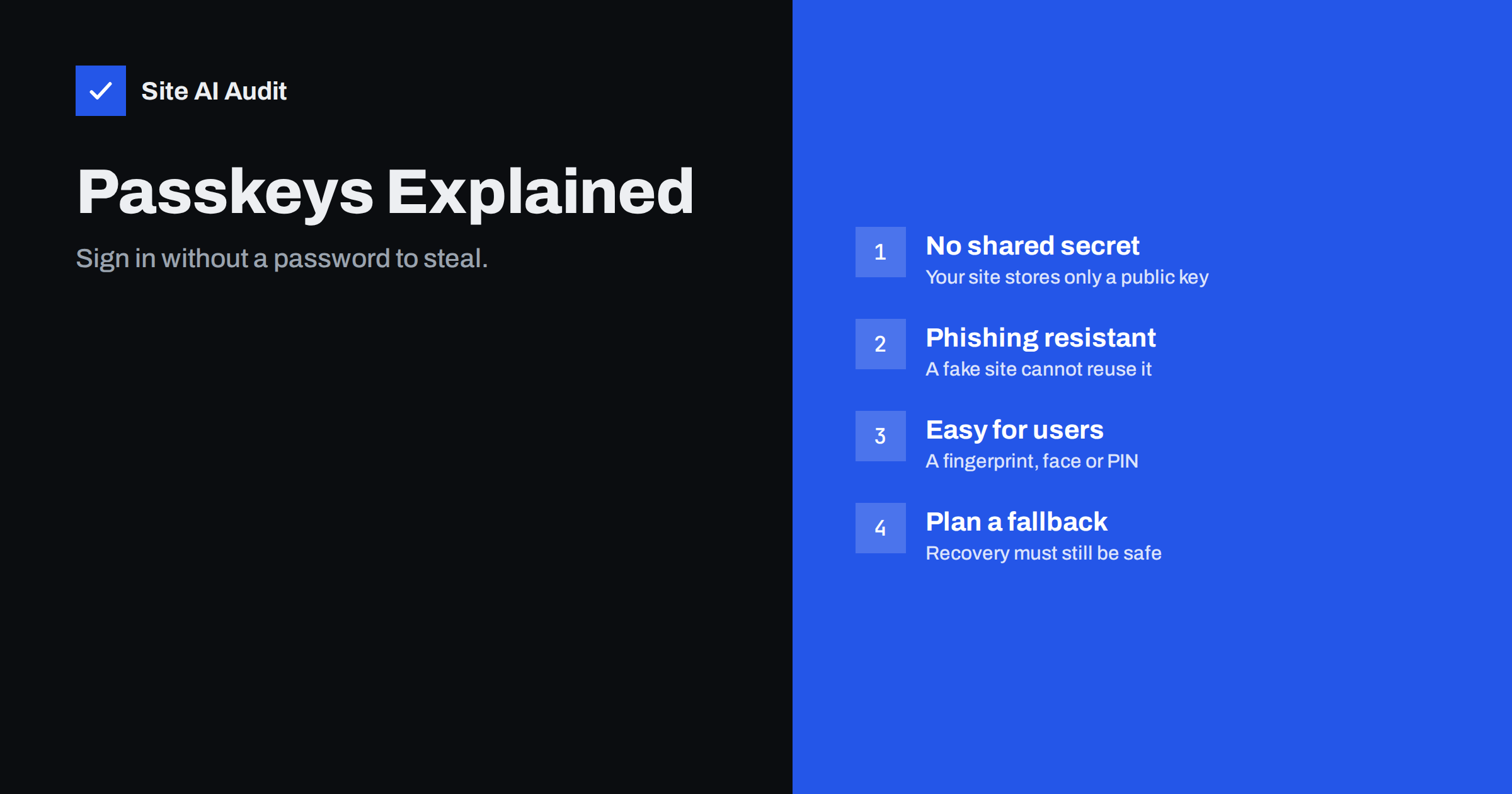
Short answer: A passkey is a login credential based on public-key cryptography. The user’s device keeps the private key and your website stores only the public key, so there is no password to guess, leak or phish. Passkeys are tied to your domain name, which makes fake login pages useless. For most small sites the sensible path is to offer passkeys as an extra option first, keep a safe recovery method, and move away from passwords slowly.
What a passkey is
A passkey is a modern replacement for the password. It is built on open standards called WebAuthn and FIDO2, which browsers, phones and operating systems already support. When a person creates a passkey for your site, their device generates a pair of mathematically linked keys. The public key goes to your website and is stored with the account. The private key never leaves the device, or the credential manager that protects it.
To sign in, your site sends a one-time challenge. The device signs the challenge with the private key after the person confirms with a fingerprint, a face scan, a screen lock PIN or a security key. Your site checks the signature with the public key. The biometric data or PIN stays on the device and is never sent to your server.
Why passwords are the weak link
Most successful attacks on websites do not break clever technology. They use stolen or weak passwords. People reuse the same password in many places, so a leak at one service becomes a way into others, which is the pattern described in credential stuffing. Attackers also guess common passwords on login pages in bulk, as covered in brute-force login protection. And tired staff still type their password into a convincing fake page.
Two-factor codes help, but they do not remove the problem. A code sent by text message or generated in an app can still be typed into a fake site and relayed in real time. Passkeys remove the shared secret altogether, so there is nothing to steal from your database that could be used to log in.
Why passkeys resist phishing
A passkey is bound to the domain where it was created. When the browser asks the device to sign a challenge, it tells the device which site is asking. If a visitor lands on a lookalike address, the browser sees a different domain and the device finds no matching passkey. The user is not trusted to spot the difference, because the software enforces it.
Another benefit is on your side. If an attacker copies your user table, they obtain public keys. A public key cannot be used to sign in, so a breach of that data does not give them access to accounts. You still need to protect everything else, but the most valuable item in a leak, the password hash, is gone.
Where the private key lives
There are two common types of passkey, and it helps to understand the difference when you explain the feature to users.
- Synced passkeys are stored by a platform or password manager and made available on the person’s other devices. This is convenient and protects against losing a single phone, but it means the account that syncs the keys becomes important.
- Device-bound passkeys, such as those on a hardware security key, stay on one physical device. They are stronger for high-risk accounts, but the user needs a second key as a backup.
Signing in on a computer can also work by approving the request on a nearby phone. This is useful when a person uses a shared or borrowed computer, because nothing is saved on it.
From the visitor’s side the experience is short. After entering a username, or sometimes nothing at all, the browser offers to use a saved passkey. The person confirms with the same fingerprint, face scan or screen lock they use to unlock their phone, and they are in. There is no code to copy from a text message and no password to remember or reset, which is why many sites that adopt passkeys also see fewer support requests about forgotten passwords. This ease of use is as important as the security, because a protection that people avoid does not protect anyone.
Passkeys also change how you think about registration. A new visitor can create an account with a passkey and never choose a password at all. That removes the weakest step of sign-up, where people pick short, reused words just to get through the form quickly.
What you need before you add passkeys
- HTTPS everywhere. The standard works only on secure origins. See what an SSL certificate is if your site still has gaps.
- A stable domain name. A passkey is tied to the domain, or to a defined parent domain. Moving the site to a new domain later means users must create new passkeys.
- A proven library or plugin. Do not write the cryptography yourself. Use a maintained library for your platform, or a reputable plugin on a CMS. WordPress core does not offer passkey sign-in by default, so you would add it with a plugin or a separate login service.
- A safe session after login. A passkey protects the login, not the session. Keep the cookie settings and session handling strong, as described in session hijacking and fixation.
Plan recovery before you launch
The hardest part of any passwordless system is not signing in, but getting back in. If a person loses their only device and has no other way to prove who they are, they are locked out. If your recovery path is weak, an attacker will simply use it instead of the passkey.
- Encourage users to register more than one passkey, for example a phone and a laptop or a security key.
- Keep recovery codes, shown once and stored safely by the user.
- If recovery uses e-mail, make sure the mailbox itself is well protected and the message cannot be triggered by anyone else. Weak reset flows can be abused, as explained in host header injection.
- Require extra checks for recovery on sensitive accounts, such as administrators.
A staged rollout
You do not have to remove passwords on the first day. A calm sequence works well for a small site.
- Start with administrators and staff. They are the highest-value targets and are easy to train. A shared password policy, as in password managers for website teams, is still useful during the transition.
- Offer passkeys as an option. After a normal sign-in, invite the user to create a passkey. Do not force them.
- Keep two-factor authentication for those who keep passwords. See two-factor authentication for website owners.
- Watch the results. Track how many people create passkeys and where sign-in fails, then improve the wording and the recovery steps.
- Consider removing passwords only for accounts that have two or more working passkeys and a strong recovery method.
Common mistakes
- Leaving a weak back door. A passkey is only as safe as the easiest alternative sign-in. If a text-message reset bypasses it, the benefit is small.
- Using confusing words. Many visitors have never heard the term. Use plain wording such as “Sign in with your fingerprint, face or screen lock”.
- Allowing only one passkey per account. This invites lockouts.
- Forgetting old browsers and devices. Keep a working alternative for people whose devices do not support passkeys yet.
- Skipping the rest of security. Passkeys protect sign-in. Updates, backups and access control still matter, as the WordPress security checklist shows.
How Site AI Audit helps
Site AI Audit does not test your login system or passkeys. It checks the foundation that they depend on: a valid SSL certificate, the redirect from HTTP to HTTPS, security headers and exposed software versions, along with e-mail authentication (SPF, DKIM and DMARC) that protects the mailbox used for recovery messages. The first check is free, covers up to 50 pages and needs no sign-up. You can run a free check of your website or see the plans for weekly monitoring.
Related reading
- Two-Factor Authentication for Website Owners: What to Protect
- Brute-Force Login Attacks: How to Protect Your Website Logins
- Credential Stuffing: Why Leaked Passwords Threaten Your Site
- Password Managers for Website Teams: Safer Shared Logins
The bottom line
Passkeys remove the password, the biggest weak point in most website logins, and they make phishing pages ineffective because the credential belongs to your real domain. They are not magic: you must plan recovery, support more than one device and keep the rest of your security in good shape. Start with administrators, offer the option to everyone else, and retire passwords only when recovery is solid.
GYIK
Is a passkey the same as a password manager entry?
No. A password manager stores a secret that you and the site both know. A passkey is a key pair where the site holds only the public key, and many password managers can also store passkeys for you.
What happens if a user loses their phone?
If the passkey was synced, it is available on their other devices after they restore the account. If not, they need a second passkey, a recovery code or a verified recovery process.
Do passkeys replace two-factor authentication?
For many accounts a passkey already combines something the user has with something they are or know, because the device unlock is required. Keep two-factor authentication for accounts that still sign in with passwords.
Can I use passkeys on a WordPress site?
Not out of the box. WordPress core does not provide passkey sign-in by default, so you would use a maintained plugin or an external login service, and test it on a staging copy first.
Are passkeys safe if my database leaks?
The database holds only public keys, which cannot be used to sign in. A leak is still serious for other data, so keep protecting the server and the stored information.