ENEnglish
 LTLietuviškai
 DEDeutsch
 FRFrançais
 RUРусский
 ESEspañol
 PLPolski
 ITItaliano
 UKУкраїнська
 CSČeština
 PTPortuguês
 JA日本語
 LVLatviešu valoda
 ETEesti
 HUMagyar
 IDBahasa Indonesia
 TRTürkçe
 HIहिन्दी
 ELΕλληνικά
 ARالعربية
 THไทย
 VITiếng Việt
 RORomână
 MSBahasa Melayu
 BNবাংলা
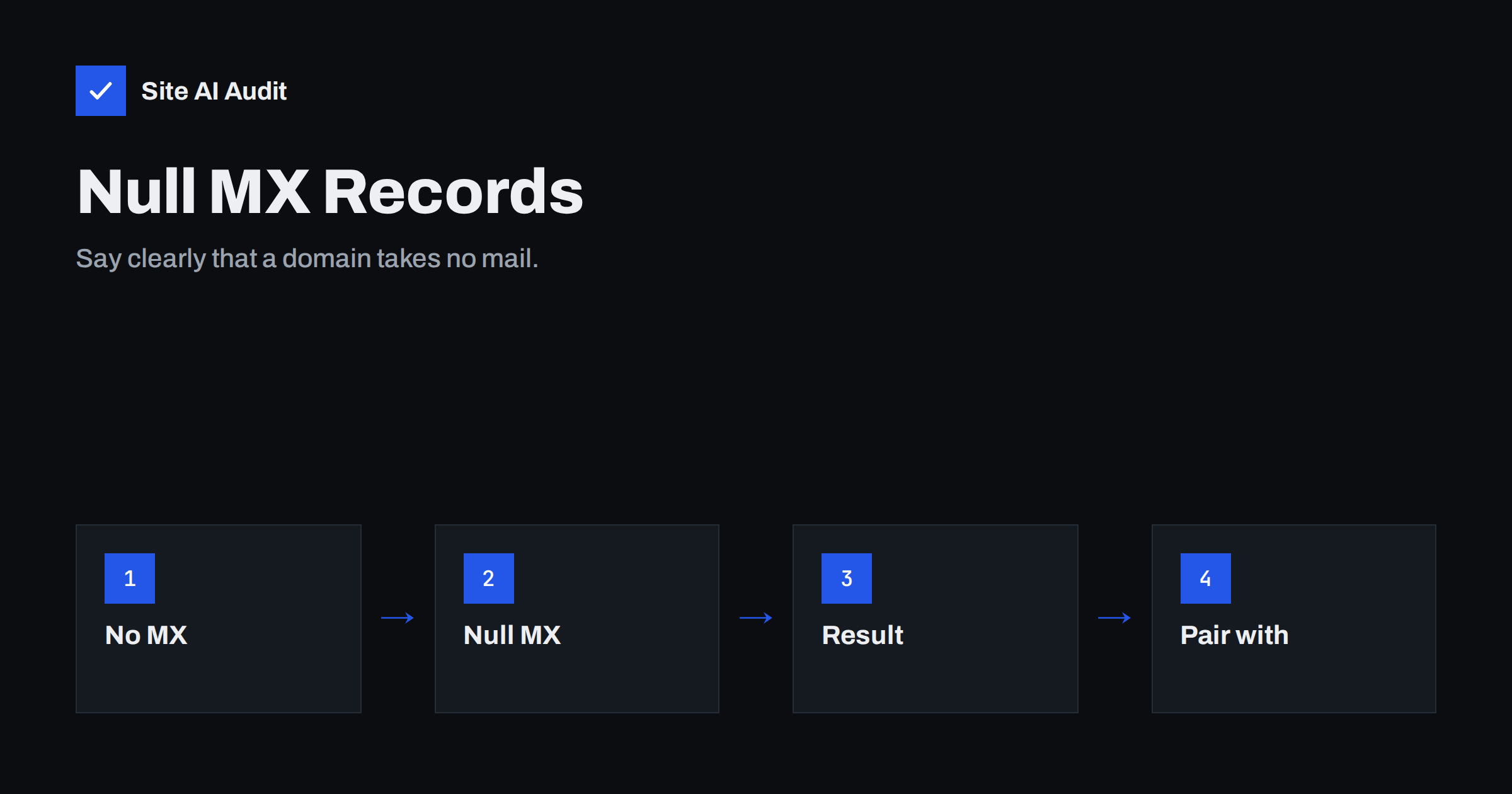
Short answer: A null MX record is a single MX entry with priority 0 and a dot as the target. It tells every other mail server that your domain does not accept email. Senders get an immediate, clear failure instead of retrying for days, and attackers lose one easy way to abuse a domain that you do not use for mail.
What a null MX record is
Normally, MX records name the servers that receive email for a domain. When someone writes to a person at your domain, the sending server looks up those records and delivers the message to the first server on the list. A null MX record uses the same record type, but its target is only a dot, which stands for “nothing”. It is defined in a public standard for exactly this purpose.
The record looks like this in a typical DNS zone: the domain name, the type MX, the priority 0 and the target “.” (a single dot). There must be only one such record, and no other MX records should exist for the same name. If you add another MX entry next to it, the signal becomes unclear.
Why a missing MX record is not enough
Many owners assume that a domain without MX records cannot receive mail. That is not how the rules work. If no MX record exists, the sending server falls back to the address record of the domain, the same one that points to your website. It may then try to deliver the message to your web server on port 25. If the web server does not listen there, the sender sees a connection error. Some senders treat this as a temporary problem and keep retrying for several days before giving up. The person who wrote the message waits without knowing that it will never arrive.
A null MX record removes the doubt. The sender reads it, understands that the domain accepts no mail and returns an error at once. A typical bounce says that the domain does not accept mail. This is faster, clearer and better for everyone.
Which domains should have it
- Parked and unused domains. Domains bought for protection or for future use. This is also part of keeping them safe from abuse, as described in the guide to protecting parked domains from email abuse.
- Websites that never use mail on that name. For example, a domain used only for a landing page, when staff mail uses another domain.
- Subdomains used for services. A subdomain for an image server or an application interface that never receives messages.
- Domains used only for sending. Be careful here, see the section on sending domains below.
Do not add it to any domain where people expect to receive email, including addresses such as info@ or postmaster@ on the main domain.
How to add it
- Remove existing MX records. A null MX must be the only MX record for that name.
- Add a new MX record. Use the domain name or the @ symbol as the host, priority 0 and a single dot as the value.
- Handle the editor. Some DNS panels refuse a dot or add the domain name after it. If yours does, check the provider’s help pages or ask support whether they support a null MX. A few providers do not, and then the record cannot be added there.
- Wait for the cache. Old answers can stay in DNS caches until their time to live runs out, as explained in the article on DNS propagation and TTL.
- Test. Send a message from a different address to a made-up address at the domain. The reply should come back quickly and say that the domain does not accept mail.
Combine it with SPF and DMARC
A domain that neither sends nor receives mail should say so in all three places. The null MX covers receiving. For sending, publish an SPF record that allows nothing and a DMARC policy that rejects everything that claims to come from the domain.
- SPF: a TXT record with the value v=spf1 -all. The structure is explained in the article on SPF records.
- DMARC: a TXT record at _dmarc with the policy set to reject. See the guide to DMARC policies.
Together, these records make it much harder for anyone to send convincing messages in the name of a domain that you do not use, and they make it clear to receiving servers that such messages are not legitimate.
A caution for sending domains
A null MX is wrong for a domain from which you send mail and expect any reply or any bounce. Think about what happens when a message cannot be delivered. The bounce goes to the envelope sender address, which often uses your domain. If your domain announces that it accepts no mail, those bounce messages cannot return, and you will never learn about invalid addresses. People who press reply will also see an error. The topics are connected, and the guide to the Return-Path and MAIL FROM address explains where bounces go.
Some organisations use a separate domain for sending newsletters and a different one for staff mail. If the sending domain only uses envelope addresses that are handled by a provider on another name, a null MX can be fine. When in doubt, do not use it on a domain that sends mail.
How to verify and keep it correct
A DNS change that nobody checks tends to drift. Use a short routine so that the record stays correct over time.
- Look up the record. Use any DNS lookup tool to read the MX records of the domain. You should see exactly one answer, with priority 0 and a dot.
- Look at the related records. Confirm that the SPF record ends with -all and that the DMARC policy is reject. A null MX without them leaves sending open.
- Send a test message. Write to a non-existent address at the domain from a personal mailbox. The error should arrive within minutes, not hours.
- Write down why the record exists. A note in your DNS inventory, such as “domain parked, no mail”, prevents a colleague from removing it by mistake or adding a mailbox later without changing the record.
- Review once a year. When a domain gets a new purpose, update the records at the same time. Many mail problems begin with a domain that changed its use while the DNS stayed the same.
If you manage many domains, keep a simple table with three columns: the domain, whether it sends mail and whether it receives mail. That table makes it easy to see which domains need a null MX, which need full authentication and which belong to a provider.
Common mistakes
- Adding a null MX next to normal MX records. The standard says that it must stand alone. Mixed records give unpredictable results.
- Using it on the main domain by accident. A copied template or a wrong zone can switch off mail for the whole company. Test mail delivery after any DNS change.
- Leaving a backup MX behind. Old secondary servers that still accept mail can cause problems, as explained in the article on backup MX servers.
- Forgetting subdomains. A null MX on the main domain does not cover subdomains. Add records to each subdomain that could be abused, or use a wildcard carefully, with the risks in mind.
- Expecting it to stop spoofing alone. It only stops delivery to the domain. Sending in your name is controlled by SPF, DKIM and DMARC.
How Site AI Audit helps
Site AI Audit checks the e-mail records of a domain: MX records, SPF with its lookup limit, DKIM signatures and the DMARC policy. It helps you see whether a domain that you rely on has the basics in place and whether a record is missing. It does not decide for you whether a domain should receive mail, because that depends on how you use it. The first check is free, covers up to 50 pages and needs no sign-up. You can run a free check of your website or see the plans for weekly monitoring and alerts.
Related reading
- MX Records Explained: How Email Finds Your Mail Server
- How to Protect Parked and Unused Domains from Email Abuse
- Email Spoofing: How to Stop People Sending Mail as Your Domain
- DMARC for Subdomains: How the sp Tag Protects Your Domain
The bottom line
If a domain does not receive mail, say so in DNS. A single null MX record gives senders a quick and honest answer, and together with SPF and DMARC it keeps unused domains from being misused. Keep it away from any domain that sends mail and expects replies or bounces.
FAQ
What does an MX record with a dot mean?
It means that the domain has no mail server and accepts no email. The dot stands for the empty name, and priority 0 is the usual value.
Is a null MX better than no MX at all?
Yes. With no MX record, senders may fall back to the website address and retry for days. A null MX makes them fail immediately.
Will a null MX stop spam sent in my name?
No. It blocks incoming mail only. To limit forged messages, publish SPF with -all and a DMARC policy of reject.
Can I use it on a subdomain only?
Yes. It is useful for subdomains that serve a website or an application and never receive messages, while the main domain keeps its normal records.
My DNS provider will not accept a dot. What now?
Check their documentation or support. Some panels do not support this record type value. In that case consider moving DNS hosting or leaving the domain without MX records but with strict SPF and DMARC.