 ENEnglish
 LTLietuviškai
 DEDeutsch
 FRFrançais
 RUРусский
 ESEspañol
 PLPolski
 ITItaliano
 UKУкраїнська
 CSČeština
 PTPortuguês
 JA日本語
JA日本語 LVLatviešu valoda
 ETEesti
 HUMagyar
 IDBahasa Indonesia
 TRTürkçe
 HIहिन्दी
 ELΕλληνικά
 ARالعربية
 THไทย
THไทย VITiếng Việt
 RORomână
 MSBahasa Melayu
 BNবাংলা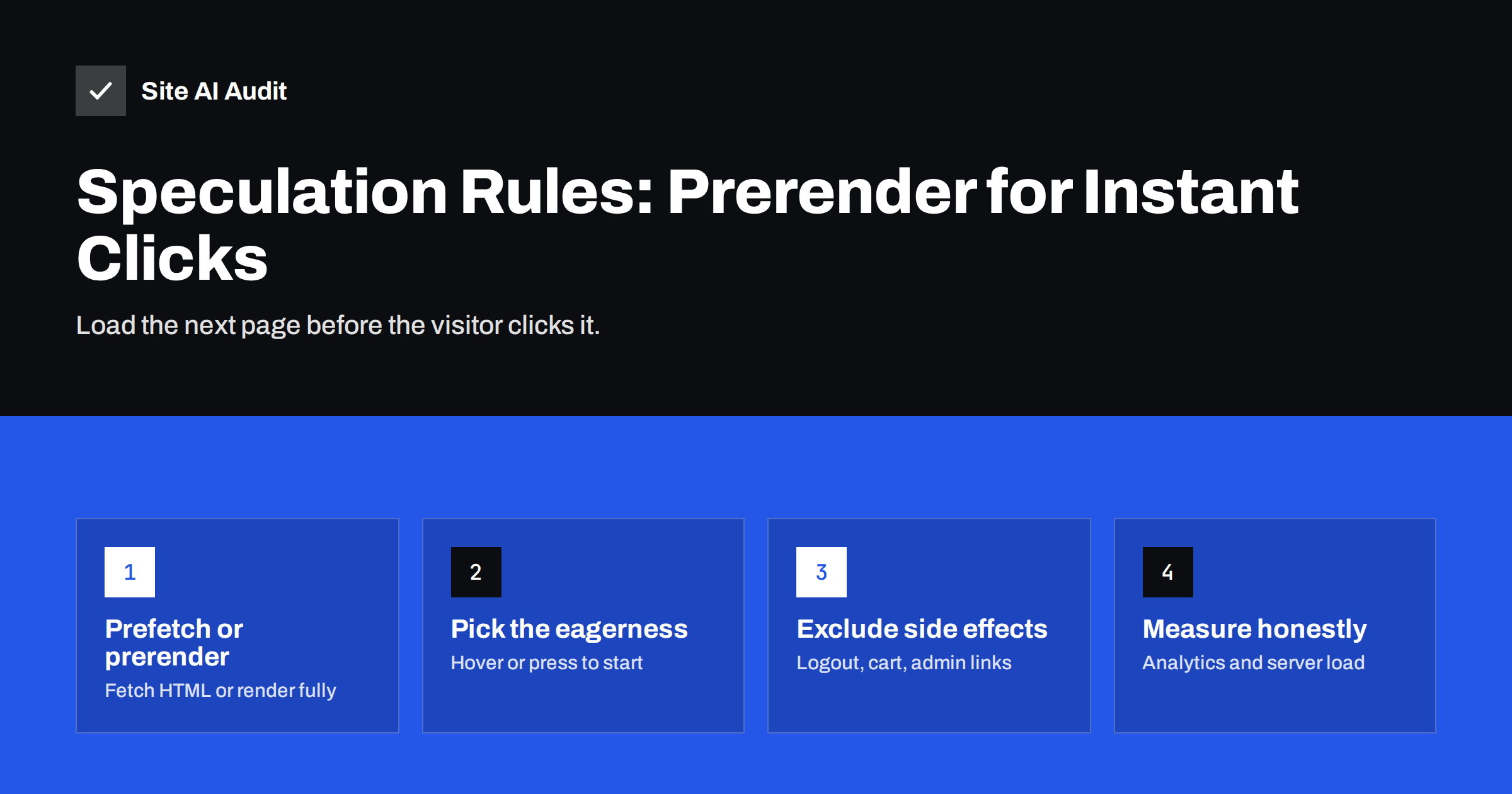
Short answer: Speculation rules are a small JSON block in your page that tells supporting browsers which links to load in advance. With “prefetch” the browser downloads the next page’s HTML; with “prerender” it loads and renders the whole page in the background, so the click shows it almost instantly. Use a moderate or conservative eagerness so pages load only when a visitor hovers over or presses a link, exclude URLs with side effects such as logout or add-to-cart, and check that analytics and server capacity handle the extra requests.
What the Speculation Rules API is
Most of the time a visitor spends waiting on a website happens between clicking a link and seeing the next page: the request travels to the server, the server builds the page, and the browser downloads and renders it. Speculation rules let the browser start that work before the click, using the short moment while the visitor is moving towards a link or pressing it.
The rules are written as JSON inside a <script type="speculationrules"> element, or delivered through an HTTP header. They describe which URLs the browser may prefetch or prerender, and how eagerly. The MDN documentation of the Speculation Rules API lists the full syntax, and Chrome’s guide to prerendering pages explains the browser’s behaviour and limits.
Support is currently in Chromium-based browsers such as Chrome and Edge. Other browsers ignore the rules, so adding them does not break anything; those visitors simply get normal navigation.
The idea itself is not new. Browsers have long offered hints for fetching resources early, and some sites used JavaScript libraries that prefetched links on hover. Speculation rules make this a standard, declarative feature built into the browser, with limits and safeguards that a script cannot provide, such as respecting data-saving settings and cancelling speculations that are no longer needed.
Prefetch vs prerender
| Prefetch | Prerender | |
|---|---|---|
| What happens in advance | The HTML document is downloaded | The page is loaded and rendered, including scripts, styles and images |
| Speed gain | Removes the server wait for the document | The page can appear almost instantly |
| Cost if not used | One HTML request | Full page load: bandwidth, CPU, memory, server work |
| Side-effect risk | Low | Higher, because page scripts run |
| Good default for | Most sites, broad rules | Likely next pages, careful rules |
Speculation rules are different from the older <link rel="prefetch"> hint, which our guide on preload, preconnect and prefetch covers. They also complement the back/forward cache, which makes back and forward navigation instant, while speculation rules speed up forward clicks to new pages.
Eagerness: when the browser starts
The eagerness setting controls when the speculation begins, and it is the main lever for balancing speed and waste:
- immediate and eager: speculate as soon as the rules are seen or very early. Useful for one or two pages that almost every visitor opens next, wasteful for broad rules.
- moderate: on desktop, start when the visitor holds the pointer over a link for a short moment, or when they press it. A good balance for most sites.
- conservative: start only when the visitor presses the link or taps it. The smallest gain, but almost no waste.
Even a conservative rule helps, because the time between pressing and releasing a mouse button or finishing a tap is often long enough to fetch a fast page. Browsers also cap how many speculations may run and may skip them entirely when the device is in a data-saving or battery-saving mode.
A safe starting example
A document rule that prefetches internal links with moderate eagerness, excluding URLs that should never be loaded in advance, looks like this:
<script type="speculationrules">{"prefetch":[{"where":{"and":[{"href_matches":"/*"},{"not":{"href_matches":"/wp-admin/*"}},{"not":{"selector_matches":".no-prefetch"}}]},"eagerness":"moderate"}]}</script>
It applies to links on your own site, skips the admin area and lets you opt individual links out with a class. Once this works well, you can add a prerender rule for a small set of important pages, for example from a service overview to the most requested service pages, with moderate eagerness.
To test that the rules work:
- In Chrome DevTools, open the Application panel and the “Speculative loads” section to see the active rules, which URLs were speculated and whether they were used.
- Hover over or press a link and watch the Network panel for the speculative request.
- Compare how quickly key pages appear with and without the rules on a mid-range phone.
- Check analytics for unusual jumps in page views after enabling prerender rules.
What you must exclude
Prefetching and especially prerendering request URLs the visitor has not yet chosen. Any URL whose request changes something is a risk:
- Logout links, which would sign the visitor out.
- Add-to-cart, add-to-wishlist and similar links that change state through a simple GET request.
- Admin, account and checkout areas.
- Links that trigger downloads, unsubscribe actions or one-time tokens.
- Pages that are expensive for the server to generate, such as complex searches.
Well-built websites use POST requests for actions, which speculation never performs, but many older themes and plugins use plain links. Review your templates before enabling broad rules.
Pages that show personalised content also need thought. A prerendered page is built with the visitor’s cookies at the time of speculation, so if something changes between the speculation and the click, such as the cart contents, the page may show slightly outdated information. For most content pages this does not matter; for account and shop pages it is another reason to exclude them.
Analytics, ads and server load
Prerendered pages run their scripts before the visitor sees them, which can distort measurements:
- Analytics. Major analytics tools have adapted to prerendering and wait until the page is actually shown, but custom scripts may count a view too early. Scripts can check
document.prerenderingand listen for theprerenderingchangeevent to delay work until activation. - Ads and third-party tags. Impression counting and similar logic should also run only when the page is shown. Check with your providers.
- Server load. Speculations that are not used still reach your server. With moderate or conservative eagerness the extra load is usually small, but watch your server metrics after enabling rules, especially on shared hosting. Good page caching makes speculative requests cheap.
What it does, and does not, fix
A prerendered navigation can show the next page with almost no waiting, and its Largest Contentful Paint as measured by the browser can be very low. It is one of the most effective improvements to perceived speed for multi-page websites.
It does not fix the first page a visitor lands on from search or ads, which still depends on server response time, page weight and render-blocking resources. Nor does it help visitors in browsers without support. Treat speculation rules as a bonus on top of a fast site, not as a replacement for fast server responses and a good Largest Contentful Paint.
The gain is largest on sites where visitors move through several pages, such as service sites, blogs and shops with category and product pages. On a one-page site or a landing page built for a single conversion, there is little to speculate on.
WordPress and other platforms
Recent versions of WordPress include speculative loading in the core: for logged-out visitors, sites prefetch internal links with conservative eagerness by default, and developers can adjust the mode and eagerness with filters or a plugin. If your site runs an up-to-date WordPress, check the page source for a speculationrules script to see what is active. Caching and performance plugins may add their own rules, so make sure you do not end up with conflicting ones.
On other platforms, add the script to the main template or deliver it via the Speculation-Rules HTTP header, which points to a JSON file. Our guide on fixing a slow WordPress site covers the basics that should come first.
How Site AI Audit helps
Site AI Audit measures the landing-page speed that speculation rules cannot help with: Google PageSpeed on mobile, the Core Web Vitals LCP, CLS and INP, server response time, compression and page weight. Each finding is explained in plain words and ranked by impact, so you can fix the foundations first and then add speculation rules on top. You can run a free check of your website.
Related reading
- Interaction to Next Paint (INP): How to Fix Slow Interactions
- Core Web Vitals Explained for Small Business Websites
- Website Speed Checklist: 30 Checks Before and After Launch
The bottom line
Speculation rules let supporting browsers prefetch or prerender the next page before a click, which can make navigation feel instant. Start with prefetching internal links at moderate or conservative eagerness, exclude URLs with side effects, add prerendering only for likely next pages, and check analytics and server load. Keep improving the landing-page speed, because speculation only helps from the second page on.
FAQ
What are speculation rules?
They are JSON instructions in a web page that tell supporting browsers which links they may prefetch or prerender before the visitor clicks, so the next page loads faster.
Which browsers support speculation rules?
Chromium-based browsers such as Chrome and Edge support them. Other browsers ignore the rules and navigate normally, so adding them causes no harm.
Is prerendering bad for analytics?
It can be if scripts count page views before the page is shown. Major analytics tools handle it, and custom scripts can wait for the prerenderingchange event.
Does WordPress use speculation rules?
Recent WordPress versions add a default rule that prefetches internal links with conservative eagerness for logged-out visitors. Developers can change the mode and eagerness.
Can speculation rules cause problems?
Yes, if they load URLs with side effects such as logout or add-to-cart links, or if eager rules create unnecessary server load. Exclude such URLs and use moderate or conservative eagerness.


