 ENEnglish
 LTLietuviškai
 DEDeutsch
 FRFrançais
 RUРусский
 ESEspañol
 PLPolski
 ITItaliano
 UKУкраїнська
 CSČeština
 PTPortuguês
 JA日本語
JA日本語 LVLatviešu valoda
 ETEesti
 HUMagyar
 IDBahasa Indonesia
 TRTürkçe
 HIहिन्दी
 ELΕλληνικά
 ARالعربية
 THไทย
THไทย VITiếng Việt
 RORomână
 MSBahasa Melayu
 BNবাংলা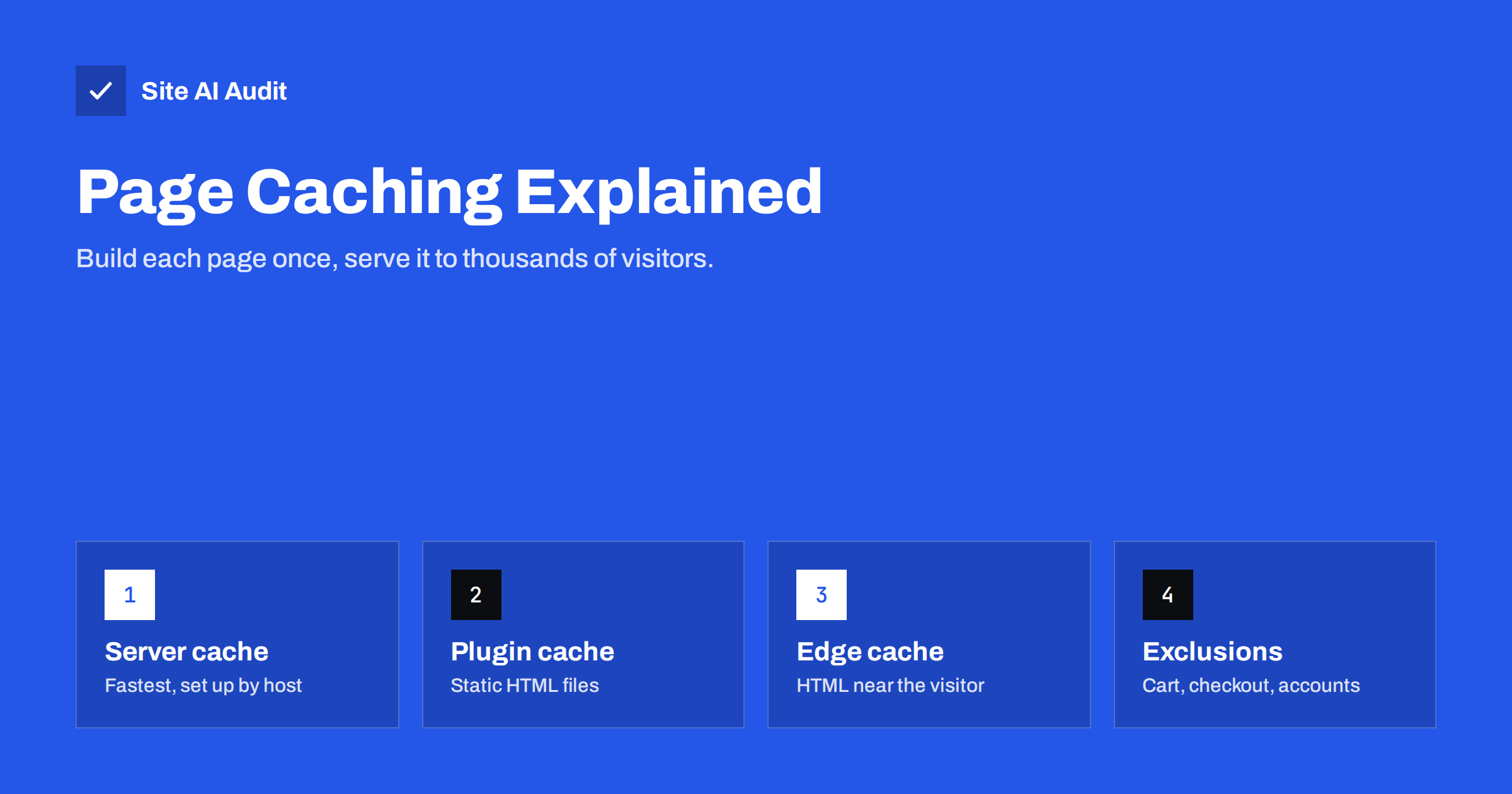
Short answer: Page caching stores the finished HTML of a page after it has been generated once, and serves that copy to the next visitors instead of running the application code and database queries again. It is usually the single biggest improvement in server response time for CMS-based websites such as WordPress. Page caching can happen at the server level, in a CMS plugin or at a CDN edge; whichever layer you use, exclude personalised pages such as cart, checkout and account pages, and make sure the cache is cleared when content changes.
Most modern websites are dynamic. When a visitor requests a page, the server starts the CMS, loads plugins or modules, queries the database for content, menus and settings, runs template code and assembles the HTML. On a busy or modest server this can take anywhere from a few hundred milliseconds to several seconds. Yet for most pages, the result is identical for every visitor until someone edits the content. Page caching exploits that: do the work once, then reuse it.
How page caching works
The first visitor to request a page after the cache is empty triggers normal page generation. The cache captures the finished HTML and stores it in memory or on disk, keyed by URL and sometimes by other factors such as device type or language. The next visitor requesting the same URL receives the stored copy directly, without the CMS running at all. That is called a cache hit; the first request is a cache miss.
The result is dramatic for server response time. A cached page is typically served in a fraction of the time an uncached page needs, and the server can handle many more visitors at once because it is doing far less work per request. That second effect matters as much as speed: page caching is what keeps a small server alive when a newsletter or social post sends a burst of traffic.
The three layers of page caching
| Layer | Examples | Strengths | Limits |
|---|---|---|---|
| Server-level cache | Nginx FastCGI cache, Varnish, LiteSpeed cache, host-built caches | Very fast, no PHP involved on hits | Needs host support or server access |
| Application or plugin cache | WordPress caching plugins writing static HTML files | Works on most hosting, easy to configure | Some PHP may still run, depending on setup |
| CDN edge cache | CDNs configured to cache HTML | HTML served near the visitor, offloads origin | Needs careful rules for cookies and purging |
You do not need all three. For most small-business sites, one well-configured page cache is enough. If your host offers server-level caching, use it rather than adding a plugin that does the same job. Running two page caches on top of each other makes troubleshooting stale content much harder.
What must never be cached for everyone
A page cache serves the same HTML to every visitor. Any page that shows something specific to one person must be excluded, otherwise visitors can see each other’s content.
- Cart and checkout pages in online shops.
- My account, order history and profile pages.
- Pages for logged-in users, including the admin area and membership content. Most caches bypass the cache when a login cookie is present.
- Pages with forms that include one-time security tokens (nonces), if the token would expire before the cache does.
- Search results and filtered listings with many parameter combinations, which fill the cache with rarely reused pages.
- Pages that show location, currency or language chosen per visitor, unless the cache varies by that factor.
Good caching plugins and hosts exclude common e-commerce pages automatically for popular platforms like WooCommerce, but verify this after setup by adding a product to the cart in one browser and checking the cart in another.
Cache invalidation: keeping content fresh
The hard part of caching is not storing pages; it is knowing when to throw them away. If the cache is not cleared after an update, visitors see old content.
- Automatic purging on update. Good caching solutions clear the edited page, the home page, category pages and feeds when you publish or update a post.
- Time-based expiry. A maximum lifetime, such as a few hours to a day, acts as a safety net for anything the purge logic misses, such as widgets showing recent posts.
- Manual purge. A “clear cache” button is useful after changing menus, themes or site-wide settings.
- Preloading. Some caches visit your pages automatically after a purge, so the next real visitor gets a cache hit instead of a slow miss.
If you use a CDN that caches HTML, remember that purging the server cache does not purge the CDN. Use an integration that clears both, or keep the CDN’s HTML lifetime short.
How to tell whether a page came from the cache
- Open the page in a private browser window, so you are not logged in.
- Open DevTools, select the HTML document in the Network panel and look at the response headers.
- Many caches add headers such as
x-cache: HIT,x-litespeed-cache: hit,x-fastcgi-cache: HITor a CDN-specific status header. - Some WordPress caching plugins add an HTML comment at the bottom of the page source with the time it was cached.
- Compare Time to First Byte for the first and second load. A large drop on the second load suggests the cache is working.
Page caching and logged-in or dynamic sites
Page caching helps less on sites where most visitors are logged in, such as membership sites, online courses, intranets and busy shops during checkout. For these, other layers matter more:
- Object caching with Redis or Memcached stores results of database queries and computations in memory, speeding up pages that cannot be cached as a whole.
- Fragment caching caches parts of a page, such as a menu or a product list, while the personalised parts are generated fresh.
- Loading personal parts separately, for example a mini-cart that loads after the cached page, allows the rest of the page to be cached.
- Efficient code and queries, because uncached requests still need to be fast.
Common page caching problems
- Visitors see old content: purge rules are missing, or a CDN is caching HTML without being purged.
- One user sees another user’s data: a personalised page was cached publicly. Fix exclusions immediately and purge the cache.
- Forms fail with “expired” errors: cached pages contain outdated security tokens. Exclude those pages or shorten the cache lifetime.
- Layout breaks after enabling caching: often caused by the plugin’s CSS or JavaScript optimisation features, not page caching itself. Disable those features and re-enable them one at a time.
- No improvement at all: the cache might be bypassed due to cookies set on every page, query strings in URLs, or the test being run while logged in.
Setting up page caching: a checklist
- Ask your host whether server-level page caching is available and enabled.
- If not, choose one caching plugin or module suitable for your server type.
- Confirm exclusions for cart, checkout, account and other personalised pages.
- Enable automatic purging on content updates and set a reasonable maximum lifetime.
- Test as a logged-out visitor and check the cache headers.
- Measure Time to First Byte before and after on several pages.
- Test the key user journeys: contact form, add to cart, checkout, login.
How Site AI Audit helps
Site AI Audit measures how fast your server answers as one of the first steps of every check, and runs Google PageSpeed for mobile to see how that affects Core Web Vitals. A slow response on content pages is a strong hint that page caching is missing or bypassed, and the report explains the fix in plain words. Paid plans include re-checks and weekly monitoring, so you notice if caching stops working after an update; see the plans.
Related reading
- How to Reduce Server Response Time (TTFB) for Faster Pages
- Browser Caching Explained: How to Set Cache-Control Headers
- How to Fix a Slow WordPress Site: A Step-by-Step Guide
The bottom line
Page caching turns a dynamic website into something close to a static one for most visitors, cutting server response time and protecting the server during traffic spikes. Use one caching layer, preferably at the server, exclude anything personalised, make sure updates purge the cache, and verify with response headers that visitors actually get cached pages.
FAQ
What is the difference between page caching and browser caching?
Page caching stores finished HTML on the server and speeds up the response for every visitor. Browser caching stores files on the visitor’s own device and speeds up repeat views for that visitor. A fast site typically uses both.
Do I need a caching plugin if my host has caching?
Usually not for page caching. Running a plugin page cache on top of a server cache can cause stale content and conflicts. You may still use a plugin for other features if it does not duplicate the host’s page cache.
Can page caching break my online shop?
It can if cart, checkout or account pages are cached. Most caching solutions exclude these pages for popular shop platforms automatically. Always test adding to cart and checking out after enabling caching.
Why don’t I see a speed difference after enabling caching?
You may be testing while logged in, which bypasses the cache. Cookies or query strings can also prevent cache hits. Test in a private window and check the response headers for a cache hit.
How often should the page cache be cleared?
Clear it automatically whenever content changes, and set a maximum lifetime as a safety net, typically from a few hours to a day. Manual clearing is only needed after site-wide changes such as a new menu or theme update.


