 ENEnglish
 LTLietuviškai
 DEDeutsch
 FRFrançais
 RUРусский
 ESEspañol
 PLPolski
 ITItaliano
 UKУкраїнська
 CSČeština
 PTPortuguês
 JA日本語
JA日本語 LVLatviešu valoda
 ETEesti
 HUMagyar
 IDBahasa Indonesia
 TRTürkçe
 HIहिन्दी
 ELΕλληνικά
 ARالعربية
 THไทย
THไทย VITiếng Việt
 RORomână
 MSBahasa Melayu
 BNবাংলা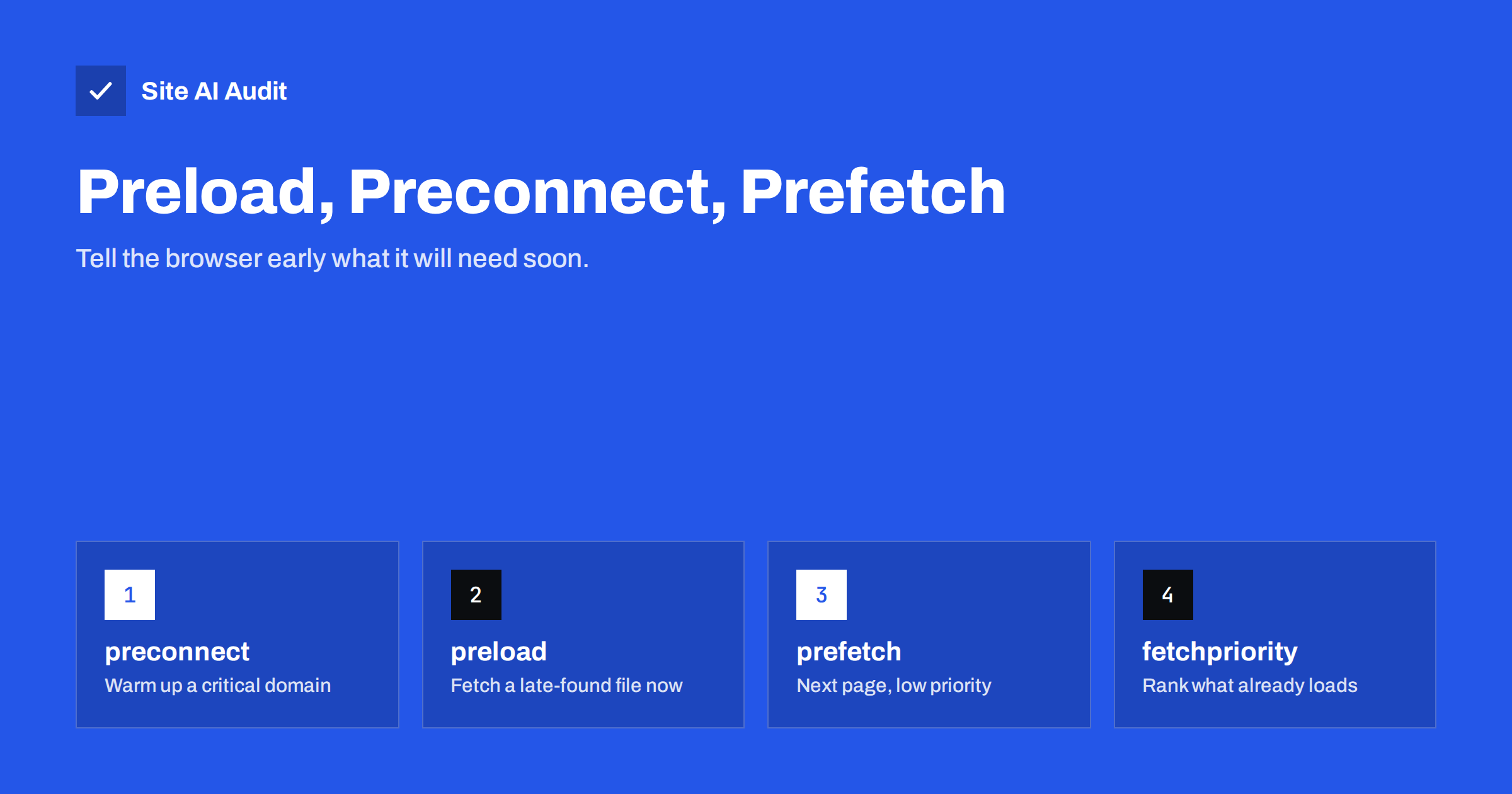
Short answer: Resource hints are small <link> tags that tell the browser about work it will need to do soon. preconnect opens a connection to an important third-party domain early; dns-prefetch only resolves its DNS; preload fetches a specific file needed for the current page that the browser would otherwise discover late, such as a font or a CSS background image; prefetch downloads resources likely needed for the next page at low priority. Use them sparingly for a few critical resources, because every hint competes for bandwidth and wrong hints can slow the page down.
Browsers are good at finding resources: they scan HTML ahead of the parser and start downloads early. But some important resources are hidden from that scanner. Fonts are referenced inside CSS files, background images inside stylesheets, some scripts are injected by other scripts, and third-party domains are unknown until a tag loads. Resource hints let you share your knowledge of the page with the browser. Used well, they cut hundreds of milliseconds from critical paths. Used carelessly, they make the browser fetch the wrong things first.
The hints at a glance
| Hint | What it does | Typical use | Risk if overused |
|---|---|---|---|
dns-prefetch | Resolves a domain name in advance | Third-party domains used later on the page | Minimal |
preconnect | DNS, TCP and TLS setup in advance | One or two critical third-party origins | Wasted connections, CPU on mobile |
preload | High-priority fetch of a specific file for this page | Fonts, LCP background image, critical late-discovered script | Delays other critical resources |
prefetch | Low-priority fetch for a likely next navigation | Next step in a funnel | Wasted data if unused |
modulepreload | Preloads a JavaScript module and its parsing | Module-based applications | Same as preload |
Two related tools are worth knowing: the fetchpriority attribute, which raises or lowers the priority of resources the browser already knows about, and 103 Early Hints, a server feature that sends preload and preconnect hints before the page itself is ready.
preconnect: warm up critical domains
Connecting to a new domain requires a DNS lookup, a TCP connection and a TLS handshake, several network round trips in total. On mobile, that can take a noticeable fraction of a second before any byte is downloaded. preconnect starts this work immediately:
<link rel="preconnect" href="https://cdn.example.com" crossorigin>
- Use it for one to three domains that the page definitely needs early, such as an image CDN hosting your hero image or a font provider if you do not self-host fonts.
- Add
crossoriginwhen the resources will be fetched in CORS mode, such as fonts; otherwise the browser may open a second connection. - Do not preconnect to every domain on the page. Browsers close unused connections after a few seconds, so preconnecting to domains used much later wastes work.
- For less critical domains,
dns-prefetchis a cheap alternative that only resolves the name.
preload: fetch late-discovered files now
preload tells the browser to download a specific file with high priority because the current page will need it:
<link rel="preload" href="/fonts/brand.woff2" as="font" type="font/woff2" crossorigin>
Good candidates:
- The main web font used in the visible part of the page.
- An LCP image set as a CSS background, which the preload scanner cannot see.
- A critical script or stylesheet loaded indirectly, for example by another script.
- Responsive LCP images, using
imagesrcsetandimagesizesso the browser preloads the right size.
Rules to follow:
- The
asattribute is required; without it the browser cannot prioritise correctly and may download the file twice. - Preload only what the current page uses soon. Chrome warns in the console when a preloaded resource is not used within a few seconds.
- Do not preload resources the browser already discovers early, such as a normal
<img>near the top of the HTML; usefetchpriority="high"for those instead. - Limit preloads to a handful. Each one competes with the HTML’s own critical resources.
prefetch: prepare the next page
prefetch fetches resources at the lowest priority for a navigation the user is likely to make next, and stores them in the cache:
<link rel="prefetch" href="/checkout/">
- Useful in funnels where the next step is predictable: from cart to checkout, from step one to step two of a form.
- Wasteful when guesses are poor, because visitors download data they never use, which matters on mobile data plans.
- Browsers may ignore prefetch when data saving is enabled or the connection is slow.
Modern browsers also support the Speculation Rules API, which lets pages declare which links to prefetch or even fully prerender, with conditions such as “when the user hovers”. WordPress has adopted speculative loading for front-end links in recent versions. It can make navigations feel instant, but should be configured conservatively to avoid wasted work.
fetchpriority: rank what the browser already knows
Sometimes the browser finds the right resource but gives it the wrong priority. Images, for example, start at a lower priority until layout reveals that they are in the viewport. The fetchpriority attribute fixes that:
fetchpriority="high"on the LCP image makes it download earlier. This is one of the most effective single changes for LCP on image-led pages.fetchpriority="low"on images in a carousel that are not initially visible, or on non-critical scripts, frees bandwidth for important resources.
A sensible set of hints for a typical business site
Most small-business pages need very few hints. Consider a home page with a large hero photo served from an image CDN, a brand font hosted on the site’s own domain, an analytics tag and a chat widget. A sensible configuration would be: fetchpriority="high" on the hero image tag, because it is the LCP element; one preconnect to the image CDN, because the hero comes from there and is needed immediately; one preload for the regular weight of the brand font used in the headline; and dns-prefetch for the analytics and chat domains, which are used later and do not justify a full connection up front. That is four small lines. Adding preloads for the other font weights, preconnects for social media domains and prefetch for every menu link would add work without making the first screen appear any sooner, and would probably delay the hero image.
The same logic applies to shops: promote the main product image, preconnect to the image host, and consider prefetching the checkout from the cart page, where the next step is almost certain.
Common mistakes with resource hints
- Preloading everything. Ten preloads mean nothing is really prioritised, and the LCP image may wait behind fonts nobody sees above the fold.
- Preloading without using. A preload left in the template after a redesign downloads a file no page needs.
- Missing
crossoriginon font preloads, causing the font to be downloaded twice. - Preconnecting to many domains, which uses CPU and sockets for connections that close before use.
- Plugins adding hints automatically for every third party, without checking what is critical.
- Prefetching heavy pages on every link, consuming visitors’ data.
How to check your hints
- View the page source and list every
rel="preload",preconnect,dns-prefetchandprefetchtag. - Open the browser console and look for warnings about preloaded resources that were not used.
- In the Network panel, add the Priority column and check that the LCP image and critical files have high priority.
- Run PageSpeed Insights and check the LCP request discovery and network dependency insights, which point out missing or unnecessary hints.
- Compare LCP before and after each change.
How Site AI Audit helps
Site AI Audit runs Google PageSpeed for mobile during every check and reports LCP and the other Core Web Vitals alongside server response time and page weight. When the main content appears late, the report explains in plain words what to change, such as loading the hero image first. Findings are ranked against the rest of your speed, SEO, security and e-mail checks. Check your site for free.
Related reading
- How to Improve Largest Contentful Paint (LCP) on Any Website
- Web Font Performance: How to Load Fonts Without the Wait
- How to Eliminate Render-Blocking Resources on Your Website
- How Third-Party Scripts Slow Down Your Website (and Fixes)
The bottom line
Resource hints share what you know about a page with the browser. Preconnect to one or two critical domains, preload the few files the browser finds too late, use fetchpriority to promote the LCP image, and prefetch only when the next step is predictable. Keep the list short, remove stale hints after redesigns and measure the effect of each one.
FAQ
What is the difference between preload and prefetch?
Preload fetches a resource with high priority because the current page needs it soon. Prefetch fetches a resource at low priority because a future page will probably need it. Using prefetch for current-page resources or preload for future ones gets priorities wrong.
Should I preconnect to Google Fonts or other font services?
If you load fonts from an external service, preconnecting to its font file domain can help. Self-hosting fonts on your own domain is usually better, because it removes the extra connection entirely.
Can preload make my site slower?
Yes. Preloading too many or unneeded files takes bandwidth from critical resources like the main image and stylesheets. Keep preloads to a few files that are genuinely needed early and discovered late.
What is fetchpriority?
It is an attribute that tells the browser to raise or lower a resource’s download priority. Setting fetchpriority=”high” on the Largest Contentful Paint image often improves LCP. It works on images, scripts and links.
Is dns-prefetch still useful?
It is a cheap hint for domains used later on the page that do not justify a full preconnect. It only resolves the domain name, so the saving is smaller, but so is the cost.


