ENEnglish
 LTLietuviškai
 DEDeutsch
 FRFrançais
 RUРусский
 ESEspañol
 PLPolski
 ITItaliano
 UKУкраїнська
 CSČeština
 PTPortuguês
 JA日本語
JA日本語 LVLatviešu valoda
 ETEesti
 HUMagyar
 IDBahasa Indonesia
 TRTürkçe
 HIहिन्दी
 ELΕλληνικά
 ARالعربية
 THไทย
THไทย VITiếng Việt
 RORomână
 MSBahasa Melayu
 BNবাংলা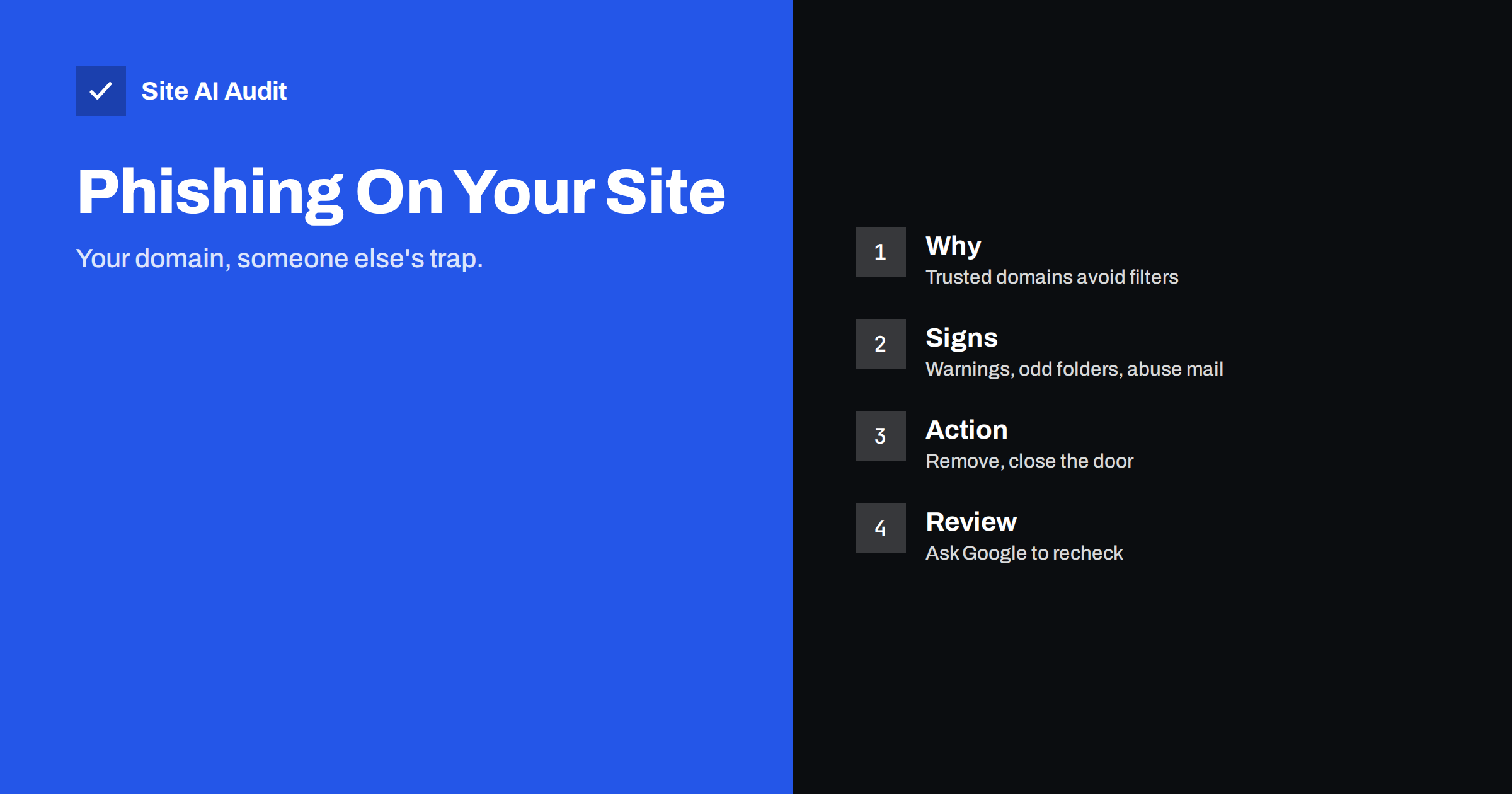
Short answer: A phishing page on your website is a fake login or payment page that an attacker has uploaded to your server so that victims see a trusted domain in the address bar. It is usually hidden in a folder you never use and is spread by email or messages, so you may only learn about it from a browser warning or a complaint from your host. To fix it, remove the page, find and close the way the attacker got in, change passwords and ask Google to review the site.
Why attackers use other people’s websites
Phishing needs a web page that looks like a bank, a mail service, a delivery company or a cloud login. Criminals could buy a domain for it, but new domains are quickly flagged and blocked. A real small business website with a good history is far more useful: it has a valid certificate, a clean reputation and no history of abuse. Email filters and security tools are more willing to let links to such a domain through.
So attackers scan the internet for websites with known weaknesses, such as outdated plugins, weak passwords or exposed upload forms, and place their pages inside. The owner often notices nothing, because the normal pages still work. The phishing page lives at an address that nobody visits except the victims who receive the link.
How it gets there
The entry point is usually one of the common weaknesses we describe throughout this blog:
- An outdated or abandoned plugin or theme with a known flaw; see abandoned WordPress plugins.
- A stolen or guessed password for the admin area, FTP or hosting account.
- An upload feature that accepts dangerous files.
- Weak file permissions or a hosting account shared with an infected site.
- A leftover test script or setup page that was never removed.
Once inside, the attacker often adds a small file that serves as a back door, so that access continues even after the first hole is closed. Our guide to web shell and backdoor removal explains how to find these.
Signs that your site hosts a phishing page
- A browser warning. Chrome and other browsers show a red “Deceptive site ahead” page when the address is on a list of dangerous pages. Our guide to removing the deceptive site warning covers the aftermath.
- A message in Search Console under Security issues, or an email from Google about social engineering content.
- An abuse report from your hosting company or registrar, sometimes with a deadline before suspension.
- Visitors or other people telling you that they received an email with a link to your domain.
- Unfamiliar folders or files in your hosting file manager, with names that look random or imitate real brands.
- Search results. A search for your domain with words like login, secure or verify may show pages you did not create.
- Odd entries in the logs: many POST requests to a single unfamiliar file, followed by traffic spikes. See reading access logs.
- Outgoing email problems, because the same attacker may use your server for spam.
Our overview of the signs of a hacked website lists more symptoms.
How to find the pages
- Look at the files, not the website. Log in to your hosting panel or by a secure file transfer and sort files by modification date. Pay attention to new folders in the uploads directory, in image folders and in the root.
- Search for suspicious content. Phishing pages often contain words like password, sign in, verify, account or the name of a brand, and a small script that sends the entered data somewhere. A security scanner or your host’s malware tool can search for these patterns.
- Use the logs. Find the address that received the unusual POST requests and see when the first request arrived. That time tells you when the infection started.
- Check Google’s view. The Security issues report in Search Console lists example URLs that Google considers harmful.
- Look beyond the visible files. Hidden files, new administrator accounts, changed scheduled tasks and modified core files can all be part of the same intrusion.
Do not open an unknown phishing page and enter real information. Look at the file contents instead of using it in a browser, and use a separate device if you must view it.
How to remove it safely
- Make a copy first. Save the files and logs in a protected place for analysis, away from the web server. You may need them for your host or an insurer.
- Delete the phishing files and any back doors you found. If you are not sure that you have found everything, restore the whole site from a clean backup made before the intrusion, as covered in our hacked website recovery steps.
- Update everything. Core software, plugins and themes. Remove those you do not use.
- Change all passwords and keys: hosting, FTP, database, admin accounts, email and any API keys stored on the server. Turn on two-factor sign-in where possible.
- Check the file permissions and the upload folders. Our guide to file permissions on a web server shows safe settings.
- Tell your host that you have removed the content, and answer abuse reports quickly and in writing.
Clearing the warnings
When the site is clean, ask for a review. In Search Console, open the Security issues report and request a review, with a short description of what you found and what you did. Google usually responds within a few days. If the warning appears in a browser or in a security product, there are often separate forms for each vendor. The warnings do not go away on their own while the harmful page exists, and they can come back if the attacker has a second way in.
Be honest and specific in review requests. Messages that say only “fixed” tend to be rejected. Describe the files removed, the vulnerability closed and the measures you have put in place. Also check that your sitemap and robots.txt contain no entries added by the attacker.
Communicating with customers
If victims entered real credentials on a page hosted on your domain, they may contact you, and some may blame your business. Prepare a short, factual notice. Say that an unauthorised page was placed on the website, that it has been removed, that the site has been secured and that anyone who entered a password on that page should change it immediately and watch their accounts. Do not guess about the number of people affected, and do not promise more than you know.
Keep the tone calm and avoid technical language. Put the notice on your website and send it by email to customers if there is a real chance that they were reached. Keep a record of the incident, the actions you took and the dates. This helps with insurers, with your host and with any later questions from authorities. Treat the event as a lesson, and schedule a review of access rights and updates within the month.
Prevention
- Keep software updated, and remove abandoned plugins.
- Use strong, unique passwords and two-factor authentication.
- Limit who has access, and remove old accounts.
- Block script execution in upload folders and review upload forms.
- Keep regular backups stored away from the server.
- Monitor logs and file changes, with alerts to a real person.
- Use a firewall that blocks known attacks.
Prevention is cheaper than cleanup. A site that is found hosting phishing can lose search visibility, get its email blocked and cause harm to people who trusted your domain.
What Site AI Audit can and cannot tell you
Site AI Audit checks the security basics of your website from the outside: the SSL certificate and its expiry, the HTTP to HTTPS redirect, security headers and exposed software versions. It does not scan your files for malicious content or find hidden phishing pages, so a hosting malware scan and a manual review are needed for that. The audit helps with prevention: it shows outdated software versions and missing headers that make a site an easier target. You can run a free check of your website or see the plans.
Related reading
- 9 Signs Your Website Has Been Hacked (and How to Check)
- Website Hacked? A Step-by-Step Recovery Plan for Owners
- Web Shells and Backdoors: How to Find and Remove Them
- “Deceptive Site Ahead” Warning: Causes and How to Remove It
The bottom line
A phishing page on your domain harms your visitors and your reputation, even though you did not create it. Find the files, remove them together with any back doors, close the hole that let the attacker in, change every password and ask Google to review the site. Then keep software updated and watch your logs, so that the next attempt is noticed early.
FAQ
Why would a hacker put a phishing page on my small website?
Because a site with a good history is trusted by browsers and email filters. It is a cheap way to make a fake page look real.
Will deleting the phishing page solve the problem?
Not by itself. If the way in remains open, a new page will appear. Remove back doors, update software and change passwords as well.
How long does a browser warning stay?
Until the harmful content is removed and the site is reviewed. After a review request, it often takes a few days for the warning to be lifted.
Do I have to inform anyone?
Tell your hosting company, and if personal data was exposed, check the rules in your country about informing the authorities and affected people.
Can I find phishing pages with a normal site search?
Sometimes. Searching for your domain with words like login or verify may show them, but file inspection and logs are more reliable.