 ENEnglish
 LTLietuviškai
 DEDeutsch
 FRFrançais
 RUРусский
 ESEspañol
 PLPolski
 ITItaliano
 UKУкраїнська
 CSČeština
 PTPortuguês
 JA日本語
 LVLatviešu valoda
 ETEesti
 HUMagyar
 IDBahasa Indonesia
 TRTürkçe
 HIहिन्दी
 ELΕλληνικά
 ARالعربية
 THไทย
 VITiếng Việt
 RORomână
 MSBahasa Melayu
 BNবাংলা
#Troubleshooting
Troubleshooting is the step-by-step process of finding the real cause of a problem instead of guessing at fixes. For websites and e-mail that means reading error messages, headers, logs and DNS records carefully. A good troubleshooting routine starts with the simplest checks and changes one thing at a time. It also records what was changed, so that a fix can be confirmed or reversed. The articles under this tag walk through common failures and the checks that reveal their causes.
 23 Eki 2026 · 8 dk okuma
Phishing Pages Hosted on Your Website: Find and Remove Them
Attackers often hide fake login pages inside hacked sites. Learn how to spot a phishing page on your domain, remove it safely and prevent…
 23 Eki 2026 · 8 dk okuma
Security Logging and Monitoring: What Small Sites Should Track
Many breaches go unnoticed for months because nobody looks at the logs. Learn which events a small website should record, keep and get alerts…
 22 Eki 2026 · 7 dk okuma
Out-of-Office Auto-Replies: Mail Loops and Deliverability
Auto-replies are helpful until they loop, flood a mailing list or answer spam. Learn how to set up out-of-office and auto-responders without hurting delivery.
 22 Eki 2026 · 8 dk okuma
Server-Side Template Injection (SSTI) Explained Simply
Server-side template injection happens when user input becomes part of a template the server runs. Learn how it works, why it is serious and…
 22 Eki 2026 · 8 dk okuma
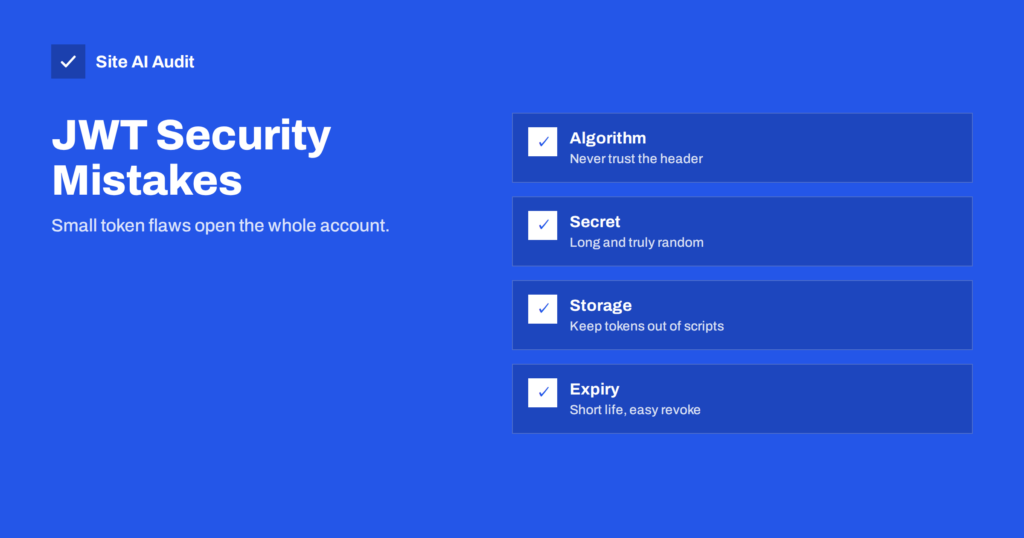
JWT Security Mistakes: Protecting Login Tokens on Your Site
JSON Web Tokens are common in logins and APIs, but small mistakes make them easy to forge or steal. Learn the typical flaws and…
 20 Eki 2026 · 7 dk okuma
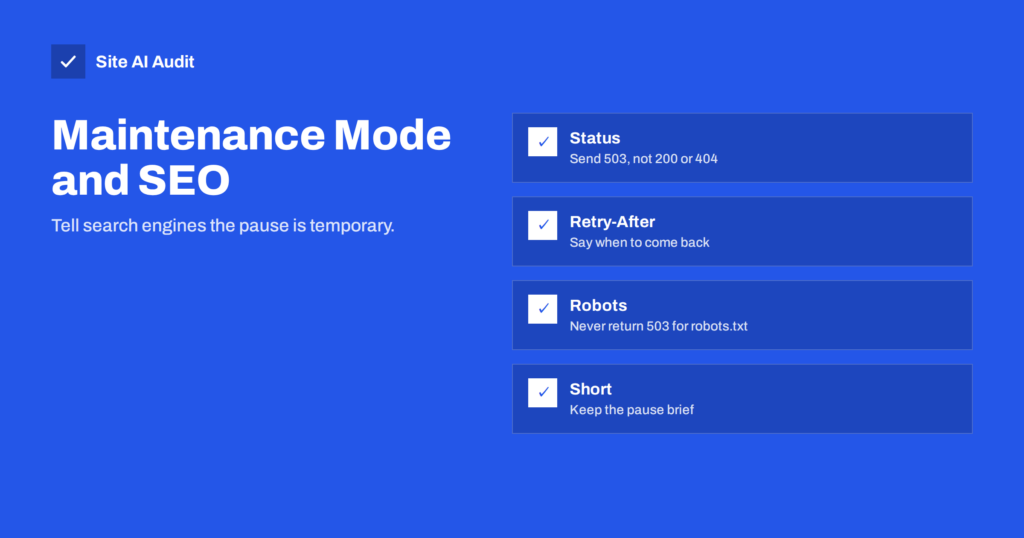
Maintenance Mode and SEO: Use a 503 Status and Retry-After
A badly configured maintenance page can drop pages from Google. Learn why a 503 status with Retry-After is the right signal and how to…
 20 Eki 2026 · 7 dk okuma
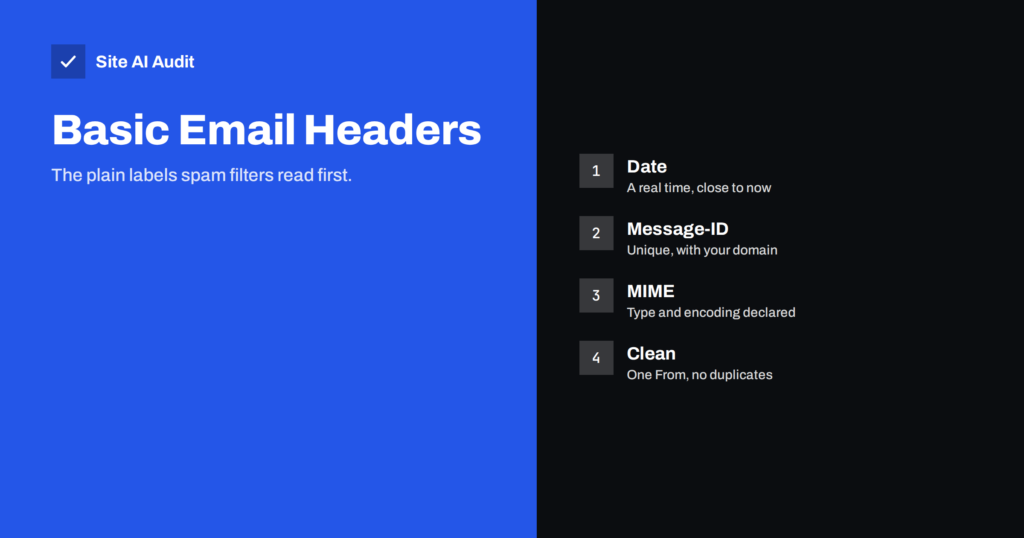
Message-ID and Date Headers: What Spam Filters Check
Missing or wrong Message-ID, Date and MIME headers make mail look suspicious. Learn which basic headers filters check and how to fix them on…
 20 Eki 2026 · 7 dk okuma
Resource Limit Reached and 508 Errors on Shared Hosting
Seeing "Resource Limit Is Reached" or a 508 error? Learn what shared hosting limits mean, what triggers them and how to bring your site…
 18 Eki 2026 · 8 dk okuma
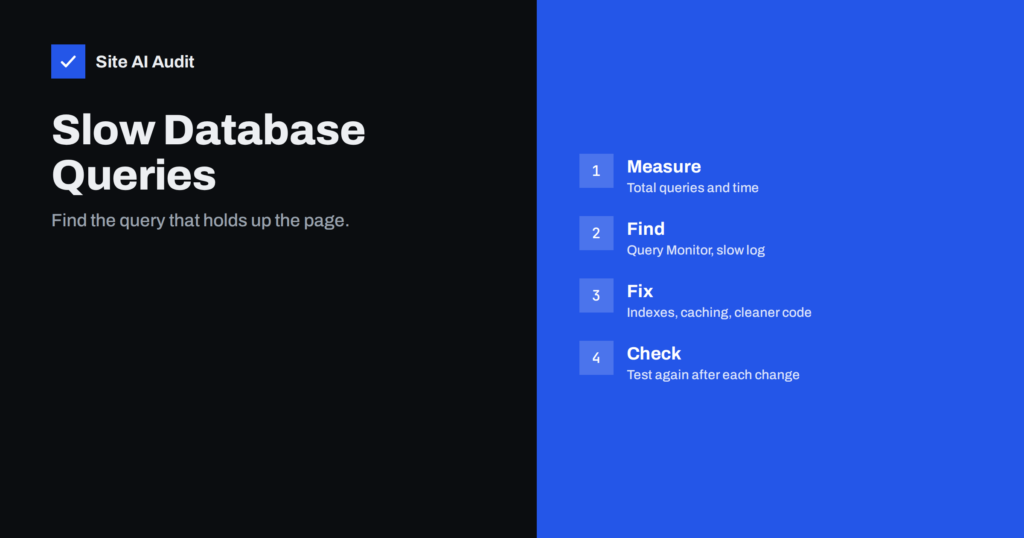
Slow Database Queries in WordPress: How to Find Them
Slow database queries are a hidden reason for a slow WordPress site. Learn how to find them with Query Monitor and the slow query…
 18 Eki 2026 · 8 dk okuma
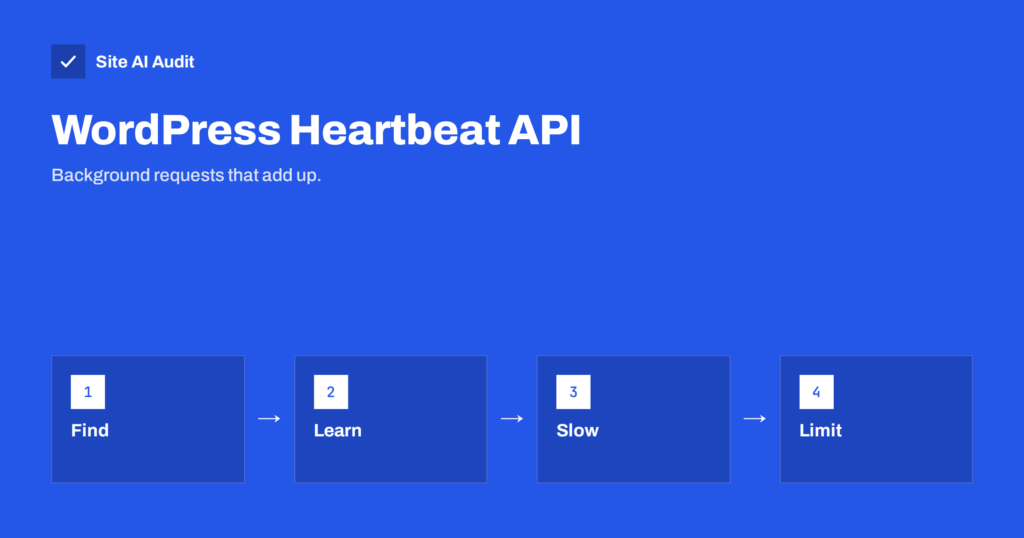
WordPress Heartbeat API: Reduce Server Load Safely
The WordPress Heartbeat API sends regular background requests that can load your server. Learn what it does, how to measure it and how to…
 17 Eki 2026 · 8 dk okuma
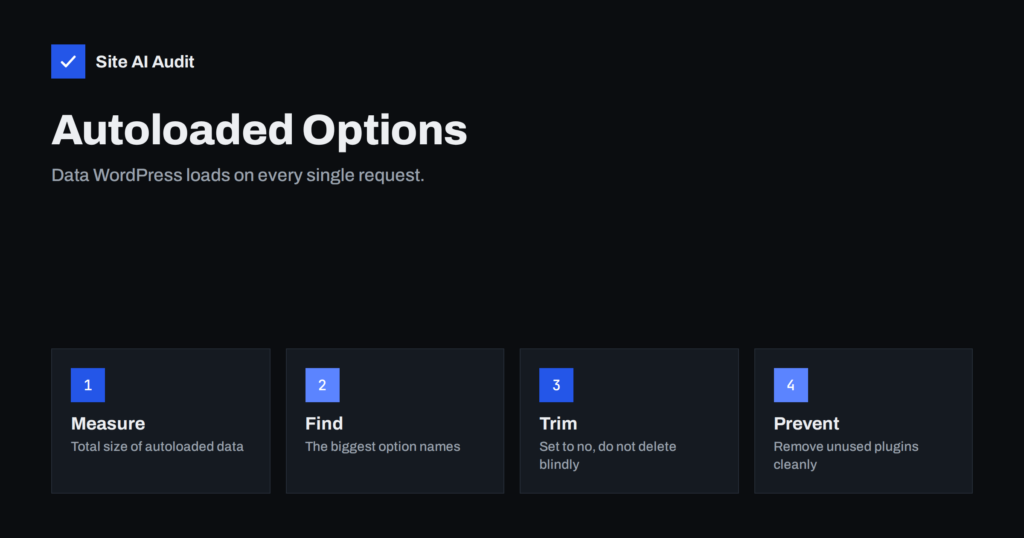
WordPress Autoloaded Options: The Hidden Cause of a Slow Site
Every WordPress request loads all autoloaded options from the database. Learn how leftover plugin data bloats them, how to measure it and how to…
 17 Eki 2026 · 8 dk okuma
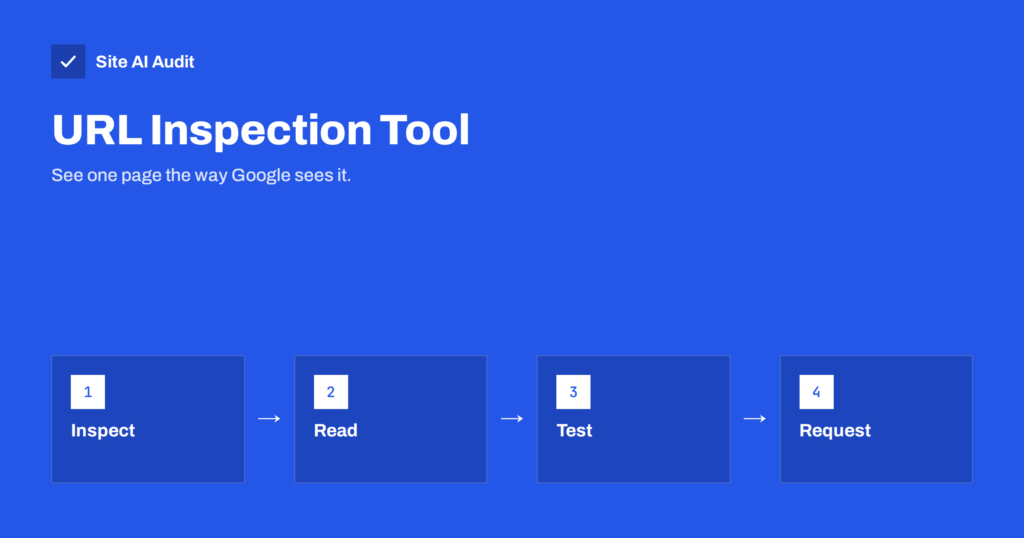
URL Inspection Tool in Search Console: How to Use It
The URL Inspection tool shows how Google sees one page: indexed or not, its chosen canonical and what it fetched. Learn to read it…