ENEnglish
 LTLietuviškai
 DEDeutsch
 FRFrançais
 RUРусский
 ESEspañol
 PLPolski
 ITItaliano
 UKУкраїнська
 CSČeština
 PTPortuguês
 JA日本語
JA日本語 LVLatviešu valoda
 ETEesti
 HUMagyar
 IDBahasa Indonesia
 TRTürkçe
 HIहिन्दी
 ELΕλληνικά
 ARالعربية
 THไทย
THไทย VITiếng Việt
 RORomână
 MSBahasa Melayu
 BNবাংলা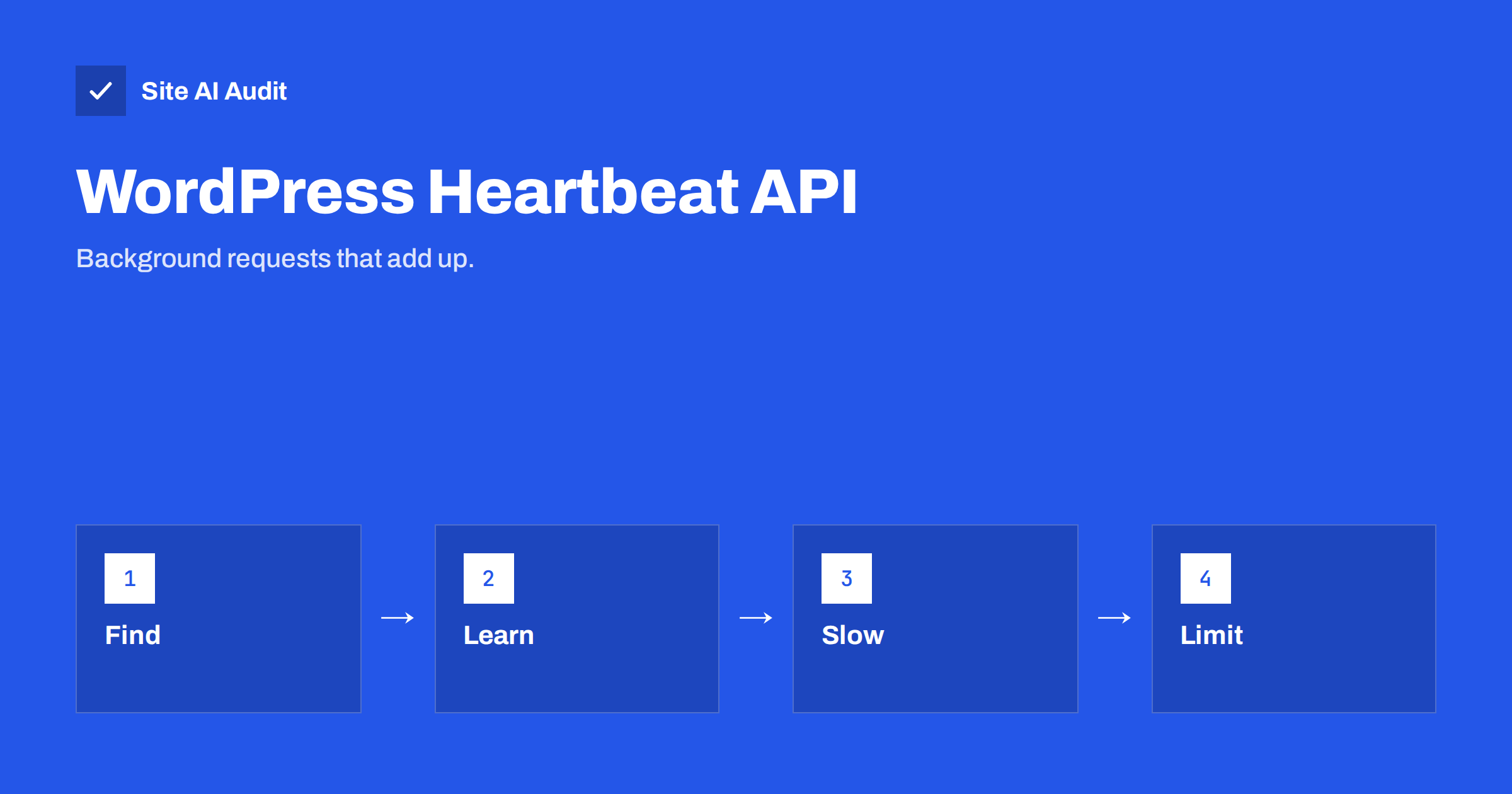
Short answer: The Heartbeat API is a WordPress feature that sends a small request to the server every 15 to 60 seconds while someone has the dashboard or editor open. It powers autosave, post locking and session checks. Several editors with open tabs can create a lot of these requests on a weak server. You can slow the interval or limit it to the screens that need it, but you should not switch it off completely without thinking.
What the Heartbeat API is
WordPress is a web application, and a web page normally talks to a server only when you load or submit it. The Heartbeat API adds a regular “pulse” from the browser to the server through the admin-ajax.php file, so that the page can stay in step with the site while it is open.
The pulse carries small messages in both directions. WordPress core uses it for three main things:
- Autosave. While you write a post, the editor saves your work in the background so you do not lose it.
- Post locking. If a colleague opens a post that you are editing, WordPress tells them. This prevents two people from overwriting each other.
- Session checks. The dashboard can notice that your login expired and ask you to sign in again, rather than failing on save.
Plugins can add their own data to the pulse. A shop plugin may refresh notices, a page builder may check for editing conflicts, and a security plugin may report status. Each of these makes the request a little heavier.
How often it runs
By default, the pulse runs about every 15 seconds on the post editing screen and about every 60 seconds on other dashboard screens. Browsers also slow it down when a tab is inactive, and WordPress stops it after a long period without activity. The interval can be changed with a filter in code or with a plugin, within limits set by WordPress, roughly between 15 and 120 seconds.
A single request is cheap. The problem is the multiplication. Ten editors who leave dashboards open all day, each with a few tabs, produce hundreds of requests an hour. If each one loads the full WordPress core and several plugins, the server spends real processing time on them, and those requests compete with real visitors.
Signs that Heartbeat is causing load
- The server logs or the hosting panel show many POST requests to admin-ajax.php with the action heartbeat.
- CPU or process usage rises when staff are logged in and falls when they are not.
- The dashboard feels slow, the editor lags or autosave warns that it could not connect.
- Your host warns about “entry processes” or CPU limits on a shared plan.
- The front end is slow only during working hours.
These symptoms overlap with other causes, so check before you change anything. Our guide to finding the cause of high admin-ajax.php usage shows how to separate heartbeat requests from the calls of a plugin.
How to measure it
- Open the browser developer tools on a dashboard page, switch to the Network tab and filter by admin-ajax. Watch how often the heartbeat action appears and how long each call takes.
- Use a query monitoring plugin on a staging copy or a quiet moment to see which plugins add work to the heartbeat request.
- Read your access logs for admin-ajax.php POST requests. Compare counts per hour with the number of logged-in users.
- Check hosting statistics if your host shows CPU and process graphs, and compare them with the hours your team works.
If a call takes a few hundred milliseconds, you probably have a slow plugin or a slow server rather than a Heartbeat problem. A slow server response affects everything, as described in our article on how to reduce server response time.
Safe ways to reduce the load
- Raise the interval. Setting the pulse to 60 seconds instead of 15 reduces the number of editor requests to a quarter, and autosave still works. This is the safest first step.
- Limit it by location. Many sites keep Heartbeat only on the post editor, where autosave and post locking matter, and disable it on the main dashboard and the front end.
- Close old tabs. A simple habit saves a surprising amount of load. Forgotten dashboard tabs keep pulsing for hours.
- Reduce what plugins add. If a plugin attaches data to the pulse, check its settings for a refresh or live-update option and turn it off.
- Use a plugin for the setting if you do not want to edit code. Several performance plugins have a Heartbeat control with options for each location.
If you add a code snippet, put it in a small site plugin or a child theme, not in the main theme files that an update will replace. Test it on a staging copy and keep a backup.
When not to switch it off completely
It is tempting to disable Heartbeat everywhere. This removes the load, but it also removes protections that matter for editing:
- Without post locking, two people can edit the same post and overwrite each other’s work.
- Without autosave on the editor screen, a closed browser or a lost connection can lose recent text. Core also saves revisions, but they depend on the same mechanism in the editor.
- Without session checks, you may press Update on an expired session and see an error.
- Some plugins, for example those for shops and page builders, rely on it for notices and conflict warnings.
A reasonable setting is to keep it on the post editor with a longer interval and turn it off elsewhere. If you are the only person who edits the site, you can be more aggressive than a team of ten.
Other causes to check first
Heartbeat is rarely the whole story. If the server is overloaded, look for a larger cause as well:
- A plugin that runs heavy queries on every admin page. Our guide to finding which plugin slows your site explains how to isolate it.
- Scheduled tasks that all run when a visitor arrives. Read about WP-Cron and how to replace it.
- No object cache, so each request repeats the same database queries. See object caching with Redis.
- An underpowered hosting plan, especially with many logged-in users.
Fix the biggest problem first and measure again. Heartbeat tuning is a small, low-risk improvement, not a replacement for those fixes.
A practical order of work for a slow admin area is therefore: measure first, remove or replace the heaviest plugin, slow the heartbeat on the dashboard, add an object cache if the site is dynamic, and only then consider a larger hosting plan. Write down what you changed and the load you saw before and after. A short note with dates and numbers saves hours when the problem returns, and it helps a developer or your host to see quickly what has already been tried. If several people edit the site at the same time, agree a simple rule as well: log out of the dashboard at the end of the day, and keep only one editor tab open per person.
What Site AI Audit can and cannot tell you
Site AI Audit measures your website from the outside, as a visitor or a search engine would: the Google PageSpeed score, Core Web Vitals, server response time, compression and page weight. It cannot see logged-in dashboard traffic or the admin-ajax requests that your editors generate. If your server response time is high for public visitors, the audit shows it and you can then investigate causes such as Heartbeat from inside WordPress. You can run a free check of your website or see the plans.
Related reading
- admin-ajax.php Slowing WordPress? How to Find the Cause
- Slow WordPress Admin Dashboard: Causes and Practical Fixes
- WP-Cron Explained: Why It Slows WordPress and How to Replace It
- How to Find Which WordPress Plugin Is Slowing Your Site
The bottom line
The Heartbeat API keeps the editor safe with autosave, post locking and session checks, but each open dashboard tab sends requests that add up. Measure first, then slow the pulse or limit it to the post editor, and close tabs you no longer use. Avoid turning it off everywhere, and look at plugins, cron and caching as well.
SSS
What does the WordPress Heartbeat API do?
It sends a small request from the open dashboard or editor to the server at regular intervals. WordPress uses it for autosave, post locking and checking that your session is still valid. Plugins can add their own data to the same request.
Is it safe to disable the Heartbeat API?
It is safe on the front end of most sites, and often on the main dashboard. Disabling it on the editor removes autosave and post locking, which can cost you work. A slower interval is usually the better choice.
How can I tell whether Heartbeat is slowing my site?
Look for many admin-ajax.php requests with the heartbeat action in your logs or in the browser’s network tab, and compare server load with the hours your editors are logged in. If calls are fast and few, look elsewhere.
What interval should I use?
Sixty seconds is a common choice for the editor and works well in most cases. WordPress allows values from about 15 to 120 seconds. A single editor on a good server can keep the default, while a busy team on weak hosting benefits from a longer interval.
Does Heartbeat affect visitors or only editors?
Mainly editors, because the pulse runs in the admin area. Visitors are affected indirectly when the pulses consume server resources, or when a plugin enables the feature on the front end. Public pages that use caching are usually not touched.