ENEnglish
 LTLietuviškai
 DEDeutsch
 FRFrançais
 RUРусский
 ESEspañol
 PLPolski
 ITItaliano
 UKУкраїнська
 CSČeština
 PTPortuguês
 JA日本語
JA日本語 LVLatviešu valoda
 ETEesti
 HUMagyar
 IDBahasa Indonesia
 TRTürkçe
 HIहिन्दी
 ELΕλληνικά
 ARالعربية
 THไทย
THไทย VITiếng Việt
 RORomână
 MSBahasa Melayu
 BNবাংলা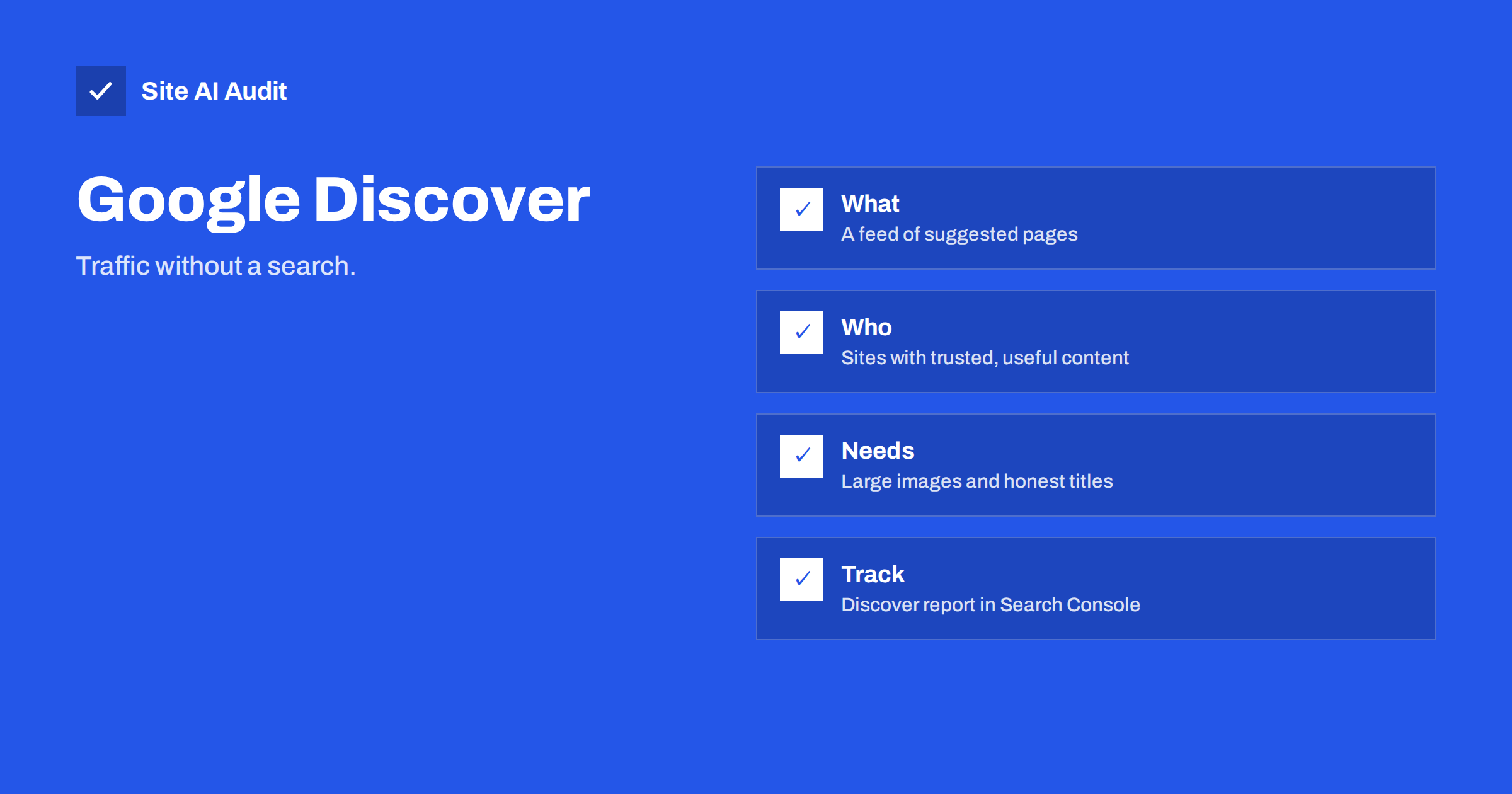
Short answer: Google Discover is a personalised feed of pages that Google suggests to people on mobile devices without requiring a search. You cannot sign up for it or pay for it. Pages can appear when they are indexed, follow Google’s content policies and match what a user is interested in. A small site improves its chances by publishing useful, original content on topics it knows well, using large, high-quality images and honest titles, and keeping the site fast and mobile friendly. Treat the traffic as a bonus, because it can rise and fall quickly.
What Google Discover is
Most search traffic starts with a question that someone types. Discover works the other way round. On many phones, the Google app and some browser start pages show a feed of cards: articles, guides, videos and updates on subjects that the user has shown interest in. Google picks the cards based on the person’s activity and settings, the topics they follow and the quality of the pages.
That makes Discover a source of visits from people who were not looking for you at that moment. A good card can bring a large number of readers in a short time, and a card that disappears can take the visits with it. For this reason, plan Discover as a bonus on top of search, not as the foundation of your traffic.
Who can appear in Discover
There is no application and no special markup that guarantees a place. Google has said that Discover content is automatically selected and that a page must be indexed and meet the content policies to be eligible. Pages that appear tend to share some features:
- they are useful, original and written for people, not for search engines;
- they come from sites that show real knowledge in a topic, in line with the ideas described in E-E-A-T for small business websites;
- they have an engaging, accurate title and an attractive large image;
- they sit on a site that works well on a phone and loads fast.
Discover is not limited to news. Evergreen guides, recipes, travel advice, how-to articles, product knowledge and local stories all appear. What decides is whether the page is interesting to people who care about the topic, and whether the site is trusted on it.
Content that fits
Think about what a curious person would like to find in a feed, then check that your content does that honestly. Good candidates for a small business include:
- a thorough guide that answers a real customer question better than a quick search result does;
- a case story or behind-the-scenes article with your own photos;
- seasonal advice that fits what people are planning right now;
- a clear explanation of a change that affects your customers;
- original research, such as results from your own work or a simple survey.
Stick to subjects in which you have real experience. A site that publishes on forty unrelated topics gives Google little reason to treat it as a trusted voice on any of them. If you need ideas for structure, the blog post SEO checklist helps to build solid pages, and updating old content keeps good pages fresh.
Titles and images
In a feed, the picture and the headline do most of the work. Google’s guidance for Discover stresses these points:
- Use a large, high-quality image. Google recommends images at least 1200 pixels wide. Make the image relevant to the content, not a logo or a small thumbnail, and avoid text-heavy graphics.
- Allow large previews. Google asks that you enable large image previews, for example with the robots meta tag value
max-image-preview:large, or use AMP. Many WordPress SEO plugins already add this setting. - Write an honest headline. The title should capture the content without clickbait. Misleading or sensational titles go against the policies. See our guide to title tags, and note that Google may rewrite a title that does not suit, as explained in why Google rewrites title tags.
- Avoid tricks. No exaggerated promises, no hiding the date or the author, no stolen photos.
Use modern formats and compression so that large images do not slow the page. Read WebP versus AVIF versus JPEG and image optimisation for faster websites. Add helpful alt text, as covered in image alt text for SEO.
Technical basics
If Google cannot crawl and index a page, it cannot suggest it. Check these basics:
- the page is indexed and not blocked by robots.txt or a noindex tag; see why a page is not indexed;
- the site works well on mobile, which is the main place where Discover appears; see mobile-first indexing;
- the page loads fast and does not shift while loading, as covered in Core Web Vitals explained;
- there are no intrusive pop-ups that cover the content;
- the author and the publisher are clear, with a real About page and contact details.
How to see your Discover traffic
Google Search Console has a Discover report, but it only appears for sites that have received a minimum number of impressions in Discover. If you see no report, your site has simply not reached that point yet. The report shows impressions, clicks and click-through rate by page, and you can see which topics worked. Set up your property first using the Search Console setup guide, and learn the main report in how to read the Performance report.
Expect spikes. A single article may bring thousands of visits one day and nothing the next. Do not judge your strategy by one day. Look at which pages and topics returned and write more of what worked, in the same honest style.
Common reasons for no Discover traffic
- The site is new and has not built trust on its topic.
- Pages are thin, copied or written only to catch search queries.
- Images are small, missing or restricted from large previews.
- Titles are vague or exaggerated.
- The audience is very narrow or local, so few feeds include the topic.
- The site violates content policies or has a manual action, which you can check in Search Console manual actions.
Being in a niche is not a barrier, but it means traffic will be smaller. A local service business may see little Discover traffic even with excellent articles, and that is normal.
A simple routine for a small team
You do not need a special project. Add three habits to the way you already publish:
- Before publishing, check the image. Is it at least 1200 pixels wide, relevant, sharp and your own or properly licensed? Does the headline say what the page really contains?
- After publishing, confirm that the page is indexed and that the large image preview is allowed. Check the page on a phone, in a normal browser window, as a visitor would.
- Once a month, open Search Console. If there is a Discover report, note the pages that earned impressions and ask why. If there is none, look at your Performance report and keep improving the pages that already attract clicks from search.
Over a few months this routine makes your best pages better and teaches you which topics your audience values. It also keeps you honest: if a title or picture would embarrass you when the reader arrives, change it before the feed shows it to thousands of people.
Finally, do not copy trends that have nothing to do with your business. A feed rewards sites that are known for something. A plumber who publishes a clear, photographed guide to bleeding a radiator has a far better claim than one who writes about celebrity news to chase attention.
What Site AI Audit checks
Site AI Audit cannot see Discover, because that traffic is not visible from outside your site. It checks the foundations that make a page eligible and pleasant: titles and descriptions, headings and alt texts, broken links and redirects, sitemap, robots.txt and noindex rules, and mobile speed with Core Web Vitals. Run a free audit of your website, and see the plans if you want weekly monitoring.
Related reading
- Featured Snippets: How to Format Content Google Can Quote
- Search Intent Explained: Match Your Pages to What People Want
- Open Graph Tags: Control How Your Pages Look When Shared
The bottom line
You cannot apply for Google Discover, but you can make your pages good candidates: useful content from real experience, honest headlines, large relevant images, fast mobile pages and a clean technical setup. Watch the Discover report in Search Console if it appears, learn from the pages that work, and keep search as the core of your plan.
SSS
Can I submit my website to Google Discover?
No. Discover content is selected automatically. Your pages must be indexed and follow Google’s content policies, and then they may be shown to users whose interests match.
What image size does Discover need?
Google recommends large, high-quality images at least 1200 pixels wide, and asks that large previews are enabled, for example with the max-image-preview:large robots setting.
Why is there no Discover report in Search Console?
The report appears only after your site has had a minimum level of impressions in Discover. Without it, the report is simply not shown. Keep publishing useful content and check again later.
Is Discover only for news websites?
No. Evergreen guides, advice, recipes, product knowledge and other topics also appear. The deciding factors are usefulness, quality and how well the topic matches a user’s interests.
Is Discover traffic steady?
No, it is volatile. A page can get many visits during a short period and then none. Use it as a bonus and keep search and direct traffic as your main sources.