ENEnglish
 LTLietuviškai
 DEDeutsch
 FRFrançais
 RUРусский
 ESEspañol
 PLPolski
 ITItaliano
 UKУкраїнська
 CSČeština
 PTPortuguês
 JA日本語
JA日本語 LVLatviešu valoda
 ETEesti
 HUMagyar
 IDBahasa Indonesia
 TRTürkçe
 HIहिन्दी
 ELΕλληνικά
 ARالعربية
 THไทย
THไทย VITiếng Việt
 RORomână
 MSBahasa Melayu
 BNবাংলা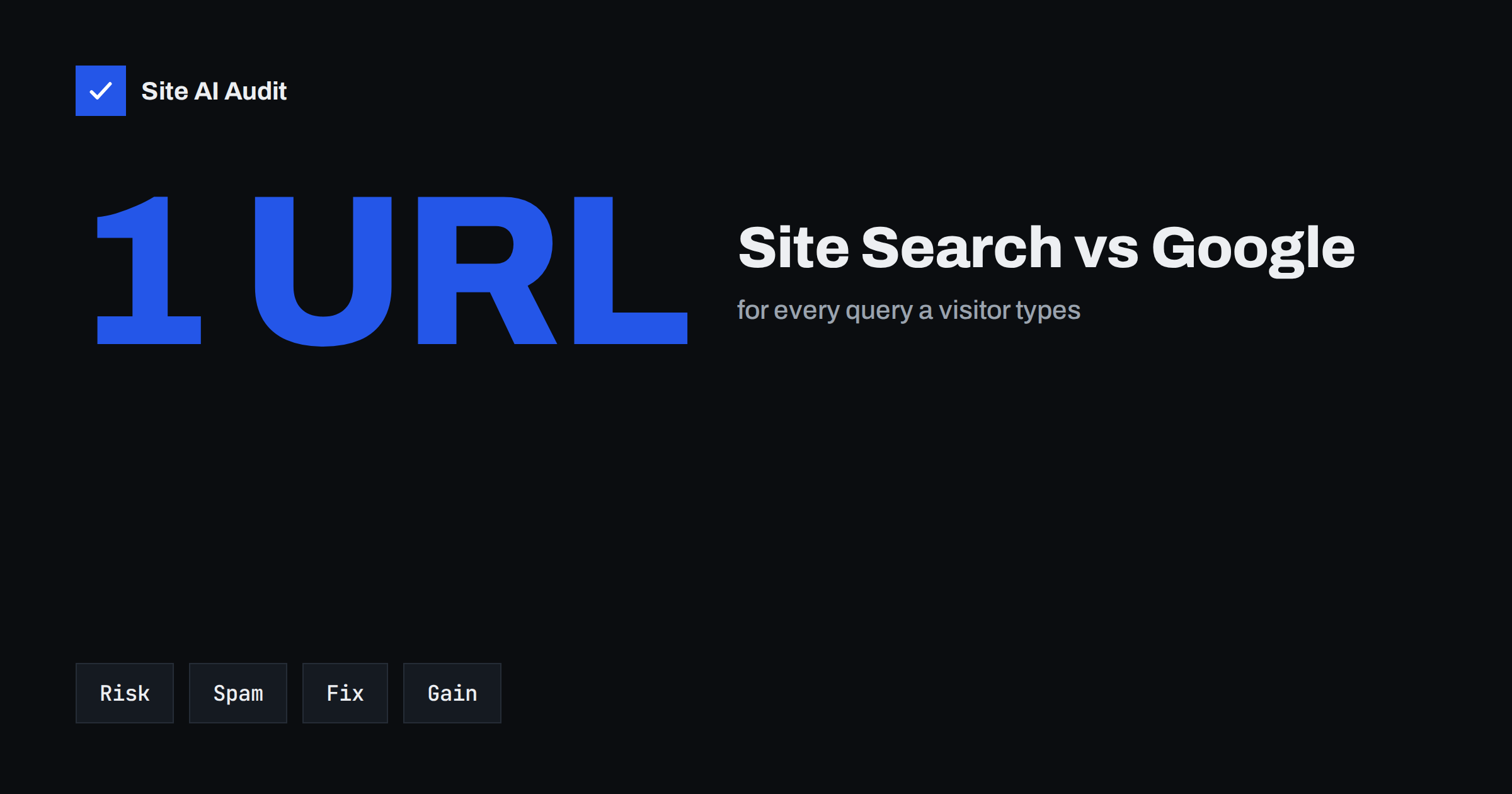
Short answer: In most cases internal search result pages should not be indexed by Google. Every query on your site search creates a new URL with thin, repeated content, and attackers can abuse the search box to generate spam pages. Keep these pages out of the index with a noindex tag or a robots.txt rule for the search URL pattern, never both on the same URL at once, and use the queries visitors type as a source of ideas for real landing pages.
What internal search pages are
When a visitor types a word into your website’s search box, the site builds a results page, for example /?s=blue+shoes on WordPress or /search?q=blue+shoes on other platforms. The page lists matching posts, products or pages. It exists for the visitor in front of the screen, and it is generated on demand, so the number of possible search pages is unlimited: one for every word or phrase that anyone can type.
They are very different from category pages or articles. Those are curated by you, have a stable address and a clear topic. A results page is a dynamic list that changes whenever your content changes, and has no unique text of its own.
Most content management systems and shop platforms create them automatically. WordPress, WooCommerce, Shopify, Magento and many custom sites all have a search function, so the issue is easy to miss: nobody decided to publish thousands of search pages, they simply appear as a side effect of a useful feature.
Why search pages hurt when they are indexed
Google has long advised site owners to keep internal search results out of its results, because they offer little value to people arriving from a search engine, who would rather land on the real page. Specific problems include:
- Thin and repeated content. Hundreds of near-identical lists of the same posts compete with each other and with your real pages. See how to deal with thin content.
- Wasted crawling. Bots follow links to search URLs and spend time on pages without value. Read about crawl budget.
- Soft 404 errors. Searches with no results often return a normal 200 page with the text “nothing found”, which search engines classify as a soft 404.
- Poor first impression. A searcher who lands on a list of loosely matching items, rather than on the answer, tends to leave.
- Spam. This is the most serious risk, covered next.
How the search box gets abused
If your search results pages can be indexed, spammers can exploit them. They create links from other sites to URLs such as /?s=cheap+pills+buy-now+example. Your site then shows a page that repeats the spam phrase, sometimes including a link or a name, on your trusted domain. Search engines may index the page, and your site ends up with thousands of spam URLs that you never created.
The result is similar to the pattern in the Japanese keyword hack, although here the attacker has not broken in. Warning signs are an unusual number of indexed URLs containing ?s=, search queries in Search Console in a language you do not use and sudden spikes of crawling of search URLs in your logs. Search forms can also be targeted with automated requests, which is why it helps to combine this work with protection against form spam and sensible rate limits.
Option 1: noindex on search results
The most reliable method is a robots meta tag with noindex in the head of every search results page. It tells search engines that the page may be crawled but must not appear in results. WordPress core has added a noindex robots directive to search results since version 5.7, but themes and SEO plugins can change that behaviour, so check the actual page source instead of assuming. Our guides to the noindex tag and WordPress SEO settings show where to look.
With noindex, follow the links on the page can still be followed, which is usually harmless. Over time, search engines visit such pages less often, but the tag works even if links to the pages exist elsewhere on the web.
Make sure the tag really is in the HTML that is sent to the visitor, not only inserted later by a script. An easy check is to open a search results page, view the page source and search for “robots”. If the tag is missing, enable the option in your SEO plugin that excludes internal search results, or ask your developer to add it to the search template. Test one search with results and one without, since templates for the two cases are sometimes separate.
Option 2: block the pattern in robots.txt
A robots.txt rule stops compliant crawlers from requesting the URLs at all, which saves crawl effort. A typical rule for WordPress is Disallow: /?s= and Disallow: /search/, adjusted to your own URL pattern. Test every rule on real URLs before publishing it, because a pattern that is too broad can block valuable pages.
Remember what robots.txt cannot do. A blocked URL can still appear in results as a bare link if other sites link to it, since Google cannot read a noindex tag on a page it is not allowed to fetch. If search URLs are already indexed, first let Google crawl them with a noindex tag, wait until they drop out and only then block the pattern. Our comparison of robots.txt and noindex explains this order, and Indexed, though blocked by robots.txt shows the Search Console message you see when it goes wrong.
Clean up search URLs that are already indexed
If spam or normal search URLs are already in Google, work in this order:
- Confirm the scale in Search Console with the Pages report and a search such as
site:example.com inurl:?s=. - Add noindex to all search results pages and make sure the server returns the tag.
- For the worst spam URLs, use the removal tool in Search Console for a fast temporary hide. See how to remove a URL from Google.
- Limit what the search box accepts: restrict query length, strip links and URLs from the query text and rate-limit repeated searches.
- Wait for the recrawl, then add the robots.txt rule if you want to save crawl effort.
Do not list search URLs in your XML sitemap, and do not link to individual search result pages from other parts of your site, except through the search form itself.
Turn search data into better pages
Internal search is valuable for a different reason: it shows what visitors want and cannot find. Check your analytics for search terms, and group them:
- Frequent terms with results. These deserve a proper landing page or category, so that Google and visitors can reach the answer directly. Our article on category and tag pages explains how to make them useful.
- Frequent terms with no results. These are content gaps. Write the missing article, add the product or improve the navigation.
- Spelling variants. Add synonyms to your search settings, or mention both versions in your content.
- Questions. People who type full questions into the search box are telling you what to put in your FAQs.
Pair the terms with keyword research before you decide what to build. A custom page for a popular topic will rank and convert far better than a results page ever could, and a good custom 404 page with a search box can rescue visitors who followed a broken link.
How Site AI Audit helps
Site AI Audit crawls up to 50 pages on the free check and reports the indexing basics that search pages tend to disturb: pages hidden with noindex, a robots.txt that blocks too much, missing sitemaps, pages that share a title, broken links and pages that answer with 200 instead of 404. It does not analyse your internal search queries, so confirm indexing of search URLs in Search Console. You can run a free check, and the pricing page lists plans with re-checks.
Related reading
- Robots.txt Explained: A Beginner’s Guide With Safe Examples
- Orphan Pages: How to Find Pages With No Internal Links
- Duplicate Content in SEO: Common Causes and How to Fix Them
- Why Is My Page Not on Google? A Step-by-Step Checklist
The bottom line
Search result pages are made for visitors, not for Google. Keep them out of the index with noindex or a robots.txt rule used in the right order, protect the search box from abuse and use the queries your visitors type to build pages that deserve to rank.
GYIK
Should I use noindex or robots.txt for internal search?
Use noindex if the pages are already indexed, because Google must crawl them to see the tag. Add a robots.txt rule afterwards if you also want to save crawling. Do not use both on the same URL from the start.
Does WordPress noindex search results by default?
Core WordPress adds a noindex directive to search results from version 5.7. Themes and SEO plugins may change it, so open a search results page and check the source code for a robots meta tag.
Can search result pages ever be worth indexing?
Rarely. Large marketplaces sometimes turn selected searches into curated pages. For most sites it is better to create dedicated category or landing pages for popular topics.
How do I find spam search URLs?
Look in Search Console for indexed URLs containing the search parameter, run a site search in Google for those URLs and check your server logs for unusual spikes in requests to the search address.
Will blocking search pages hurt my SEO?
No. Search results are not meant to rank. Blocking them or marking them noindex usually helps because crawlers spend more time on your real content.