 ENEnglish
 LTLietuviškai
 DEDeutsch
 FRFrançais
 RUРусский
 ESEspañol
 PLPolski
 ITItaliano
 UKУкраїнська
 CSČeština
 PTPortuguês
 JA日本語
JA日本語 LVLatviešu valoda
 ETEesti
 HUMagyar
 IDBahasa Indonesia
 TRTürkçe
 HIहिन्दी
 ELΕλληνικά
 ARالعربية
 THไทย
THไทย VITiếng Việt
 RORomână
 MSBahasa Melayu
 BNবাংলা
#WordPress security
WordPress powers a large share of the web, which makes it a frequent target for automated attacks. Articles tagged here explain how to protect a WordPress site without turning it into a maintenance burden. They cover updates, plugins, themes, user accounts, login protection, file permissions and backups. Each guide separates the measures that really matter from the ones that only look reassuring. The advice works for small business sites, blogs and online shops alike. Read them before and after installing a new plugin or theme.
 1 अक्तू॰ 2026 · 7 मिनट पढ़ें
File Permissions on a Web Server: Safe Settings Explained
Wrong file permissions let attackers change your site, while 777 hides deeper problems. Learn what 644, 755 and 600 mean and how to set…
 1 अक्तू॰ 2026 · 8 मिनट पढ़ें
Website User Accounts: Least Privilege for Admins and Staff
Too many admin accounts make a website easy to break into. Learn how to set user roles by least privilege, remove old accounts and…
 30 सित॰ 2026 · 8 मिनट पढ़ें
Contact Form Spam: How to Stop Bots Without Losing Leads
Contact form spam wastes time, hides real leads and can harm your email reputation. Learn which layers stop bots without annoying the people who…
 30 सित॰ 2026 · 8 मिनट पढ़ें
Cross-Site Scripting (XSS) Explained for Website Owners
Cross-site scripting lets attackers run their own JavaScript on your pages. Learn the main XSS types, what they can do and how to protect…
 30 सित॰ 2026 · 8 मिनट पढ़ें
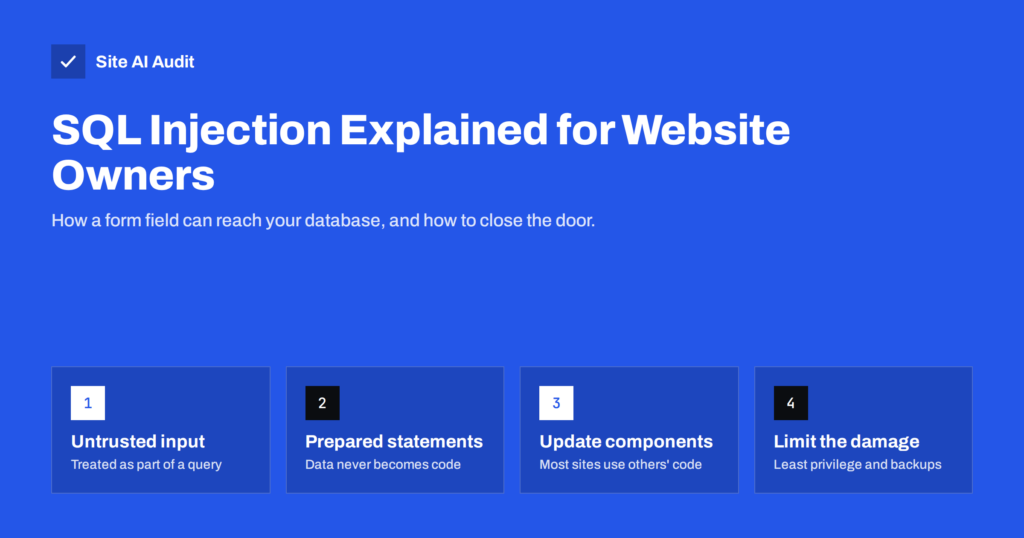
SQL Injection Explained: How Sites Get Breached and Protected
SQL injection lets attackers read or change your website's database through a form or URL. Learn how it works, where the risk comes from…
 30 सित॰ 2026 · 8 मिनट पढ़ें
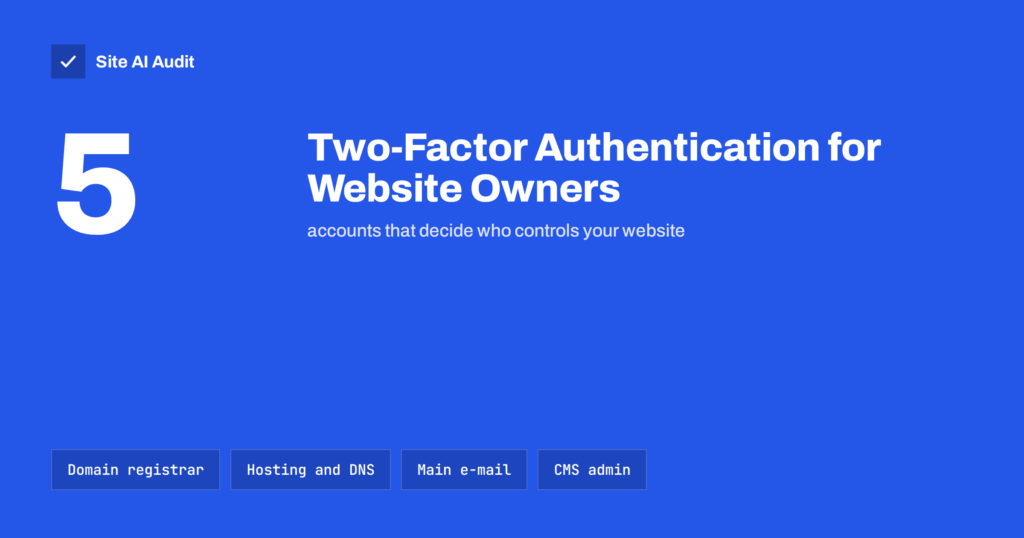
Two-Factor Authentication for Website Owners: What to Protect
Two-factor authentication stops most stolen-password takeovers. See which website accounts to protect first, which 2FA methods to use and how to avoid lockouts.
 29 सित॰ 2026 · 8 मिनट पढ़ें
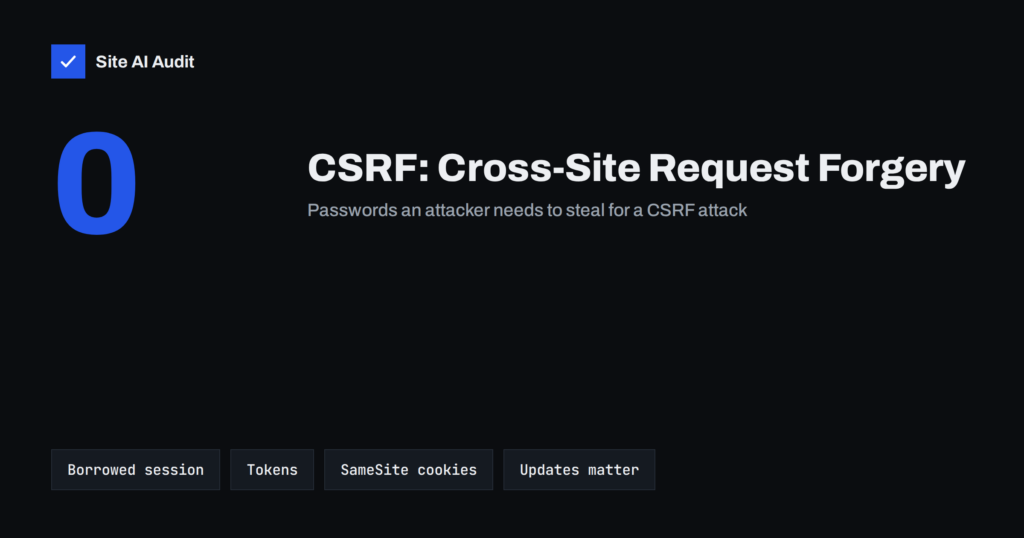
CSRF Explained: How Cross-Site Request Forgery Works
Cross-site request forgery tricks a logged-in browser into acting on your site. Learn how CSRF works, how tokens and SameSite cookies stop it and…
 29 सित॰ 2026 · 8 मिनट पढ़ें
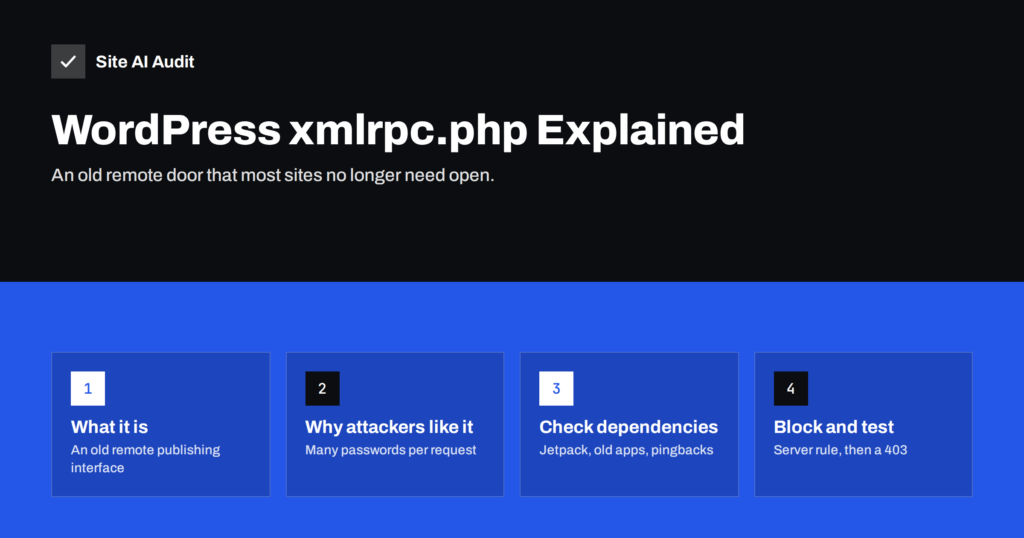
WordPress xmlrpc.php: What It Does and When to Disable It
WordPress xmlrpc.php is an old remote access door often abused for password guessing and pingback attacks. Learn who needs it and how to block…
 29 सित॰ 2026 · 8 मिनट पढ़ें
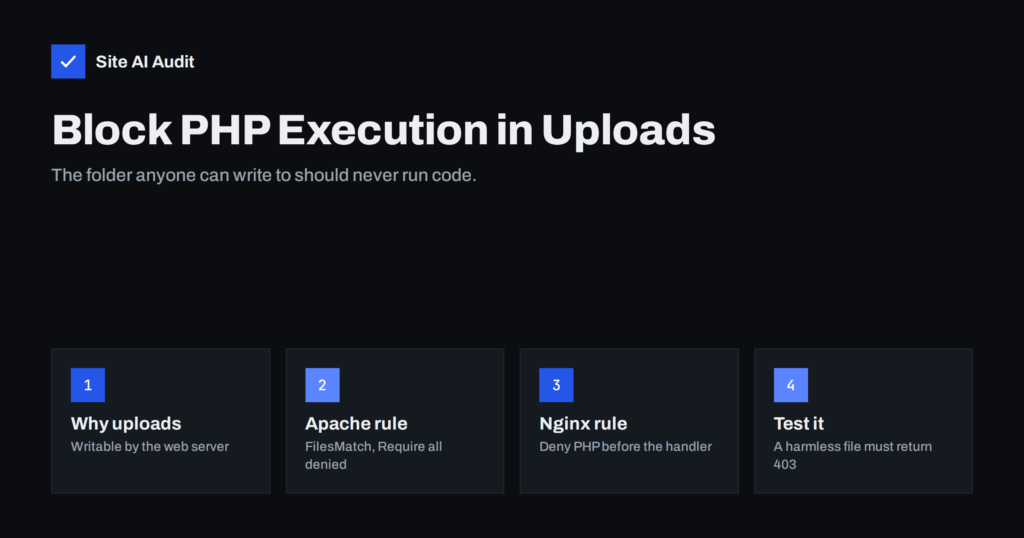
Uploads Folder Security: How to Block PHP Execution
Attackers love hiding scripts in the uploads folder. Learn why, how to block PHP execution there on Apache and Nginx, and how to test…
 29 सित॰ 2026 · 7 मिनट पढ़ें
Nulled Themes and Plugins: The Real Cost of Free Premium
Nulled themes and plugins often hide backdoors, spam links and redirects, and never get security updates. Learn the risks, the signs and how to…
 28 सित॰ 2026 · 8 मिनट पढ़ें
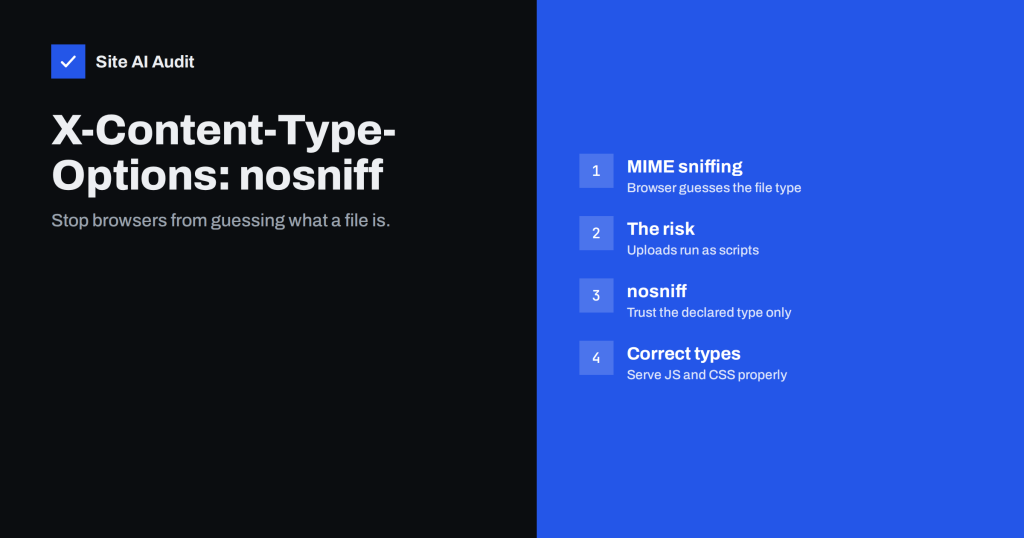
X-Content-Type-Options: nosniff and Safe MIME Types Explained
X-Content-Type-Options: nosniff stops browsers from guessing file types, closing a path for disguised scripts. Learn how MIME sniffing works and how to set it.
 23 सित॰ 2026 · 7 मिनट पढ़ें
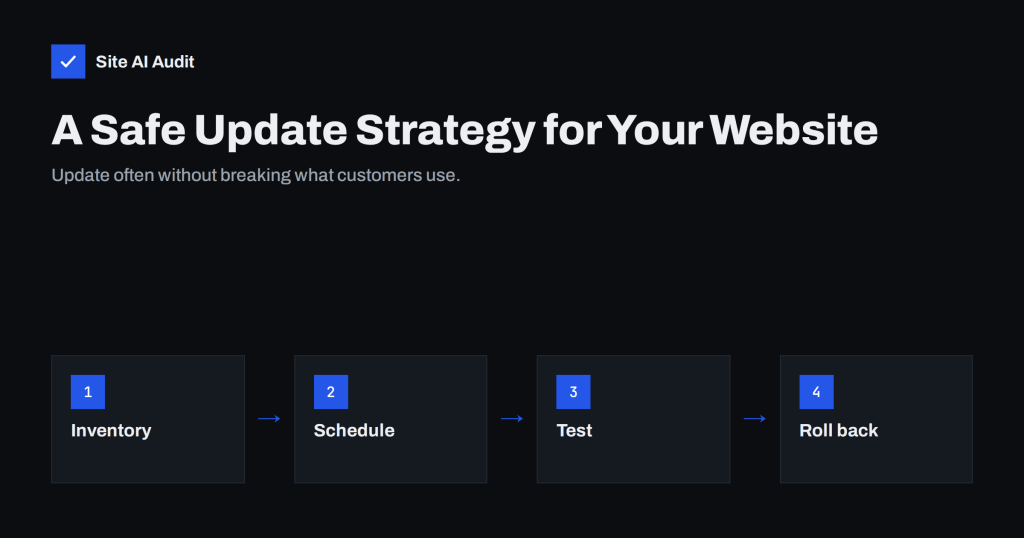
Outdated Plugins and CMS Versions: A Safe Update Strategy
Outdated plugins are the most common way websites get hacked. Learn how to update the CMS, plugins, themes and PHP safely, often, and without…