 ENEnglish
 LTLietuviškai
 DEDeutsch
 FRFrançais
 RUРусский
 ESEspañol
 PLPolski
 ITItaliano
 UKУкраїнська
 CSČeština
 PTPortuguês
 JA日本語
 LVLatviešu valoda
 ETEesti
 HUMagyar
 IDBahasa Indonesia
 TRTürkçe
 HIहिन्दी
 ELΕλληνικά
 ARالعربية
 THไทย
 VITiếng Việt
 RORomână
 MSBahasa Melayu
 BNবাংলা
#WordPress security
WordPress powers a large share of the web, which makes it a frequent target for automated attacks. Articles tagged here explain how to protect a WordPress site without turning it into a maintenance burden. They cover updates, plugins, themes, user accounts, login protection, file permissions and backups. Each guide separates the measures that really matter from the ones that only look reassuring. The advice works for small business sites, blogs and online shops alike. Read them before and after installing a new plugin or theme.
 ১৭ নভে, ২০২৬ · 7 মিনিটে পড়া
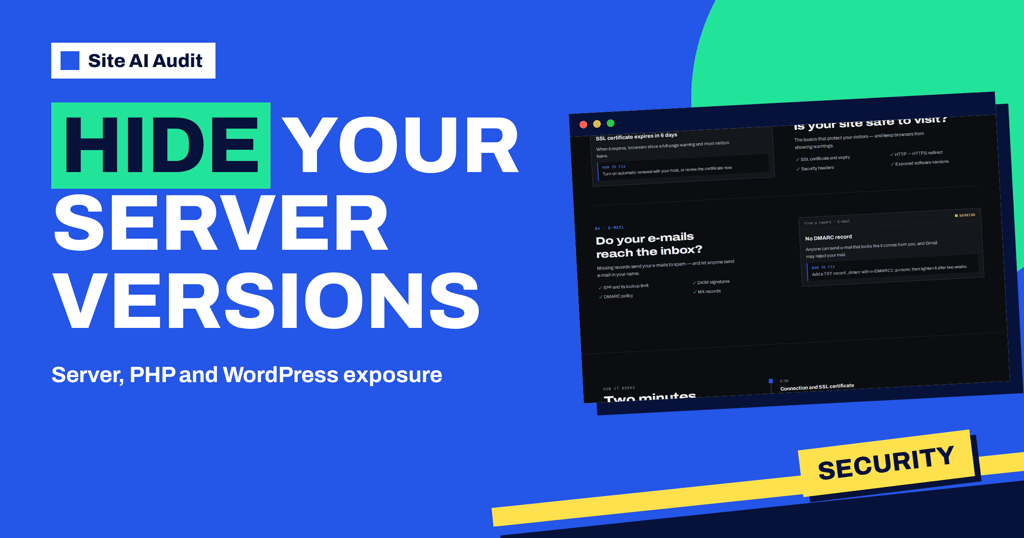
Exposed Server, PHP and WordPress Versions: What to Do
Why does Site AI Audit flag a visible server, PHP or WordPress version? Learn what attackers do with version numbers and how to hide…
 ৮ নভে, ২০২৬ · 8 মিনিটে পড়া
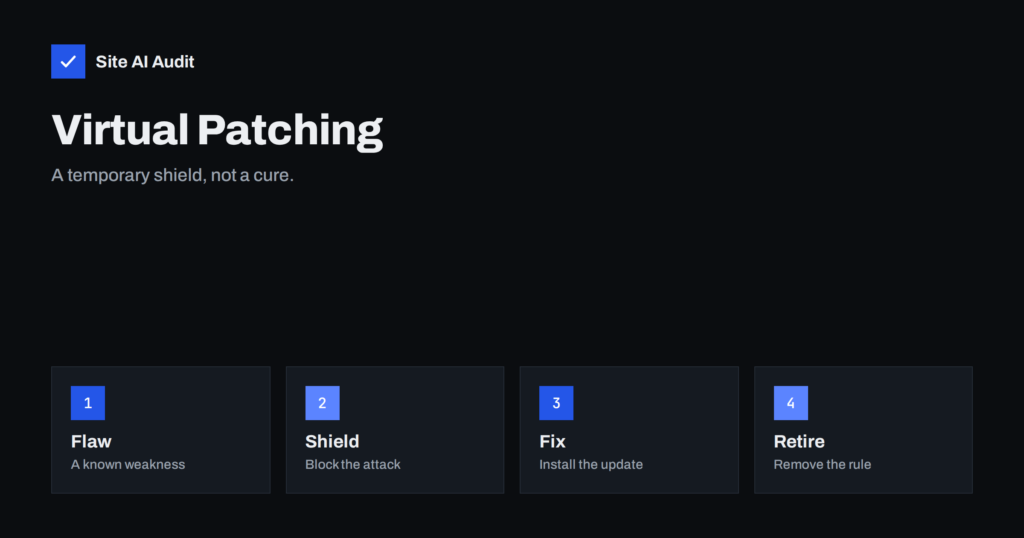
Virtual Patching: Protect a Vulnerable Site Before the Update
Virtual patching blocks attacks on a known flaw at the firewall or server while you wait for a real fix. Learn how it works,…
 ৭ নভে, ২০২৬ · 7 মিনিটে পড়া
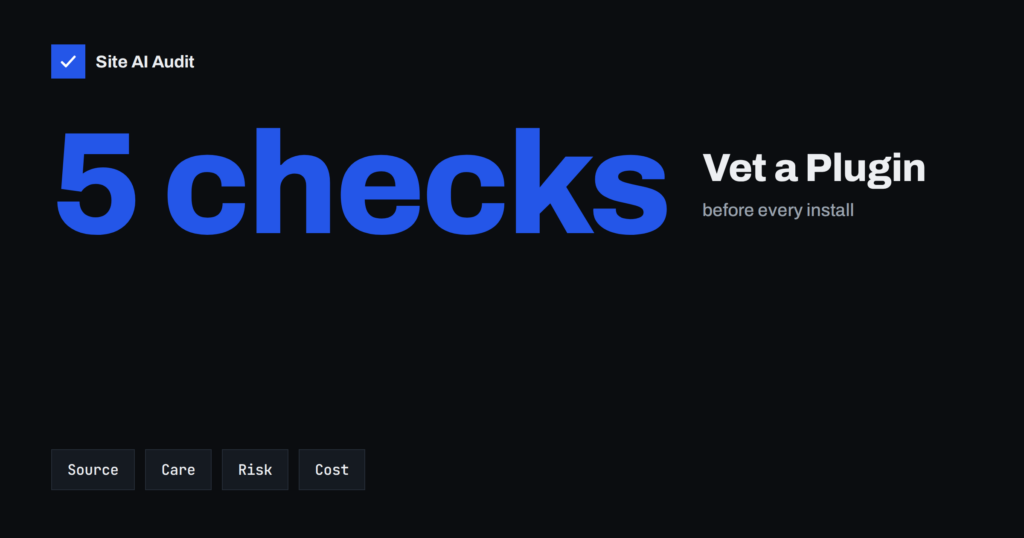
How to Vet a WordPress Plugin Before You Install It
Every plugin adds code that runs on your site. Learn which checks to make before installing one: updates, reviews, known flaws, speed, privacy and…
 ৬ নভে, ২০২৬ · 8 মিনিটে পড়া
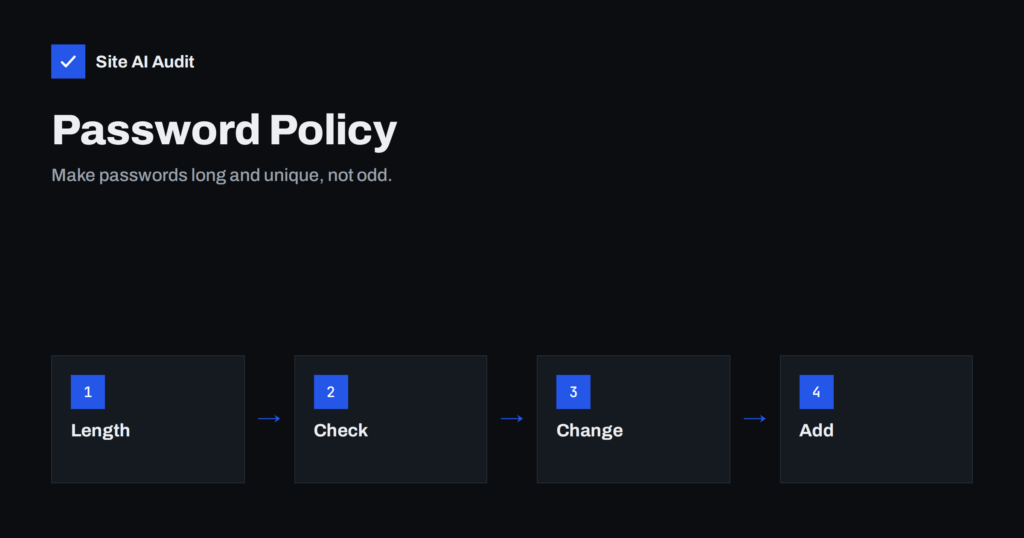
Password Policy: Why Length Beats Complexity Rules
Rules like one capital, one symbol and a change every 90 days often make passwords weaker. Learn what current guidance recommends for a website…
 ৬ নভে, ২০২৬ · 8 মিনিটে পড়া
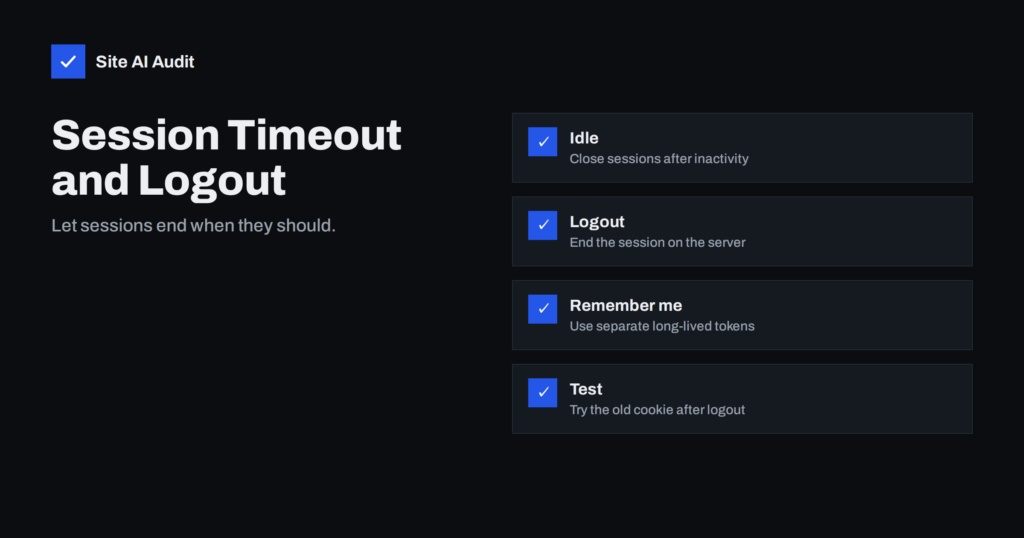
Session Timeout and Logout: How to End Sessions Safely
A login that never ends is a risk on shared and stolen devices. Learn how idle timeouts, safe logout and server-side sessions protect users…
 ৫ নভে, ২০২৬ · 8 মিনিটে পড়া
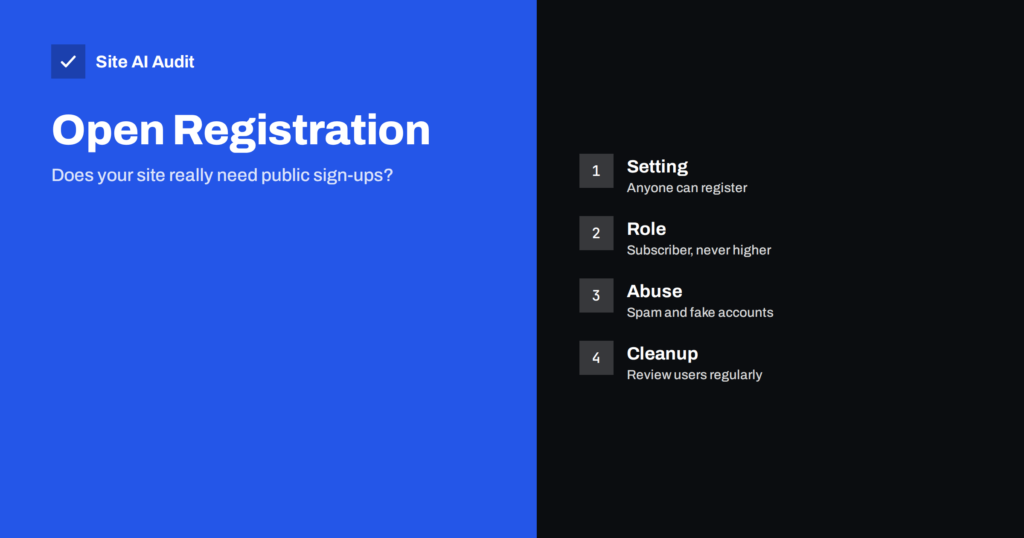
WordPress Open Registration: Spam Accounts and Default Roles
Open sign-ups invite spam accounts and widen your attack surface. Learn how to check the WordPress setting, choose a safe default role and clean…
 ৫ নভে, ২০২৬ · 8 মিনিটে পড়া
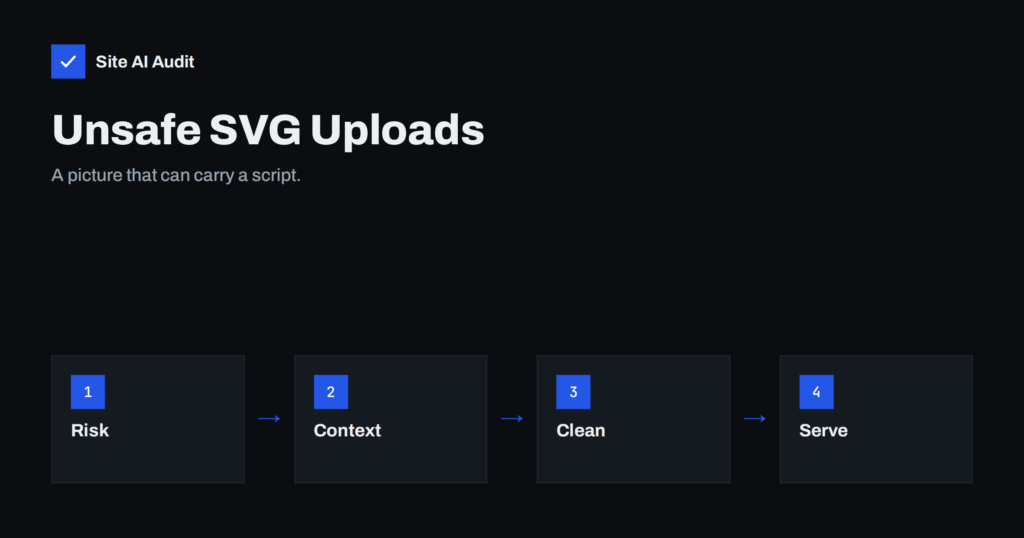
Unsafe SVG Uploads: When an Image File Can Run Code
SVG looks like a picture but is really code. Learn how malicious SVG uploads run scripts, which sites are exposed and how to accept…
 ৩ নভে, ২০২৬ · 8 মিনিটে পড়া
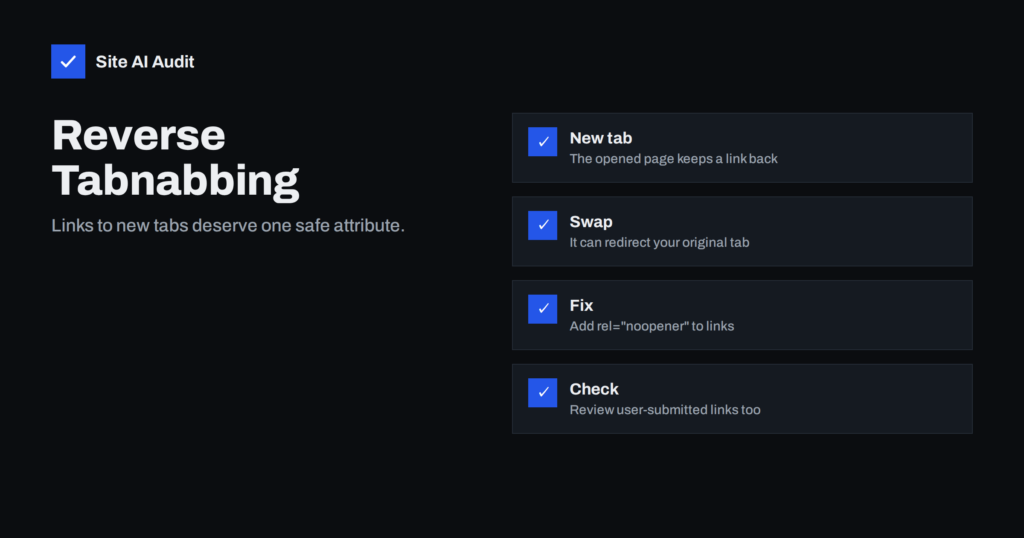
Reverse Tabnabbing: Why target=_blank Links Need noopener
Links that open in a new tab can let the new page tamper with the old one. Learn how reverse tabnabbing works, where it…
 ১ নভে, ২০২৬ · 8 মিনিটে পড়া
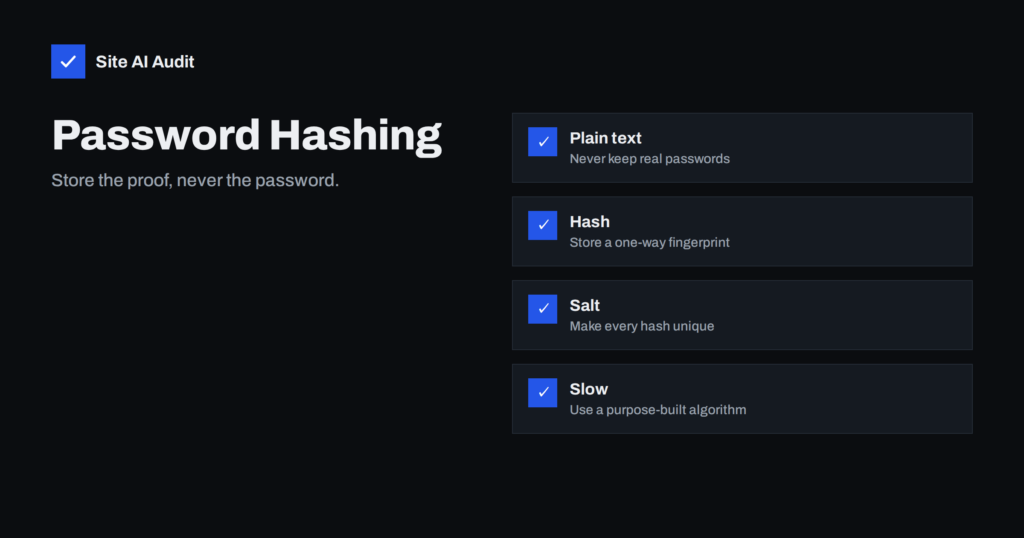
How Websites Should Store Passwords: Hashing Explained
Websites should never keep passwords as plain text. Learn what hashing and salting are, which algorithms are recommended and how to check your own…
 ৩০ অক্টো, ২০২৬ · 8 মিনিটে পড়া
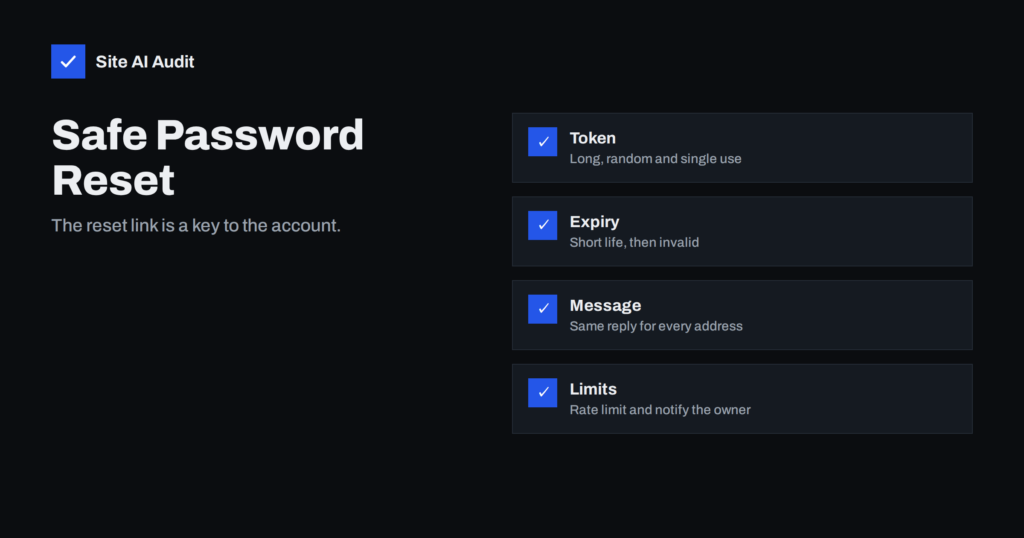
Password Reset Flaws: Tokens, Links and Account Takeover
A weak password reset feature lets attackers take over accounts without guessing a password. See the common flaws and how to design a safe…
 ২৯ অক্টো, ২০২৬ · 8 মিনিটে পড়া
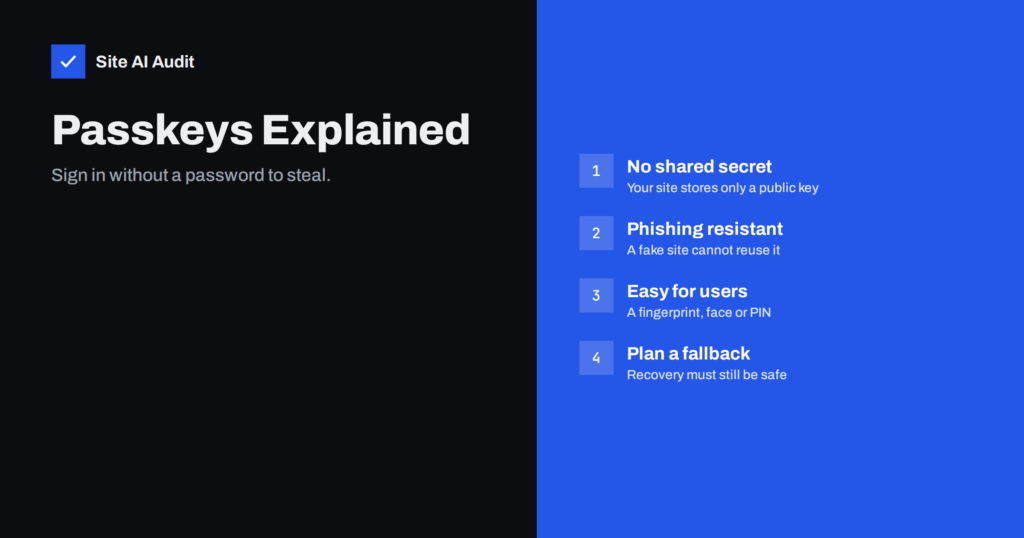
Passkeys for Website Logins: Passwordless Sign-In Explained
Passkeys replace passwords with a key pair stored on the user's device. See how they work, why they resist phishing, and how to roll…
 ২৮ অক্টো, ২০২৬ · 8 মিনিটে পড়া
Restrict Your Admin Area by IP or Password Prompt
Anyone on the internet can reach your login page. Learn how an IP allowlist or an extra password prompt shields the admin area, and…