 ENEnglish
 LTLietuviškai
 DEDeutsch
 FRFrançais
 RUРусский
 ESEspañol
 PLPolski
 ITItaliano
 UKУкраїнська
 CSČeština
 PTPortuguês
 JA日本語
 LVLatviešu valoda
 ETEesti
 HUMagyar
 IDBahasa Indonesia
 TRTürkçe
 HIहिन्दी
 ELΕλληνικά
 ARالعربية
 THไทย
 VITiếng Việt
 RORomână
 MSBahasa Melayu
 BNবাংলা
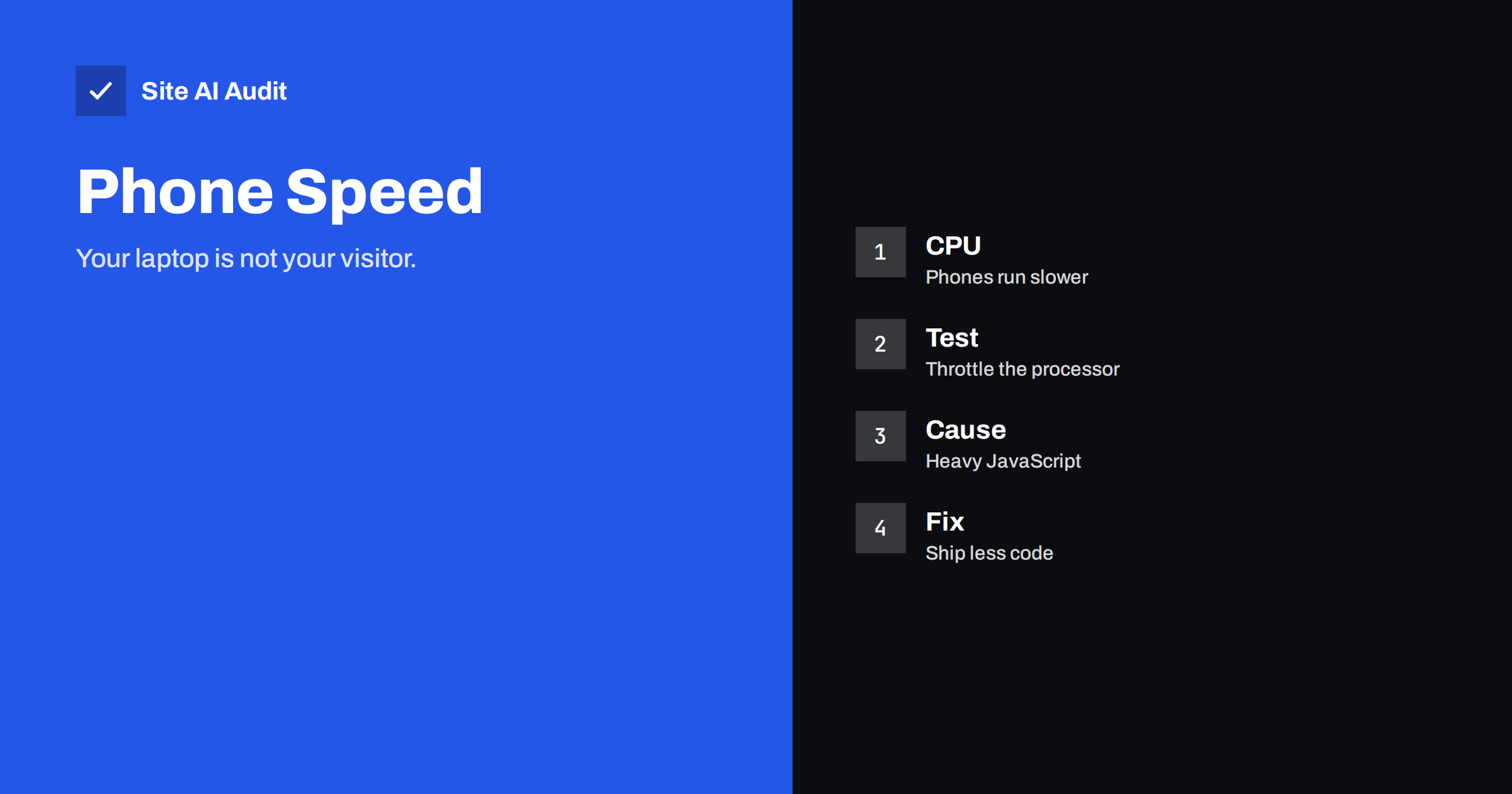
Short answer: Visitors on phones often have processors several times slower than the laptop you build on, and they run on batteries that limit performance further. Network speed is only half of the story: JavaScript must be downloaded, parsed and executed, and on a mid-range phone that can take seconds. Test with CPU throttling and a real device, and reduce the amount of script, especially from third parties.
Why a phone is not a small laptop
Developers and owners usually view their website on a fast computer with a good connection. That machine has a powerful processor, plenty of memory and active cooling. The typical visitor holds a phone that may be three or four years old, sold in the middle of the price range, with a processor designed to save power. Under sustained load the phone also heats up and reduces its own speed. The difference between the two can be a factor of four to six or more for the same JavaScript.
This matters because modern pages are not only documents. They run programs: menus, sliders, tracking, consent banners, chat widgets and sometimes whole applications. Each program needs processor time before the page responds. A page that downloads quickly can still feel slow, because the processor is busy.
What the processor must do
- Parse and build the page. The browser turns HTML and CSS into a structure and calculates layout.
- Download, parse and compile scripts. Large scripts take time before they run at all.
- Run the scripts. They set up menus, load data, attach events and sometimes change the page.
- Draw and update. The result is painted on the screen and repainted when something changes.
All of this happens largely on one main thread, which also handles taps and scrolling. While it is busy, the page cannot respond. That is what visitors experience as lag, and it is what the metric interaction to next paint measures, as described in the article on INP. The related problem of tasks that block the thread is covered in long tasks and main thread work.
Signs that the processor is the problem
- The page appears quickly, but buttons do not respond for a second or more.
- Scrolling stutters while scripts run in the background.
- The performance report shows a long time spent on scripting and little on the network.
- Total blocking time is high, see total blocking time.
- Reviews or support messages mention that the site is slow on a phone, although it is fast on a computer.
How to test it properly
The most honest test is a real phone, ideally an inexpensive model, not your own. Borrow one, load the key pages, tap the menu, open a product and try the checkout. If that is not possible, you can simulate part of the effect:
- Open the developer tools of your browser and go to the performance panel.
- Turn on CPU throttling, for example four times or six times slower, and also throttle the network to a mobile profile.
- Record a page load and look at the main thread. Long blocks of scripting stand out as wide bars.
- Repeat the test after each change, using the same settings, so that the numbers can be compared.
Simulation is only an approximation. Real devices differ in memory, heat and background activity, but throttling is good enough to find the worst problems. Tools for speed testing use similar slowed-down settings, as the comparison of speed test tools shows, and the guide to reading PageSpeed Insights explains the lab numbers. Field data from real users, described in field data, shows how common devices behave on your site.
What usually causes the load
- Third-party scripts. Advertising, analytics, chat, review and social widgets often take more processor time than the site itself. See third-party scripts.
- Large JavaScript bundles. Libraries and frameworks loaded for features that appear on only a few pages. See unused JavaScript.
- Heavy page builders and plugins. Many add scripts and styles to every page. See page builders and performance.
- Large DOM. Thousands of elements make layout and updates slow, see excessive DOM size.
- Animations and effects that run on every scroll, such as parallax and sticky headers with complex calculations.
- Sliders, popups and consent tools that start work as soon as the page loads.
What to do about it
- Ship less. The fastest script is the one that is not loaded. Remove tools nobody uses and features that no one visits.
- Load on demand. Delay non-essential scripts until the visitor interacts or until the browser is idle, see defer and async.
- Split the code. Load a script only on the pages that need it.
- Move work off the main thread where you can, for example by running third-party code in a separate worker, see offloading third-party scripts.
- Prefer CSS to script for simple effects such as hover states and basic animations.
- Keep the page simple. Fewer elements and fewer effects help every device, not only slow ones.
Pay attention to the order in which things load. If the processor is the bottleneck, starting everything at once makes it worse, because tasks compete with each other and the most important one finishes late. A better pattern is to let the main content appear first, then start the features that visitors need soonest, such as the menu and the search box, and leave everything else until the page is idle. Visitors judge speed by when they can read and tap, not by when the last tracker has finished. Many sites improve their experience simply by changing the order and leaving the total amount of code the same.
Memory is another limit that phones hit sooner than laptops. A page with many large images, long lists or scripts that keep growing data in memory can force the browser to discard parts of it or reload the page, which feels like a crash. Watch for pages that become slower the longer they stay open, a sign of memory growing without limit. Long product lists with infinite scrolling are a typical case: after a few minutes of browsing, a low-end phone can become sluggish, although the page started fast.
Set a realistic target
Do not aim for a perfect result on a phone that does not exist. Pick a reference device or throttling level that represents your typical visitor. Check your analytics for the device types and screen sizes of your visitors, and use a throttling level that matches the slower end of that group. Then set a modest goal: the page is usable within a few seconds, taps respond within a fraction of a second, and nothing important depends on a heavy script. A performance budget helps hold the line, as performance budgets describes.
A worked example
A restaurant’s website loads in two seconds on the owner’s laptop. Customers complain that the menu button does nothing for a while on their phones. The owner tests with a mid-range phone and with six-times CPU throttling, and sees that the main thread is blocked for almost four seconds after the page appears. The recording shows three culprits: a booking widget, a chat tool and a slider on the home page that nobody has used for a year. The owner removes the slider, delays the chat tool until the visitor scrolls and loads the booking widget only on the booking page. The blocked time falls to under a second, and the menu responds at once. No server was changed, and no new hosting was bought. The improvement came from sending less work to a processor that could not handle it.
Share the findings in a form that non-technical colleagues understand. A short screen recording of the same page on a laptop and on a throttled phone side by side is more persuasive than any number. People who see the menu freeze for three seconds understand at once why a script that “only takes a moment” matters. It also helps to repeat the test after a redesign or after a marketing tool is added, because each new script adds to the load. A five-minute check before launch is far cheaper than discovering the problem from lost enquiries.
Measure your own site
An audit shows how your site performs on mobile, including Core Web Vitals measured by Google. Run a free check with Site AI Audit and look at the speed score and findings.
Related reading
- Why Your Website Is Slow on Mobile and How to Fix It
- Test Website Speed on Slow Connections and Real Phones
- Website Speed Checklist: 30 Checks Before and After Launch
- JavaScript SEO Basics: Can Google See Your Content?
The bottom line
A fast network does not make a fast page if the phone’s processor is overloaded. Test with throttling and a real device, find the scripts that keep the main thread busy and remove, delay or split them. Less code is the most reliable speed-up there is.
FAQ
Is the phone slow because of the network or the processor?
Both can be the cause. If the page is downloaded quickly but still unresponsive, look at JavaScript and main thread work.
How much CPU throttling should I use?
Four times is a common starting point for mid-range phones and six times for low-end devices. Choose what matches your visitors.
Does CPU speed affect SEO?
Indirectly. Responsiveness feeds into the page experience metrics, and slow, frustrating pages lose visitors.
Are simulations enough?
They find the big problems. For final confirmation, test on at least one real mid-range phone.
Should I remove all third-party scripts?
No, but each one should earn its place. Measure its cost and delay or remove those that give little value.


