 ENEnglish
 LTLietuviškai
 DEDeutsch
 FRFrançais
 RUРусский
 ESEspañol
 PLPolski
 ITItaliano
 UKУкраїнська
 CSČeština
 PTPortuguês
 JA日本語
 LVLatviešu valoda
 ETEesti
 HUMagyar
 IDBahasa Indonesia
 TRTürkçe
 HIहिन्दी
 ELΕλληνικά
 ARالعربية
 THไทย
 VITiếng Việt
 RORomână
 MSBahasa Melayu
 BNবাংলা
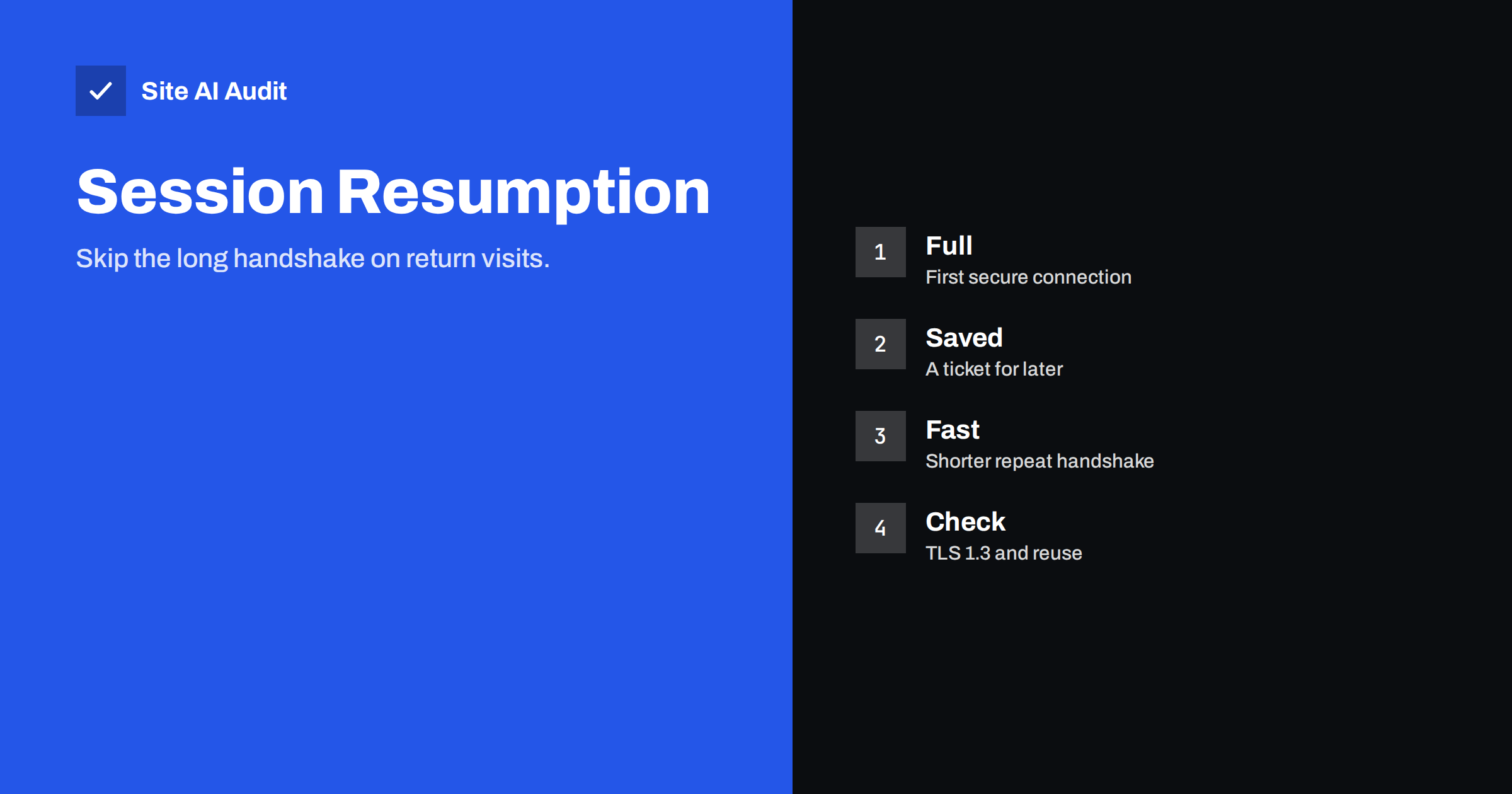
Short answer: Before a browser can load anything over HTTPS, it must agree on encryption with the server in a handshake, and each round trip costs time. TLS session resumption lets a returning browser reuse earlier secrets, so the next handshake is shorter. Together with TLS 1.3, connection reuse and a nearby server, it trims the time before the first byte, which helps most on slow mobile networks.
What the TLS handshake does
When you open a secure page, the browser does several things before it sends the request for the page. It finds the server address through DNS, opens a TCP connection, and then runs the TLS handshake. In the handshake the server proves its identity with a certificate, and both sides agree on keys that protect the rest of the conversation. Only then does the browser send its request.
Each of these steps needs messages to travel to the server and back. The round trip time depends on distance and network quality. On a fast fibre line to a nearby server it may be a few milliseconds. On a mobile network far from the server it can be 100 milliseconds or more per round trip. A handshake that needs two round trips is therefore noticeable, and it happens for every new connection, including connections to other domains for scripts, fonts and images.
What session resumption means
If a browser has already had a secure conversation with a server, both sides can keep some of the information from it. Next time, instead of repeating the complete negotiation, the browser presents a token or an identifier from the earlier session. The server recognises it, they restore the shared secret and continue with a shorter exchange. The certificate checks and the full key negotiation are skipped.
There are two main ways to do this:
- Session IDs. The server stores the session and gives the browser an identifier. It needs memory on the server and, with several servers, a shared store.
- Session tickets. The server wraps the session state in an encrypted ticket and gives it to the browser to keep. The server need not store anything, but it must protect and rotate the key that encrypts tickets.
In TLS 1.3, resumption uses pre-shared keys, which is the same idea built into a faster protocol. The browser can even send application data together with its first message in some cases, known as 0-RTT or early data, which saves a further round trip but comes with a security trade-off described below.
Why TLS 1.3 helps
The older TLS 1.2 protocol normally needs two round trips for a full handshake. TLS 1.3 needs one, and it removes obsolete features. This improvement works for every first visit, even without resumption. If your server still uses only TLS 1.2, enabling 1.3 is one of the simplest speed gains, as the guide to enabling TLS 1.3 explains. At the same time, you should disable the very old versions, see disabling TLS 1.0 and 1.1.
Early data and its risk
With 0-RTT, a returning browser sends the first request together with the resumption message, so the server can respond after no extra round trip. The price is that early data can be replayed by an attacker who copies the message, so the server might process the same request twice. Because of this, early data should only be accepted for requests that are safe to repeat, such as simple page reads, and never for actions that change something, like payments. Many servers keep it off by default. If you enable it, read the documentation, restrict it to safe methods and test carefully. For most small sites the gain is small, and the safe choice is to leave it off.
Other ways to avoid handshakes
- Reuse connections. With keep-alive and HTTP/2, one connection can carry many requests, so only the first pays the handshake. See connection reuse and HTTP/2 and HTTP/3.
- Use fewer domains. Every extra domain needs its own DNS lookup, connection and handshake. The article on preload, preconnect and prefetch shows how to warm up connections that you must keep.
- Serve from a nearby location. A content delivery network ends the handshake close to the visitor. See whether you need a CDN.
- Enable OCSP stapling. This lets the server provide proof that the certificate is valid, so the browser need not ask the issuer. See OCSP stapling.
- Use smaller certificate chains and efficient keys. A shorter chain means fewer bytes to send, and elliptic curve keys are lighter than large RSA keys. See ECDSA and RSA certificates and the guide on incomplete chains.
How to check your server
- Use an SSL test service. It reports the protocol versions supported, whether session resumption works through IDs and tickets, and whether early data is on.
- Use command-line tools. OpenSSL’s test client can connect twice and show whether the session was reused.
- Look at the connection timing in browser tools. The network panel breaks a request into DNS, connection and TLS time. A long TLS segment on repeated visits suggests resumption is not working.
- Check behind load balancers. If several servers sit behind a balancer, tickets must be readable by all of them, which means sharing the ticket key, or the browser will fall back to full handshakes.
Settings to review
On most web servers, resumption is on by default, but a few settings matter. Check the session cache size and timeout, so that sessions live long enough to help return visitors but not so long that they become a risk. Make sure that ticket keys are rotated regularly, because a stolen long-lived key could let an attacker decrypt recorded traffic, which would weaken forward secrecy. The article on cipher suites and forward secrecy explains why. If you use a managed host or a CDN, these details are usually handled for you, and you only need to confirm that TLS 1.3 is enabled.
How much time you can save
The saving is measured in round trips, so it depends on the network. For a visitor with a 100 millisecond round trip time, TLS 1.3 removes about one round trip, roughly 100 milliseconds, from the first connection, and resumption can make later connections shorter again. Those gains are modest compared with the effect of large images or heavy scripts, so treat this as polish after the big fixes. They are most valuable for mobile visitors, for pages that load content from several hosts and for sites with many returning visitors.
A worked example: a shop with scripts from many hosts
A small shop loads its own pages from one server, fonts from a second host, a chat widget from a third, analytics from a fourth and a payment script from a fifth. On a mobile connection with a 150 millisecond round trip, each new host costs a DNS lookup, a connection and a handshake. Even with TLS 1.3, five hosts mean several hundred milliseconds of waiting spread over the first seconds of the page. The owner takes three steps. She moves the fonts to her own server, which removes one host. She adds a preconnect hint for the payment script, which the checkout page needs, so that the connection is ready in advance. And she asks the host to confirm that TLS 1.3 and session resumption are on. On the next test the first byte arrives sooner and the page becomes interactive earlier, without any change to the design. The lesson is that connections are a budget, and the cheapest saving is often to open fewer of them.
Common mistakes
- Enabling early data for all requests, including those that change data.
- Using different ticket keys on each server behind a load balancer, so that resumption never works.
- Never rotating ticket keys, which weakens forward secrecy.
- Testing only on a fast office connection, where handshake costs are invisible.
- Spending hours on handshake tuning while large images remain uncompressed.
How Site AI Audit helps
Site AI Audit does not test session resumption or early data. It does check the connection and the SSL certificate, whether the site redirects from HTTP to HTTPS, and how fast the server answers, along with the Google PageSpeed score, Core Web Vitals, compression and page weight. A slow server response on the first request is a hint to look at the handshake and the hosting. The free check covers up to 50 pages and needs no sign-up. You can run a free check of your website or see the plans for re-checks.
Related reading
- TLS 1.3 Explained: Why It Is Faster and How to Enable It
- OCSP Stapling: Faster HTTPS Connections Explained Simply
- HTTP/2 vs HTTP/3: Do They Make Your Website Faster?
- How to Reduce Server Response Time (TTFB) for Faster Pages
The bottom line
Secure connections cost round trips, and resumption, TLS 1.3 and connection reuse remove many of them. Enable TLS 1.3, confirm resumption works, keep early data off unless you need it and reduce the number of separate domains. These steps are cheap, and they help the visitors who have the slowest networks most.
KKK
Does session resumption weaken security?
Not when it is configured well. Keep ticket keys protected and rotated, and keep session lifetimes reasonable.
Is 0-RTT safe?
It carries a replay risk, so it should be limited to requests that are safe to repeat, or left off. Most small sites do not need it.
How do I know if resumption works on my site?
Use an SSL testing tool or connect twice with a command-line client and check whether the second session is reused. Your host can also confirm it.
Do I need to do anything on managed hosting?
Usually little. Confirm that TLS 1.3 is enabled and that you use a CDN or host that supports resumption.
Will this fix a slow website?
It trims a small amount from each new connection. Large images, scripts and slow server code usually matter more, so fix those first.


