 ENEnglish
 LTLietuviškai
 DEDeutsch
 FRFrançais
 RUРусский
 ESEspañol
 PLPolski
 ITItaliano
 UKУкраїнська
 CSČeština
 PTPortuguês
 JA日本語
JA日本語 LVLatviešu valoda
 ETEesti
 HUMagyar
 IDBahasa Indonesia
 TRTürkçe
 HIहिन्दी
 ELΕλληνικά
 ARالعربية
 THไทย
THไทย VITiếng Việt
 RORomână
 MSBahasa Melayu
 BNবাংলা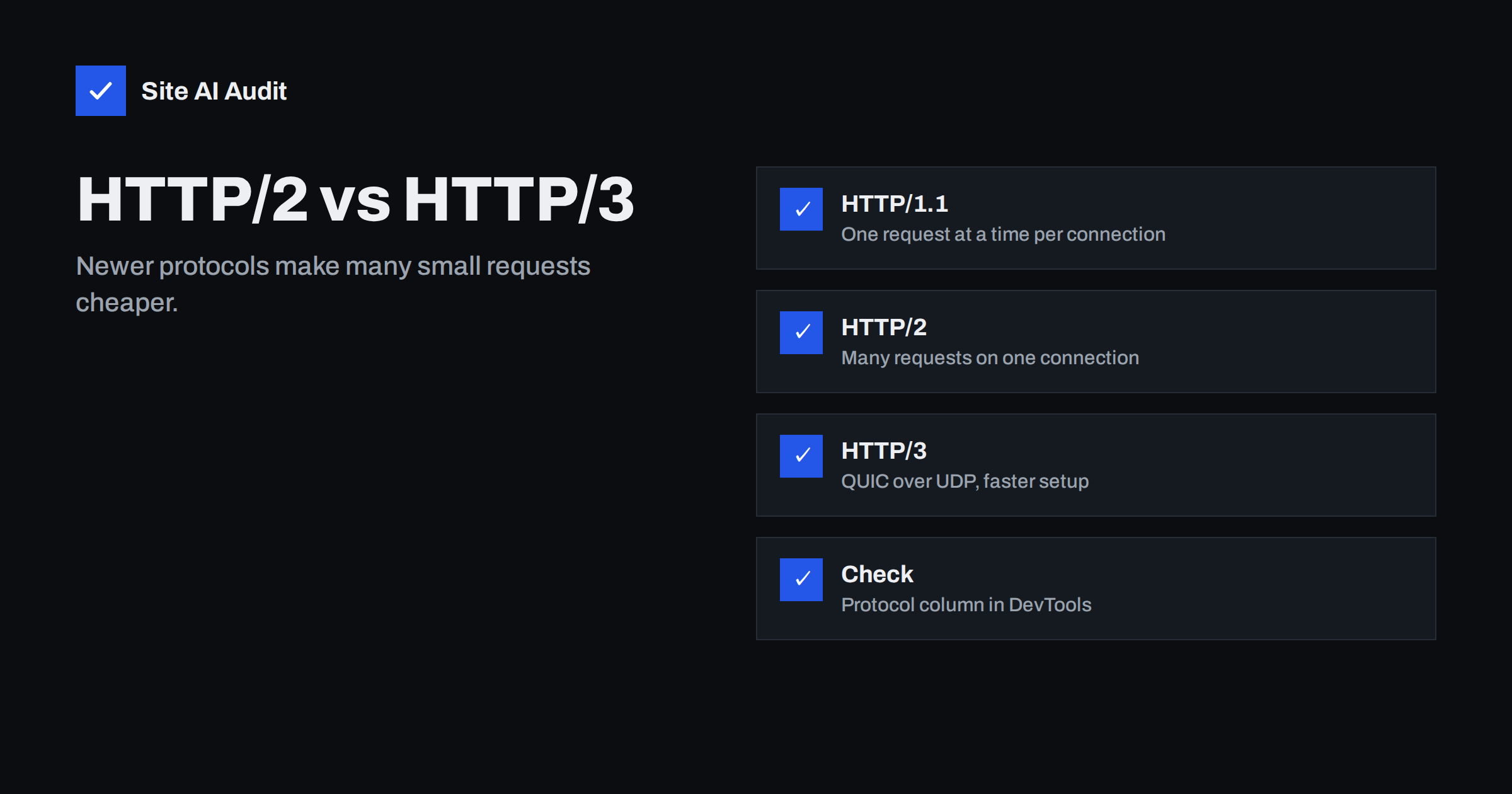
Short answer: HTTP/2 and HTTP/3 are newer versions of the protocol browsers use to fetch web pages. HTTP/2 lets many files travel over a single connection at the same time, which removes the main bottleneck of HTTP/1.1. HTTP/3 runs over QUIC instead of TCP, which makes connection setup faster and handles packet loss on mobile networks better. Both usually make pages load somewhat faster, especially pages with many files and visitors on mobile, but they do not fix heavy images or slow servers. Most good hosts and CDNs support both; you can check which one your site uses in the Protocol column of Chrome DevTools.
Protocol versions sound like something only network engineers need to care about, and in a sense that is true: you do not write any code differently for HTTP/2 or HTTP/3. But the protocol your server speaks affects how quickly every file reaches your visitors, and some older speed advice only makes sense in an HTTP/1.1 world. Knowing which version your site uses helps you decide which optimisations are still worth doing.
The problem with HTTP/1.1
HTTP/1.1, standardised in the late 1990s, can only handle one request at a time on each connection. If the browser needs 60 files, it has to send them in sequence on a handful of parallel connections, typically six per domain. Everything else waits in a queue. This is called head-of-line blocking at the HTTP level.
To work around it, web developers invented techniques that are still recommended in older guides:
- Concatenation: combining many CSS or JavaScript files into one.
- Image sprites: merging small icons into one large image.
- Domain sharding: spreading files across several subdomains to get more parallel connections.
- Inlining: embedding small files directly in HTML.
With HTTP/2 and HTTP/3, some of these workarounds are unnecessary or even harmful.
What HTTP/2 improves
HTTP/2, standardised in 2015, keeps the same meaning of requests and responses but changes how they travel:
- Multiplexing. Many requests and responses share one connection simultaneously, interleaved in small frames. The browser no longer waits for one file to finish before requesting the next.
- Header compression. Repeated headers such as cookies and user agents are compressed with HPACK, which saves bytes on every request.
- Prioritisation. Browsers can signal which resources matter most, although implementations vary.
- One connection per origin. Fewer TCP and TLS handshakes are needed.
In practice, all major browsers support HTTP/2 only over HTTPS, so it goes hand in hand with a valid SSL certificate.
What HTTP/3 adds
HTTP/2 solved queuing at the HTTP level, but it still runs over TCP. TCP delivers data strictly in order, so if one packet is lost, everything behind it on that connection waits until it is re-sent. On unstable mobile networks, this can stall all the files multiplexed on the connection.
HTTP/3, standardised in 2022 as RFC 9114, runs over QUIC, a transport protocol built on UDP:
- No transport-level head-of-line blocking. Each stream is independent, so a lost packet only delays the file it belongs to.
- Faster connection setup. QUIC combines the transport and encryption handshakes, and can resume earlier connections with less delay.
- Connection migration. A connection can survive a change of network, for example from Wi-Fi to mobile data, without starting over.
- Encryption built in. QUIC always uses TLS 1.3.
Browsers usually discover HTTP/3 support through an alt-svc header on an earlier response, then switch for later requests. That means the very first request often still uses HTTP/2.
Comparison
| HTTP/1.1 | HTTP/2 | HTTP/3 | |
|---|---|---|---|
| Transport | TCP | TCP | QUIC over UDP |
| Parallel requests per connection | One at a time | Many (multiplexed) | Many, independent streams |
| Header compression | No | HPACK | QPACK |
| Encryption | Optional | HTTPS in practice | Always (TLS 1.3) |
| Impact of packet loss | Per connection | Stalls all streams on the connection | Only the affected stream |
| Browser support | Universal | All current browsers | All major current browsers |
How much faster will my site be?
It depends on the site and the visitor. The benefit is largest when:
- pages load many separate files, such as images, scripts and stylesheets from the same domain;
- visitors are on mobile networks with higher latency or packet loss;
- visitors are far from your server, so each round trip is expensive.
The benefit is small when pages are dominated by a few very large files, when the server itself is slow to generate HTML, or when most of the load comes from third-party domains that use their own protocols. HTTP/2 and HTTP/3 make delivery more efficient; they do not make a 3 MB image smaller or a slow database query faster.
Which old optimisations to reconsider
- Domain sharding: harmful with HTTP/2, because it forces extra connections and prevents multiplexing. Serve assets from your main domain or one CDN domain.
- Aggressive concatenation: less important. Combining everything into one huge file means any change invalidates the whole cache. Moderate bundling is still fine, and very many tiny files still carry some overhead.
- Image sprites: mostly unnecessary; use SVG icons or individual optimised images.
- Inlining large resources: reduces caching; keep inlining for small critical CSS only.
- Server push: an HTTP/2 feature that let servers send files before they were requested. It was rarely effective and major browsers have removed support. Use preload hints or 103 Early Hints instead.
How to enable HTTP/2 and HTTP/3
- Make sure the site uses HTTPS with a valid certificate; browsers only use these protocols over encrypted connections.
- Check your host. Most modern hosting platforms enable HTTP/2 by default, and many support HTTP/3.
- Use a CDN if your host does not support HTTP/3; many CDNs offer it with a setting.
- On your own server, recent versions of Nginx, Apache (HTTP/2), LiteSpeed and Caddy support the protocols; HTTP/3 also needs UDP port 443 open in the firewall.
- Test afterwards that everything still works, including older clients that fall back to HTTP/1.1.
How to check which protocol your site uses
- Open Chrome DevTools and go to the Network panel.
- Right-click the column headers and enable “Protocol”.
- Reload the page. You will see
h2for HTTP/2,h3for HTTP/3 andhttp/1.1for the old protocol. - Reload once more; if the server advertises HTTP/3, later requests may switch from h2 to h3.
- Check the response headers for
alt-svcadvertising h3.
Common questions from site owners and agencies
Our host says HTTP/2 is enabled, but DevTools shows http/1.1. This usually means a proxy, load balancer or old CDN configuration sits in front of the server and speaks the older protocol to browsers. Check each layer between the visitor and your server. It can also happen when a site is still reachable over plain HTTP, because browsers use HTTP/2 only over HTTPS.
HTTP/3 is enabled, but only some requests use it. That is normal. Browsers learn about HTTP/3 from the alt-svc header on an earlier response and switch for later connections. Some corporate networks block UDP traffic, in which case the browser quietly stays on HTTP/2. No action is needed.
Will switching protocols break anything? Very rarely. Browsers negotiate the best protocol both sides support and fall back automatically. The main practical issue is firewalls that block UDP port 443 on your own server, which simply prevents HTTP/3 from being used. Test forms, logins and payments after any server change anyway, as you would after any configuration update.
What are 103 Early Hints? A newer mechanism where the server sends a short preliminary response listing important files, such as the main stylesheet or hero image, while it is still generating the page. The browser can start fetching them earlier. It replaces the idea behind server push in a simpler, safer way, and some CDNs can generate it for you.
How Site AI Audit helps
Site AI Audit connects to your site at the start of every check, validates the SSL certificate that HTTP/2 and HTTP/3 depend on, and times the server response. It then runs Google PageSpeed for mobile and checks compression and page weight, so you can see whether delivery or the page itself is holding you back. Findings are explained in plain words and ranked by impact. Check your website for free.
Related reading
- How to Reduce Server Response Time (TTFB) for Faster Pages
- Do You Need a CDN? A Plain-Language Guide for Site Owners
- Shared Hosting vs VPS: Which Is Faster for Your Website?
- SSL vs TLS: What Is the Difference and Why It Still Matters
The bottom line
HTTP/2 removed the one-request-at-a-time bottleneck of HTTP/1.1, and HTTP/3 makes connections faster to set up and more robust on unreliable networks. Enable both through your host or CDN, retire HTTP/1.1-era tricks like domain sharding, and check the Protocol column in DevTools. Then keep working on the page itself, because protocols speed up delivery, not heavy content.
KKK
Is HTTP/3 faster than HTTP/2?
Often slightly, particularly on mobile networks with packet loss and for new connections, thanks to faster handshakes and independent streams. On stable, fast connections the difference can be small. It is worth enabling when your host or CDN supports it.
Do I need HTTPS for HTTP/2?
In practice, yes. Browsers only support HTTP/2 over encrypted connections, and HTTP/3 always includes encryption. A valid SSL certificate is a prerequisite.
Should I still combine CSS and JavaScript files?
With HTTP/2 or HTTP/3, combining is less important because many files can load in parallel over one connection. Moderate bundling is still reasonable, but one giant file hurts caching. Removing unused code matters more than combining files.
How do I know if my site uses HTTP/2?
Enable the Protocol column in the Network panel of Chrome DevTools and reload the page. Entries marked h2 use HTTP/2 and h3 use HTTP/3. Online checking tools can also report the supported protocols.
Is HTTP/2 server push still recommended?
No. Server push was rarely effective in practice, and major browsers have removed support for it. Use preload hints or 103 Early Hints to tell the browser about important resources early.


