ENEnglish
 LTLietuviškai
 DEDeutsch
 FRFrançais
 RUРусский
 ESEspañol
 PLPolski
 ITItaliano
 UKУкраїнська
 CSČeština
 PTPortuguês
 JA日本語
JA日本語 LVLatviešu valoda
 ETEesti
 HUMagyar
 IDBahasa Indonesia
 TRTürkçe
 HIहिन्दी
 ELΕλληνικά
 ARالعربية
 THไทย
THไทย VITiếng Việt
 RORomână
 MSBahasa Melayu
 BNবাংলা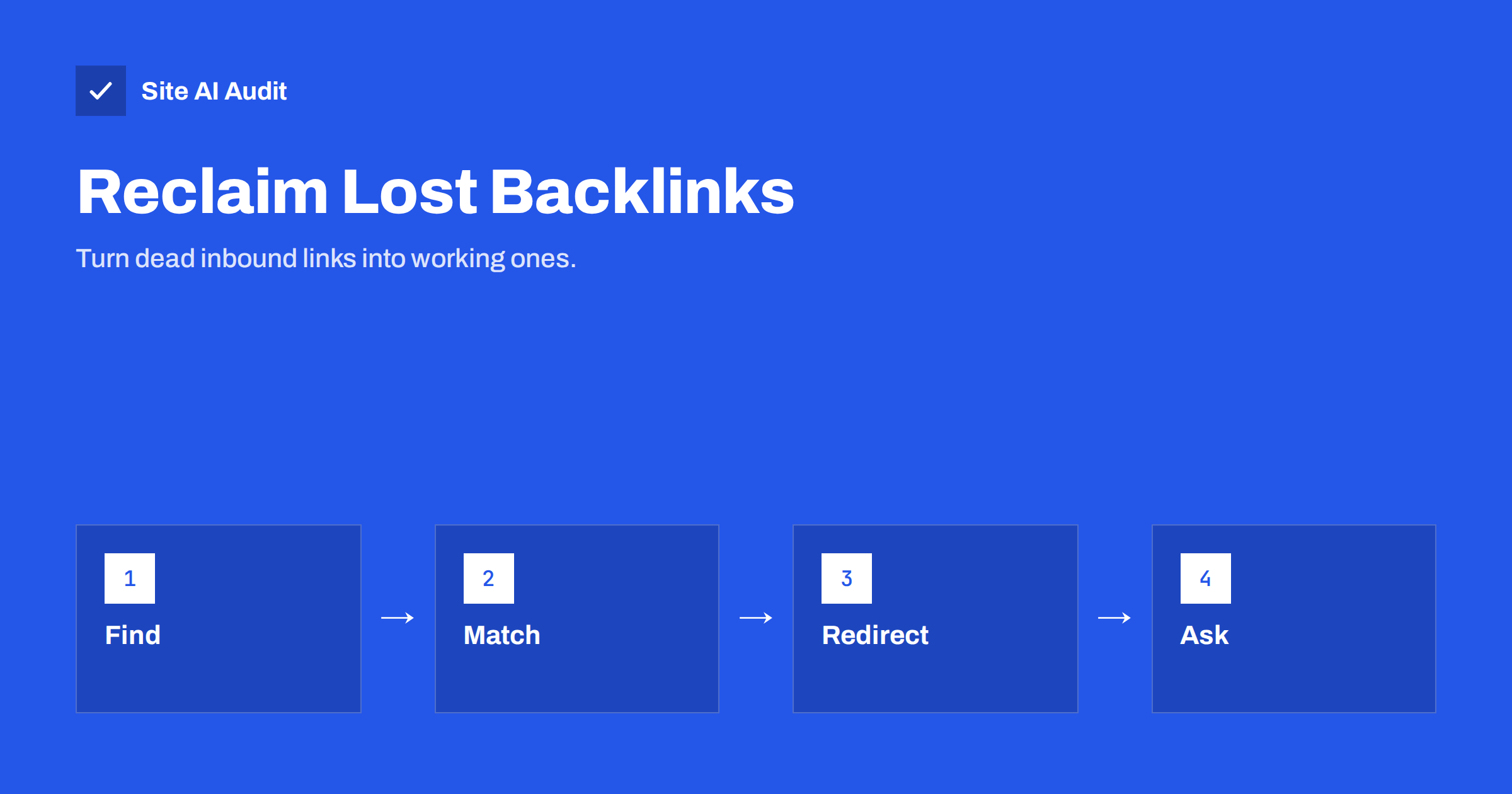
Short answer: When another website links to a page on your site that now returns an error, the value of that link is wasted and visitors who click it see a dead end. You can reclaim it by finding the broken inbound addresses, sending each one with a 301 redirect to the most relevant live page, and asking the other site to correct the link when it is worth the effort. It is one of the cheapest ways to get more from links you already earned.
How backlinks get broken
A backlink is a link from another website to yours. Our guide to backlinks for small business explains why they matter. A backlink breaks when the address it points to stops working, and this happens for ordinary reasons:
- A redesign or migration changed the address structure and the old addresses were not redirected. See our site migration checklist.
- Pages were deleted or renamed without anyone checking whether other sites link to them.
- The other site made a typo, for example a missing letter, an extra character or a wrong ending, so the link never worked.
- A link was copied incorrectly, cutting off the end of a long address, or including a punctuation mark.
- URL settings changed, such as the switch between www and non-www, or the move from HTTP to HTTPS, where redirects were not set up for every path.
The effect is a lost opportunity. The visitor who clicked sees an error page and leaves, and search engines may give less credit to a link that points to a page that does not exist.
Where to find broken inbound links
- Google Search Console, Links report. It lists the pages on your site that receive the most links from other sites. Look at those addresses and check each one. Our guide to the Search Console links report shows how to read it.
- Search Console page indexing report. Pages listed as not found (404) may include addresses that other sites link to. Open an example and see which page refers to it, where Search Console shows that information.
- Your analytics. Look for pages with a title that indicates an error page, with visits from other websites. Those visits are people who followed a broken link.
- Server logs. Filter requests that returned a 404 status and have a referrer from another domain. They show exactly which external pages send visitors to missing addresses. Our article on reading access logs explains the basics.
- A backlink tool. Free and paid tools list your incoming links and mark those that lead to errors, if you have access to one. You can use whichever you prefer; the process stays the same.
Combine the lists, remove duplicates and sort them by the number or quality of linking sites. Start with the addresses that have links from reputable, relevant websites.
Decide where each address should go
For each broken address, ask what the person who clicked wanted. The right target is the closest equivalent on your site: the new version of the same page, a replacement product, the category that now contains it or a related guide. A good redirect keeps the intent of the link.
- The page moved: redirect to its new address.
- The page was merged into another: redirect to the page that now covers the topic.
- The product is gone: redirect to the closest alternative or to the category.
- The address is a typo: redirect to the page that was meant. Check which page the linking text describes.
- Nothing relevant exists: do not force a redirect. Leave it as a proper not found or gone page. Our article on 410 Gone versus 404 describes how to signal that a page was removed on purpose.
Avoid sending every broken link to the home page. Search engines can treat mass redirects to unrelated pages as soft errors, and visitors dislike landing on a page that has nothing to do with what they clicked. See our guide to soft 404 errors for the details.
Set up the redirects correctly
Use a permanent 301 redirect for addresses that will not return, which tells search engines to treat the new address as the replacement. The difference between permanent and temporary redirects is covered in our guide to 301 and 302 redirects. Send each old address straight to its final destination in a single step. Chains of redirects waste time and may lose value, as explained in our article on redirect chains and loops.
On WordPress, a redirect plugin or rules in the server configuration can handle this. For many addresses, a spreadsheet with old and new addresses is the easiest way to manage them, and you can import it into a plugin or turn it into server rules. After you add the rules, test each address with a browser or a header-checking tool and confirm that it returns the right status code and ends on the right page.
For typos that cannot be predicted, a good custom error page also helps. It should explain that the page was not found and offer search and links to key sections, as described in our guide to a custom 404 page.
Ask for the link to be corrected
A redirect rescues most of the value and all of the visitors. Even so, a link that points straight to a working address is slightly better, and it does not depend on you keeping the redirect forever. For links from important or relevant websites, a short polite message to the site owner is worth sending.
- Say where you found the link, with the address of the page that contains it.
- Explain that the address has changed and give the correct one.
- Keep it short, friendly and easy to act on. Thank them for linking to you.
- Do not ask for anything else, and do not pressure anyone. Many people will not reply, and that is acceptable.
Do not worry about how the anchor text reads; leave that choice to the other site. Our guide to anchor text covers why natural wording works best.
Prevent the problem in future
Most broken inbound links come from changes that nobody tracked. Add a few habits to your routine:
- Before deleting or renaming a page, check whether it has external links and visits, and plan a redirect.
- Keep a permanent list of redirects made during redesigns, and do not remove them after a few months. Links on other websites stay for years.
- Check the Search Console links report and your error pages every quarter.
- Keep address structures stable. Short, descriptive and unchanging addresses are better than ones that need redoing every year.
- Check your own internal links too, using our guide to finding and fixing broken links, because internal and inbound problems often appear together.
A short worked example
Suppose a local bakery redesigned its website last year. The old address for the wedding cakes page was one thing, and the new one is different. A regional wedding blog linked to the old address three years ago, and a local news site linked to the old address of a seasonal offer. Neither link was ever redirected. In Search Console, the bakery sees both addresses among the most linked pages, and both return not found.
The owner redirects the old wedding cakes address to the new wedding cakes page, and the seasonal offer address to the current offers page. Then she writes two short messages to the site owners, with the correct addresses. Within a few weeks, the blog corrects the link, while the news site does not reply, and the redirect keeps working for it. Visitors from both sites now reach a useful page, and the bakery has recovered links that took years to earn, for a few hours of work. The same routine works for any business with a history of changes.
How Site AI Audit helps
Site AI Audit crawls up to 50 pages on the free check and reports broken links, redirects and chains, so you can see which pages on your site return errors or are reached through long redirects. It looks at your site from the inside and does not list links from other websites, so use Search Console, your logs or a backlink tool to find inbound links. You can run a free check of your website or see the plans.
Related reading
- How to Find and Fix Broken Links on Your Website
- 301 or 302? Choosing the Right Redirect for Your Website
- Custom 404 Pages: What a Good Error Page Should Do
- Backlinks for Small Businesses: What Helps and What Hurts
The bottom line
Broken inbound links are links you have already earned and are not benefiting from. Find them in Search Console, your logs and analytics, redirect each to the most relevant live page with a single 301 and ask important sites to update their links. Then change your habits so that new pages never leave a trail of dead addresses behind.
الأسئلة الشائعة
Does a 301 redirect keep the value of a backlink?
Search engines generally pass the value of a link through a permanent redirect to the new address, so redirecting rescues most of the benefit.
Should I redirect all broken addresses to the home page?
No. Redirect each address to the closest relevant page. Mass redirects to unrelated pages confuse visitors and may be treated as soft errors.
How often should I check for broken inbound links?
A quarterly check is enough for most small sites, and always after a redesign, migration or large content cleanup.
Is it worth emailing the linking website?
For links from respected, relevant sites, yes. A short, polite message with the correct address often works, but a redirect already protects most of the value.
What if there is no relevant page to redirect to?
Leave the address as a proper not found or gone page with a helpful error message. A forced redirect to an unrelated page does not help anyone.