 ENEnglish
 LTLietuviškai
 DEDeutsch
 FRFrançais
 RUРусский
 ESEspañol
 PLPolski
 ITItaliano
 UKУкраїнська
 CSČeština
 PTPortuguês
 JA日本語
JA日本語 LVLatviešu valoda
 ETEesti
 HUMagyar
 IDBahasa Indonesia
 TRTürkçe
 HIहिन्दी
 ELΕλληνικά
 ARالعربية
 THไทย
THไทย VITiếng Việt
 RORomână
 MSBahasa Melayu
 BNবাংলা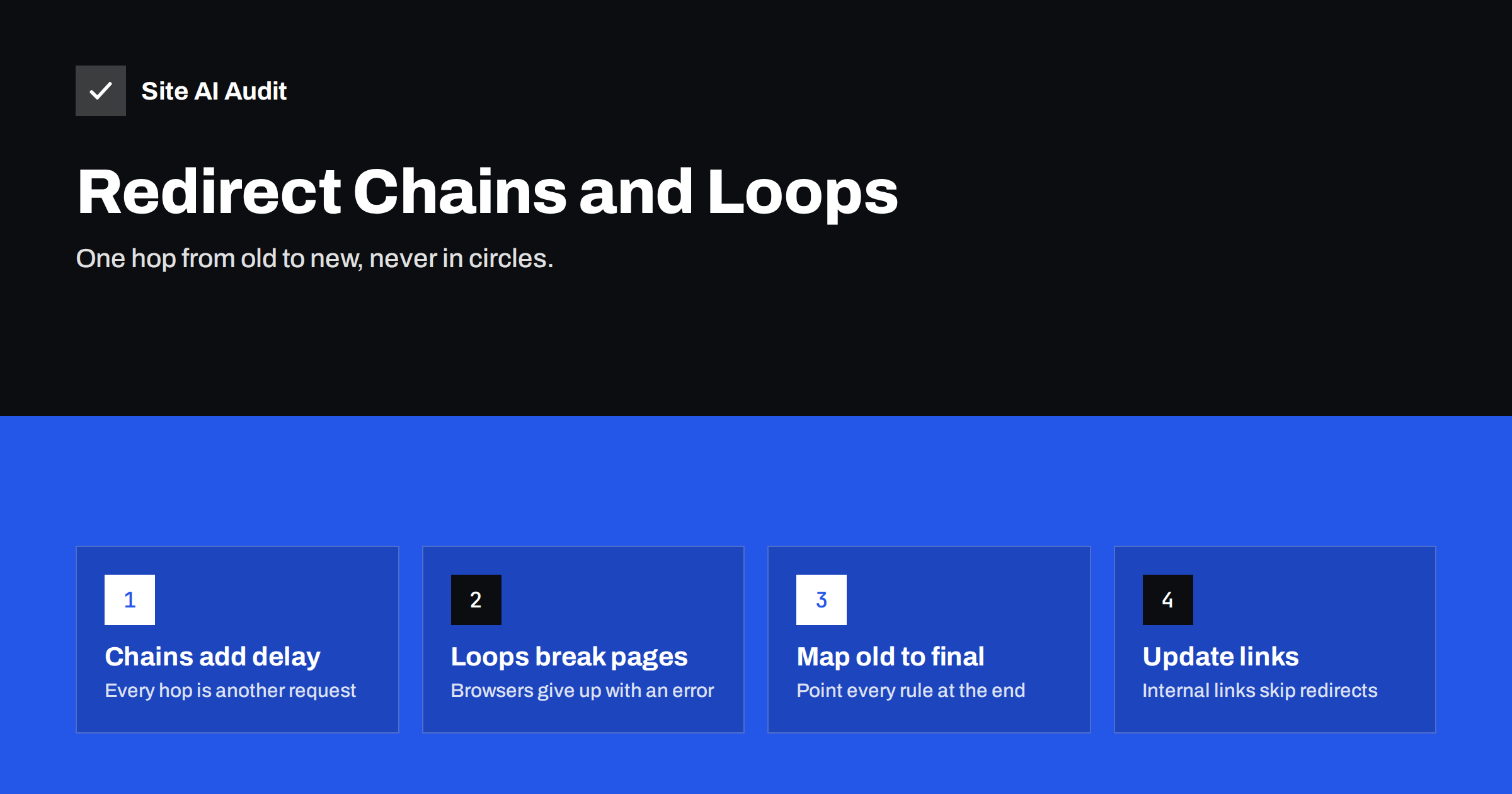
Short answer: A redirect chain is a series of redirects, such as A to B to C, before a visitor reaches the final page. A redirect loop is a chain that never ends because it circles back, such as A to B to A. Chains slow pages down and may not be followed to the end by crawlers; loops make the page completely unreachable. Fix chains by pointing every old URL directly to the final destination and updating internal links, and fix loops by finding the conflicting rules and removing one.
What a redirect chain looks like
Redirect chains rarely appear on purpose. They build up as a website changes over the years. A typical history:
- In 2019, the page lives at
http://example.com/services.html. - The site moves to HTTPS, so
http://redirects tohttps://example.com/services.html. - A new CMS drops the
.htmlending, so that URL redirects tohttps://example.com/services/. - The company decides to use
www, so that redirects tohttps://www.example.com/services/. - Services are split up, and that page redirects to
https://www.example.com/services/bookkeeping/.
Someone following an old link to the original address now goes through four redirects before landing on the page. Each redirect was correct when it was added. Together, they form a chain.
Chains also appear within a single request, for example when the server first redirects HTTP to HTTPS and then a second rule adds www, instead of doing both in one step.
Why redirect chains are a problem
- Slower pages. Each redirect is a full round trip between the browser and the server. On a mobile connection, every hop can add a noticeable delay before the page even starts loading.
- Crawlers may stop early. Google has said that Googlebot follows up to 10 redirect hops in a chain, and recommends keeping chains short, ideally a single hop. Other crawlers and tools may give up sooner. If the chain is too long, the final page is not reached from that URL.
- Diluted signals and slower processing. Search engines need to process each step before they settle on the final URL. Long chains make it slower for them to consolidate links and other signals onto the right page.
- More places to break. If any link in the chain breaks, for example when an intermediate redirect rule is deleted, everything before it ends in an error.
- Harder maintenance. Nobody remembers why each redirect exists, so clean-ups become risky.
What a redirect loop is
A redirect loop happens when redirects point to each other so the final page is never reached. The simplest example: /page-a/ redirects to /page-b/, and /page-b/ redirects back to /page-a/. Browsers detect this after a number of attempts and show an error such as “This page isn’t working – redirected you too many times” (ERR_TOO_MANY_REDIRECTS).
Unlike chains, loops are always serious: the page is unreachable for everyone, including search engines. Common causes include:
- Conflicting HTTPS settings. The server redirects HTTP to HTTPS, while a CDN or proxy in front of it connects to the server over HTTP and the application redirects back. This is one of the most frequent causes after enabling a CDN or SSL.
- Conflicting www rules. The CMS setting says
www, the server configuration says non-www, and each redirects to its preferred version. - Trailing slash conflicts. One rule adds a slash, another removes it.
- Plugin conflicts. Two redirect or SEO plugins with opposing rules for the same URL.
- Redirect rules that match their own target. A broad pattern such as “redirect everything under /shop/ to /shop/new/” also matches
/shop/new/itself. - Cookie or login logic. A page redirects to login, and the login page redirects back because it believes the user is already logged in.
How to find chains and loops
For a single URL, use one of these quick methods:
- Command line:
curl -sIL http://example.com/old-page/prints the headers of every hop, with the status code andLocationof each. - Browser developer tools: open the Network tab, enable “Preserve log”, and load the URL. Each redirect appears as a separate request with a 301, 302, 307 or 308 status.
- Online redirect checkers show the full path from start to finish.
For a whole site, use a crawler. It reports internal links that point to redirects, the number of hops each one takes, and any loops. Also check:
- the URLs in your XML sitemap, which should all return 200 without redirecting;
- canonical tags, which should point to final URLs;
- old URLs that still receive traffic or links, found in Search Console or analytics;
- the four basic variants of your home page:
http://andhttps://, with and withoutwww. Each should reach the final version in one hop.
How to fix redirect chains
- List every chain with its starting URL, each hop and the final destination.
- Update the redirect rules so each starting URL points directly to the final destination. In the example above,
http://example.com/services.htmlshould redirect straight tohttps://www.example.com/services/bookkeeping/. Keep the intermediate URLs redirecting to the final page too, because they may also have links. - Combine protocol and host rules. Configure the server so a request to
http://example.com/goes tohttps://www.example.com/in one redirect, not two. - Update internal links. Menus, footers, content, canonical tags and the sitemap should all use the final URLs, so visitors and crawlers never hit a redirect from inside your own site.
- Ask for key external links to be updated. If an important partner or directory links to an old URL, a quick e-mail asking them to update the link removes the chain at the source.
- Re-test. Crawl again and check a few old URLs by hand.
Example: flattening a chain
Here is how the redirect rules from the earlier example look before and after flattening. Every old address now leads to the final page in a single step:
| Old URL | Before (next hop) | After (final destination) |
|---|---|---|
| http://example.com/services.html | https://example.com/services.html | https://www.example.com/services/bookkeeping/ |
| https://example.com/services.html | https://example.com/services/ | https://www.example.com/services/bookkeeping/ |
| https://example.com/services/ | https://www.example.com/services/ | https://www.example.com/services/bookkeeping/ |
| https://www.example.com/services/ | https://www.example.com/services/bookkeeping/ | unchanged, already one hop |
Nothing is removed. Each rule simply points further, to the page that exists today.
How to fix redirect loops
- Identify the loop. Trace the URL with curl or developer tools to see which addresses repeat.
- Find where each redirect comes from. It could be the server configuration (such as .htaccess or nginx rules), the CMS settings, a plugin, the CDN or the hosting control panel. Check each layer; loops usually come from two layers disagreeing.
- Decide on one source of truth. For example, let the CDN or server handle HTTP to HTTPS and www, and remove the same logic from the CMS or plugin.
- Check SSL mode on CDNs. If a CDN connects to your server with HTTP while your server forces HTTPS, switch the CDN to a mode that connects over HTTPS, with a valid certificate on the server.
- Clear caches. Browsers cache 301 redirects. After fixing, test in a private window or with curl, and purge CDN and plugin caches.
Always make a backup of configuration files before editing them. A typo in server redirect rules can take the whole site offline.
Preventing chains in the future
- Keep a redirect map. A simple spreadsheet with old URL, new URL, date and reason makes it easy to update older rules when a page moves again.
- When a page moves a second time, update all existing redirects that point to its previous address, not just add a new one.
- Manage redirects in one place. Choose the server, the CMS or a single plugin, not all three.
- Plan migrations with a full mapping from every old URL to its final new URL, and test it before launch.
- Re-crawl after changes to catch new chains early.
How Site AI Audit helps
Site AI Audit follows links through your site the way a search engine does and reports broken links and redirects in its SEO section, along with the pages where they appear. Its first step also checks the connection and SSL setup of your site, which is where many loops begin. Findings are explained in plain words with a fix for each. Start a free check, and see the plans if you want to re-check after every fix.
Related reading
- 301 vs 302 Redirects: Which One to Use and When
- How to Redirect HTTP to HTTPS the Right Way (Without Loops)
- How to Find and Fix Broken Links on Your Website
The bottom line
Redirect chains are the slow build-up of years of site changes; loops are conflicts between systems that each think they are in charge. Point every old URL straight to its final destination, make internal links, sitemaps and canonicals use final URLs, handle protocol and host redirects in one step, and manage redirects in one place. Test with curl or a crawler after every change.
الأسئلة الشائعة
How many redirects in a chain are too many?
Ideally one. Googlebot follows up to 10 hops, but every extra hop adds delay and risk. Aim for a single redirect from any old URL to its final page.
What causes the “too many redirects” error?
A redirect loop, where URLs redirect to each other and never reach a page. It is often caused by conflicting HTTPS or www settings between the server, the CMS and a CDN.
Do redirect chains hurt SEO?
Short chains are processed without major harm, but they slow pages down and delay consolidation of signals. Long chains may not be followed to the end. Shortening them is a simple improvement.
Should I remove old redirects to clean up?
Not if the old URLs still get visits or have links. Instead, update old redirects to point straight to the final URL. Removing them turns old links into errors.
Why does the loop only happen for some visitors?
Cached redirects, cookies and login state can make loops appear only for some browsers or users. Test in a private window and with curl to see the behaviour without cached data.


