 ENEnglish
 LTLietuviškai
 DEDeutsch
 FRFrançais
 RUРусский
 ESEspañol
 PLPolski
 ITItaliano
 UKУкраїнська
 CSČeština
 PTPortuguês
 JA日本語
JA日本語 LVLatviešu valoda
 ETEesti
 HUMagyar
 IDBahasa Indonesia
 TRTürkçe
 HIहिन्दी
 ELΕλληνικά
 ARالعربية
 THไทย
THไทย VITiếng Việt
 RORomână
 MSBahasa Melayu
 BNবাংলা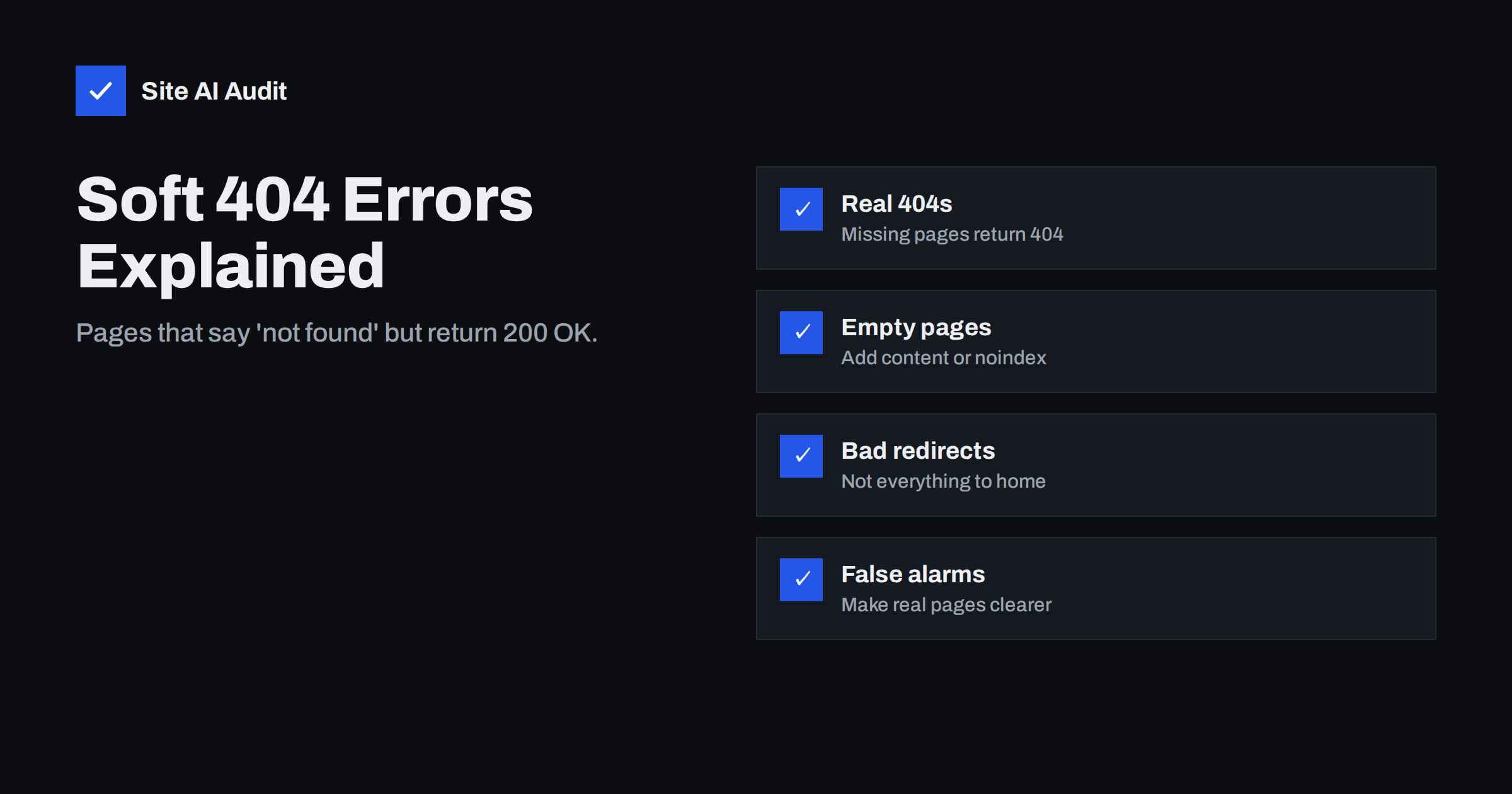
Short answer: A soft 404 is a page that tells visitors it does not exist, or has almost nothing on it, while the server still returns a “200 OK” status code as if everything were fine. Google detects these pages and treats them like errors, so they are not indexed. Fix them by returning a real 404 or 410 for pages that are gone, redirecting only to genuinely equivalent pages, adding real content to thin pages, and making sure valid pages do not look empty to Google.
Hard 404 vs soft 404
Every time a browser or crawler requests a page, the server replies with a status code. Two of them matter here:
- 200 OK means “here is the page you asked for”.
- 404 Not Found means “there is no page at this address”. A 410 Gone means the same, with the added message that it was removed on purpose.
A normal, or “hard”, 404 is honest: the page is missing and the server says so. That is perfectly fine. Every website has URLs that do not exist, and search engines simply drop them.
A soft 404 is a mismatch. The page content says something like “Sorry, this page could not be found” or “No products match your selection”, but the status code is 200. Search engines receive contradictory signals: the server claims the page is fine, the content says otherwise. Google’s systems look at the content and, when it clearly behaves like an error page, report the URL as “Soft 404” in Search Console and keep it out of the index.
Why soft 404s matter
Soft 404s are not a penalty, but they cause real problems:
- Wasted crawling. Search engines keep requesting URLs that look like valid pages, because the status code says they are. On large sites, this uses crawl capacity that should go to real pages.
- Confusing reports. Missing pages hide among valid ones, making it harder to see what is actually broken.
- Lost pages you care about. Sometimes Google flags a real, valuable page as a soft 404 because it looks empty, for example a category page whose products load only through a script that fails for crawlers. That page will not appear in search until the cause is fixed.
- Poor experience. Visitors land on empty or error-like pages from search results or links.
Common causes of soft 404s
Soft 404s usually come from one of these situations:
- Custom “not found” pages with the wrong status code. The site shows a friendly error page for missing URLs, but the theme or application returns 200 instead of 404. Every non-existent URL then looks like a real page.
- Redirecting missing pages to the home page. Many sites redirect every deleted or unknown URL to the home page. Google usually treats such redirects as soft 404s, because the home page is not a replacement for the specific content that was requested.
- Empty category, tag or search pages. A shop category with zero products, a tag with no posts, or an internal search results page showing “0 results”.
- Out-of-stock or discontinued products whose pages were stripped down to a message like “This product is no longer available”.
- Very thin pages. Pages with little more than a heading, such as placeholder pages created during the build and never filled in.
- Content that fails to load for crawlers. Pages that rely on JavaScript or an API to display their main content, where the request fails or is blocked, so Google sees an almost empty page.
- Expired listings. Job adverts, events, property listings or classified ads that end but keep their URL with a short “expired” note.
How to find soft 404s
The main source is Google Search Console. In the Page indexing report, look for the reason “Soft 404” in the list of pages that are not indexed. Click it to see example URLs, then inspect a few with the URL Inspection tool, including the live test, to see what Google receives.
You can also test your site’s error handling directly:
- Visit a URL that certainly does not exist, such as
/this-page-does-not-exist-123/. - Check the status code with your browser’s developer tools (Network tab) or with
curl -I. - If the page says “not found” but the status is 200, your whole site produces soft 404s for missing URLs, and the fix belongs in the theme or server configuration.
A site crawl helps too. Pages with very little text, empty categories and URLs that redirect to the home page are candidates worth checking.
How to fix each type
The page really is gone. Return a proper 404 or 410 status. Keep a helpful error page with search and links to main sections, but make sure the status code is correct. In WordPress, this is handled by the theme’s 404 template; a status problem usually means a plugin or custom code is interfering.
The page has a real replacement. Use a 301 redirect to the closest equivalent: a discontinued product to its successor, an old service page to the new version of the same service. The destination should satisfy the same need as the original.
The page has no replacement. Do not redirect it to the home page or a generic category. Let it return 404 or 410. It is better to be honest than to send visitors somewhere irrelevant.
The page is empty for now but will be filled. For an empty category or tag, either add content, such as a useful description and related links, or set it to noindex until it has items. For internal search result pages, noindex is the standard approach.
The product is out of stock. If it will return, keep the full page with its description, specifications and images, clearly mark it as out of stock, and suggest alternatives. If it is permanently discontinued, redirect to a successor or close alternative, or return 404 or 410 if there is none.
The page is valid but Google thinks it is empty. Check the rendered HTML in URL Inspection. If main content is missing, make sure scripts and APIs are not blocked by robots.txt or failing, and consider rendering important content on the server. Add enough text for the page to stand on its own.
Designing a helpful 404 page
Returning a correct 404 does not mean giving visitors a dead end. A good error page:
- keeps the normal site header, menu and footer;
- explains in plain language that the page could not be found;
- offers a search box and links to popular sections, such as main services or categories;
- for shops, suggests best-selling products or current offers;
- gives a way to report a broken link, if you want feedback.
All of this fits on a page that correctly returns a 404 status. Helpfulness and honesty are not in conflict.
False alarms: when Google flags a good page
Occasionally Search Console lists pages as soft 404 that are perfectly valid. It usually happens when a page contains phrases that sound like an error, such as “no results”, “not available” or “page not found”, in prominent positions, or when the main content is very short compared to the template around it.
To help Google classify the page correctly, add more substantive content, move error-like phrases away from the main content if they are not the point of the page, and make sure the main content is present in the rendered HTML. After fixing, use “Validate fix” in the Page indexing report or request indexing for the affected URLs.
How Site AI Audit helps
Site AI Audit crawls your pages and reports broken links, redirects and indexing rules in its SEO section, so you can see where links lead to missing pages or redirect to places they should not. Each finding lists the affected pages with a plain-language fix. Run a free check of up to 50 pages to spot error handling problems early.
Related reading
- How to Find and Fix Broken Links on Your Website
- 301 vs 302 Redirects: Which One to Use and When
- Why Is My Page Not on Google? A Step-by-Step Checklist
The bottom line
A soft 404 is a page that looks like an error but tells the server’s status code that everything is fine. Make missing pages return 404 or 410, redirect only to true equivalents, fill or noindex empty pages, keep out-of-stock product pages useful, and ensure valid pages show their content to crawlers. Honest status codes make your site easier to crawl and your reports easier to trust.
الأسئلة الشائعة
Are soft 404s bad for SEO?
They do not cause a penalty, but they waste crawling, hide real errors and can keep valuable pages out of the index if Google misclassifies them. Fixing them keeps signals clear.
Is it OK to redirect all 404 pages to the home page?
No. Google generally treats mass redirects to the home page as soft 404s, and visitors are confused. Redirect only to closely matching pages and let the rest return 404.
Should I use 404 or 410 for deleted pages?
Both work. A 410 states that removal is permanent and may be processed slightly faster. A 404 is fine for most cases and is what most platforms return by default.
How do I check a page’s status code?
Open the browser’s developer tools, go to the Network tab and reload the page; the first request shows the status. On the command line, curl -I followed by the URL shows it too.
Why does Google call my real page a soft 404?
Usually because the page looks empty or contains error-like wording. Add substantive content, make sure it is visible in the rendered HTML and request reindexing.


