ENEnglish
 LTLietuviškai
 DEDeutsch
 FRFrançais
 RUРусский
 ESEspañol
 PLPolski
 ITItaliano
 UKУкраїнська
 CSČeština
 PTPortuguês
 JA日本語
JA日本語 LVLatviešu valoda
 ETEesti
 HUMagyar
 IDBahasa Indonesia
 TRTürkçe
 HIहिन्दी
 ELΕλληνικά
 ARالعربية
 THไทย
THไทย VITiếng Việt
 RORomână
 MSBahasa Melayu
 BNবাংলা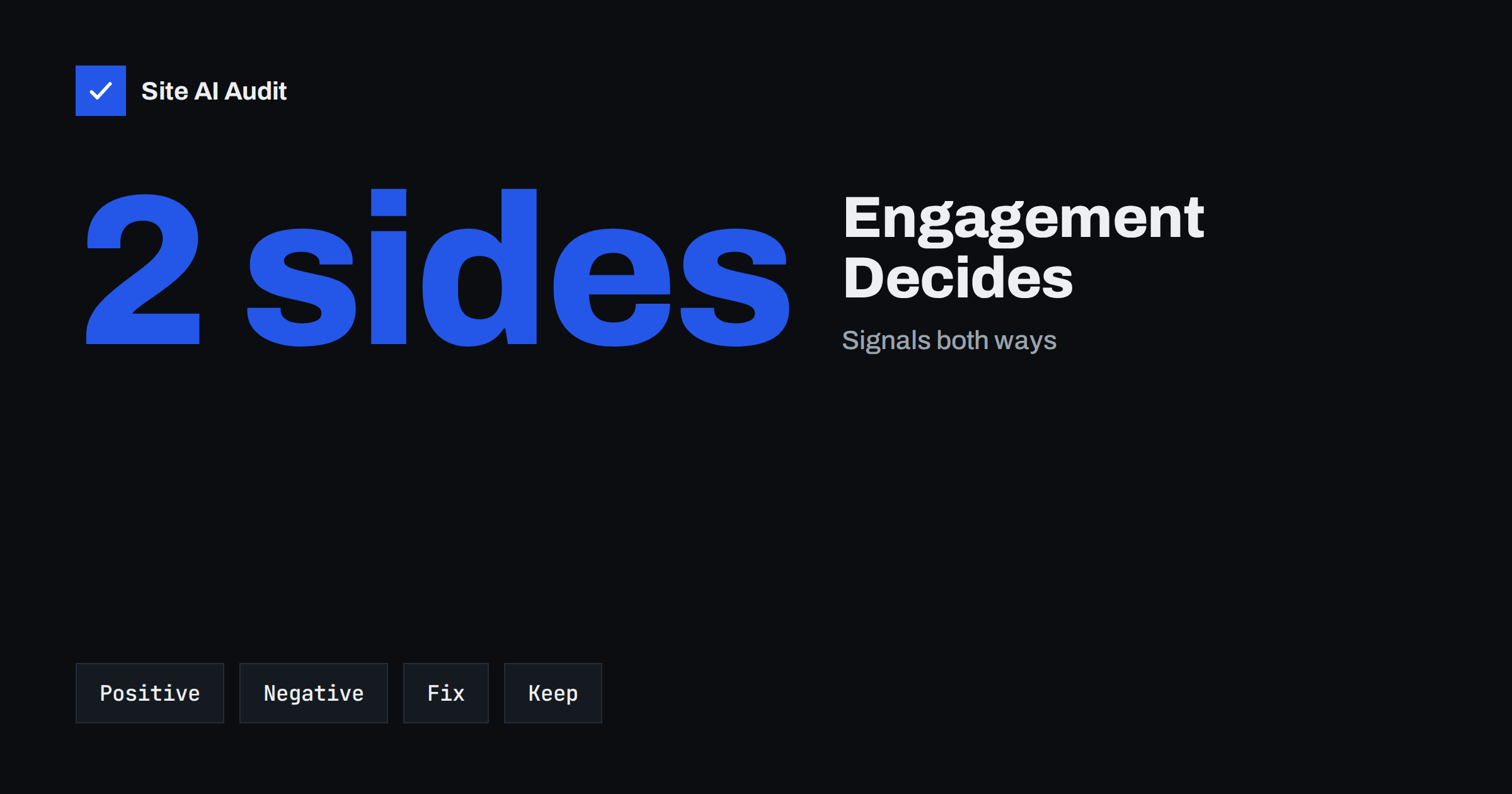
Short answer: Large mailbox providers do not judge email only by technical records. They also watch how recipients treat your messages: whether they open, read, reply, move to a folder or delete without reading, and whether they report spam. Positive engagement improves inbox placement, and negative engagement pushes you towards the spam folder. You improve engagement by sending wanted content to people who asked for it, at a steady pace, and by removing people who no longer respond.
Why engagement matters to mailbox providers
Providers such as Gmail, Outlook and Yahoo serve their own users first. Their goal is that people find useful messages in the inbox and little unwanted mail. Technical checks such as SPF, DKIM and DMARC tell the provider who sent a message. They do not tell whether the message is wanted. For that, the provider looks at the behaviour of its users.
If many recipients read your messages, reply to them or move them to a folder, the provider concludes that your mail is wanted and places it where people will see it. If many recipients ignore the messages, delete them without opening or press the spam button, the provider learns to hide them. This process happens separately for each provider and, in many cases, for each user, so the same message can reach the inbox of one person and the spam folder of another.
Engagement does not replace authentication; it sits on top of it. A sender with failing records is often blocked before behaviour is considered. For the basics, see our guide on what email deliverability is.
Signals that help
- Replies. A reply is among the strongest positive signals, because it shows a real conversation.
- Reading time and repeated opens. A message that is opened and read, not just flashed past, suggests value.
- Clicks on links inside the message.
- Moving the message to a folder, starring it or marking it as important.
- Adding you to the address book or contacts.
- Moving a message from spam back to the inbox, which tells the provider it made a mistake.
- Forwarding to other people.
Signals that hurt
- Pressing the spam button. This is the strongest negative signal. Google publishes guidance for bulk senders to keep reported spam rates very low, below 0.10 percent, and never to reach 0.30 percent. See our guide on how to reduce email spam complaints.
- Deleting without opening. A long run of unread, deleted messages tells the provider that the person does not want them.
- Never opening or never clicking over a long period.
- Unsubscribing in a way the provider can see, which is better than a spam report but still shows the content is not wanted.
- Bounces to addresses that do not exist, which show poor list quality. Our article on spam traps explains an even worse case.
Providers do not publish exact rules, and these signals are weighed in ways that change over time. Treat the list as a guide to what they care about, not as a formula.
Why open rates became less reliable
Many marketers use the open rate as the main measure of engagement. This has become unreliable. Some mail programs pre-load images for privacy, which records an open even though the person has not looked at the message. Our article on Apple Mail Privacy Protection and opens explains the effect. Security software can also click links automatically. If you see a sudden jump in opens, check whether it reflects real behaviour.
More reliable measures are replies, clicks, conversions and unsubscribe and complaint rates. Providers have their own, more precise data, and they do not depend on tracking pixels.
How to improve engagement
- Send only to people who asked. Permission is the base of everything. Confirmed sign-up reduces fake and mistyped addresses; see double and single opt-in.
- Set expectations at sign-up. Say what you will send and how often, then do exactly that.
- Keep a steady rhythm. Sudden jumps in volume or frequency attract attention. If you must grow quickly, follow the steps in our guide on email domain warm-up.
- Write clear subject lines and honest previews. Misleading subject lines raise complaints.
- Make unsubscribing easy. A visible link and the one-click header reduce spam reports.
- Segment your list. Send relevant messages to smaller groups instead of everything to everyone.
- Invite replies. Ask a real question and use a reply address that a person reads.
- Clean the list regularly. See the section below.
Cleaning the list without losing customers
An old list is full of people who stopped reading long ago. Sending to them lowers your engagement and may risk blocklists. A sensible policy removes or pauses inactive subscribers. First define inactivity, for example no click, reply or purchase in the last six months. Then send a short re-engagement series: one or two messages that ask whether the person still wants to hear from you, with a clear button to stay. Those who do not respond are moved out of the regular mailings.
It feels wrong to delete subscribers, because the list looks smaller. But a smaller list of interested people performs better than a large one of ignorers, and the people who matter will still be there. Our email list hygiene guide describes the process in more detail. Keep the removed contacts in a suppression list so that they are never mailed again by mistake.
How to see what providers think of you
You cannot read the minds of mailbox providers, but you can see some of their opinions. Google Postmaster Tools shows reputation, spam rate and authentication results for Gmail recipients if you send enough volume; our Postmaster Tools guide explains how to set it up. Other providers offer feedback loops that report complaints. Your email platform also shows bounces, complaints and unsubscribes.
A practical test is to send a message to a few mailboxes at different providers and check where it lands. Note that tests with your own accounts are biased, because the provider knows you. Use our checklist for how to test email deliverability for better methods. Finally, remember that placement in the Promotions tab is not the same as spam; see Gmail’s Promotions tab.
Sending by engagement level
One practical method is to divide your list by how recently people interacted with you. A first group contains people who clicked, replied or bought in the last 30 to 60 days. A second group holds those who were active in the last six months. A third group is made up of everyone older. Send your regular campaigns to the first group, include the second group at a lower frequency and keep the third group out of normal mailings unless you are running a re-engagement series.
This approach protects your reputation, because the people who see most of your mail are the people who want it. It also gives you cleaner data. When a campaign goes to an engaged group, results show how good the content is, not how old the list is. If you add a new source of subscribers, such as an event or a partner form, keep them in their own group for a few weeks and watch the complaints and bounces before merging them with the rest.
Be careful with large changes. If you move from mailing everyone to mailing only the engaged, your volume drops sharply, and mailbox providers may see a change in pattern. Make the change in steps over several sends, and keep the same sender domain, address and content style so that the history you have built remains useful.
Finally, remember the human side. Engagement is not a trick that can be forced with clever subject lines. It is the result of sending something people value. A short, honest message that answers a real need will outperform a perfectly timed message that no one wanted.
What Site AI Audit can and cannot tell you
Site AI Audit checks the email records of your domain: SPF and its lookup limit, DKIM signatures, the DMARC policy and MX records. It does not measure how recipients react to your emails, so it cannot show your engagement or your inbox placement; the Postmaster Tools data and your email platform reports do. The audit does confirm the technical foundation, since providers look at engagement only after the authentication basics are in place. You can run a free check of your domain or see the plans.
Related reading
- Email List Hygiene: How to Clean Your List Without Losing Buyers
- How to Reduce Spam Complaints and Keep Your Spam Rate Low
- Google Postmaster Tools: How to Set It Up and Read the Data
- How to Warm Up a New Email Domain or IP Address Safely
The bottom line
Providers decide where your email goes by looking at how people treat it. Earn positive signals with wanted, relevant and steady mail, avoid complaints with honest sign-up and easy unsubscribing, and remove people who no longer read. Good records get you to the door, and good engagement keeps you in the inbox.
الأسئلة الشائعة
Do providers really use opens and clicks to decide where mail goes?
They use their own data about how users treat messages, such as reading, replying, deleting and reporting spam. Tracking pixels used by senders are less important.
Is a low open rate a reason to worry?
Not by itself, because opens are unreliable. Watch replies, clicks, complaints and unsubscribes, and compare them over time.
Can I improve my reputation quickly?
Slowly. Send to your most engaged people first, reduce volume to inactive ones and keep complaints low. Reputation changes over weeks, not hours.
Should I delete subscribers who never open my emails?
Try a re-engagement series first. If they still do not respond, move them to a suppression list so that they are no longer mailed.
Does engagement matter for transactional emails?
Yes, but these messages are usually opened and wanted. Keep them separate from marketing mail so that weak engagement in a campaign does not hurt them.