ENEnglish
 LTLietuviškai
 DEDeutsch
 FRFrançais
 RUРусский
 ESEspañol
 PLPolski
 ITItaliano
 UKУкраїнська
 CSČeština
 PTPortuguês
 JA日本語
JA日本語 LVLatviešu valoda
 ETEesti
 HUMagyar
 IDBahasa Indonesia
 TRTürkçe
 HIहिन्दी
 ELΕλληνικά
 ARالعربية
 THไทย
THไทย VITiếng Việt
 RORomână
 MSBahasa Melayu
 BNবাংলা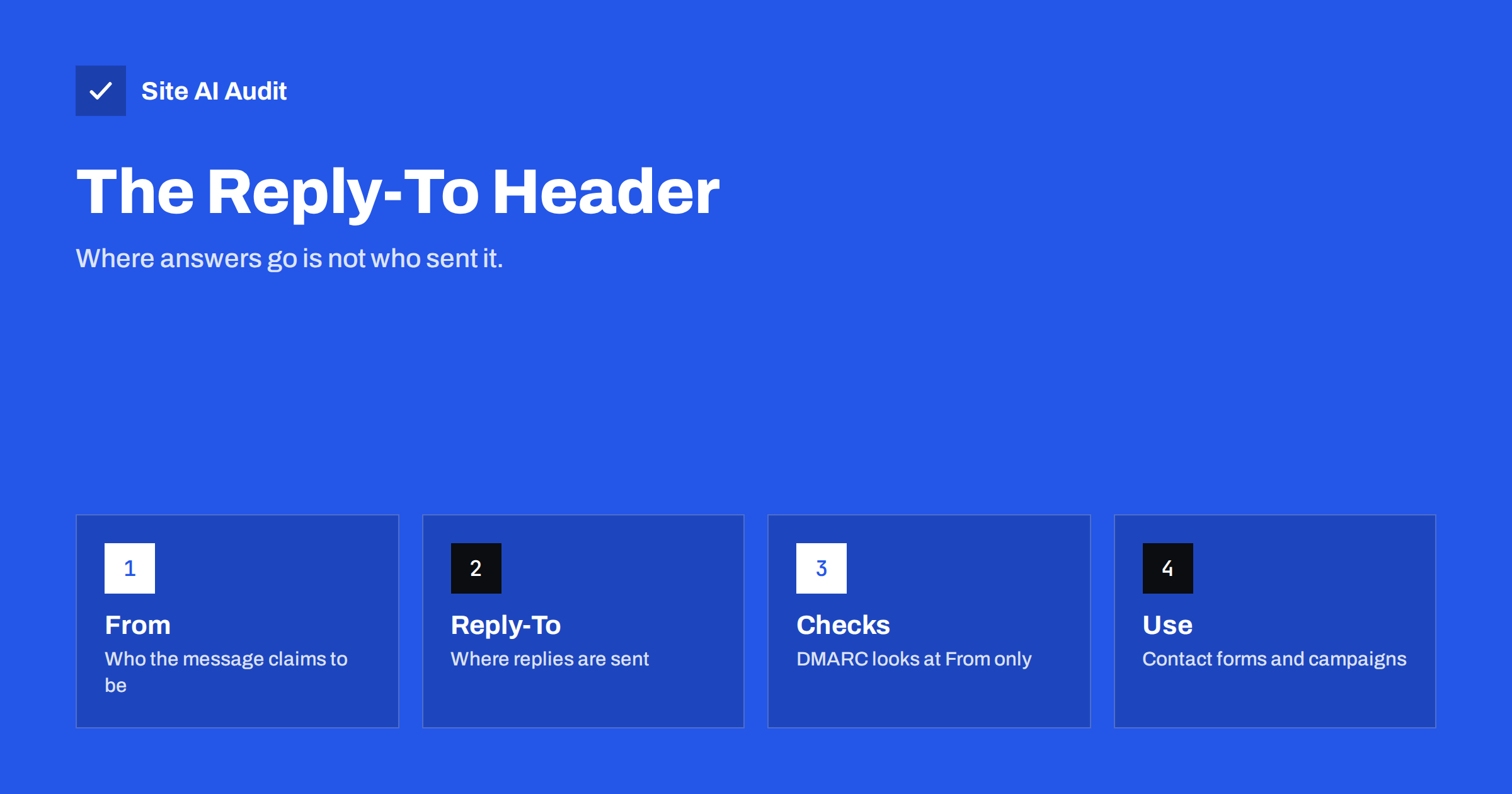
Short answer: The Reply-To header tells the recipient’s email program where to send an answer when the person presses Reply. If it is missing, replies go to the From address. Reply-To is useful when the sending address and the answering address should differ, for example in contact forms and newsletters. It does not change who the message is authenticated as, so it never replaces a correct From address, SPF, DKIM and DMARC setup.
Three addresses in every message
People usually think an email has one sender address, but a message carries several. The visible From address is the one shown in the inbox. The envelope sender, also called Return-Path or MAIL FROM, is used behind the scenes for bounces and for the SPF check; we explain it in our guide to Return-Path and MAIL FROM. The Reply-To address is a third, optional address that exists only to guide replies.
Keeping them apart is the key to understanding most email problems. Authentication checks look at the From domain and the sending infrastructure. The Reply-To header is not part of that check. This means that you can set it freely, and it also means it cannot help a message pass authentication if the rest is wrong.
How the header behaves in the mail program
When a recipient presses Reply, the program looks for a Reply-To header. If it exists, the new message is addressed to that value. If not, it uses the From address. Most programs show the address in the reply window, so the person can see where the answer will go, but many people do not look closely. The header can contain one address or several, and it can include a display name, in the same way as From.
The header has no effect on Reply All in the way some people expect: the program takes the Reply-To address as the main recipient and adds the other original recipients. Some programs ignore the header in special cases, for example when a message comes from a mailing list. Do not depend on it for anything critical, and do not use it to hide a destination from the person who receives the message, because it is visible in the headers.
Good reasons to use Reply-To
- Contact forms. Your website sends a message to you when a visitor fills in a form. The right setup is to send from an address on your own domain, which passes authentication, and set the visitor’s address as Reply-To so that pressing Reply answers the visitor. Faking the visitor’s address in From is a common cause of failure, as described in our guide to contact form emails from your own domain.
- Newsletters and campaigns. The message is sent through a platform with an address such as [email protected], while replies should reach a person at [email protected] or a shared mailbox.
- Order and account emails. Automated messages can come from a system address while replies go to the customer service team. This is a friendlier option than an unmonitored address, a topic we discuss in why no-reply addresses hurt.
- Teams and agencies. A person sends on behalf of a shared mailbox and wants the answer to go to the shared place.
When Reply-To causes problems
The same flexibility makes the header a favourite tool for fraud, and spam filters notice this. A few patterns should be avoided.
- A different domain from the From address, especially a free mailbox provider. A message from your company domain with a reply address at a free provider looks like a phishing attempt, and some filters raise the spam score for it.
- A Reply-To that points to a domain without working email. Replies bounce or disappear, and you lose customers without knowing.
- Using Reply-To to fix a broken From. If your platform cannot send with your domain because authentication is not set up, adding a reply address does not solve anything. The root problem remains.
- Several unrelated addresses. A long list in the header is unusual and can look like a mass mailing.
- Different values in each message of the same type, which makes your traffic harder to recognise as consistent.
The general rule is that the Reply-To should belong to the same organisation as the From address, or be the address of the real person the message is about, as in a contact form.
Reply-To and authentication
A frequent misunderstanding is that Reply-To can make a message look more trustworthy or less. It has no role in SPF, DKIM or DMARC. SPF checks the sending server against the envelope domain. DKIM checks a signature added by the sender. DMARC requires that at least one of them matches the From domain. We compare the three in our article on how SPF, DKIM and DMARC differ.
This is why a contact form that places the visitor’s address in From fails. The visitor’s domain, for example a free mailbox provider, has strict policies, and your server is not allowed to send for it. Receiving servers reject or junk the message. Moving the visitor’s address to Reply-To fixes the problem without losing the convenience. If your forms send spam folder messages, our guide on WordPress emails going to spam lists further causes.
How to set it up and test it
Most tools have a field for it. In email platforms it is often called reply address or reply-to address. In WordPress, form plugins usually offer a setting for the From address and another for Reply-To. Make sure the From uses an address on your domain and a name that people recognise.
To test, send a message to a mailbox you control and press Reply. Check that the address shown is the one you intended. Then open the full headers and look for the Reply-To line, as shown in our guide to reading email headers. While you are there, confirm that SPF, DKIM and DMARC all show a pass. If you use the header for a shared mailbox, send a reply and make sure that the mailbox actually receives it, because a typing error in this field can go unnoticed for weeks.
Reply-To in newsletters and email platforms
Email platforms treat the header in different ways. Many let you choose a reply address per campaign, and some use your From address by default. Think about what you want to happen to the answers. Real people reply to newsletters more often than marketers expect: they ask a question, report a problem, ask to be removed or send an out-of-office message. If those replies land in an unmonitored mailbox, you lose useful feedback and, in the case of unsubscribe requests, you risk spam complaints because the person cannot find an easy way out. Our article on one-click unsubscribe explains why you should not depend on replies for this.
Replies also act as a positive signal. When recipients write back, mailbox providers see real engagement, which helps your reputation. A platform address that cannot receive replies throws this advantage away. Choose a reply address that someone reads, and set up an auto-response only if it adds value.
A short checklist before you send
- The From address uses your own domain and a name people recognise.
- The Reply-To is empty, or points to a monitored mailbox on your domain, or to the person who wrote to you.
- SPF, DKIM and DMARC pass for the From domain.
- A test reply reaches the right person within a minute.
- The mailbox that receives replies has enough space and is not set to reject unknown senders.
- Your forms and campaigns use the same approach, so recipients and filters see consistent behaviour.
Run through the list again whenever you change email provider, add a new form or connect a new tool that sends messages in your name. Many deliverability problems start with a small setting that was changed without a test.
What Site AI Audit can and cannot tell you
Site AI Audit checks the email records of your domain: SPF and its lookup limit, DKIM signatures, the DMARC policy and MX records. It does not send test messages through your website or platforms, so it cannot see the Reply-To header your forms add; a test email and its headers show that. It does confirm that the records behind a correct From address exist, which is what lets Reply-To do its job without delivery problems. You can run a free check of your domain or see the plans.
Related reading
- From Name and Address: Email Sender Details That Build Trust
- No-Reply Email Addresses: Why They Hurt Deliverability
- Contact Form Emails Not Arriving? Use Your Own Domain
- How to Read Email Headers to Check SPF, DKIM and DMARC
The bottom line
Reply-To directs answers, nothing more. Use it when replies should go somewhere other than the sending address, keep it within your own organisation or the real person who wrote to you, and never rely on it to repair authentication. A correct From address with SPF, DKIM and DMARC, plus a sensible Reply-To, gives you both delivery and easy conversations.
الأسئلة الشائعة
What happens if I do not set a Reply-To header?
Replies go to the From address. For most normal messages this is exactly what you want, and no extra header is needed.
Can Reply-To be different from the From address?
Yes. It is allowed and often useful. To avoid spam filters, keep it on the same domain or use the address of the person who wrote to you.
Does Reply-To affect SPF, DKIM or DMARC?
No. Those checks look at the sending server, the signature and the From domain. Reply-To is only a hint for the reply.
Should a contact form use the visitor’s address as From?
No. Send from your own domain and place the visitor’s address in Reply-To. Using the visitor’s address as From usually fails DMARC and ends in the spam folder.
Can Reply-To contain more than one address?
Yes, but one address is enough for most cases. Several addresses can look unusual and make a reply go to more people than intended.