 ENEnglish
 LTLietuviškai
 DEDeutsch
 FRFrançais
 RUРусский
 ESEspañol
 PLPolski
 ITItaliano
 UKУкраїнська
 CSČeština
 PTPortuguês
 JA日本語
JA日本語 LVLatviešu valoda
 ETEesti
 HUMagyar
 IDBahasa Indonesia
 TRTürkçe
 HIहिन्दी
 ELΕλληνικά
 ARالعربية
 THไทย
THไทย VITiếng Việt
 RORomână
 MSBahasa Melayu
 BNবাংলা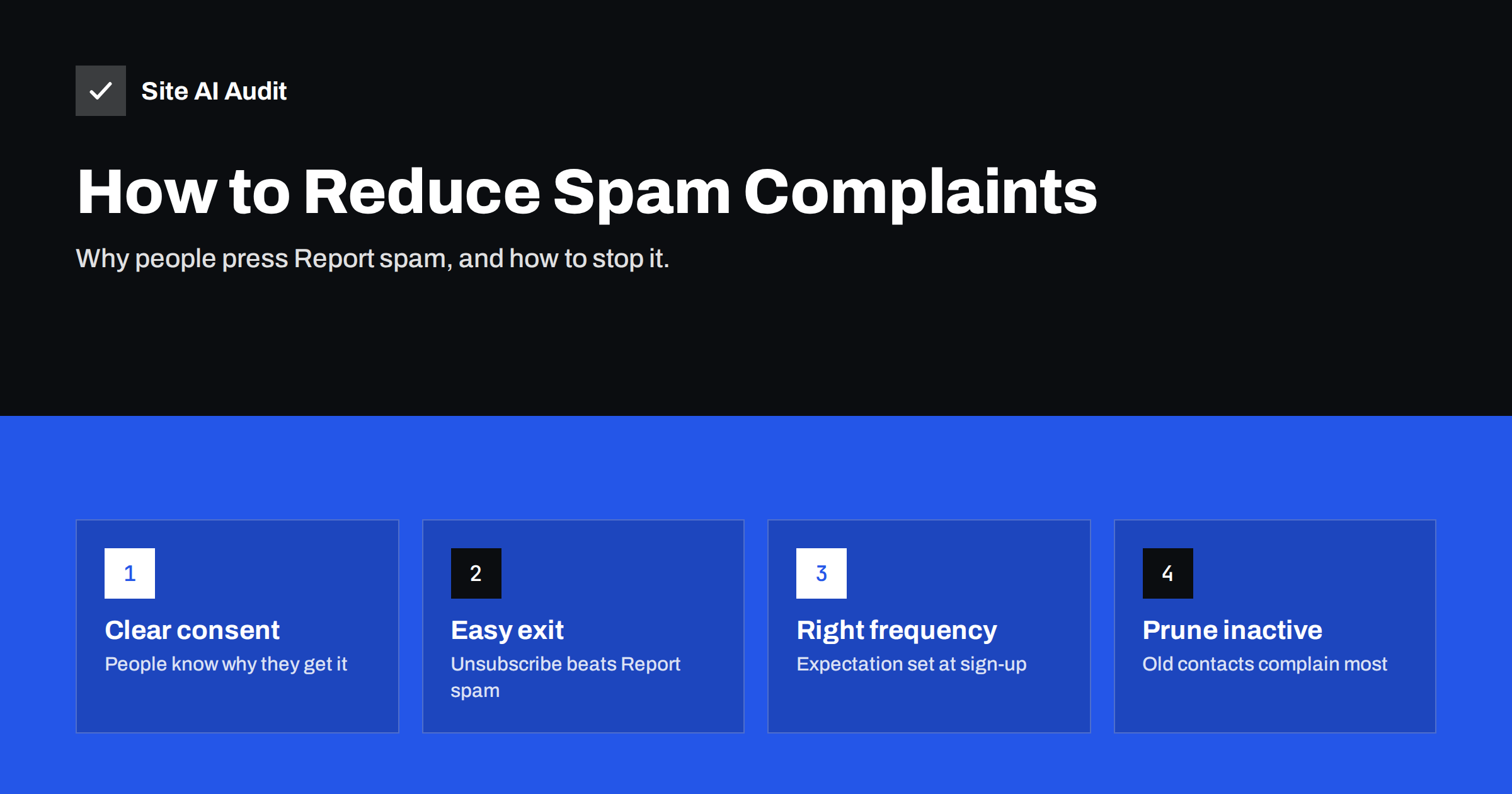
Short answer: People report e-mail as spam when they do not recognise the sender, do not remember signing up, receive more mail than they expected or cannot find a quick way to unsubscribe. Keep complaints low by collecting clear consent, setting expectations at sign-up, sending with a recognisable name, offering one-click unsubscribe, matching frequency to what you promised and removing contacts who have stopped engaging. For Gmail, Google advises keeping the spam rate below 0.1% and never reaching 0.3%.
Why complaints matter so much
A spam complaint is the clearest message a recipient can send to their mailbox provider: “I did not want this.” Providers use these reports as one of their strongest reputation signals. A few complaints per thousand messages can be enough to push future mail from the same domain towards the spam folder for everyone, including recipients who want it.
Complaints also have a compounding effect. When mail lands in spam more often, fewer people see it, engagement drops, and the remaining signals weaken further. Recovering takes weeks of consistent, well-targeted sending.
For bulk senders, the numbers are now explicit. Google’s sender guidelines ask senders to keep the user-reported spam rate in Postmaster Tools below 0.1% and to avoid ever reaching 0.3%, and Yahoo publishes a similar threshold. At 0.1%, that is one complaint per thousand messages delivered to the inbox. It is a demanding target, which is why complaint prevention has to be built into how you collect and treat your list.
Smaller senders are not exempt. Even if you never appear in Postmaster Tools because of low volume, every complaint still feeds the provider’s view of your domain, and with less history each one weighs relatively more.
Why people press “Report spam”
- They do not recognise the sender. An unfamiliar name or address, or a brand they only interacted with once, reads as unsolicited.
- They do not remember subscribing. Consent collected in a pre-ticked box, a competition entry or a purchase years ago is easily forgotten.
- The content is not what they signed up for. Someone who asked for product updates receives daily promotions.
- The frequency is too high. A weekly newsletter that becomes daily during a sale.
- Unsubscribing looks hard or risky. Many people do not trust unsubscribe links in mail that already looks suspicious, and “Report spam” is always one click away.
- It is simply convenient. Some recipients use the spam button as a delete key. You cannot eliminate this, but you can keep it rare.
Notice that almost every reason on this list is about expectations rather than technology. The practical fixes below follow the life of a subscriber: how they join, what they receive and how they leave.
Prevent complaints at sign-up
Most complaints are decided long before the message is sent, at the moment the address is collected.
- Ask clearly. Use an unticked checkbox or a dedicated sign-up form, and say what the person will receive and how often.
- Confirm the address. Confirmed (double) opt-in, where the subscriber clicks a link in a confirmation e-mail, removes typos, bots and people signed up by someone else.
- Send a welcome message immediately. The first mail should arrive while the person still remembers signing up, and it should repeat what to expect.
- Record the source and date. Knowing where each contact came from helps you find the segments that complain.
- Never add people without consent, such as business card contacts, event attendee lists shared by organisers, or purchased lists.
Make your mail recognisable
- Use a consistent From name that matches your brand as people know it. If the company name differs from the shop name, use the one on the website.
- Use a consistent From address on your own domain, fully authenticated with SPF, DKIM and DMARC.
- Write subject lines that describe the content. A subject that promises something the body does not deliver invites complaints.
- Remind people why they receive the mail, for example a short line in the footer: “You receive this because you subscribed on our website in March.”
- Keep the design consistent so the newsletter is recognisable at a glance.
Make leaving easier than complaining
An unsubscribe is a neutral event; a complaint is a negative one. Every person who leaves through the unsubscribe link instead of the spam button protects your reputation.
- Add
List-UnsubscribeandList-Unsubscribe-Postheaders so mail apps can show their own unsubscribe button. - Put a clearly visible unsubscribe link in the footer, not hidden in light grey text.
- Process unsubscribes immediately, and in any case within two days.
- Offer “fewer e-mails” as an option on the confirmation page, not as an obstacle before unsubscribing.
- Never require a login or password to unsubscribe.
Match frequency and content to expectations
Complaint spikes often follow a change: a sudden increase in frequency, a new type of content or a campaign to a segment that has not heard from you in a while. Before any such change:
- Tell subscribers what is changing and why, and give them a way to choose.
- Test with your most engaged segment first.
- Watch complaint and unsubscribe numbers for that campaign before rolling out further.
Preference centres, where subscribers choose topics and frequency, reduce complaints when they are simple and optional. Complicated preference pages that must be completed before unsubscribing have the opposite effect.
Remove inactive contacts
Contacts who have not opened or clicked for many months generate a disproportionate share of complaints when they suddenly receive a campaign, because they have forgotten you. They also hurt engagement metrics and may include abandoned addresses that could become spam traps.
| Segment | Suggested treatment |
|---|---|
| Engaged in the last 90 days | Regular campaigns |
| Inactive 3 to 6 months | Reduced frequency, best content only |
| Inactive 6 to 12 months | Re-engagement message asking whether they want to stay |
| Inactive over 12 months, no response to re-engagement | Suppress from marketing mail |
The exact periods depend on your sending frequency and business cycle; a shop selling seasonal products may use longer windows. Open tracking has become less reliable because of privacy features in some mail apps, so combine opens with clicks, purchases and website visits when judging activity.
What to do after a complaint spike
Even careful senders occasionally see a campaign with far more complaints than usual. React quickly but calmly:
- Pause similar sends to the same segment until you understand what happened.
- Identify the segment. Which list, import or sign-up source did the complainers come from? Old imports and contacts from a partner or event are the usual suspects.
- Look at the message. Was the subject misleading, the content off-topic, the sender name unfamiliar, or the frequency higher than promised?
- Check that unsubscribing worked. A broken unsubscribe link or a slow opt-out process turns unsubscribers into complainers.
- Send only to engaged recipients for the next few campaigns, so providers see positive signals again.
- Suppress the problematic segment or run a re-permission campaign before mailing it again.
Avoid the temptation to switch to a new domain or platform to “escape” the problem. Reputation issues caused by list practices follow the list, and changing infrastructure only delays the moment you have to fix the cause.
Measure complaints properly
- Google Postmaster Tools shows the Gmail spam rate per day once you send enough volume to Gmail users.
- Feedback loops from Yahoo, Microsoft and other providers send individual complaint reports to registered senders; most e-mail platforms process them and suppress complainers automatically.
- Your sending platform reports complaints per campaign, which lets you compare segments and content.
Look at complaint rates per campaign and per segment, not only overall averages. An average can look fine while one segment, often an old import, is causing most of the damage.
Complaints are a list and content problem, but authentication is the foundation that makes your good reputation count for your own domain. Site AI Audit checks SPF with its lookup limit, DKIM, DMARC and MX records and explains each problem in plain words. A free check confirms the foundation; paid plans monitor it and alert you when a record breaks.
Related reading
- One-Click Unsubscribe: How List-Unsubscribe Headers Work
- Google Postmaster Tools: How to Set It Up and Read the Data
- Gmail and Yahoo Bulk Sender Requirements: A Practical Guide
The bottom line
Spam complaints come from surprise: unexpected senders, forgotten sign-ups, too much mail and hard exits. Collect clear, confirmed consent, stay recognisable, make unsubscribing effortless, keep frequency and content as promised, and stop mailing people who stopped listening. Then measure complaints per campaign and act on the segments that cause them.
الأسئلة الشائعة
What is a good spam complaint rate?
For Gmail, Google advises staying below 0.1% and never reaching 0.3%. Many experienced senders aim well below 0.1% on every campaign.
Why do subscribers report newsletters they signed up for?
Often because they forgot signing up, the frequency or content changed, or they could not quickly find the unsubscribe link. Clear expectations and easy unsubscribing reduce this.
Does double opt-in reduce complaints?
Yes, typically. It confirms that the address owner really wanted the mail and removes typos and fake sign-ups, which are common sources of complaints and bounces.
Should I remove people who never open my e-mails?
After a re-engagement attempt, yes. Long-inactive contacts complain more often when they suddenly receive mail and weaken engagement signals for the whole list.
Can I see who reported my e-mail as spam?
Gmail does not reveal individuals; Postmaster Tools shows rates only. Some providers’ feedback loops report individual complaints to registered senders, and platforms suppress those addresses automatically.
Do complaints affect transactional mail?
They can, if marketing and transactional mail share the same domain and infrastructure. Separating streams by subdomain and platform protects receipts and password resets.


