ENEnglish
 LTLietuviškai
 DEDeutsch
 FRFrançais
 RUРусский
 ESEspañol
 PLPolski
 ITItaliano
 UKУкраїнська
 CSČeština
 PTPortuguês
 JA日本語
JA日本語 LVLatviešu valoda
 ETEesti
 HUMagyar
 IDBahasa Indonesia
 TRTürkçe
 HIहिन्दी
 ELΕλληνικά
 ARالعربية
 THไทย
THไทย VITiếng Việt
 RORomână
 MSBahasa Melayu
 BNবাংলা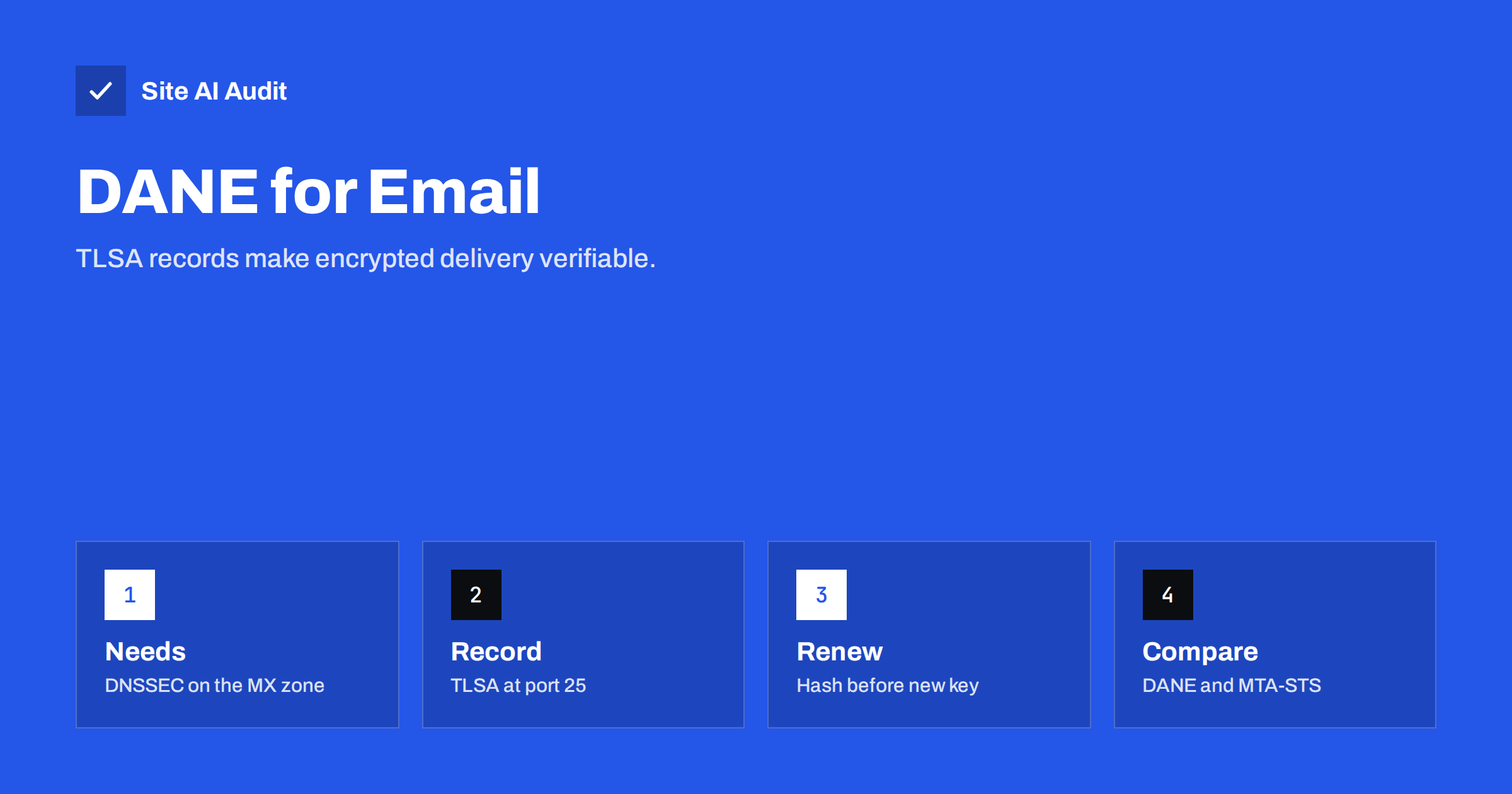
Short answer: DANE for email lets the owner of a mail server publish, in DNS, which TLS certificate or key that server uses. A sending server that supports DANE looks up these TLSA records, insists on an encrypted connection and checks that the certificate matches, so an attacker cannot silently downgrade or intercept the delivery. It only works if the DNS zone of your mail server is signed with DNSSEC. MTA-STS solves the same problem without DNSSEC, using an HTTPS policy file instead. Many domains can benefit from both.
The problem DANE solves
When one mail server delivers a message to another, it usually upgrades the connection to TLS with the STARTTLS command. Our guide to email encryption with TLS and STARTTLS explains the details. The weakness is that this upgrade is opportunistic:
- If the receiving server does not offer STARTTLS, or an attacker in the network strips that offer from the conversation, most senders simply deliver the message unencrypted.
- Most senders do not check the receiving server’s certificate at all. A self-signed or forged certificate is accepted, because there is no agreed way to know which name the certificate should have.
The result is that encryption between mail servers stops passive eavesdropping, but not an active attacker who can change traffic. DANE and MTA-STS both fix this by letting the receiving domain announce: “my servers support TLS, and this is how you verify them”.
How DANE works
DANE stands for DNS-based Authentication of Named Entities. For email, it works in four steps:
- The sender looks up the MX records of the recipient’s domain, as it always does. See MX records explained.
- For each mail server host name, it looks up a TLSA record at a name built from the port and protocol, for example
_25._tcp.mail.example.com. - It checks that both the MX and the TLSA answers are signed with valid DNSSEC signatures, so nobody could have forged them.
- If a valid TLSA record exists, the sender requires TLS, and accepts the connection only if the server’s certificate or public key matches the record. If it does not match, the message stays in the queue instead of being delivered insecurely.
The technical rules are in RFC 6698, which defines TLSA records, and RFC 7672, which applies them to SMTP. The key idea is that DNSSEC, not a certificate authority, is what the sender trusts.
What a TLSA record looks like
A typical TLSA record for a mail server looks like this:
_25._tcp.mail.example.com. IN TLSA 3 1 1 8f2c...e41aThe three numbers describe how to use the data that follows:
- Usage 3 (DANE-EE): the record describes the server’s own certificate, not a certificate authority. This is the most common choice for mail servers.
- Selector 1 (SPKI): the match is made on the public key only, not the whole certificate. The record therefore stays valid when the certificate is renewed with the same key.
- Matching type 1 (SHA-256): the record contains a SHA-256 hash rather than the full key.
The long hexadecimal string at the end is the SHA-256 hash of the public key. Mail server software, DNS providers and online generators can produce it from your certificate.
Usage 2 (DANE-TA), which pins a certificate authority instead of the server key, is also used, but “3 1 1” is the most common starting point.
What you need before enabling DANE
- DNSSEC on the mail server’s zone. The TLSA record must live in a signed zone, and the MX records of your domain should be signed too. If your DNS provider does not support DNSSEC, DANE is not possible there. Our guide to DNSSEC explains the setup and its risks.
- Control over the mail server. If you run your own server, you publish TLSA records for its host name. If you use a hosted mail service, the provider must publish TLSA records for its own MX hosts; you cannot do it for them.
- A working TLS certificate on port 25. The server must offer STARTTLS with a certificate whose key matches the record.
- A plan for key changes. This is where most DANE failures happen, as described below.
For outgoing mail, your own server can also verify DANE when it sends. Popular mail server software such as Postfix supports DANE verification with a setting, provided the server uses a DNSSEC-validating resolver.
Certificate renewal: the most common DANE mistake
With a “3 1 1” record, the hash must match the public key of the certificate the server presents. Many automated certificate tools generate a new private key at every renewal by default. When that happens, the new certificate no longer matches the published TLSA record, and senders that check DANE stop delivering mail to you until the record is fixed.
Two safe approaches:
- Keep the key across renewals. Configure the certificate tool to reuse the existing private key, and change keys only deliberately. Our guide to Certbot auto-renewal covers renewal settings.
- Publish the next key in advance. When you change keys, add a second TLSA record with the new key’s hash first, wait for the DNS TTL to pass, then switch the certificate, and only then remove the old record.
Monitor the result. Several free online tools test whether the TLSA records of a domain’s MX hosts match the certificates the servers present. Run such a test after every certificate change.
DANE vs MTA-STS
MTA-STS reaches a similar goal by a different route. The domain publishes a DNS TXT record that says a policy exists, and a policy file over HTTPS that lists the allowed MX host names and says whether TLS is required. Our MTA-STS and TLS-RPT guide walks through the setup.
| DANE | MTA-STS | |
|---|---|---|
| Trust anchor | DNSSEC | Web PKI: an HTTPS certificate from a public certificate authority |
| Requires DNSSEC | Yes | No |
| Protects the first delivery | Yes, if the sender validates DNSSEC | Not always: the policy is cached after it is first fetched |
| Certificate requirement | Must match the TLSA record | Must be valid for the MX host name |
| Typical failure | Key changed without updating TLSA | Policy file unreachable or out of date |
| Reporting | TLS-RPT can report failures | TLS-RPT can report failures |
Support differs between mailbox providers. Some large providers validate DANE, others rely on MTA-STS, and adoption of DANE is strongest in several European countries, where it is encouraged for government and public-sector mail. Because each method protects mail from senders that support it, publishing both gives the widest coverage. TLS-RPT reports work with either and show you when deliveries fail verification.
Should a small business enable DANE?
It depends on how your email is hosted:
- Hosted mailbox services. You cannot publish TLSA records for the provider’s servers. Check whether your provider supports DANE for inbound mail, and whether it requires anything from you, such as DNSSEC on your own domain. Otherwise MTA-STS and TLS-RPT are the realistic options.
- Your own mail server with a DNSSEC-capable DNS provider. DANE is a good fit, provided someone owns the certificate renewal process.
- No DNSSEC available. Start with MTA-STS and TLS-RPT, and make sure SPF, DKIM and DMARC are correct first. Those protect your domain against spoofing, which is a more common problem than interception between servers.
DANE does not replace sender authentication. It protects the connection between servers; SPF, DKIM and DMARC decide whether a message really comes from your domain. Our article on the differences between SPF, DKIM and DMARC explains those roles.
How Site AI Audit helps
Site AI Audit does not test DANE, DNSSEC or MTA-STS. It checks the email authentication records that every domain needs first: whether SPF exists, is unique, does not allow any server to send and stays within ten DNS lookups; whether DMARC exists, whether it is still in monitoring mode and whether reports are collected; whether a DKIM key is found at common selectors; and whether the domain has MX records. You can run a free check, and the pricing page lists plans with daily e-mail checks.
Related reading
- SMTP Ports 25, 587 and 465: Which One Should You Use?
- CAA Records Explained: Control Who Can Issue Your Certificates
- Email Spoofing: How to Stop People Sending Mail as Your Domain
The bottom line
DANE makes mail servers insist on encryption and verify the receiving server through DNSSEC-signed TLSA records. It needs DNSSEC and careful key management, especially at certificate renewal. MTA-STS offers similar protection without DNSSEC. If you run your own mail server on a signed zone, publish both; if you use a hosted service, ask your provider and set up MTA-STS and TLS-RPT where you can.
الأسئلة الشائعة
Does DANE require DNSSEC?
Yes. Senders only trust TLSA records that are signed with valid DNSSEC signatures. Without DNSSEC on the mail server’s zone, DANE does nothing.
What does TLSA 3 1 1 mean?
It means the record matches the server’s own certificate (3), using only its public key (1), stored as a SHA-256 hash (1). It is the most common setting for mail servers.
Why did mail stop arriving after my certificate renewed?
Probably because the renewal created a new private key that no longer matches your TLSA record. Senders that check DANE then refuse to deliver. Update the record, and reuse keys or publish the next key in advance.
Is DANE better than MTA-STS?
Neither is simply better. DANE protects the first delivery and does not depend on certificate authorities, but needs DNSSEC. MTA-STS works without DNSSEC. Publishing both covers the most senders.
Can I use DANE with a hosted email provider?
Only if the provider publishes TLSA records for its own mail servers. You cannot publish them for servers you do not control, so ask your provider about its DANE support.