ENEnglish
 LTLietuviškai
 DEDeutsch
 FRFrançais
 RUРусский
 ESEspañol
 PLPolski
 ITItaliano
 UKУкраїнська
 CSČeština
 PTPortuguês
 JA日本語
JA日本語 LVLatviešu valoda
 ETEesti
 HUMagyar
 IDBahasa Indonesia
 TRTürkçe
 HIहिन्दी
 ELΕλληνικά
 ARالعربية
 THไทย
THไทย VITiếng Việt
 RORomână
 MSBahasa Melayu
 BNবাংলা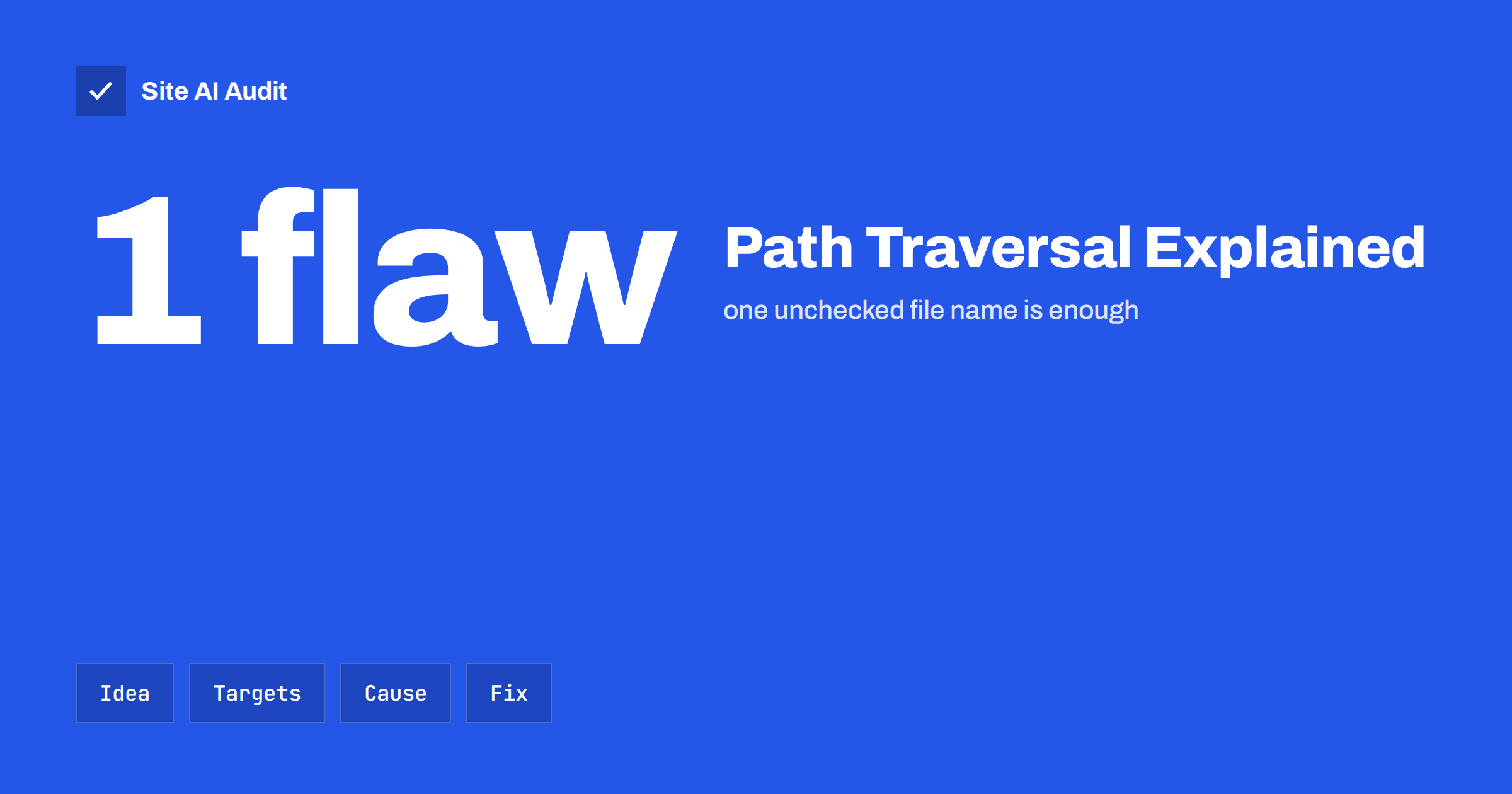
Short answer: A path traversal attack, also called directory traversal, tricks a website into reading a file from outside the folder it is meant to serve. The attacker adds sequences such as ../ to a file name until the path climbs out of the web folder and reaches files like configuration files or password stores. You stop it by never building file paths directly from user input, by allowing only known file names, by checking the final resolved path and by running the web server with minimal permissions.
What path traversal means
Many websites have features that load a file named in the request: a download link, an image resizer, a template loader or a language file selector. A request might look like /download?file=report.pdf. The application takes report.pdf, adds it to a folder such as /var/www/files/ and sends the result.
If the application does not check the value, an attacker can change it to ../../../etc/passwd. Each ../ means “go up one folder”. After enough of them the path points to a file the owner never meant to share, and the application happily returns it. The attack needs no special tools, only a browser and some patience.
The same idea works on Windows servers with backslashes and drive paths, so a defence that only looks for forward slashes is not enough.
What attackers go after
The goal is usually to read data, not to damage anything straight away. Typical targets are:
- Application configuration files, such as
wp-config.phpin WordPress, which contain database names, users and passwords. - Environment and backup files with keys or tokens. See our guide to exposed .env, .git and backup files.
- System files on Linux servers, which reveal user names and software details.
- Source code, which helps the attacker find further weaknesses.
- Log files that contain session identifiers or personal data.
Reading the database password is often the first step to a much bigger incident. In some applications, a traversal flaw in a feature that writes or deletes files can also overwrite or remove content, which makes it more serious.
How attackers hide the pattern
Simple filters that remove ../ from input are easy to bypass. Attackers try variants that look different to the filter but mean the same thing to the file system:
- URL encoding, such as
%2e%2e%2f, and double encoding, such as%252e%252e%252f. - Mixed separators like
..\or..%5c. - Overlong or unusual sequences such as
....//, which turn into../after a naive filter removes the inner part. - Absolute paths, for example
/etc/passwddirectly, when the code does not force a base folder. - Adding an expected extension or a null character in older software, to get past extension checks.
This is why removing bad strings is the weakest defence. It is better to decide what is allowed, and refuse everything else.
How it differs from related attacks
Path traversal is often mentioned together with local file inclusion. The difference is what the server does with the file. In traversal the file is usually read and returned to the attacker. In local file inclusion the file is loaded as code by the application, which can lead to code execution if the attacker can place PHP code into a log or upload. It is also different from SQL injection and cross-site scripting, which target the database and the visitors’ browsers. The shared root cause is always the same: the application trusts input that it should have validated.
How to prevent path traversal
The OWASP project lists path traversal as a standard class of web vulnerability, and its description of the attack is a good reference for developers (OWASP Path Traversal). The main defences are these, in order of strength:
- Avoid user-controlled file names. Store files under generated identifiers and look up the real path in a database. The visitor sends an ID, never a path.
- Use an allowlist. If only five templates exist, accept only those five names and reject everything else.
- Resolve and verify. Convert the final path to its canonical form, for example with
realpath()in PHP, and confirm that it still starts with the intended base folder. - Limit permissions. The web server user should only read what it needs and write only where it must. Our guide to safe file permissions shows how.
- Keep secrets out of the web root. Put configuration files and backups outside the folder that the web server serves, or protect them by server rules.
- Use a web application firewall as a second layer. It can block known patterns, but it should never be the only protection. See what a WAF does.
A safe pattern for developers
If you build or maintain custom code that serves files, the safe pattern is short and always the same. First, define one base folder, for example the uploads folder of a download feature. Second, take only the file name part of the request and discard any folder components. Third, join the base folder and the file name, resolve the result to its real path and compare it with the base folder. If the resolved path does not start with the base folder, stop and return an error.
Do this check after all decoding has happened. A common mistake is to validate the raw value and then let a library decode it a second time. Also remember symbolic links: a link inside the allowed folder can point somewhere else, which is exactly what resolving the real path catches. Finally, return the same generic error for missing files and refused files, so that the response does not help an attacker learn which paths exist.
Write a test for it. A simple automated test that requests a handful of traversal strings, plain and encoded, and expects a refusal will catch future regressions when someone changes the code.
Path traversal in WordPress sites
WordPress core is maintained by a large team, but plugins and themes are a regular source of file read flaws, especially download managers, file browsers, backup tools, form builders and page builders that handle file names. Public vulnerability reports often describe “arbitrary file read” or “arbitrary file download” in a plugin version, and attackers scan the internet for sites that run it.
Your best protection is routine: remove plugins you do not use, update the rest quickly and avoid abandoned or pirated ones. Our WordPress security checklist and the article on safe update strategy give a practical routine, and nulled themes and plugins explains why pirated copies are a particular risk.
How to spot attempts in your logs
Traversal attempts leave clear traces in access logs. Search for requests that contain ../, ..%2f, %2e%2e, /etc/passwd or wp-config in the query string. Many automated scanners try these on every site, so seeing a few is normal and does not mean your site is vulnerable. What matters is the response: a 400, 403 or 404 means the request was refused or found nothing, while a 200 with a large response to such a request deserves immediate attention.
If you find a successful request, treat it as a security incident. Change the passwords and keys stored in the exposed files, update or remove the vulnerable component, and review the logs for what else was read. Our guide to recovering a hacked website lists the steps.
How Site AI Audit helps
Path traversal can only be found by testing an application’s features, and Site AI Audit does not attempt attacks. It checks the visible basics of a site’s security from the outside: the SSL certificate, the HTTPS redirect, security headers and whether the server or WordPress reveals software versions, which tell attackers which known flaws to try. Use it together with updates, careful plugin choices and, for custom applications, a professional security test. You can run a free check, and the pricing page lists plans with monitoring.
Related reading
- Directory Listing Enabled? How to Disable It on Any Server
- Uploads Folder Security: How to Block PHP Execution
- Website Security Scan vs Penetration Test: What You Need
- Website Security Audit Checklist: What to Check and in What Order
The bottom line
Path traversal is simple to attempt and easy to prevent when the code is written with care. Never trust a file name from a visitor, allow only known values, verify the resolved path and keep secrets away from the web root. For ready-made software, the habit that matters most is quick updates and fewer plugins.
الأسئلة الشائعة
Is directory traversal the same as path traversal?
Yes. The two names describe the same attack, which uses sequences like ../ to leave the intended folder. You may also see it called dot-dot-slash or backtracking.
Can a firewall fully stop path traversal?
No. A web application firewall can block many known patterns, but attackers keep finding new ways to encode them. The real fix is in the application code or by updating the vulnerable plugin.
How do I know if my WordPress site is vulnerable?
Check whether your plugins and themes have known vulnerabilities and are up to date. Remove anything abandoned, and review your access logs for requests that contain ../ and return successful responses.
Does HTTPS protect against path traversal?
No. HTTPS encrypts traffic between visitor and server, but the attack happens inside the application, after the request arrives. Validation and permissions are what stop it.
What should I do if a file was exposed?
Assume the contents are known to the attacker. Change any passwords, keys and tokens in the file, fix or remove the vulnerable component and check your logs for other requests from the same source.