 ENEnglish
 LTLietuviškai
 DEDeutsch
 FRFrançais
 RUРусский
 ESEspañol
 PLPolski
 ITItaliano
 UKУкраїнська
 CSČeština
 PTPortuguês
 JA日本語
 LVLatviešu valoda
 ETEesti
 HUMagyar
 IDBahasa Indonesia
 TRTürkçe
 HIहिन्दी
 ELΕλληνικά
 ARالعربية
 THไทย
 VITiếng Việt
 RORomână
 MSBahasa Melayu
 BNবাংলা
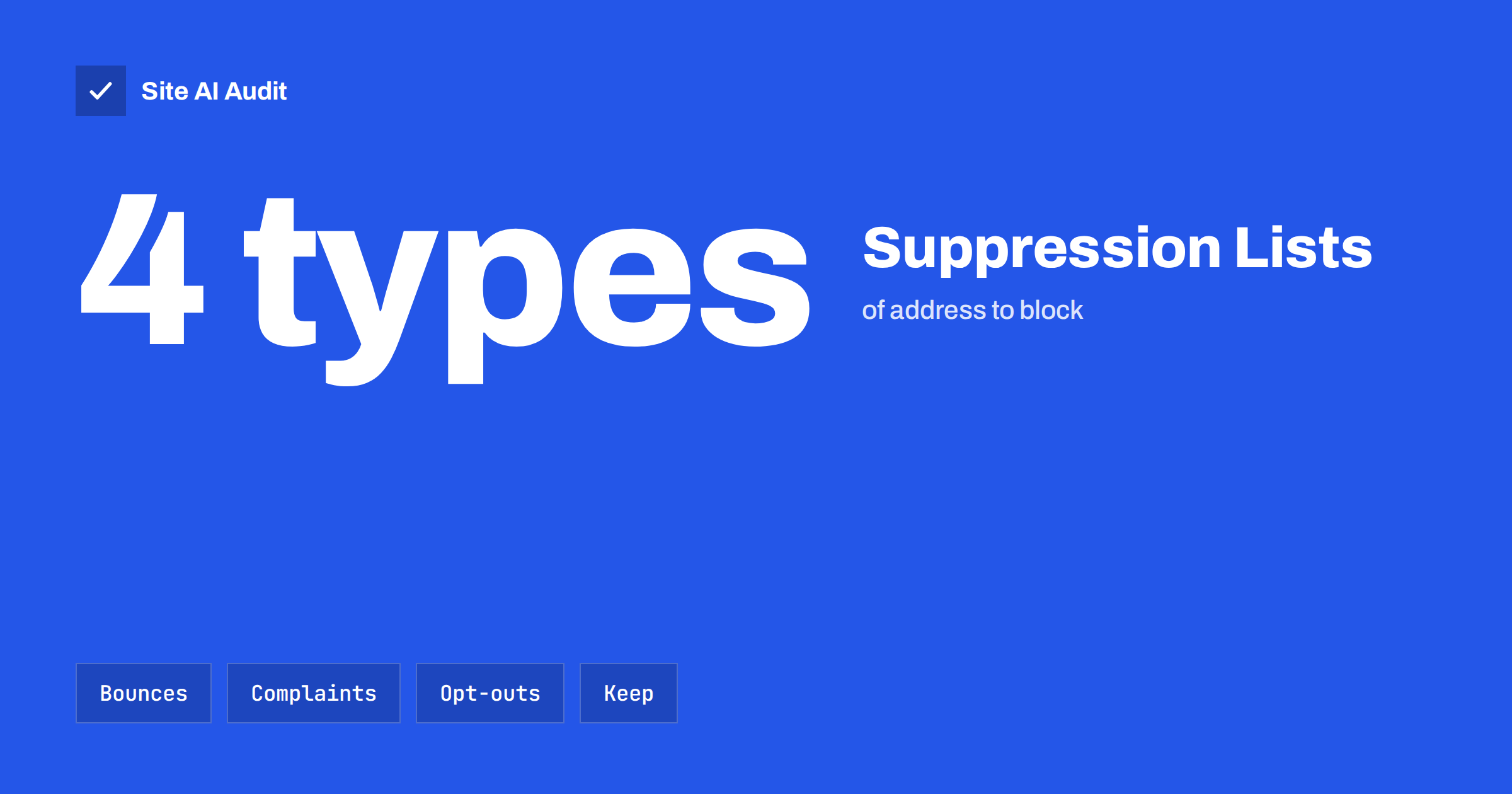
Short answer: A suppression list is a list of email addresses that your system will never send to, even if they appear again in a new import or a new campaign. It normally holds addresses that bounced for good, people who reported your mail as spam and people who unsubscribed. Keeping it complete and moving it with you when you change tools is one of the cheapest ways to protect your sender reputation.
What a suppression list is
Most email services keep a list in the background that blocks sending to certain addresses. It is separate from your audience list. Your audience list says who you want to email. The suppression list says who you must not email, and it wins when the two disagree. If an address is on both, the message is not sent.
The point is protection. Mailbox providers watch how senders treat addresses that have rejected, ignored or complained about mail. A sender who keeps writing to dead addresses and people who asked to stop looks careless or abusive, and filters react to that.
What belongs on the list
- Hard bounces. Addresses that do not exist or have been permanently closed. The server said the mail can never be delivered. The guide to email bounce codes explains how to tell these from temporary problems.
- Spam complaints. People who pressed the spam button. Some mailbox providers pass these reports back to the sender through feedback loops, as described in the article on email feedback loops. A person who complained should never receive marketing mail again.
- Unsubscribes. People who used your unsubscribe link, the one-click option in their mail app or replied with a clear request to stop.
- Repeated soft bounces. Addresses that keep failing for temporary reasons, such as a full mailbox, for several sends in a row. Most services suppress them automatically after a set number of failures.
- Known traps and invalid entries. Addresses flagged as spam traps, or ones that fail basic checks, such as obvious typos in the domain.
- Manual additions. People who asked you by phone, in person or through support to stop, and anyone you have decided not to contact, such as a former client who raised a dispute.
Suppression is not the same as unsubscribed
The two ideas overlap, but they are not identical. An unsubscribe is a choice made by a person, usually for one kind of mail. A suppression is a block that your system applies for any reason, including technical ones.
- A person may unsubscribe from newsletters but still want order confirmations and password resets. These service messages are a different type of mail, and a good setup keeps them separate. See the guide to transactional and marketing email.
- A hard-bounced address is suppressed, but the person has not unsubscribed. If they later give you a working address, that new address is a separate entry.
- A complaint should lead to suppression across all marketing mail from your organisation, not only the campaign that was reported.
Be careful not to turn a suppression into a deletion. If you delete the contact, the next import can bring it back, and nothing remembers that the person asked to stop.
Why it protects your reputation
Large mailbox providers publish expectations for bulk senders. Gmail and Yahoo require easy unsubscribing and ask senders to keep the rate of spam complaints low. The summary in the guide to bulk sender requirements lists the details. Sending to people who have already complained or left works against all of these goals.
Bounces matter too. A high bounce rate suggests that a list is old or was collected badly, and old lists are where spam traps hide. The article on spam traps shows how one trap hit can damage a good sender. Suppressing hard bounces at once, after the first failure, keeps the rate low.
There is also a legal and trust side. Many countries require senders to honour an opt-out quickly, and customers notice when they are ignored. A working suppression list is the technical way to keep that promise.
How suppression works in practice
Most email service providers handle the common cases for you. When a message hard-bounces, the address is added to the list. When a recipient complains or clicks unsubscribe, the same happens. Before each campaign, the system compares your audience with the suppression list and removes matches.
- Check where the list lives. Some providers keep one list per account, some per domain and some per audience. Know which, so that a person who left one newsletter is not mailed by another.
- Look at the reasons. Good tools show why each address was suppressed. Review them from time to time.
- Be careful with manual removal. Taking an address off the list is sometimes allowed, for example after a typo was fixed. Never remove complaints or unsubscribes.
- Apply it to every sending system. A website form plugin, a shop, a CRM and a newsletter tool may all send mail. If one of them does not know about the list, it may email a person who left.
Moving the list when you change tools
This is where many senders go wrong. They move to a new provider, import their audience and forget the suppression list, which stays behind. The next campaign goes to people who asked to leave, and to addresses that bounce, and the new account starts with a poor reputation.
- Export the suppression list from the old system before you close the account, including the reason and the date.
- Import it first into the new system, before the audience.
- Keep a master copy in a file or database that you control. Treat it as valuable data.
- Test with a small send and confirm that suppressed addresses are skipped.
The same applies when you combine lists after buying a business or merging teams. Merge the suppression lists as well as the audiences.
Common mistakes
- Re-importing old spreadsheets. A forgotten file of “all customers” is the usual way that unsubscribed people return.
- Asking people to re-subscribe after they left. A campaign that tries to win back suppressed addresses can be treated as spam.
- Using a personal mailbox for bulk mail. A normal email account has no suppression handling at all.
- Ignoring replies that say stop. People write “please remove me” instead of using the link. Add these addresses by hand.
Write a simple suppression policy
A policy turns good intentions into a routine. It can fit on one page, and it should answer a few questions so that nobody has to guess later.
- Who owns the list? Name one person or role that is responsible for exports, imports and checks.
- What gets suppressed, and when? For example: hard bounces at once, complaints at once, unsubscribes at once, soft bounces after several failures in a row.
- How long are entries kept? For opt-outs and complaints, the answer is normally for as long as you send mail. Deleting them after a year only brings the problem back.
- How are requests handled that arrive outside the system? A phone call, a reply or a note from support must reach the list within a day or two. Put a short form or a shared mailbox in place for this.
- How do you check that it works? Once a quarter, send a test campaign that includes a suppressed address of your own and confirm that it is skipped.
Also record what you tell customers. Your sign-up form and privacy page should say that people can leave at any time and that the request will be honoured. The text on the page and the behaviour of the system should match. For a deeper clean-up of the audience itself, see the guide to email list hygiene, which covers inactive subscribers and old imports.
Finally, remember that the suppression list is personal data. Store it securely, limit who can export it and delete it only when the law or a person’s own request requires it, because it is the record that stops you from emailing them again.
How Site AI Audit helps
Site AI Audit cannot see your suppression list, because it lives inside your email service. It checks the public setup that decides whether your mail is trusted in the first place: SPF with its lookup limit, DKIM signatures, your DMARC policy and your MX records. Good authentication and a clean list work together, because a mailbox provider judges both. The free check covers up to 50 pages and needs no sign-up. You can run a free check of your website or see the plans for weekly monitoring and alerts.
Related reading
- Email List Hygiene: How to Clean Your List Without Losing Buyers
- Email Bounce Codes Explained: Hard vs Soft Bounces and Fixes
- One-Click Unsubscribe: How List-Unsubscribe Headers Work
- How to Reduce Spam Complaints and Keep Your Spam Rate Low
The bottom line
A suppression list is a memory for your email system. It remembers who bounced, who complained and who left, so that no later import or campaign can undo those decisions. Keep it complete, apply it to every system that sends mail and carry it with you whenever you change provider.
FAQ
Is a suppression list the same as a blocklist?
No. A blocklist is kept by someone else and can stop your mail from being accepted. A suppression list is your own list of addresses that you will not send to.
Can I remove an address from my suppression list?
Only for technical reasons, for instance when a typo was corrected. Do not remove people who unsubscribed or complained.
How many soft bounces before an address is suppressed?
It varies by provider. Many suppress an address after several failed sends over a few days or campaigns. Check the settings of your service.
Do I need a suppression list for a small newsletter?
Yes. Even a short list can contain a few dead addresses or complaints, and a reputable email service builds the list for you automatically.
Do suppressed people still get order emails?
That depends on how you set up your system. Marketing suppression should not block service messages that a customer needs, but a hard-bounced address will not receive either type.


