 ENEnglish
 LTLietuviškai
 DEDeutsch
 FRFrançais
 RUРусский
 ESEspañol
 PLPolski
 ITItaliano
 UKУкраїнська
 CSČeština
 PTPortuguês
 JA日本語
JA日本語 LVLatviešu valoda
 ETEesti
 HUMagyar
 IDBahasa Indonesia
 TRTürkçe
 HIहिन्दी
 ELΕλληνικά
 ARالعربية
 THไทย
THไทย VITiếng Việt
 RORomână
 MSBahasa Melayu
 BNবাংলা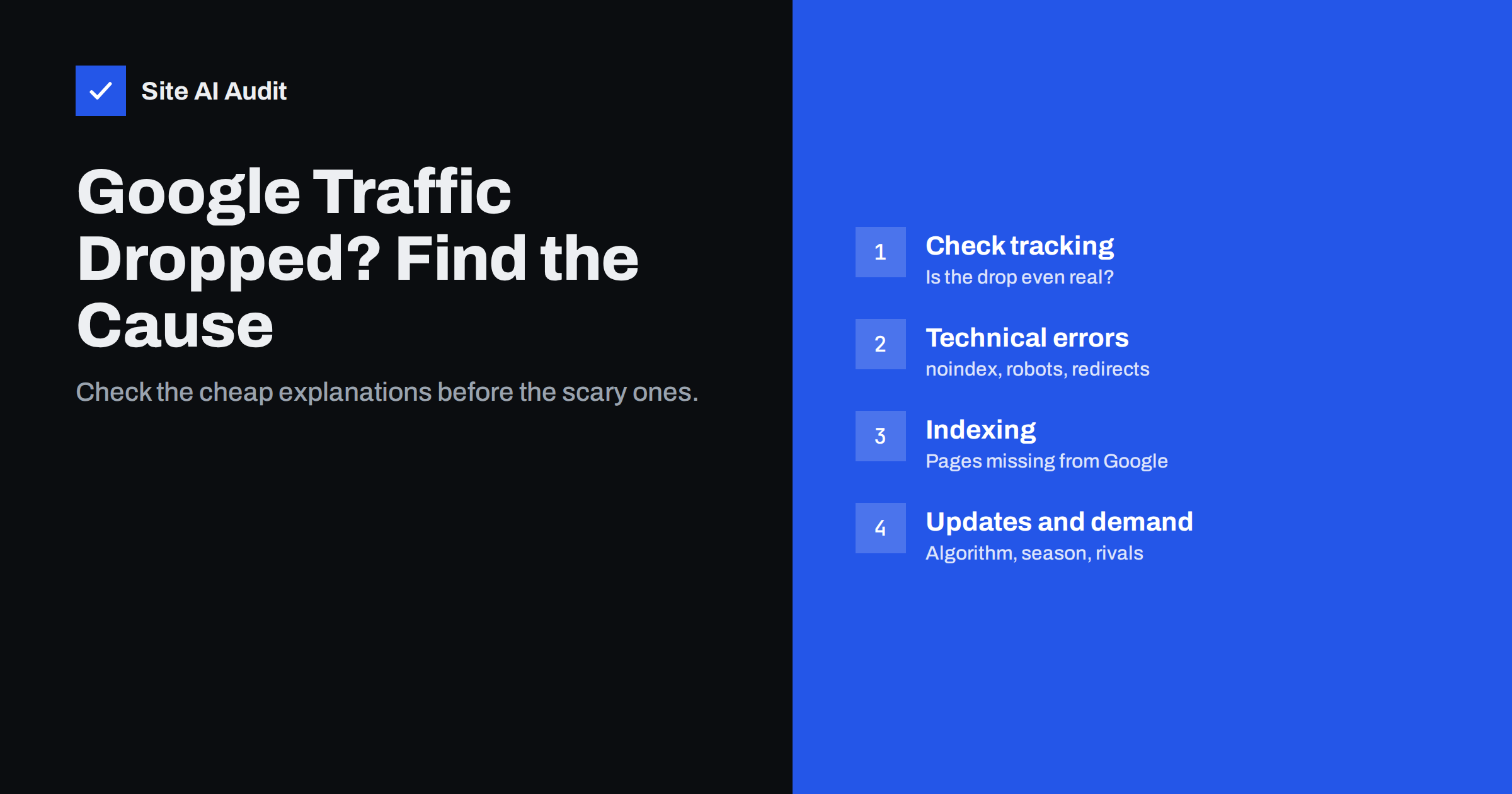
Short answer: When Google traffic drops, first confirm the drop is real by comparing analytics with Search Console, then look for technical causes such as accidental noindex tags, robots.txt blocks, broken redirects or server errors. If the site is technically fine, check whether pages fell out of the index, whether the drop matches a known Google update, a seasonal pattern or new competitors. Diagnose by narrowing down which pages, queries and dates are affected before changing anything.
Step 1: confirm the drop is real
A surprising number of “traffic drops” are measurement problems. Before touching the website, rule these out:
- Analytics tag missing or duplicated. A theme update, new cookie banner or tag manager change can stop analytics from firing on some or all pages. If analytics shows a drop but Search Console clicks are stable, the problem is tracking, not rankings.
- Consent changes. A stricter cookie banner reduces the share of visitors that analytics can measure, while real traffic stays the same.
- Filters and property changes. Someone may have added a filter, changed the reporting view or moved to a new property.
- Comparison errors. Comparing a holiday week with a normal week, or a short month with a long one, creates drops that are not there.
Search Console is the best reference here, because it counts clicks from Google Search regardless of cookies or tags. Open the Performance report, set the date range to include several weeks before and after the drop, and compare. Our guide to reading the Search Console Performance report explains the filters and comparisons you will need.
Step 2: pin down what exactly dropped
“Traffic dropped” is too vague to fix. In Search Console, answer four questions:
- When did it start? A sharp drop on one day points to a change or an update. A slow slide over months points to competition, content ageing or gradual technical decay.
- Which pages? Use the Pages tab. Is the loss spread across the whole site, concentrated in one section such as the blog or product pages, or limited to a few URLs?
- Which queries? Did you lose brand searches, which suggests a technical or reputation issue, or non-brand searches, which suggests ranking changes?
- Clicks, impressions or position? Falling impressions mean you appear less often. Stable impressions with falling clicks mean people see you but click less, often because the search result page changed or your title and description became less attractive.
Write the answers down. The pattern you find usually eliminates most possible causes straight away.
Step 3: check for technical accidents
A sudden, site-wide drop is often self-inflicted. These are the checks to run first, because they are quick and the fixes are simple:
- Noindex tags. A “discourage search engines” setting left on after a redesign, or a plugin that added noindex to categories or products. See the noindex tag guide for how to check a page’s source and headers.
- robots.txt blocks. A staging robots.txt with
Disallow: /copied to the live site stops crawling of everything. - Canonical tags pointing elsewhere. Templates that set every page’s canonical to the home page, or to a staging domain, tell Google to ignore the page.
- Redirect mistakes. After a migration or HTTPS change, redirects may loop, chain or lead to the home page instead of the matching new URL.
- Server errors and downtime. Repeated 5xx errors or long outages cause Google to crawl less and, if they persist, to drop pages.
- Removed or renamed pages. Content deleted or moved without redirects turns ranking pages into 404 errors.
Check Search Console’s Page indexing report and the Crawl stats report under Settings. A spike in “Excluded by noindex”, “Blocked by robots.txt” or server errors that lines up with your drop date is usually the answer.
Step 4: look at indexing
If the technical basics are clean, check whether your pages are still in Google’s index. In the Page indexing report, compare the number of indexed pages before and after the drop. Then use the URL Inspection tool on a few of the pages that lost the most clicks.
- If important pages show as “Crawled – currently not indexed” or “Discovered – currently not indexed”, Google has chosen not to keep them. This often relates to quality, duplication or weak internal linking.
- If pages show “Duplicate, Google chose different canonical”, Google considers another URL the main version, perhaps a parameter URL or an older copy.
- If pages are indexed and the live test works, the problem is ranking, not indexing.
Our checklist for pages that are not on Google covers each of these statuses in detail.
Step 5: compare the date with Google updates
Google changes its ranking systems many times a year and announces the larger updates publicly. The Google Search Status Dashboard lists confirmed ranking updates with their start and end dates.
If your drop started during a confirmed core update, and there is no technical explanation, the likely cause is that Google reassessed how helpful or relevant your pages are compared with others. There is no quick fix for this. Google’s advice is to review content quality honestly: is each page original, complete, accurate and clearly written by someone who knows the subject? Improvements usually show only after later updates, not within days.
Be careful with correlation. Many sites lose some traffic during an update window for unrelated reasons. An update is the likely cause only if the timing matches closely and other explanations have been ruled out.
Step 6: consider demand, seasonality and the results page
Sometimes rankings did not change at all. Fewer people searched, or the search results page changed:
- Seasonality. Compare the same period last year. Heating services, gift shops and tax advisers all have predictable peaks and troughs.
- Falling interest. A product or topic can simply become less popular. Stable positions with falling impressions across all competitors suggest lower demand.
- New features on the results page. Answer boxes, AI-generated summaries, maps, video and shopping results can push organic results down, reducing clicks even when your position is unchanged.
- New competitors. Search the queries you lost and look at who now ranks above you. A new, stronger page or a large retailer entering your niche will take clicks.
Step 7: fix, then measure patiently
Once you know the cause, the fix follows from it:
| Cause | Typical fix | Recovery time |
|---|---|---|
| Tracking error | Restore or correct the analytics tag | Immediate |
| Noindex, robots.txt or canonical mistake | Remove the block, request indexing for key pages | Days to a few weeks |
| Broken redirects after a move | Map every old URL to its new equivalent | Weeks |
| Server errors | Fix hosting stability, monitor uptime | Days to weeks after errors stop |
| Core update or quality reassessment | Improve content and site quality broadly | Often months, usually after later updates |
| Competition or demand | Improve pages, target new queries | Varies |
Keep a change log with dates. When traffic moves again, you will know which action helped. If the drop followed a site move, the website migration SEO checklist lists everything that should have been carried over.
Avoid a few common reactions that make things worse:
- Changing many things at once. Rewriting titles, deleting pages and switching themes in the same week makes it impossible to tell what worked.
- Deleting content in a panic. Removing pages that still bring some traffic can deepen the loss. Improve or merge them instead.
- Buying links to “recover”. Manipulative links break Google’s spam policies and can add a new problem on top of the old one.
How Site AI Audit helps with the technical checks
Site AI Audit crawls your site the way a search engine does and reports the technical issues that commonly cause sudden drops: noindex rules, robots.txt and sitemap problems, broken links, redirects, and missing or duplicate titles. It also checks the SSL certificate and HTTPS redirect, which can break after hosting changes. Findings are ranked by impact and explained in plain words, which makes it a quick way to rule technical accidents in or out before you spend time on content. You can run a free check on your site in a couple of minutes.
Related reading
- Crawled or Discovered, Currently Not Indexed: How to Fix It
- Robots.txt vs Noindex: Which One Should You Use?
- Finding Redirect Chains and Loops on Your Website
- How to Update Old Content for SEO: Refresh, Merge or Remove
The bottom line
Diagnose a traffic drop from the cheapest explanation to the most expensive: tracking, then technical accidents, then indexing, then updates, demand and competition. Narrow the problem to specific dates, pages and queries first. Most sudden drops have a findable cause; slow declines usually need better content rather than a single fix.
SSS
How do I know if my traffic drop is caused by a Google update?
Compare the date the drop started with confirmed updates on the Google Search Status Dashboard. If the timing matches closely and you have ruled out tracking and technical problems, an update is the likely cause.
Why did my traffic drop but my rankings stayed the same?
Search demand may have fallen, for example seasonally, or the results page may now show more ads, answer boxes or other features above your listing. Both reduce clicks without changing your position.
How long does it take to recover from a traffic drop?
Technical mistakes such as a noindex tag can recover within days to a few weeks after the fix. Drops caused by quality reassessments during core updates often take months and usually recover only after later updates.
Should I request indexing for all my pages after fixing a problem?
Request indexing for a handful of the most important pages and resubmit your sitemap. Google will recrawl the rest over time; requesting every URL individually is unnecessary.
Can a site redesign cause a drop in Google traffic?
Yes. Redesigns often change URLs, remove content, alter internal links or leave staging settings such as noindex active. Checking redirects and indexing rules right after launch prevents most of these losses.


