 ENEnglish
 LTLietuviškai
 DEDeutsch
 FRFrançais
 RUРусский
 ESEspañol
 PLPolski
 ITItaliano
 UKУкраїнська
 CSČeština
 PTPortuguês
 JA日本語
JA日本語 LVLatviešu valoda
 ETEesti
 HUMagyar
 IDBahasa Indonesia
 TRTürkçe
 HIहिन्दी
 ELΕλληνικά
 ARالعربية
 THไทย
THไทย VITiếng Việt
 RORomână
 MSBahasa Melayu
 BNবাংলা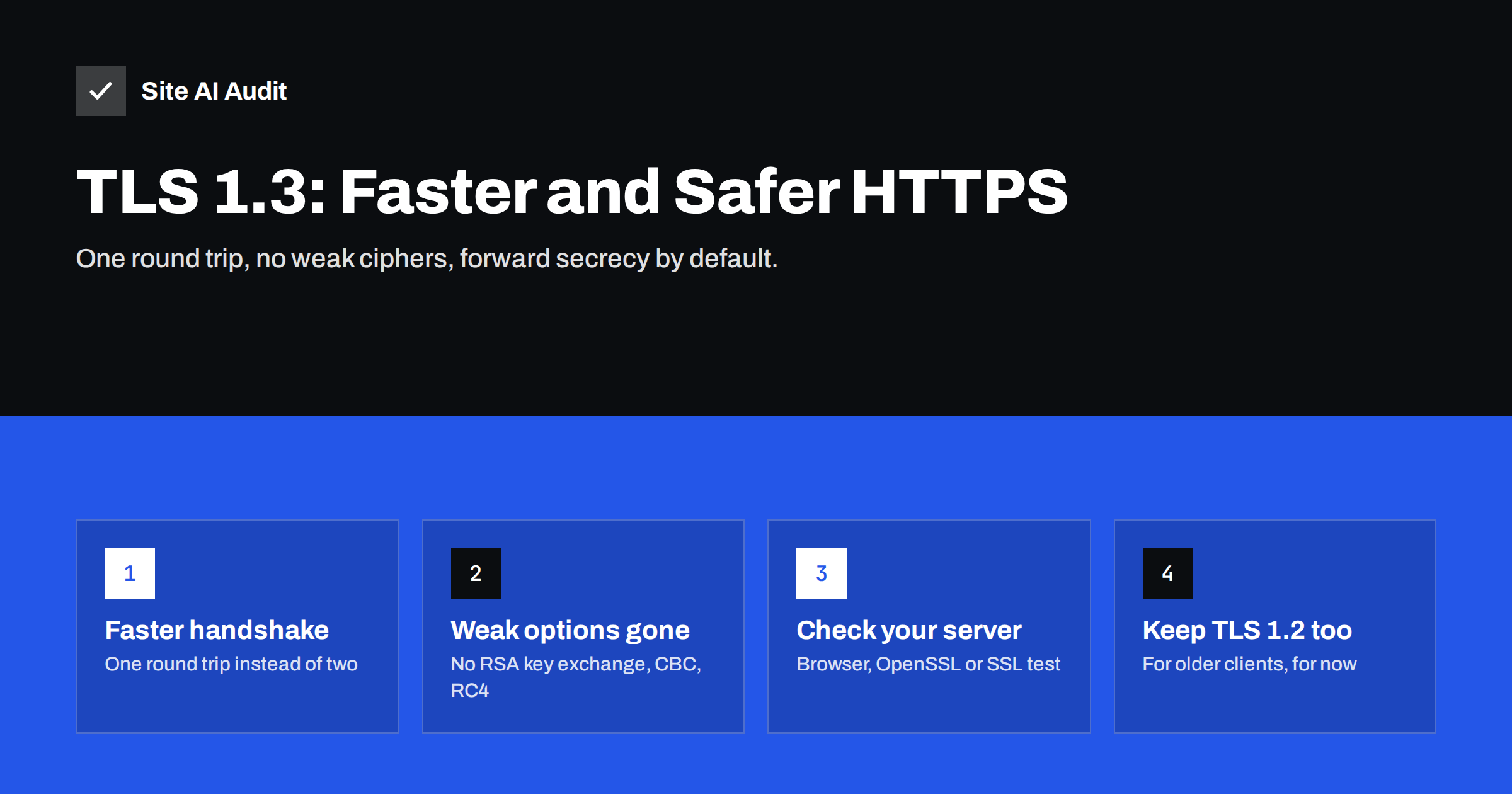
Short answer: TLS 1.3 is the current version of the protocol behind HTTPS. It sets up a secure connection in one network round trip instead of two, removes old and weak cryptographic options, and makes forward secrecy mandatory. Most modern servers, hosting panels and CDNs support it; enabling it is usually a one-line configuration change as long as your server software and OpenSSL library are recent. Keep TLS 1.2 enabled alongside it for older clients.
What TLS 1.3 is
TLS (Transport Layer Security) encrypts the connection between a visitor’s browser and your website. It is what turns http:// into https://. The protocol has been revised several times; TLS 1.3 was published by the IETF in 2018 as RFC 8446, replacing TLS 1.2, which dates from 2008.
Your SSL certificate does not change between versions. The same certificate works with TLS 1.2 and TLS 1.3. What changes is the handshake, the list of allowed algorithms and how the connection keys are negotiated. If you are still unclear on the names, our explainer on the difference between SSL and TLS covers the history.
Browsers negotiate the highest version both sides support. If your server offers TLS 1.3, current versions of Chrome, Firefox, Safari and Edge will use it automatically. If it does not, they fall back to TLS 1.2 and the site still works, just a little less efficiently.
Why TLS 1.3 is faster
Before any page content can be sent over HTTPS, the browser and server must agree on keys. In TLS 1.2 this takes two round trips between the visitor and the server. In TLS 1.3 it takes one.
A round trip is the time a message needs to travel to the server and back. On a fast office connection close to the server it may be a few milliseconds. On a mobile network, or when visitors are on another continent, it is often 100 milliseconds or more. Saving one round trip on every new connection therefore makes the first byte of the page arrive noticeably sooner for exactly the visitors who suffer most from slow connections.
TLS 1.3 also defines a resumption mode called 0-RTT, in which a returning visitor can send data with the very first message. It is faster still, but it has a known trade-off: that early data can in theory be replayed by an attacker. Many servers leave 0-RTT disabled by default, or allow it only for safe requests. If you are not sure, leave it off; the standard one round trip handshake already gives most of the benefit.
Why TLS 1.3 is safer
Much of TLS 1.3’s security comes from what it removed. TLS 1.2 allowed dozens of cipher suite combinations, some of them weak, and configuration mistakes were common. TLS 1.3 keeps only a small set of modern choices.
- Forward secrecy is mandatory. Every connection uses temporary keys, so a stolen server private key cannot decrypt traffic recorded in the past.
- Static RSA key exchange is gone. That older method did not provide forward secrecy.
- Only authenticated encryption remains. Ciphers such as AES-GCM and ChaCha20-Poly1305 are allowed; CBC-mode ciphers, RC4 and 3DES are not.
- Old hash functions are out. MD5 and SHA-1 are no longer used in the handshake signatures.
- Compression and renegotiation were removed. Both were behind well-known attacks against earlier versions.
- More of the handshake is encrypted. The server’s certificate is sent encrypted, revealing less to anyone watching the network.
In short, with TLS 1.3 there are far fewer ways to configure encryption badly.
For a small business this matters more than it may seem. Few owners have the time to follow cryptography news or to review cipher lists after every server update. With TLS 1.2, a configuration that was reasonable a few years ago can quietly fall behind as weaknesses are discovered. With TLS 1.3, the protocol itself refuses the risky options, so a site that simply enables it gets a sound baseline for every visitor whose browser supports it, which today is nearly all of them.
TLS 1.2 vs TLS 1.3 at a glance
| Feature | TLS 1.2 | TLS 1.3 |
|---|---|---|
| Full handshake | Two round trips | One round trip |
| Resumption | Session IDs or tickets | Tickets, optional 0-RTT |
| Forward secrecy | Optional, depends on cipher | Always |
| Cipher choices | Many, including weak ones | Five, all modern AEAD |
| Certificate in handshake | Sent unencrypted | Sent encrypted |
| Browser support | Universal | All current browsers |
How to check whether your site uses TLS 1.3
There are three quick ways to check, and none of them needs server access.
- In the browser. In Chrome or Edge, open developer tools, go to the Security panel (or the Privacy and security panel, depending on version) and look at the connection details. It shows the protocol, for example “TLS 1.3”, the key exchange and the cipher. Firefox shows similar details under the padlock, in the connection’s technical details.
- With OpenSSL. Run
openssl s_client -connect example.com:443 -tls1_3. If the connection succeeds and shows “Protocol: TLSv1.3”, it is supported. If it fails with a handshake error, it is not. - With an SSL server test. Online SSL testing tools list every protocol version your server accepts, along with cipher suites and certificate chain details.
If you use a CDN or a proxy in front of your site, remember there are two connections: visitor to CDN and CDN to your server. Browser tools show the first. The second one matters for security too, and our guide to CDN SSL modes explains how to make sure it is encrypted and verified.
How to enable TLS 1.3
TLS 1.3 needs two things: server software that supports it and a TLS library new enough to implement it. On Linux servers that usually means OpenSSL 1.1.1 or newer, which ships with every mainstream distribution released in recent years.
- Nginx. In the server or http block, set
ssl_protocols TLSv1.2 TLSv1.3;, then test the configuration withnginx -tand reload. - Apache. With a current Apache 2.4 and mod_ssl, set
SSLProtocol -all +TLSv1.2 +TLSv1.3, check withapachectl configtestand reload. - Hosting control panels. Many panels have a TLS or SSL settings page with a minimum version and a list of protocols. If TLS 1.3 is not offered, ask your host whether the server stack is up to date.
- CDNs and managed platforms. Most enable TLS 1.3 by default or offer a simple switch in their SSL settings.
You do not need to choose TLS 1.3 cipher suites manually; the defaults are safe. Continue to review your TLS 1.2 cipher list, because that is where weak options can still hide. The article on getting an A grade in an SSL server test walks through a sensible TLS 1.2 configuration.
Should you switch off TLS 1.2?
Not yet for most public websites. TLS 1.2 is still considered secure when configured with modern ciphers, and some older devices, embedded systems, payment terminals and business integrations do not support TLS 1.3. Switching TLS 1.2 off can lock them out without any visible warning to you.
The versions to remove are the older ones. TLS 1.0 and 1.1 are formally deprecated and all major browsers stopped supporting them. If your server still accepts them, see how to disable TLS 1.0 and 1.1 safely. A sound setup for most sites today is TLS 1.2 plus TLS 1.3, nothing older.
Common problems after enabling TLS 1.3
- No change visible. A CDN or load balancer in front of the server terminates TLS, so the change must be made there.
- Configuration ignored. Another virtual host or an included file sets
ssl_protocolsdifferently. In Nginx, the setting from the default server can apply to others on the same address. - Old OpenSSL. The server software was compiled against an old library. Upgrading the operating system packages usually fixes this.
- Connection errors from old clients. Usually caused by also removing TLS 1.2, not by adding TLS 1.3. The guide to fixing ERR_SSL_PROTOCOL_ERROR helps diagnose these.
How Site AI Audit helps
Site AI Audit checks your SSL certificate and its expiry, the HTTP to HTTPS redirect, security headers and exposed software versions, alongside SEO, speed and e-mail authentication. Each finding comes with a plain-language explanation and a ranked list of what to fix first. Paid plans on the pricing page add re-checks and alerts, for example when a certificate is about to expire.
Related reading
- HTTP/2 vs HTTP/3: Do They Make Your Website Faster?
- HSTS Explained: How to Enable Strict-Transport-Security Safely
- How to Reduce Server Response Time (TTFB) for Faster Pages
The bottom line
TLS 1.3 gives every visitor a faster and safer connection with no change to your certificate or content. Check whether your server or CDN offers it, enable it alongside TLS 1.2, leave 0-RTT off unless you understand the trade-off, and make sure TLS 1.0 and 1.1 are gone. It is one of the few improvements that helps both speed and security at once.
SSS
Do I need a new SSL certificate for TLS 1.3?
No. The same certificate works with TLS 1.2 and TLS 1.3. The protocol version is a server setting, not a property of the certificate.
Is TLS 1.2 still safe to use?
Yes, when it is configured with modern ciphers that provide forward secrecy. Keep it enabled next to TLS 1.3 for compatibility and disable TLS 1.0 and 1.1.
How much faster is TLS 1.3?
It saves one network round trip when a new connection is set up. The benefit is largest on mobile networks and for visitors far from your server, where a round trip often takes 100 milliseconds or more.
Should I enable 0-RTT?
Only if you understand the replay risk and your server limits early data to safe requests. For most small websites, leaving 0-RTT off is the sensible default.
How do I know if my website supports TLS 1.3?
Check the connection details in your browser’s developer tools, run openssl s_client with the -tls1_3 option, or use an online SSL server test that lists supported protocol versions.


