ENEnglish
 LTLietuviškai
 DEDeutsch
 FRFrançais
 RUРусский
 ESEspañol
 PLPolski
 ITItaliano
 UKУкраїнська
 CSČeština
 PTPortuguês
 JA日本語
JA日本語 LVLatviešu valoda
 ETEesti
 HUMagyar
 IDBahasa Indonesia
 TRTürkçe
 HIहिन्दी
 ELΕλληνικά
 ARالعربية
 THไทย
THไทย VITiếng Việt
 RORomână
 MSBahasa Melayu
 BNবাংলা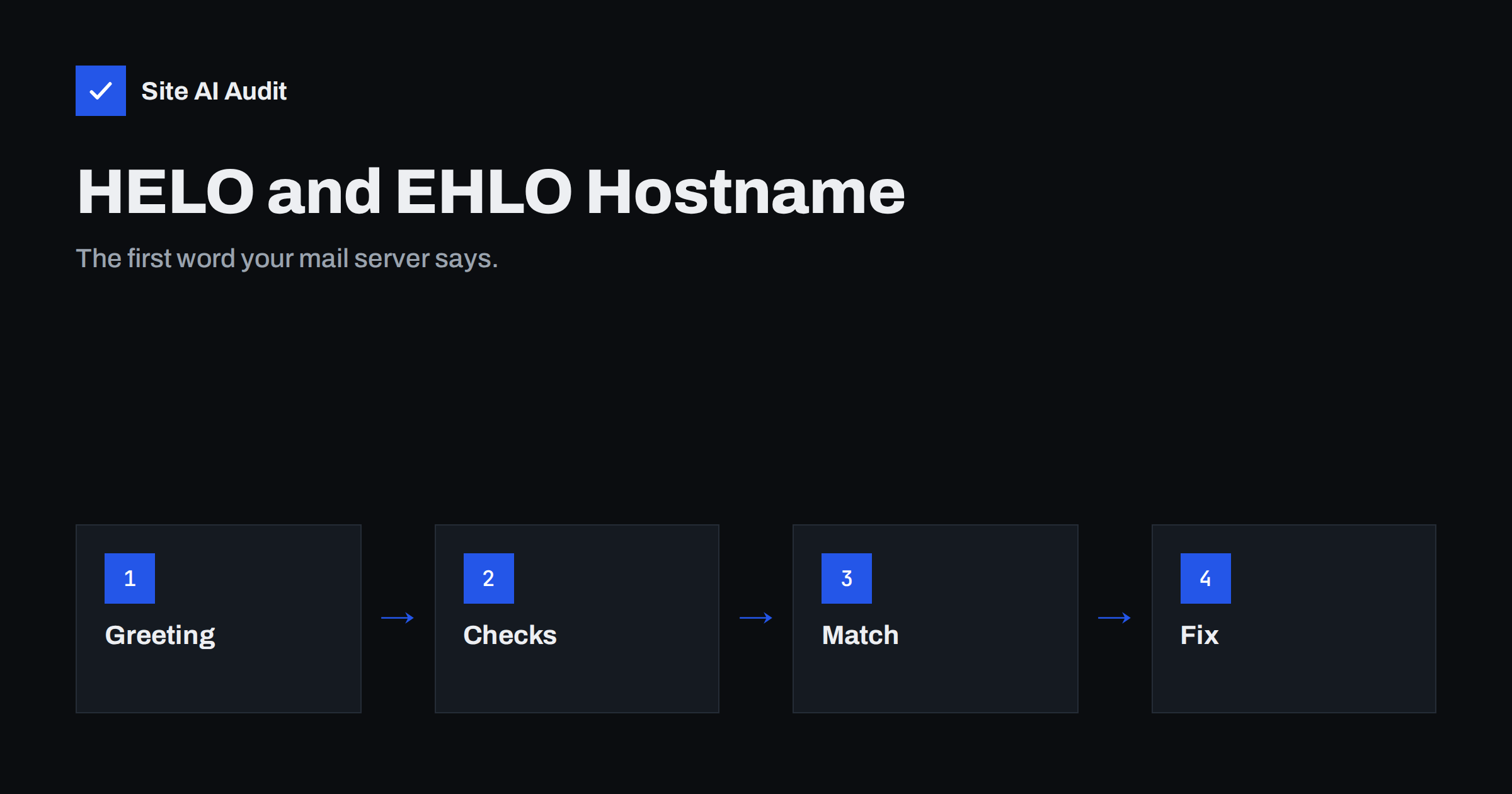
Short answer: Every email conversation between two mail servers starts with a greeting: the sending server says HELO or EHLO followed by its hostname. Receiving servers check that name. If it is missing, generic, an IP address, a name that does not exist in DNS or a name that does not match the server’s reverse DNS, the message starts with a bad reputation before the content is even read. Give your mail server one real, fully qualified hostname that resolves to its IP address, make the reverse DNS record match it, and use the same name in the greeting.
What happens when a server sends mail
Email delivery between servers uses SMTP, a simple text conversation. The sending server connects to the receiver, and the first command it sends is EHLO, or in older systems HELO, followed by its own name. Only after that does it say who the message is from, who it is for and what the content is.
EHLO is the modern form: it asks the receiver to list its capabilities, such as encryption and size limits. HELO is the older form with no capability list. In both cases, the name after the command is the sending server’s claim about its identity. That claim is the subject of this article.
Why receivers care about the greeting
The greeting name is the earliest signal the receiver gets, and spam filters have used it for decades because it is cheap to check and spammers get it wrong so often. Typical checks are:
- Is it a fully qualified domain name? A bare word such as “localhost”, “mail” or “server” is not. A name with at least one dot and a real domain is.
- Does it resolve? The receiver looks up the name. If it has no address record, the server is claiming a name that does not exist.
- Does it match the connection? The receiver can compare the name’s address with the IP it is talking to, and compare both with the reverse DNS record of that IP. Agreement across all three is the sign of a properly set up server.
- Is it a lie? A server that greets with the receiver’s own domain, with a famous provider’s name or with a literal IP address in brackets is a classic spam pattern.
Depending on the receiver, a bad greeting can mean an immediate rejection, a higher spam score, slower delivery through greylisting, or simply a lower reputation that makes other small problems count more. Our guide to reverse DNS and PTR records covers the matching record on the IP side.
The three names that must agree
For a clean setup, three things should line up:
- The greeting name. What the server says in EHLO, for example mail.example.com.
- The forward DNS. An A or AAAA record for mail.example.com that points to the server’s IP address.
- The reverse DNS. The PTR record for that IP address that returns mail.example.com.
When all three agree, the receiver sees a server that is who it says it is. This is sometimes called forward-confirmed reverse DNS. Many large providers list it as a basic requirement for sending servers, alongside SPF, DKIM and DMARC. Read how those fit together in SPF, DKIM and DMARC: the differences.
Common mistakes
The default hostname. New servers often come with a name such as localhost.localdomain or a provider-generated name like vps12345.hosting-provider.example. The first fails the fully qualified check; the second resolves but looks nothing like your brand and often has no matching reverse record.
The website name instead of the mail name. Using example.com as the greeting can work, but the reverse DNS for a shared IP rarely says example.com, so the match fails. A dedicated mail hostname such as mail.example.com is cleaner.
A name that nobody owns. Internal names like mail.local or office.lan do not exist on the public internet and fail the resolution check.
Several servers, one name. If two servers with different IPs both greet as mail.example.com, only one of them can match the forward record. Give each server its own name, for example mail1 and mail2.
Changing the IP but not the records. After a migration, the greeting still says the old name, or the PTR record still points to the old name. Review all three after any move. Our checklist for switching email providers includes this step.
Website scripts sending directly. A web server that sends contact form mail from its own IP greets with whatever the web server’s hostname is, which is often generic. Routing website mail through a proper mail server or an authenticated relay avoids this. See SMTP relay vs direct sending.
How to check your own greeting
- Send a test message from your system to a mailbox you control at a different provider, then open the full headers. The Received line added by the receiving server shows the name your server used, usually in the form “from mail.example.com (mail.example.com [203.0.113.10])”. The first name is the greeting, the second is the reverse DNS, and the address is the IP. If the two names differ, or one is missing, you have found the problem. Our guide on reading email headers shows where to look.
- Look up the records. Query the A record for the greeting name and the PTR record for the IP. They should point at each other.
- Use a deliverability test tool. Most free tools report the greeting name, whether it resolves and whether it matches the reverse DNS, together with SPF, DKIM and DMARC results.
- Check the server’s own setting. In most mail server software there is a single setting for the hostname used in the greeting. Make sure it holds the fully qualified name, not a short name.
How to fix it
Choose one fully qualified name for each sending server, typically mail.yourdomain.com or a numbered variant. Create its A record, and its AAAA record if the server also sends over IPv6. Ask your hosting provider to set the PTR record for the IP to that name; on most VPS and cloud platforms you can set it yourself in the control panel. Then set the hostname in the mail server configuration and restart the service. Send another test and read the Received line again.
If you send over both IPv4 and IPv6, both addresses need matching reverse records. Many deliverability problems on IPv6 come from a missing PTR record. Our article on sending email over IPv6 explains the extra requirements.
If you use a hosted email service rather than your own server, the greeting is their responsibility and is almost always correct. The problem usually appears on self-managed servers, web servers that send mail directly, and office devices such as scanners that relay through a basic connection.
Does the greeting affect SPF or DKIM?
Partly. SPF checks the domain in the envelope sender, but when the envelope sender is empty, as with bounce messages, receivers fall back to checking the greeting name against SPF. So a greeting name without an SPF record can cause bounce messages to fail. Publishing a simple SPF record for mail.example.com, listing just that server, closes the gap. DKIM is independent of the greeting.
The greeting also matters for the TLS certificate on your mail server. A certificate issued for mail.example.com that matches the greeting and the reverse DNS avoids warnings in strict receivers and in MTA-STS checks. See MTA-STS and TLS-RPT setup.
A correct greeting is a small detail, but it is part of the first impression every receiving server forms. Together with reverse DNS, authentication and a clean sending history, it is one of the basics that let legitimate mail from a small sender compete with mail from large providers.
What Site AI Audit can and cannot tell you
Site AI Audit checks the email records of your domain: SPF and its lookup limit, DKIM signatures, the DMARC policy and MX records. It does not connect to your mail server or read its greeting, so use the header test above for that. The audit’s email results are the natural companion: once the greeting, reverse DNS and authentication all agree, your domain is set up the way large receivers expect. You can run a free check of your domain or see the plans.
Related reading
- Reverse DNS and PTR Records for Email: What You Need to Know
- How to Read Email Headers to Check SPF, DKIM and DMARC
- Email Deliverability Checklist: 20 Checks for Small Businesses
- Why Are My Emails Going to Spam? 12 Causes and Fixes
The bottom line
The HELO or EHLO name is your mail server’s introduction. Make it a real, fully qualified hostname that resolves to the server’s IP, set the reverse DNS to the same name and use that name in the server configuration and its certificate. Check the Received header of a test message to confirm, and repeat the check after any migration.
SSS
What is the difference between HELO and EHLO?
EHLO is the modern greeting that also asks the receiver to list its features, such as encryption. HELO is the older form. Both carry the sending server’s hostname, which is what receivers check.
Can I use my website domain as the greeting?
You can, but the reverse DNS of the IP must then return that same name, which is rarely the case on shared hosting. A dedicated mail hostname is cleaner and easier to match.
Where do I see which name my server uses?
In the Received header of a message sent to an external mailbox. The receiving server records the greeting name, the reverse DNS name and the IP address.
My hosted email provider sends my mail. Do I need to check this?
Usually not. Providers set this correctly. Check it when your website, a self-hosted server or an office device sends mail directly.
Does a wrong greeting cause outright rejection?
Sometimes. Some receivers reject greetings that do not resolve or that use a bare IP address. Others add to the spam score. Either way, fixing it removes a needless penalty.