 ENEnglish
 LTLietuviškai
 DEDeutsch
 FRFrançais
 RUРусский
 ESEspañol
 PLPolski
 ITItaliano
 UKУкраїнська
 CSČeština
 PTPortuguês
 JA日本語
JA日本語 LVLatviešu valoda
 ETEesti
 HUMagyar
 IDBahasa Indonesia
 TRTürkçe
 HIहिन्दी
 ELΕλληνικά
 ARالعربية
 THไทย
THไทย VITiếng Việt
 RORomână
 MSBahasa Melayu
 BNবাংলা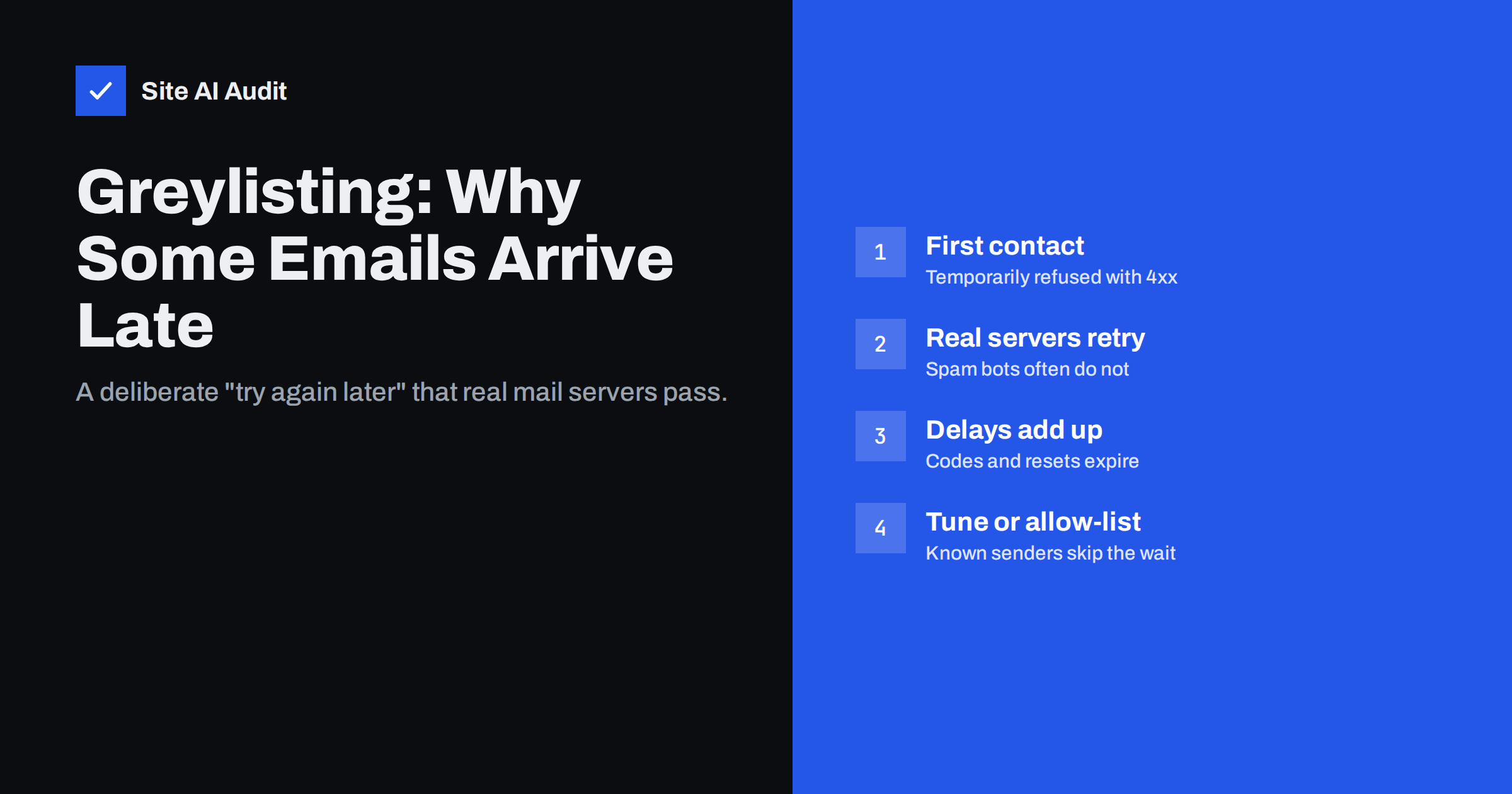
Short answer: Greylisting is an anti-spam technique in which a receiving mail server temporarily rejects the first message from a sender it has not seen before, with a “try again later” (4xx) response. Legitimate mail servers retry after a few minutes and the message is then accepted, while many spam tools never retry. The cost is delay: the first e-mail from a new sender can arrive minutes or, with slow retry schedules, much later. If you run the receiving server, allow-list known senders and keep the delay short; if you send, make sure your system queues and retries instead of giving up.
How greylisting works
When a message arrives, a greylisting server looks at a combination of three values, often called the triplet:
- The IP address of the sending server.
- The envelope sender address (the Return-Path).
- The recipient address.
If this combination has not been seen recently, the server answers with a temporary failure, such as 451 4.7.1 Greylisted, please try again later, and records the triplet. A properly configured sending server keeps the message in its queue and tries again after its retry interval. When the retry arrives after the minimum waiting time, the receiving server accepts it and usually remembers the combination, so future messages pass without delay.
The practice is described in RFC 6647, which covers how greylisting interacts with normal SMTP behaviour. It relies on a basic rule of e-mail: a temporary error means “try later”, and real mail servers are required to do so.
It is worth stressing that greylisting never looks at what the message says. The subject, the text, the links and the attachments play no part in the decision. The only question is whether the sending server behaves like a patient, standards-following mail server. That makes greylisting cheap to run, but also means it cannot tell a welcome newsletter from junk once both have retried.
Why it catches spam
Many spam-sending tools are built for speed. They send once to each address and move on, ignoring temporary errors, because retrying costs time and resources. Greylisting quietly filters out this “fire and forget” traffic without examining the message content at all.
The effect was stronger when greylisting was new. Today many spam operations use real mail servers or compromised accounts that do retry, so greylisting stops a smaller share of spam than it once did. It is still used by some companies, universities and hosting providers, often as one layer among several filters.
The downside: delayed legitimate email
Greylisting deliberately delays the first message in every new conversation. How long depends on the sender’s retry schedule, not the receiver:
- Many mail servers retry within a few minutes, so the delay is short.
- Some retry only after 15 or 30 minutes, or with increasing intervals, which can stretch delivery to an hour or more.
- Large providers send from pools of many IP addresses. A retry from a different IP creates a new triplet and may be greylisted again, adding further delay unless the receiver groups addresses by network.
Delays hurt most with time-sensitive mail: sign-in codes, password resets, booking confirmations and order e-mails. A code that expires in ten minutes is useless if greylisting holds the message for twenty.
The delay is also confusing for people. A customer who requests a password reset, receives nothing and tries again three times may end up with four messages arriving together later, each invalidating the previous code. Support teams then receive complaints that “the e-mails do not work”, when in fact every message was delivered, just late. Knowing the pattern saves a lot of guesswork.
How to recognise greylisting
Several clues point to greylisting rather than a spam filter or a delivery failure:
- Only the first message is late. Subsequent messages from the same sender to the same recipient arrive immediately.
- The delay is consistent with a retry interval, for example five, fifteen or thirty minutes.
- The sending logs show 4xx responses mentioning “greylisted”, “try again later” or “deferred” before a successful delivery. Our guide to email bounce codes explains how to read these responses.
- The message headers show a gap. In the received message, the Received lines show when each server handled it. A long gap between the sending server and the receiving server suggests the message waited in a queue. See how to read email headers.
If messages never arrive at all, greylisting is probably not the cause, unless the sender does not retry. In that case, the sending system needs fixing.
A simple test confirms it: send two messages a few minutes apart from a new address to the affected mailbox. If the first arrives late and the second arrives at once, greylisting is almost certainly involved.
If you run the receiving server
Greylisting is configured on the receiving side, in the mail server or its filtering software. If your business runs its own mail server or uses a hosting package where greylisting can be controlled, reduce the pain with these settings:
- Keep the minimum delay short. A wait of a minute or so is enough to filter senders that never retry; longer delays add nothing but frustration.
- Allow-list large, reputable senders. Major mail providers and well-known sending services retry reliably, so greylisting them only adds delay. Many greylisting tools ship with such lists.
- Group sender IPs by network. Treat retries from the same network range as the same sender, to avoid repeated greylisting by providers with IP pools.
- Consider SPF-aware allow-listing. Some filters skip greylisting for mail that passes SPF for a domain with a good reputation.
- Remember passed senders for a long time. Keep auto-allow-listed triplets for weeks, so regular correspondents are never delayed again.
- Weigh the benefit. If modern content and reputation filters already catch most spam, greylisting may not be worth the delays it causes.
If your mailbox is at a hosting company and first messages are regularly late, ask support whether greylisting is enabled and whether it can be adjusted or turned off for your domain.
If you are the sender
When your recipients use greylisting, your side has to behave like a proper mail server:
- Send through a real mail service. Business mail providers and transactional e-mail services queue and retry automatically. Scripts that send directly from a website, or libraries configured to treat any error as final, may give up after the first 4xx response and lose the message. Our guide on WordPress emails not sending explains how to route website mail through authenticated SMTP.
- Use consistent sending addresses. A Return-Path that changes for every message, for example with unique bounce addresses, can create a new triplet each time. Many providers handle this well, but it is worth knowing if one recipient domain always delays your mail.
- Keep authentication in order. Receivers that allow-list by SPF or reputation will skip greylisting only if your records are correct. Check your SPF record, DKIM and DMARC.
- Design time-sensitive mail with delays in mind. Give sign-in codes a reasonable validity period and offer a “resend” option that does not invalidate the first code immediately.
Greylisting vs other causes of delay
| Cause | Typical pattern | Where to look |
|---|---|---|
| Greylisting | First message from a new sender is late; later ones are fast | 4xx “greylisted” responses in sending logs |
| Throttling by the receiver | Many messages delayed during larger sends | 4xx “rate limited” responses |
| Sender queue problems | All mail from one system is late | The sending server’s or service’s queue |
| Spam filtering | Mail arrives on time but in the junk folder | Authentication results and filter reports |
| DNS problems | Mail to one domain fails or is late | The recipient domain’s MX records |
For the last case, our explainer on MX kayıtları shows how to check that a domain’s mail routing is correct.
How Site AI Audit helps
Site AI Audit checks the DNS records behind your e-mail as part of every website audit: MX records, SPF and its lookup limit, DKIM and the DMARC policy. Correct records help your mail be recognised and trusted by receiving servers, including those that skip greylisting for authenticated senders, and each finding comes with a plain explanation and the fix. You can check your domain for free.
Related reading
- How to Test Email Deliverability Before You Hit Send
- Reverse DNS and PTR Records for Email: What You Need to Know
- Switching Email Providers: A Checklist to Avoid Lost Mail
The bottom line
Greylisting temporarily refuses mail from unknown senders and accepts it when the sending server retries. It filters some spam at the cost of delaying first messages, which hurts time-sensitive mail. Receivers should keep delays short and allow-list reputable senders; senders should use real mail services that retry, keep authentication correct and design codes and confirmations to tolerate a short delay.
SSS
What is greylisting in email?
It is an anti-spam method where the receiving server temporarily rejects the first message from an unknown sender and accepts it when the sender retries. Legitimate servers retry; many spam tools do not.
How long does greylisting delay an email?
Usually a few minutes, depending on the sending server’s retry schedule. With slow retry intervals or senders using many IP addresses, it can take an hour or more.
Is greylisting still effective?
Less than it used to be, because many spam operations now use servers that retry. It still filters some spam, but modern reputation and content filters do most of the work.
Why do my verification codes arrive too late?
The recipient’s server may be greylisting the first message from your sending service. Check your sending logs for 4xx responses and give codes a longer validity period.
Can greylisting cause emails to be lost?
Only if the sender does not retry. Proper mail servers and e-mail services queue the message and try again, so it arrives late but not lost.


