 ENEnglish
 LTLietuviškai
 DEDeutsch
 FRFrançais
 RUРусский
 ESEspañol
 PLPolski
 ITItaliano
 UKУкраїнська
 CSČeština
 PTPortuguês
 JA日本語
JA日本語 LVLatviešu valoda
 ETEesti
 HUMagyar
 IDBahasa Indonesia
 TRTürkçe
 HIहिन्दी
 ELΕλληνικά
 ARالعربية
 THไทย
THไทย VITiếng Việt
 RORomână
 MSBahasa Melayu
 BNবাংলা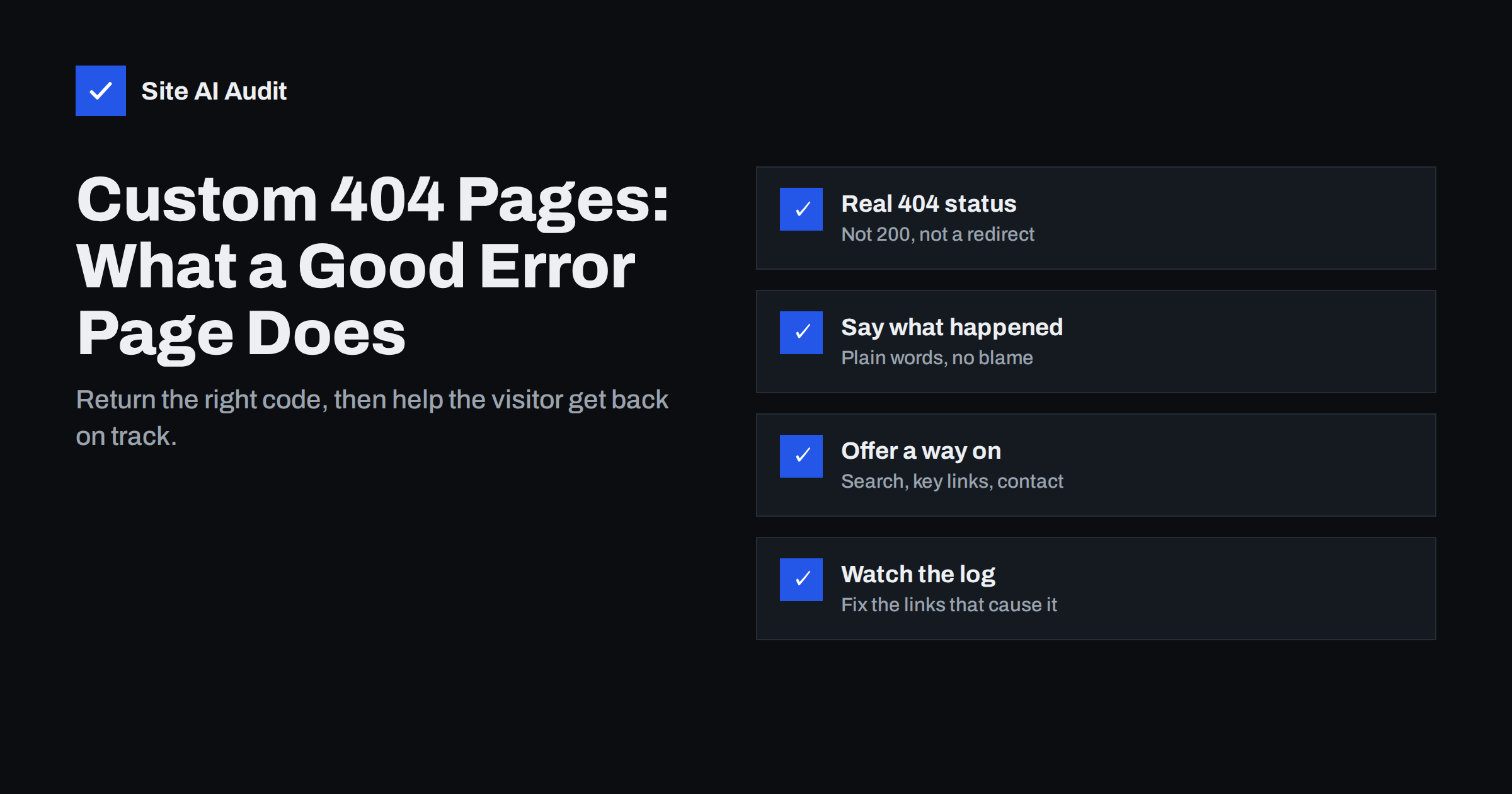
Short answer: A good 404 page does two jobs. For search engines it returns a real 404 (or 410) HTTP status code, so missing pages are dropped from the index instead of being treated as thin content. For visitors it explains in plain words that the page was not found and offers a way forward: a search box, links to the main sections and a contact option, inside your normal site design. Then you monitor which URLs lead to it and fix or redirect the ones that matter.
What a 404 page is, and why every site needs one
When someone requests a URL that does not exist on your server, the server answers with the HTTP status code 404 Not Found and shows an error page. Visitors reach it through mistyped addresses, old bookmarks, outdated links on other websites, deleted products and broken links inside your own site.
Every website has some 404 traffic, and that is normal. Google’s documentation on HTTP status codes states that 404 errors for pages that genuinely do not exist do not harm how the rest of your site is ranked. The problem is not that 404s exist; it is what happens next. A bare server error page with a technical message makes most people leave. A helpful custom page keeps many of them on the site.
Rule one: the status code must be 404
The most important part of a custom 404 page is invisible. The page must be sent with the status code 404 (or 410 for pages removed on purpose), not 200 OK. It is a surprisingly common mistake:
- A “not found” message with status 200. Search engines see a normal page, may index it, and report it as a soft 404. Our guide on soft 404 errors explains why that wastes crawling and confuses reports.
- Redirecting every missing URL to the home page. Visitors land somewhere they did not expect, and search engines usually treat these redirects as soft 404s anyway.
- Redirecting to a /404/ URL. The missing address answers with a 301 or 302, and the error page itself returns 200. Both codes are wrong.
To check your site, request a URL that certainly does not exist, such as /this-page-does-not-exist-123/, and look at the status code. In a terminal, curl -I https://example.com/this-page-does-not-exist-123/ prints it on the first line; in the browser, the Network tab of the developer tools shows it. You want to see 404 and no redirect.
404 or 410: which one to use
Both codes say the page is not available. The difference is intent:
| Code | Meaning | When to use |
|---|---|---|
| 404 Not Found | Nothing is at this address; it might have been a typo or might come back | The default for any unknown URL |
| 410 Gone | The page existed and was removed on purpose | Deleted content you do not intend to replace, such as expired spam pages after a hack |
| 301 Moved Permanently | The content lives at a new address | Renamed or merged pages with a clear replacement |
In practice, search engines drop both 404 and 410 URLs from the index; 410 may be processed a little faster. Most small sites can use 404 everywhere and redirect only the URLs that have a real replacement, as described in our guide on choosing between 301 and 302 redirects.
What a helpful 404 page includes
The visitor on a 404 page is lost, not stupid. The page should make the next step obvious:
- Your normal header, navigation and footer. The visitor should immediately recognise they are still on your website.
- A clear, friendly message. For example, “We can’t find that page. It may have moved or the address may be mistyped.” Avoid technical jargon and avoid blaming the visitor.
- A search box. For content-heavy sites and shops this is often the fastest way back to what they wanted.
- Links to the most useful places. The home page, main service or product categories, the blog and the most visited pages.
- A contact option. A phone number or contact link helps visitors who were trying to reach you, and lets them report the broken link.
- Consistent, light design. The page should load quickly and work on mobile like any other page.
A little personality is fine if it fits your brand, but the purpose is practical. A clever joke without links does not help anyone.
What to avoid on a 404 page
- Automatic redirects after a few seconds. They confuse visitors, break the back button and hide the problem from your reports.
- Heavy pages. Large animations, videos or big images make an error page slow, which is a poor second impression.
- Indexable 404 pages. With the correct status code, search engines will not index the page. There is no need to add anything else, but never serve the error page under its own indexable URL with status 200.
- Pop-ups and sign-up forms. The visitor is already frustrated; do not add another obstacle.
- Exposing technical details. Server error pages sometimes show the server software and version, which our guide on hiding exposed software versions recommends removing.
How to set up a custom 404 page
The method depends on your platform:
- WordPress. The theme’s
404.phptemplate controls the page, and WordPress sends the 404 status automatically. Edit the template, or use the block editor’s template for 404 in block themes. Most themes include a basic version you can improve. - Shopify, Wix, Squarespace and similar. Each has a 404 page you can edit in the theme or site settings, and the status code is handled for you.
- Apache. Use
ErrorDocument 404 /404.htmlwith a local path. A full URL here makes Apache redirect, which breaks the status code. - Nginx. Use
error_page 404 /404.html;and make sure the location serving the file is markedinternalso it cannot be requested directly with status 200. - Single-page applications. JavaScript apps often return 200 for every URL and show “not found” in the browser. Configure the server to return 404 for unknown routes, or at least add a noindex robots meta tag to the error view.
After any change, repeat the check with a made-up URL and confirm the status code and the page design.
Use 404 data to fix real problems
The 404 page is the symptom; the cause is a link or address that points nowhere. Review which URLs return 404 and where visitors come from:
- Google Search Console lists “Not found (404)” URLs in the page indexing report, with where Google found them.
- Analytics. Give the 404 page a distinct title, such as “Page not found”, and filter page views by that title to see which addresses and referrers lead there.
- Server logs show every 404 request, including those from bots and old links elsewhere on the web.
- A site crawl finds broken links inside your own pages, which you should fix at the source. Our guide on finding and fixing broken links walks through it.
Then decide per URL: fix internal links that point to it, redirect addresses that had traffic or backlinks to the closest matching page, and leave random typos and junk URLs as honest 404s. Not every 404 needs action.
Special cases: online shops and removed products
Shops create more missing pages than most sites, because products sell out, get discontinued or change names. A few habits keep this under control:
- Temporarily out of stock: keep the product page live with status 200, show availability clearly and suggest alternatives.
- Replaced by a newer model: redirect the old URL to the new product with a 301.
- Discontinued with no replacement: redirect to the closest category if it clearly helps the visitor, or let the URL return 404 or 410.
On the shop’s 404 page itself, a search box and links to the main categories are especially valuable, because most visitors arrived looking for a specific product.
How Site AI Audit helps
Site AI Audit crawls your website like a search engine and reports broken links and redirects among its SEO checks, together with the sitemap, robots.txt and noindex rules. Each finding is explained in plain words with the affected pages and ranked by impact, so you can fix the links that send visitors to your 404 page. You can run a free check of your website.
Related reading
- Finding Redirect Chains and Loops on Your Website
- Website Migration SEO: How to Move a Site Without Losing Traffic
- Why Is My Page Not on Google? A Step-by-Step Checklist
The bottom line
A custom 404 page should return a real 404 or 410 status code, stay inside your normal site design and give lost visitors an obvious way forward with search, key links and a contact option. Do not redirect every missing page to the home page. Watch the URLs that lead to your 404 page and fix or redirect the ones that matter.
SSS
Do 404 errors hurt SEO?
404s for pages that really do not exist are normal and do not harm the rest of the site. They become a problem when important pages return 404 by mistake or when many internal links point to missing pages.
Should I redirect all 404 pages to the home page?
No. Search engines usually treat such redirects as soft 404s and visitors land somewhere unexpected. Redirect only URLs that have a clear replacement and let the rest return 404.
How do I check that my 404 page returns the right status?
Open a made-up URL on your site and check the response in the browser’s developer tools or with curl -I. The first line should show 404, with no redirect before it.
What should a custom 404 page contain?
Your normal navigation, a short friendly message, a search box, links to the main sections and a contact option. Keep it fast and mobile-friendly.
When should I use 410 instead of 404?
Use 410 for pages you removed on purpose and will not replace, such as spam pages created during a hack. For everything else, 404 is fine.


