 ENEnglish
 LTLietuviškai
 DEDeutsch
 FRFrançais
 RUРусский
 ESEspañol
 PLPolski
 ITItaliano
 UKУкраїнська
 CSČeština
 PTPortuguês
 JA日本語
JA日本語 LVLatviešu valoda
 ETEesti
 HUMagyar
 IDBahasa Indonesia
 TRTürkçe
 HIहिन्दी
 ELΕλληνικά
 ARالعربية
 THไทย
THไทย VITiếng Việt
 RORomână
 MSBahasa Melayu
 BNবাংলা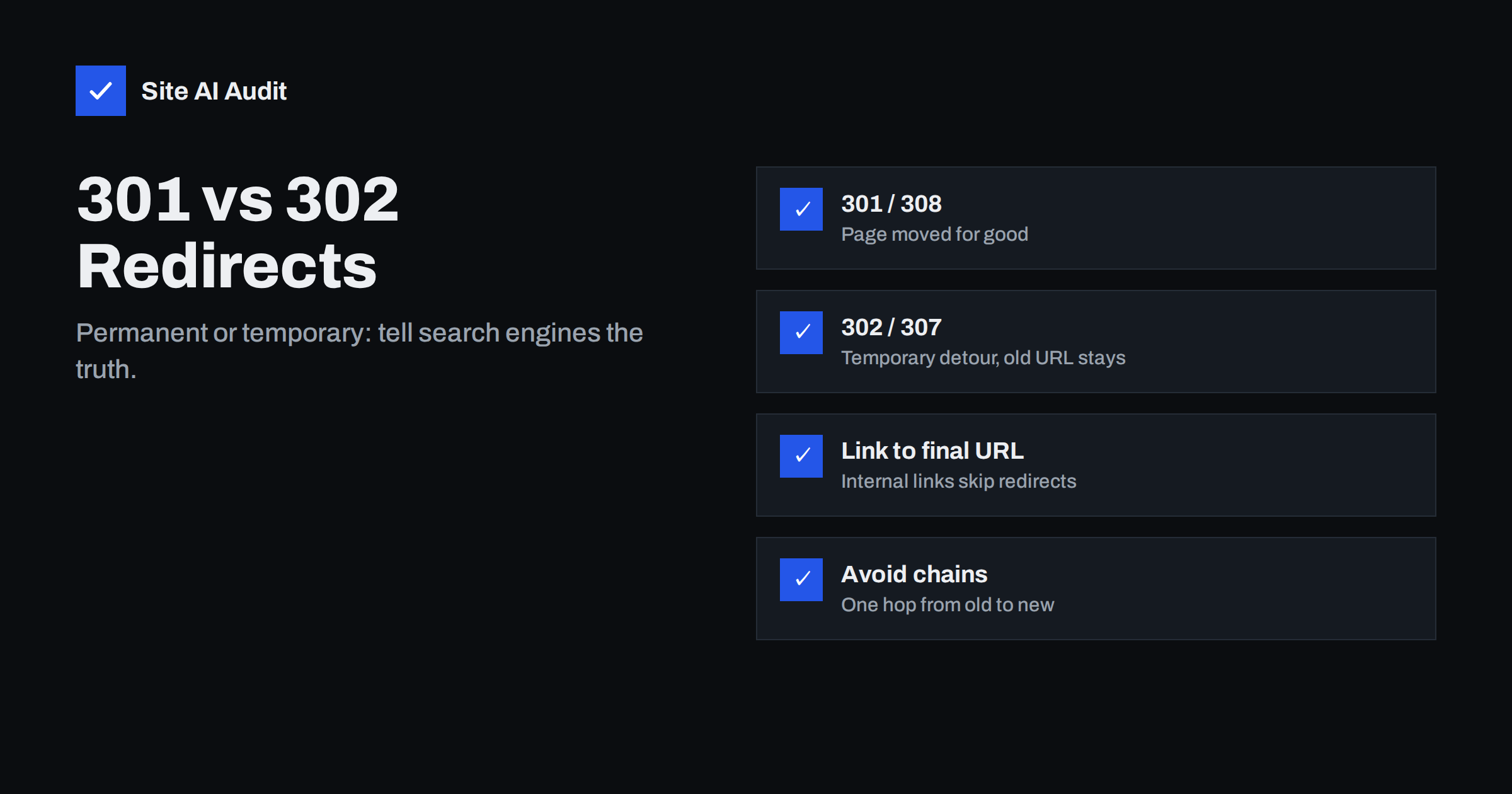
Short answer: Use a 301 (or 308) redirect when a page has moved permanently, so search engines transfer its signals to the new URL and eventually show the new address. Use a 302 (or 307) only when the move is genuinely temporary and the original URL will return. Choosing the wrong type rarely breaks a site, but it can delay search engines in showing the right URL, so always tell them the truth about how long the change will last.
What a redirect is
A redirect is an instruction from the server that says: “the page you asked for is somewhere else, go there instead.” The browser receives a status code in the 300 range together with a Location header containing the new address, and it loads that address automatically. Visitors usually do not notice anything except the changed URL in the address bar.
Search engine crawlers receive the same instruction. What they do with it depends on the status code. Some codes say the move is permanent, others say it is temporary. That difference decides which URL search engines keep in their index and show in results.
The MDN guide to HTTP redirections is a good technical reference if you want the full picture of how browsers handle each code.
The four redirect codes you will meet
Most websites only ever need four redirect types. Here is how they compare:
| Code | Meaning | Search engines | Typical use |
|---|---|---|---|
| 301 Moved Permanently | The page has a new permanent address | Move signals to the new URL and show it in results | Renamed pages, merged content, domain changes, HTTPS |
| 308 Permanent Redirect | Same as 301, but the request method must stay the same | Treated like a 301 | Permanent moves on sites or APIs that handle form submissions |
| 302 Found | The page is temporarily somewhere else | Usually keep the original URL in results | Short promotions, maintenance, testing |
| 307 Temporary Redirect | Same as 302, but the request method must stay the same | Treated like a 302 | Temporary moves where forms or API calls are involved |
The difference between 301 and 308, or between 302 and 307, matters mostly to developers. With 301 and 302, browsers may change a form submission (a POST request) into a normal page load (a GET request) when following the redirect. The 307 and 308 codes forbid that. For ordinary pages, a 301 and a 308 behave the same for SEO.
When to use a 301 redirect
A 301 is the right choice whenever the old URL is not coming back. Common situations include:
- Changing a page’s URL. You renamed
/services-2/to/bookkeeping-services/. Redirect the old one to the new one. - Merging pages. Three thin articles on the same topic become one strong guide. Redirect the three old URLs to the new guide.
- Removing a product with a clear successor. The 2024 model is replaced by the 2025 model. Redirect the old product page to the new one.
- Moving to a new domain. Every page on the old domain should redirect to its equivalent on the new domain, page by page.
- Standardising URL versions. HTTP to HTTPS, non-www to www (or the other way round), and adding or removing trailing slashes. Only one version of each page should answer with content; the others should redirect to it.
- Restructuring a site. Moving blog posts from
/blog/2023/05/post-name/to/post-name/needs a 301 from every old address.
Search engines follow a 301, move ranking signals such as links to the new URL, and replace the old URL in results over time. Google has stated that permanent redirects do not cause a loss of PageRank, so there is no reason to fear them. The main risk is not the redirect itself, but pointing it to a page that does not match what the old page offered.
When to use a 302 redirect
A 302 makes sense only when you plan to bring the original URL back. Examples:
- A short promotion. For two weeks,
/winter-coats/sends visitors to a special sale landing page, then returns to normal. - Temporary maintenance. A section is being rebuilt and visitors are sent to a notice page for a few days.
- Out-of-stock detours. A seasonal product page temporarily points to a related category while stock is unavailable.
- Testing. A/B tests that split visitors between two versions of a page, where the original URL stays the main one.
- Language or location detection. Sending visitors to a localised version based on their settings, where the target varies from person to person.
With a 302, search engines usually keep the original URL indexed, because you told them the move is temporary. That is exactly what you want for a two-week sale, and exactly what you do not want when the page has moved for good.
What happens if you use the wrong one
The mistakes go in both directions, and neither is catastrophic, but both are worth avoiding:
- A 302 used for a permanent move. This is the more common mistake, because some servers and plugins create 302 redirects by default. Search engines may keep showing the old URL for longer. If a temporary redirect stays in place for a long time, Google says it may eventually treat it as permanent, but you lose control over when that happens.
- A 301 used for a temporary change. Search engines may replace the original URL with the temporary target. When you remove the redirect, the original needs to be recrawled and re-established. Browsers also cache 301s aggressively, so some returning visitors may keep being sent to the temporary page even after you remove the redirect.
The fix in both cases is simple: change the redirect to the correct type as soon as you notice. The sooner you correct it, the less confusion search engines and browsers have to undo.
Redirect best practices
Whatever type you use, a few rules keep redirects clean:
- Redirect to the most relevant page. Match topic and intent. Sending every old URL to the home page is treated by search engines much like a missing page and frustrates visitors.
- Use one hop. Redirect old URLs directly to the final destination. Chains such as A to B to C slow down loading and may not be followed to the end by crawlers.
- Update internal links. Your own menus, footers and content should link straight to the final URL, not rely on redirects. Redirects are for outside links and bookmarks.
- Update the sitemap. The XML sitemap should list only final URLs that return a 200 status, never redirected ones.
- Use server-side redirects. Redirects configured in the server, the CMS or a plugin that returns a proper status code are clearer than JavaScript redirects or meta refresh tags, which search engines may process later or less reliably.
- Keep redirects in place. Leave permanent redirects for at least a year, and in practice as long as the old URLs still receive visits or links. Removing them early brings back broken links.
- Document them. Keep a simple list of redirects with dates and reasons, especially after a redesign. It makes later clean-ups much safer.
How to check which redirect a page uses
You do not need special software to check a single URL:
- Open your browser’s developer tools, go to the Network tab, tick “Preserve log”, and load the old URL. The first request shows the status code (301, 302 and so on) and the
Locationheader. - On the command line,
curl -I https://example.com/old-page/prints the status code and headers without following the redirect. - Online HTTP header checkers do the same and often show every hop in a chain.
For a whole site, a crawler is the practical choice. It finds every internal link that points to a redirect, shows the redirect type, and highlights chains and loops.
How Site AI Audit helps
Site AI Audit crawls your pages like a search engine and reports broken links and redirects in its SEO section, including internal links that point to redirected URLs. Each finding lists the affected pages and a plain-language fix, and findings are ranked by impact so you can see whether redirects are worth your time right now. Run a free check of up to 50 pages to see your redirect findings.
Related reading
The bottom line
Use a 301 or 308 when a page has moved for good and a 302 or 307 only when the original URL will return soon. Redirect to the most relevant page in a single hop, update your internal links and sitemap to the final URLs, and keep permanent redirects in place for the long term. If you find the wrong type in use, correct it promptly.
SSS
Do 301 redirects lose SEO value?
Google has said that permanent redirects do not lose PageRank. Signals such as links are passed to the new URL. Problems usually come from redirecting to irrelevant pages or creating long chains, not from the redirect itself.
How long should I keep a 301 redirect?
At least a year, and ideally as long as the old URL still receives visits or has links from other websites. Redirects cost very little to keep and removing them turns old links into broken links.
Is a 302 redirect bad for SEO?
No, a 302 is correct for temporary changes. It becomes a problem only when used for a permanent move, because search engines may keep the old URL in results for longer than you want.
What is the difference between 301 and 308?
Both are permanent redirects and search engines treat them the same way. A 308 also requires the browser to keep the original request method, which matters for form submissions and APIs rather than normal pages.
Are JavaScript redirects OK for SEO?
Search engines can follow them, but server-side redirects are faster and clearer. Use a JavaScript or meta refresh redirect only when you cannot configure the server or CMS.


