ENEnglish
 LTLietuviškai
 DEDeutsch
 FRFrançais
 RUРусский
 ESEspañol
 PLPolski
 ITItaliano
 UKУкраїнська
 CSČeština
 PTPortuguês
 JA日本語
 LVLatviešu valoda
 ETEesti
 HUMagyar
 IDBahasa Indonesia
 TRTürkçe
 HIहिन्दी
 ELΕλληνικά
 ARالعربية
 THไทย
 VITiếng Việt
 RORomână
 MSBahasa Melayu
 BNবাংলা
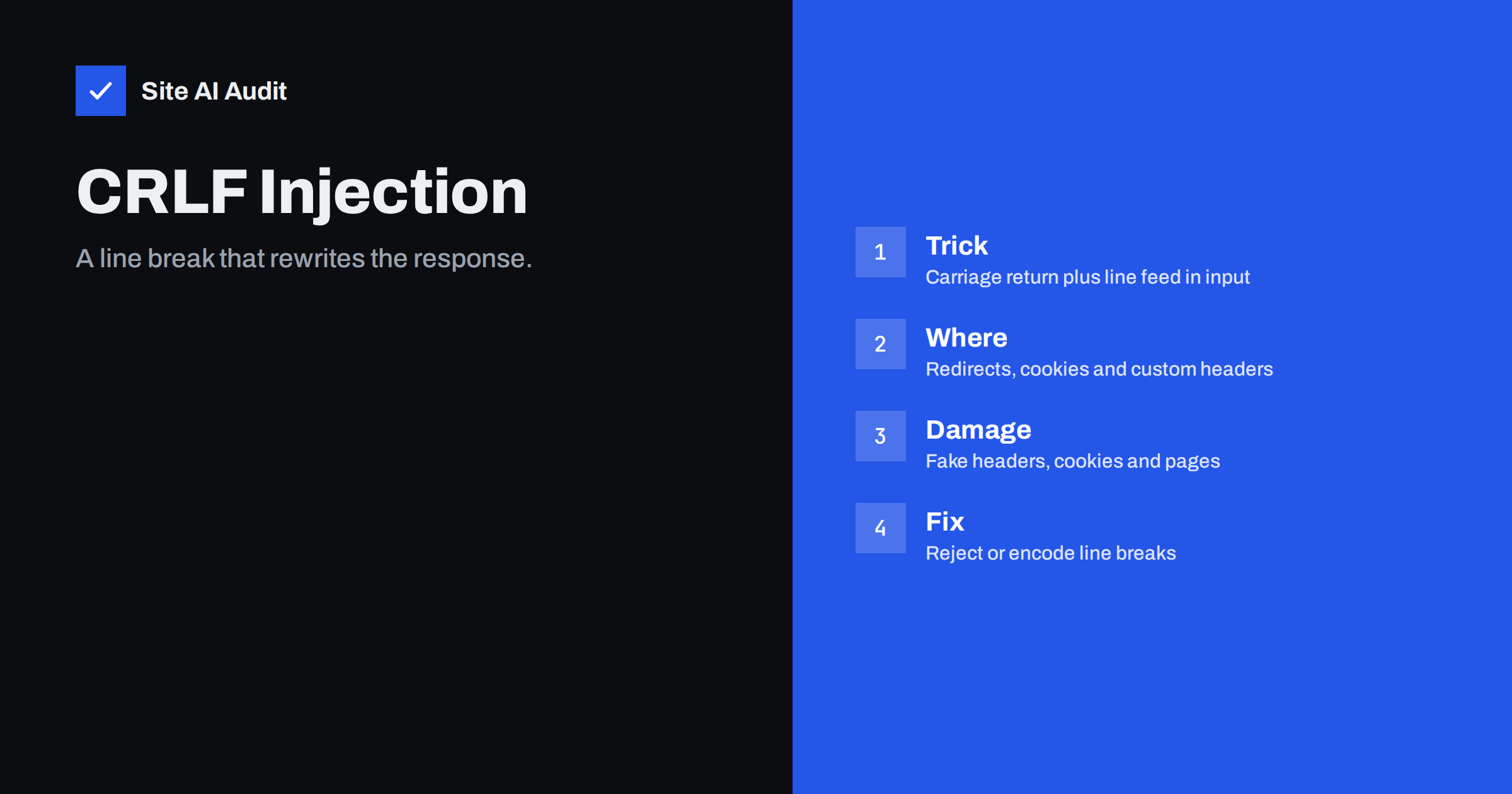
Short answer: CRLF injection happens when a website puts text from a visitor into an HTTP header or a log line without removing the carriage return and line feed characters. Those two characters mark the end of a header line, so an attacker who can send them can add headers of their own, and in older systems even split one response into two. The cure is to reject or encode line breaks in any value that ends up in a header, and to use the safe functions of your framework instead of building headers by hand.
What CRLF means
CRLF stands for carriage return and line feed, two control characters written as \r\n in code and as %0d%0a when they are encoded in a web address. In the HTTP protocol they have a precise job: they end each line of the response headers. A response is a list of lines such as the status, the content type and any cookies, and a blank line, which is two CRLF pairs in a row, tells the browser that the headers are over and the page body starts.
Because the protocol uses a plain line break as its separator, the server must be sure that no value it places inside a header contains one. If a value does contain one, the part after the break is read as a new header, or as the start of the body. That is the whole idea of the attack. It is not a bug in HTTP. It is a missing check in the code that writes the header.
How the attack works
Imagine a page that redirects visitors after a language choice, and the target comes from a parameter in the address. The code might write a header that says where to go next. If the parameter is copied into the header as it is, an attacker can send a value that contains an encoded line break followed by a header of their choosing. The server then sends two headers where the developer expected one.
A harmless example is an extra header with a made-up name. A harmful example sets a cookie in the visitor’s browser, for instance to fix a session value that the attacker already knows, a technique described in the guide to session hijacking and fixation. A more serious case is an old form called HTTP response splitting. Here the injected text ends the headers early and adds a second, complete response, which a cache or a proxy in front of the site may store and then show to other visitors.
Where it hides on real websites
The flaw appears wherever user-controlled text reaches a header. The usual places are short and easy to list.
- Redirects. The address in a
Locationheader built from a parameter, for example a return page after login. - Cookies. A cookie whose name or value comes from the request, such as a language, a theme or a campaign code.
- Custom headers. Debug headers, tracking headers or headers that repeat a value from the request.
- Download names. The file name inside a
Content-Dispositionheader when users can choose or upload names. - Log files. A line break in a logged value can create a fake entry, which makes the log misleading. This is called log injection and follows the same logic.
- Email headers. The same trick against a mail form lets an attacker add recipients, which is covered in the article on email header injection in contact forms.
Redirect code is the most common source, which is why this flaw is often found next to an open redirect. If a page sends visitors to any address given in a parameter, it deserves a review for both problems at once.
What an attacker can gain
The damage depends on the position of the injection and on what sits in front of the site. The main results are:
- Cookie planting. A cookie set by the attacker can fix a session, change a setting or break a login for a victim.
- Header tampering. Security headers can be added or overridden in a way that weakens protection, or a caching header can make a private page cacheable.
- Cache poisoning. If a shared cache stores a response with injected content, many visitors receive it. The mechanism has similarities to web cache poisoning.
- Script injection. With a split response, an attacker may deliver a page body that runs script in the context of your domain, which is the goal of cross-site scripting.
- Misleading logs. Fake lines can hide a real attack or blame another user.
It is fair to say that the most dramatic outcomes are rare today. Many frameworks, languages and servers now refuse to send a header that contains a line break, and a browser or proxy may block malformed responses. That does not make the problem disappear, because custom code, older software and unusual proxies still exist.
How to test your own site
You can test with a few careful steps on a site you own. Never run these checks against sites you do not control.
- List the places that echo input into headers. Redirect pages, language and theme switchers, tracking parameters and download links are the first candidates.
- Send an encoded line break. Add
%0d%0afollowed by a harmless made-up header name to the parameter and look at the response headers in the browser developer tools or with a command-line request. - Look for the extra header. If your made-up header appears in the response, the value is not filtered. If the server returns an error, or the value is cleaned, the check works.
- Repeat with variations. Try a single
%0a, a single%0dand double-encoded values, because filters sometimes handle only one form. - Check the logs. Make sure a line break in a parameter does not create a new line in your access or application log.
A security review that follows the checklist in the guide to a website security audit should include this test for every place where a request value is copied into a response.
How to prevent it
Prevention is simple, and it works best when it is built into shared code rather than repeated in every page.
- Use the framework functions for redirects, cookies and headers. They check the values for you. Avoid building raw header strings by hand.
- Reject line breaks. Any value that goes into a header should be refused or cleaned if it contains a carriage return or a line feed, in raw or encoded form.
- Allow only known values. For a language, a theme or a return page, compare the input with a fixed list instead of copying it.
- Encode on output. Where a value must be arbitrary, such as a file name, use the encoding rules for that header and strip control characters.
- Keep software current. Updated runtimes and web servers reject malformed headers by default, as the article on a safe update strategy explains.
- Add layers. A web application firewall can block obvious payloads, but it is a second line of defence and not a replacement for correct code.
Common mistakes
Several habits make the flaw more likely. Some teams filter only the plain line break and forget the encoded form, or they filter once and then decode the value later, which brings the line break back. Others trust a value because it came from a cookie or a header of the request, although visitors control those too. A third mistake is to assume that a modern language makes the check unnecessary, while a custom proxy, a plugin or an old library sits in the middle and rebuilds the header. Review the full path from the request to the response, not only the page code, and make sure every layer treats the value as untrusted input.
How Site AI Audit helps
Site AI Audit does not send attack payloads, so it cannot find this flaw directly. It checks the public side of your site: the SSL certificate, the redirect from HTTP to HTTPS, security headers and exposed software versions, together with SEO, speed and email authentication. Old server software is a common reason for weak header handling, so an exposed version number is a useful reason to update. The free check covers up to 50 pages and needs no sign-up. You can run a free check of your website or see the plans for weekly monitoring and alerts.
Related reading
- Email Header Injection: How Contact Forms Get Abused for Spam
- Open Redirects: How Attackers Abuse Your Website’s Links
- Host Header Injection: How Password Reset Links Get Hijacked
- Web Cache Poisoning Explained for Website Owners
The bottom line
CRLF injection is a small mistake with a long reach: one unchecked line break lets a visitor write part of your response. Treat every value that reaches a header, a cookie or a log as untrusted, use the safe functions of your framework, reject control characters and keep your software up to date. A few minutes of testing on your redirects and cookies will show whether your site is exposed.
SSS
What does CRLF stand for?
It stands for carriage return and line feed, the two characters that end a line in HTTP headers. In web addresses they appear as %0d%0a.
Is CRLF injection the same as HTTP response splitting?
Response splitting is one result of CRLF injection. Injecting a line break can add headers, and in some setups it can also end the headers early and start a second response.
Do modern frameworks protect against it?
Many do, because they refuse headers that contain line breaks. Custom code, plugins, older libraries and proxies can still be vulnerable, so testing is worthwhile.
Can a web application firewall stop it?
It can block common payloads, but attackers may find encodings that pass. Fix the code and use the firewall as an extra layer.
How is it different from header injection in email forms?
The idea is the same, a line break that adds a new header, but the target differs. One attacks web responses, and the other attacks the headers of an email message sent by a form.