ENEnglish
 LTLietuviškai
 DEDeutsch
 FRFrançais
 RUРусский
 ESEspañol
 PLPolski
 ITItaliano
 UKУкраїнська
 CSČeština
 PTPortuguês
 JA日本語
JA日本語 LVLatviešu valoda
 ETEesti
 HUMagyar
 IDBahasa Indonesia
 TRTürkçe
 HIहिन्दी
 ELΕλληνικά
 ARالعربية
 THไทย
THไทย VITiếng Việt
 RORomână
 MSBahasa Melayu
 BNবাংলা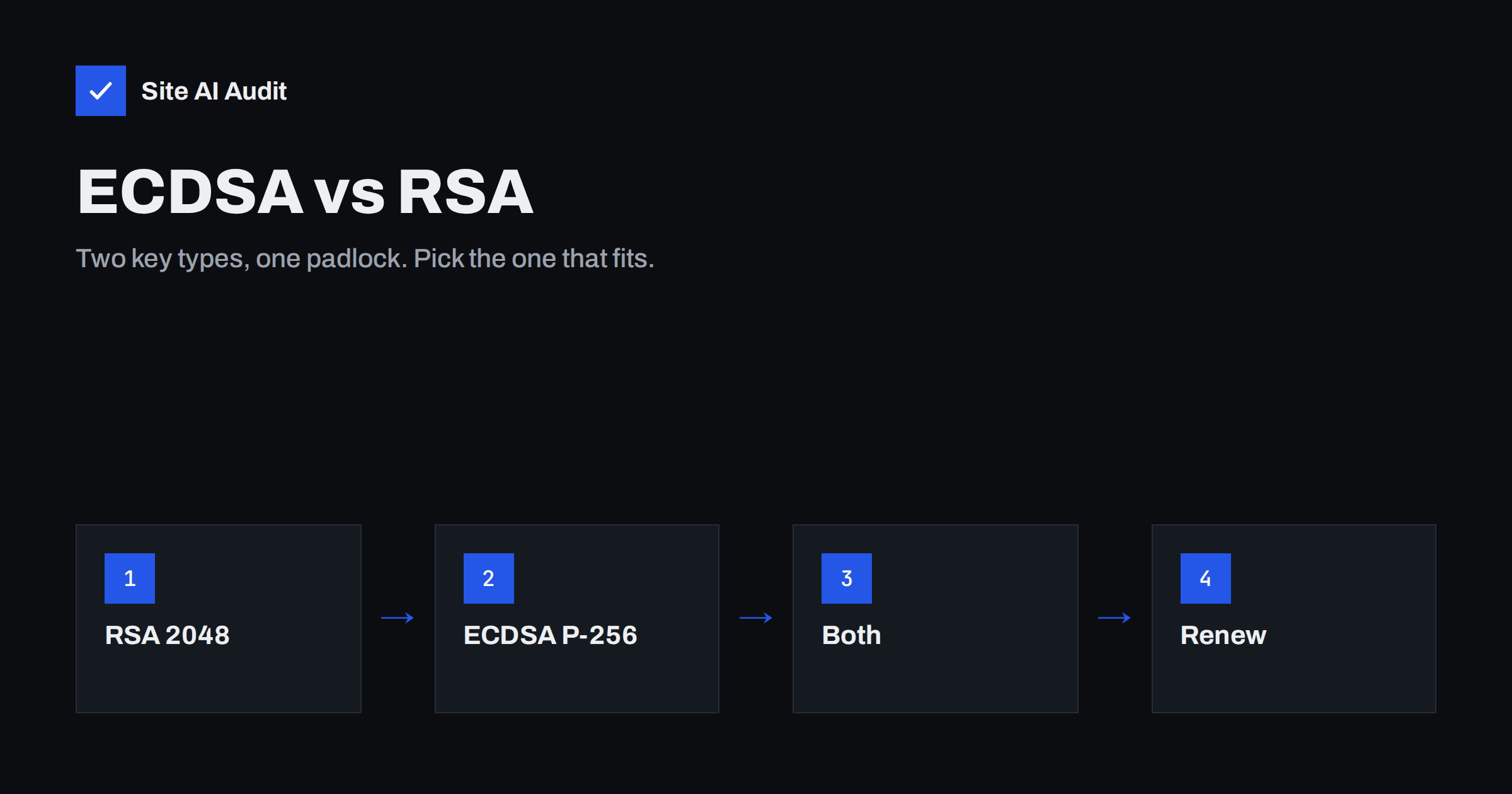
Short answer: RSA and ECDSA are two types of key that an SSL/TLS certificate can use. ECDSA keys are much smaller for the same level of security, which makes handshakes lighter and server-side signing faster. RSA has the widest compatibility, including very old devices. For most modern websites an ECDSA certificate with a P-256 key is a good default, and many certificate tools already use it. If you must support very old clients, serve an RSA certificate as well; most web servers can offer both and let each visitor’s browser pick.
What the key type in a certificate does
When a browser connects to your site over HTTPS, the server proves that it owns the certificate by signing part of the handshake with its private key. The browser checks the signature with the public key in the certificate. The key type decides which algorithm is used for this proof: RSA or ECDSA, the Elliptic Curve Digital Signature Algorithm.
It helps to separate this from two other things. The encryption of the actual data uses a symmetric cipher such as AES or ChaCha20, negotiated during the handshake. And the session keys are agreed using a key exchange, today almost always an elliptic-curve Diffie-Hellman exchange. These parts are the same whichever certificate type you use. The certificate key type affects the authentication step, the size of the certificate chain and how much work the server does per new connection.
If the basics of certificates are new to you, start with our guide to what an SSL certificate is.
Security: comparable strength, very different sizes
Both types are considered secure when used with adequate key sizes:
- RSA 2048 bits is the common minimum and still accepted by browsers and certificate authorities. RSA 3072 or 4096 bits gives a larger safety margin at the cost of speed.
- ECDSA P-256 is generally considered roughly as strong as RSA 3072, with a key of only 256 bits. ECDSA P-384 is stronger still and is required by some government and high-security policies.
The size difference is the key point. An ECDSA public key and signature are a fraction of the size of their RSA equivalents at similar strength. That makes certificates and handshakes smaller, which matters most on slow mobile connections and on servers handling many new connections.
Neither RSA nor ECDSA is resistant to future quantum computers. The industry is moving to post-quantum algorithms gradually, starting with key exchange in browsers and servers. For certificates, that transition is still ahead, and it does not change today’s choice between RSA and ECDSA.
Performance: where ECDSA wins and where it does not
For the server, signing with ECDSA is much cheaper than signing with RSA at comparable strength. Every new TLS handshake requires one signature, so a server under heavy load, or one that handles many short connections, spends noticeably less CPU with ECDSA. The smaller certificate also means fewer bytes in the handshake, which can save a network round trip when an RSA chain would not fit in the first packets.
For the browser, verifying an RSA signature is very fast, slightly faster than verifying ECDSA. On modern devices both are a tiny cost compared with the network time.
For a typical small business website the practical speed difference is small, often a few milliseconds per new connection. It is not the first thing to fix if your site is slow; server response time, caching and images matter far more. Our guide to TLS 1.3 covers the handshake improvement that has a bigger effect. But since ECDSA costs nothing extra, it is a free gain.
Compatibility: who cannot use ECDSA
Every current browser and operating system supports ECDSA certificates. The clients that do not are very old: long-unsupported desktop operating systems, early smartphone versions and some outdated embedded devices, payment terminals, industrial equipment or legacy software libraries that call your website or API.
For a public website, these clients are usually a negligible share of visitors and often cannot connect anyway because they lack modern TLS versions. For an API used by old integrations, a payment callback from legacy software or devices that cannot be updated, check before switching. Your server logs can show the TLS versions and cipher suites clients use, which gives a good idea of how old they are.
To see which key type your site uses today, click the padlock in the browser and open the certificate details, where the public key algorithm is listed. From a terminal, openssl s_client -connect example.com:443 -servername example.com < /dev/null | openssl x509 -noout -text | grep "Public Key Algorithm" prints it directly: rsaEncryption for RSA or id-ecPublicKey for ECDSA. Many sites are surprised to find they already use ECDSA, because their hosting company or certificate tool switched the default at a renewal without anyone noticing. If that happened on your site months ago without any complaints, it is a good sign that the devices your visitors use handle ECDSA without trouble.
Serving both: dual certificates
You do not have to choose only one. Most modern web servers can hold an RSA and an ECDSA certificate for the same domain and select one per connection, based on what the client says it supports:
- Nginx: list two
ssl_certificateandssl_certificate_keypairs in the sameserverblock, one for each key type. - Apache: add two
SSLCertificateFileandSSLCertificateKeyFilepairs to the virtual host. - CDNs and managed hosting often serve both automatically, or let you upload both.
Modern clients then get the lighter ECDSA certificate, and old clients still get RSA. The cost is managing two certificates and two renewals. If you automate renewal, make sure the tool renews both; our guide to automating renewal with Certbot shows how to request certificates with a specific key type and check renewals.
How to choose and how to switch
- Public website on modern hosting: ECDSA P-256, or dual certificates if your host makes it easy.
- Website plus legacy integrations: dual certificates, or RSA 2048 until the integrations are updated.
- Compliance requirements: follow the policy; some require P-384 or specific RSA sizes.
To switch, generate a new key of the chosen type and request a new certificate. With Certbot, for example, the --key-type ecdsa or --key-type rsa option selects the type, and recent versions use ECDSA by default. Install the new certificate, reload the web server and test with an SSL testing tool, which shows the key type and whether the chain is complete. Our guide to getting an A grade in an SSL test explains what such tools check. Keep the old certificate until the new one is confirmed working.
A key change is also a good moment to review how private keys are stored and who can read them; see our article on protecting SSL private keys.
Common misunderstandings
- “A bigger RSA key is always better.” RSA 4096 is slower and rarely needed for websites. If you want more margin, ECDSA gives it with smaller keys.
- “ECDSA is less trusted.” Certificates of both types are issued by the same certificate authorities and chain to the same trusted roots. Browsers show the same padlock.
- “The key type decides the encryption strength of my data.” The data is encrypted with session keys from the key exchange and a symmetric cipher. The certificate key authenticates the server.
- “Switching key type changes my certificate’s validity or name.” It does not. Names, validity period and validation level are separate from the key type.
- “Free certificates only support RSA.” Free automated certificate authorities issue ECDSA certificates too. Our comparison of free and paid certificates covers the other differences.
How Site AI Audit helps
Site AI Audit checks your SSL certificate in every audit: whether HTTPS works, whether the certificate is trusted by browsers, whether it matches the domain name, how many days are left before it expires, and whether HTTP redirects to HTTPS. It does not report the key type, so use an SSL testing tool for that. On paid plans, monitoring alerts you before the certificate expires, which matters most right after you change key type or renewal method. You can run a free check, and the pricing page lists the plans with daily SSL checks.
Related reading
- SSL vs TLS: What Is the Difference and Why It Still Matters
- SSL Certificates Are Moving to 47 Days: What Site Owners Must Do
- Incomplete SSL Certificate Chain: How to Find and Fix It
The bottom line
RSA and ECDSA certificates protect your site equally well when used with sensible key sizes. ECDSA is smaller and cheaper for the server, RSA reaches the oldest clients. For most sites, an ECDSA P-256 certificate is a sensible default; add an RSA certificate alongside it if you serve legacy clients. Whatever you choose, automate renewal, test the result and keep the private key protected.
FAQ
Is ECDSA more secure than RSA?
At typical sizes, ECDSA P-256 offers strength comparable to RSA 3072, which is more than the common RSA 2048. Both are considered secure for websites today.
Will an ECDSA certificate make my site faster?
Slightly. It reduces handshake size and server CPU per new connection. For most small sites the difference is a few milliseconds, so other speed fixes matter more.
Do all browsers support ECDSA certificates?
All current browsers and operating systems do. Only very old devices and outdated software lack support.
Can I use RSA and ECDSA at the same time?
Yes. Nginx, Apache and many CDNs can serve both certificates for the same domain and choose per connection.
Does the key type affect SEO?
No. Search engines care that HTTPS works with a valid certificate, not which key type it uses.