ENEnglish
 LTLietuviškai
 DEDeutsch
 FRFrançais
 RUРусский
 ESEspañol
 PLPolski
 ITItaliano
 UKУкраїнська
 CSČeština
 PTPortuguês
 JA日本語
 LVLatviešu valoda
 ETEesti
 HUMagyar
 IDBahasa Indonesia
 TRTürkçe
 HIहिन्दी
 ELΕλληνικά
 ARالعربية
 THไทย
 VITiếng Việt
 RORomână
 MSBahasa Melayu
 BNবাংলা
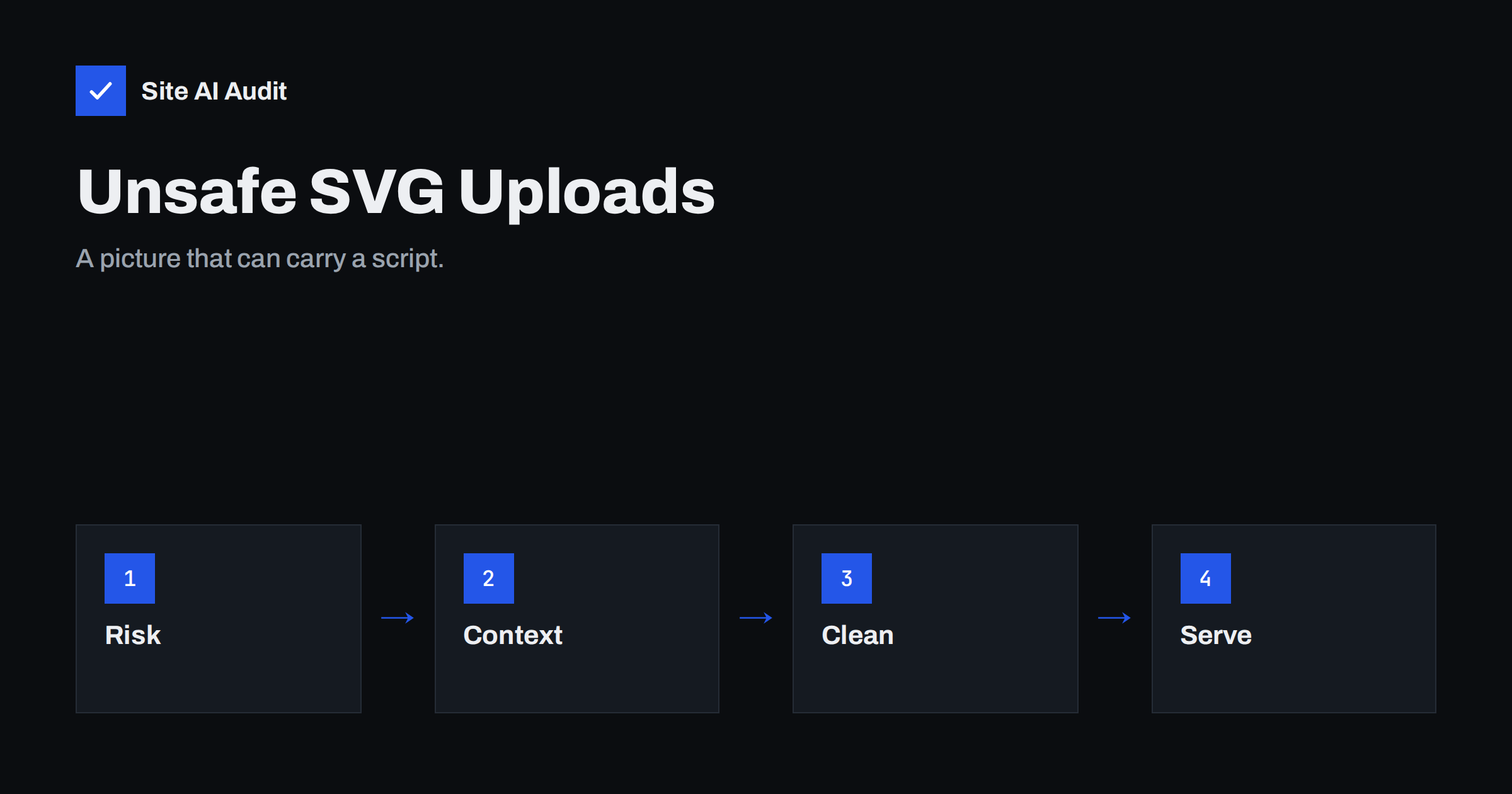
Short answer: An SVG file is not a picture in the way a JPEG is. It is a text document written in XML, and it can contain scripts, links and references to other files. If your site lets visitors or staff upload SVG files and then serves them from your own domain, a hostile file can run code in the browser of anyone who opens it. You can still use SVG safely, but only if you clean the files and control how they are delivered.
Why SVG is different from other image formats
JPEG, PNG and WebP files hold pixels. A browser decodes them and draws them, and there is nothing to execute. SVG describes shapes with markup, in the same family of languages as HTML. That is why it scales cleanly and compresses well, and it is also why it can include things that have nothing to do with drawing:
- A
scriptelement with JavaScript inside it. - Event attributes such as
onloadoronclickon any shape. - Links that use the
javascript:scheme. - References to external files, fonts and stylesheets.
- Embedded HTML through a foreign object element.
Most of the time none of this is present, and the file is just a logo. The risk appears when someone who is not trusted can choose the contents of the file.
How an attack works
The attacker creates an SVG file that looks harmless in an image viewer but contains a script. They upload it through a profile picture field, a support form, a comment box or a media library. The site stores the file at an address on its own domain.
Now the attacker needs a victim to open that address directly. They send a link by email or a message, and the link points at the uploaded file. When the browser opens an SVG as a document, it treats it as a page from your domain. The script runs with the same permissions as your own code: it can read cookies that are not marked HttpOnly, call your site’s interfaces as the logged-in visitor and show fake login forms. This is a form of stored cross-site scripting, described in more general terms in the guide to cross-site scripting.
Consider a small forum where members can upload an SVG as an avatar. A member with bad intentions uploads a file that contains a script, then posts a link to the file address in a thread that moderators read. A moderator clicks the link, the file opens as a page on the forum’s own domain, and the script acts with the moderator’s session. Nothing about the upload looked unusual to the forum, because the file had a valid image type and displayed correctly as an avatar. Cases like this are the reason that treating the file extension as proof of safety does not work.
When the risk is lower
If an SVG is shown through an img tag, or used as a CSS background, browsers do not run scripts in it. Many sites therefore feel safe, because their pages only ever display uploads that way. The weakness is that the file itself is still reachable at its own address, and an attacker does not need your page to display it. A direct link is enough. The risk is also higher when an SVG is placed inline in the HTML or inserted with an object or iframe element, because scripts can run there.
Server-side risks
Scripts in the browser are not the only concern. Some servers process uploads, for example to make thumbnails with an image library. A crafted SVG can ask the library to read a local file or fetch a web address, which leads to the problems described in the articles on XML external entity attacks and server-side request forgery. A file that expands into a huge structure can also use up memory and slow the server. Keep image processing libraries updated and avoid rendering SVG on the server unless you need to.
How to accept SVG safely
- Decide whether you need SVG uploads at all. For visitors, photos and avatars work well as JPEG, PNG or WebP. Allow SVG only for trusted editors, such as staff who upload logos.
- Sanitise the file on upload. Use a maintained sanitising library that removes scripts, event attributes, external references and foreign objects. Do not write your own filter with a few text replacements, because attackers know many ways around simple rules.
- Check the real file type. Do not trust the file extension or the type sent by the browser. Read the content and confirm it is valid SVG.
- Convert when you can. If you only need a picture, render it to PNG on upload and discard the original.
- Limit who can upload. Follow the principle of least privilege, as described in the article on website user roles.
- Set a size limit. A logo rarely needs more than a few kilobytes.
How to serve uploads safely
Cleaning is the main defence, and delivery settings add a second layer.
- Send a restrictive Content-Security-Policy header for the uploads folder, so that scripts do not run even if one slips through. The guide to the content security policy shows how the header works.
- Add X-Content-Type-Options: nosniff so that browsers respect the declared type. See the article on nosniff and MIME types.
- Serve user uploads from a separate domain that has no cookies and no access to your main site. Then a script in an uploaded file has nothing valuable to reach.
- Consider forcing a download with a Content-Disposition header for files that are not meant to be opened in the browser.
- Block script execution in the uploads folder. This is separate from SVG, but it protects against other upload tricks, as covered in the guide to blocking PHP execution in uploads.
SVG in WordPress and other content systems
WordPress does not allow SVG uploads by default, which is a sensible choice. Many themes and plugins add support because designers want sharp logos. If you enable it, pick a plugin that sanitises files, restrict the permission to administrators and review the list of plugins that touch uploads. Other systems differ: some allow SVG in avatars or attachments without any cleaning. Test your own site by uploading a harmless SVG that contains a visible but safe marker, such as a text element, and check which address it receives and how it is served. Never test with a real script on a site you do not control.
How to check an existing site
- List the file types in your uploads folder and look for SVG files you do not recognise.
- Search your upload forms and find which ones accept images and which accept SVG.
- Open the headers of an uploaded file in the browser’s developer tools and check that it is served with the right type and with security headers.
- Review who has permission to upload files and remove the permission from accounts that do not need it.
Keep a short written rule for your team: who may upload SVG, how it is cleaned and where it is stored. A rule that exists only in one person’s head tends to be forgotten when a plugin is replaced or a new editor joins. Review the rule whenever you change your theme, your media plugin or your hosting.
If you find files that should not be there, do not open them in a browser to see what they are. Download them as text, or inspect them in a code editor, so that nothing runs while you look.
How Site AI Audit helps
Site AI Audit does not test your upload forms or scan the contents of files, so it cannot tell you whether an SVG is safe. It does check several related basics in its security section, such as your SSL certificate, the redirect from HTTP to HTTPS, security headers and exposed software versions. The free check covers up to 50 pages and needs no sign-up. You can run a free check of your website and read the plans if you want weekly monitoring and alerts.
Related reading
- Unrestricted File Upload Vulnerabilities and How to Block Them
- Optimize SVG Files: Smaller Graphics Without Quality Loss
- Cross-Site Scripting (XSS) Explained for Website Owners
- Uploads Folder Security: How to Block PHP Execution
The bottom line
SVG is a useful format, but it is code and should be handled like code. Allow it only where you need it, sanitise every file, serve uploads with strict headers and keep user content away from your main domain when possible. Photos and avatars can stay in formats that cannot carry a script.
FAQ
Is every SVG file dangerous?
No. Most SVG files are plain drawings. The danger comes from files that someone untrusted can create or change and that your site then serves from its own domain.
Are SVG files safe when used in an img tag?
Browsers do not run scripts in SVG shown through an img tag. The file can still be opened directly at its address, so cleaning and safe headers remain important.
Should I stop using SVG on my website?
No. SVG is a good choice for logos and icons that you create yourself. Just do not accept SVG files from the public without sanitising them.
Can an antivirus scan catch a malicious SVG?
Not reliably. A script inside an SVG is valid text, and many scanners do not look for it. A sanitising step that removes scripts is more dependable.
What should I do if a bad SVG was already uploaded?
Remove the file, check the logs for who uploaded it and who opened it, and review other uploads from the same account. If sessions may have been exposed, ask users to sign in again.