 ENEnglish
 LTLietuviškai
 DEDeutsch
 FRFrançais
 RUРусский
 ESEspañol
 PLPolski
 ITItaliano
 UKУкраїнська
 CSČeština
 PTPortuguês
 JA日本語
JA日本語 LVLatviešu valoda
 ETEesti
 HUMagyar
 IDBahasa Indonesia
 TRTürkçe
 HIहिन्दी
 ELΕλληνικά
 ARالعربية
 THไทย
THไทย VITiếng Việt
 RORomână
 MSBahasa Melayu
 BNবাংলা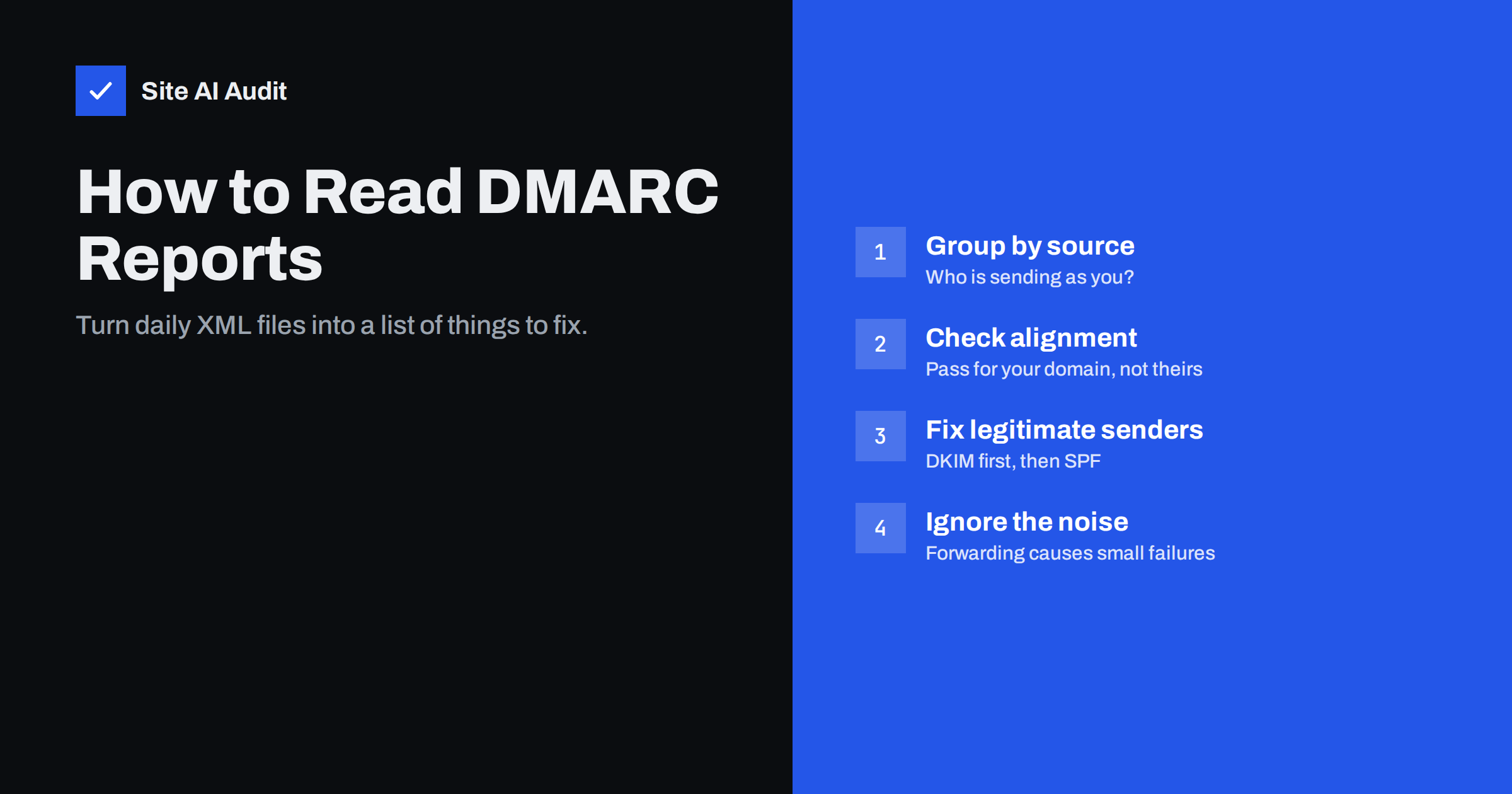
Short answer: A DMARC aggregate report is an XML file that a mailbox provider sends, usually once a day, listing every IP address that sent mail using your domain, how many messages each sent, and whether they passed SPF, DKIM and DMARC alignment. To read it, group the rows by sending source, mark each source as yours, a forwarder or unknown, and fix any legitimate source that fails alignment before you tighten your policy.
Where aggregate reports come from
When your DMARC record contains a rua=mailto:... tag, participating receivers collect statistics about the mail they saw claiming to be from your domain and send you a summary. Google, Yahoo, Microsoft and many other providers send them. Each report covers a time window, typically 24 hours, and arrives as an e-mail with a compressed XML attachment (zip or gzip).
Reports contain no message content and no recipient addresses. They show sending IP addresses, counts, authentication results and the domains involved. That makes them safe to process and very useful: they are the only complete view of who sends mail in your name, including services that nobody on your team remembers setting up.
Reports also confirm things you cannot easily see any other way: that a receiver really found your DMARC record, which policy it applied, and how much of your mail it considered aligned. If you change DNS provider or edit a record, the next day’s reports show whether the change reached the receivers. In that sense they work as a feedback loop for all your e-mail authentication work, not only for DMARC itself.
For a small domain, expect a handful of reports a day. For a busy one, dozens. Reading raw XML by hand works for learning, but for ongoing monitoring most people use a report-processing tool or service that turns the files into tables and charts. Whatever you use, the concepts below are the same.
The structure of a report
An aggregate report has three main parts:
report_metadata: who sent the report (for example google.com), a report ID and the date range it covers.policy_published: the DMARC record the receiver saw for your domain, includingp,sp,adkim,aspfandpct. Useful for confirming that receivers see the record you think you published.recordentries: one per combination of source IP and results. Each contains the source IP, the message count, the policy evaluation and the raw authentication results.
Inside each record, the important fields are:
row/source_ipandrow/count: who sent and how many messages.row/policy_evaluated/disposition: what the receiver did (none,quarantine,reject).row/policy_evaluated/dkimandspf: whether each check passed with alignment. These are the DMARC-level results.identifiers/header_from: the domain in the visible From address.auth_results/dkimandauth_results/spf: the raw results, including which domain passed. This is where you see that SPF passed for a vendor’s domain but did not align.
Step 1: group rows by sending source
An IP address alone rarely tells you much. Turn each source IP into something recognisable:
- Look up the reverse DNS name of the IP. Names like
mail-sor-f41.google.comoro1.ptr1234.sendgrid.netreveal the platform immediately. - Look at the DKIM domain in
auth_results. If it shows a vendor domain, that is your hint which platform sent the mail. - Group all IPs belonging to the same platform together. Large providers send from many addresses, and the report may list dozens of rows for one service.
After grouping, a typical small-business domain has perhaps three to ten sources: the mailbox provider, a newsletter platform, the website or shop, one or two business tools, some forwarding servers and possibly unknown senders.
Step 2: classify each source
| Category | What it looks like | What to do |
|---|---|---|
| Yours, passing | Your mailbox provider with DKIM and SPF aligned | Nothing; keep monitoring |
| Yours, failing | Your newsletter, CRM or shop with passes only for the vendor’s domain, or no DKIM | Set up custom domain DKIM and, if offered, a custom bounce domain |
| Forwarders | Mixed provider IPs with SPF failing but DKIM passing, small volumes | Usually nothing; aligned DKIM carries them |
| Unknown, low volume | Random IPs worldwide, failing everything | Likely spoofing; enforcement will stop it |
| Unknown, steady volume | Consistent traffic from one provider you do not recognise | Investigate: it may be a tool a colleague set up |
The most important category is “yours, failing”. Those are messages your business wants delivered that will be quarantined or rejected once your policy is enforced.
Step 3: read alignment correctly
The most common misunderstanding is looking at raw SPF and DKIM results and concluding everything is fine. A row can show spf: pass and dkim: pass in auth_results and still show fail for both in policy_evaluated. That means the passes belonged to other domains, typically the vendor’s bounce domain and signing domain.
What matters for DMARC is the policy_evaluated section. At least one of dkim or spf there must be pass. When you fix a source, the goal is to turn one of those into a pass, and DKIM is usually the easier and more robust choice.
Step 4: fix legitimate senders in the right order
- Largest volume first. A failing source that sends thousands of messages matters more than one that sends ten.
- Customer-facing mail next. Invoices, order confirmations and support replies hurt most when they disappear.
- Configure DKIM for your domain in the platform. Publish the records it gives you, enable signing and send a test.
- Watch the next reports. The source should move from failing to passing within a day or two of the change.
- Document it. Keep a list of every legitimate source and how it is authenticated. This list is the basis for deciding when you are ready to enforce.
If a source turns out to be something nobody needs, such as an old tool still sending automated mail, switch it off instead of authenticating it.
Step 5: decide when to tighten the policy
You are ready to move from p=none to p=quarantine when, over at least a couple of weeks of reports:
- every legitimate source you know about passes DMARC with alignment;
- remaining failures are forwarding noise or clearly unknown senders;
- monthly or seasonal processes, such as invoicing runs and newsletters, have appeared in the reports at least once.
After moving to quarantine, keep reading reports. The disposition field now shows quarantine for failing mail, and any legitimate source you missed will show up quickly, usually along with a colleague asking why their messages are in spam. When the reports stay clean, move to p=reject.
Practical tips for handling reports
- Use a dedicated mailbox for
rua, not a personal inbox. The volume grows with your mail volume. - Authorise external report addresses. If
ruapoints to a different domain, that domain must publish a record likeyourdomain.com._report._dmarc.otherdomain.comwithv=DMARC1, or receivers will not send reports there. Report services handle this for their customers. - Do not panic about foreign IPs. Spoofing attempts are normal for almost any domain. They are exactly what an enforcing policy stops.
- Compare against your DNS. The
policy_publishedsection should match your current record; if it does not, a receiver may still have an older cached version. - Keep reports for a while. Historical data helps when a problem appears months later and you need to know when a source first started failing.
How an outside check complements reports
Reports tell you what happened to mail; they do not tell you whether your records are well formed today. Site AI Audit checks the published side: whether a DMARC record exists, which policy it sets, whether a reporting address is configured, and whether SPF, DKIM and MX records look right. Paid plans repeat those checks and send an alert if a record disappears, for example after a DNS provider change, which would also stop your reports from arriving. You can run a free check to confirm your record is published correctly before relying on the reports.
Related reading
- DMARC Explained: Policies, Alignment and a Safe Rollout
- What Is DKIM and How to Set It Up for Your Domain
- SPF vs DKIM vs DMARC: What Each One Does and Why You Need All
The bottom line
DMARC aggregate reports are the map of everyone sending with your domain. Group rows by source, classify each as yours, forwarded or unknown, read the policy_evaluated results rather than the raw ones, and fix your legitimate senders with aligned DKIM. When the reports stay clean for a few weeks, you can enforce with confidence.
FAQ
How often do DMARC aggregate reports arrive?
Most providers send one report per day per reporting domain, covering the previous 24 hours. You only receive reports from providers that saw mail using your domain in that period.
Do DMARC reports contain the content of my e-mails?
No. Aggregate reports contain IP addresses, message counts, domains and authentication results. They do not include message bodies, subjects or recipient addresses.
Why do reports show SPF pass but DMARC fail?
Because SPF passed for a different domain, usually the sending platform’s bounce domain, which does not align with your From address. Look at the policy_evaluated section and fix alignment with DKIM for your domain.
Should I request forensic (ruf) reports too?
Few large providers send them, and they may include personal data from individual messages. Most organisations rely on aggregate reports only, which are enough to roll out DMARC safely.
What if I receive no reports at all?
Check that your DMARC record is published at _dmarc with a valid rua tag, that the mailbox exists, and that an external report address is authorised. If you send very little mail, reports may also simply be infrequent.
Can a report show mail I never sent?
Yes, and it often does. Anyone can put your domain in the From address, so reports include spoofing attempts from servers you have nothing to do with. Those rows usually fail everything, and an enforcing DMARC policy tells receivers to block them.


