 ENEnglish
 LTLietuviškai
 DEDeutsch
 FRFrançais
 RUРусский
 ESEspañol
 PLPolski
 ITItaliano
 UKУкраїнська
 CSČeština
 PTPortuguês
 JA日本語
JA日本語 LVLatviešu valoda
 ETEesti
 HUMagyar
 IDBahasa Indonesia
 TRTürkçe
 HIहिन्दी
 ELΕλληνικά
 ARالعربية
 THไทย
THไทย VITiếng Việt
 RORomână
 MSBahasa Melayu
 BNবাংলা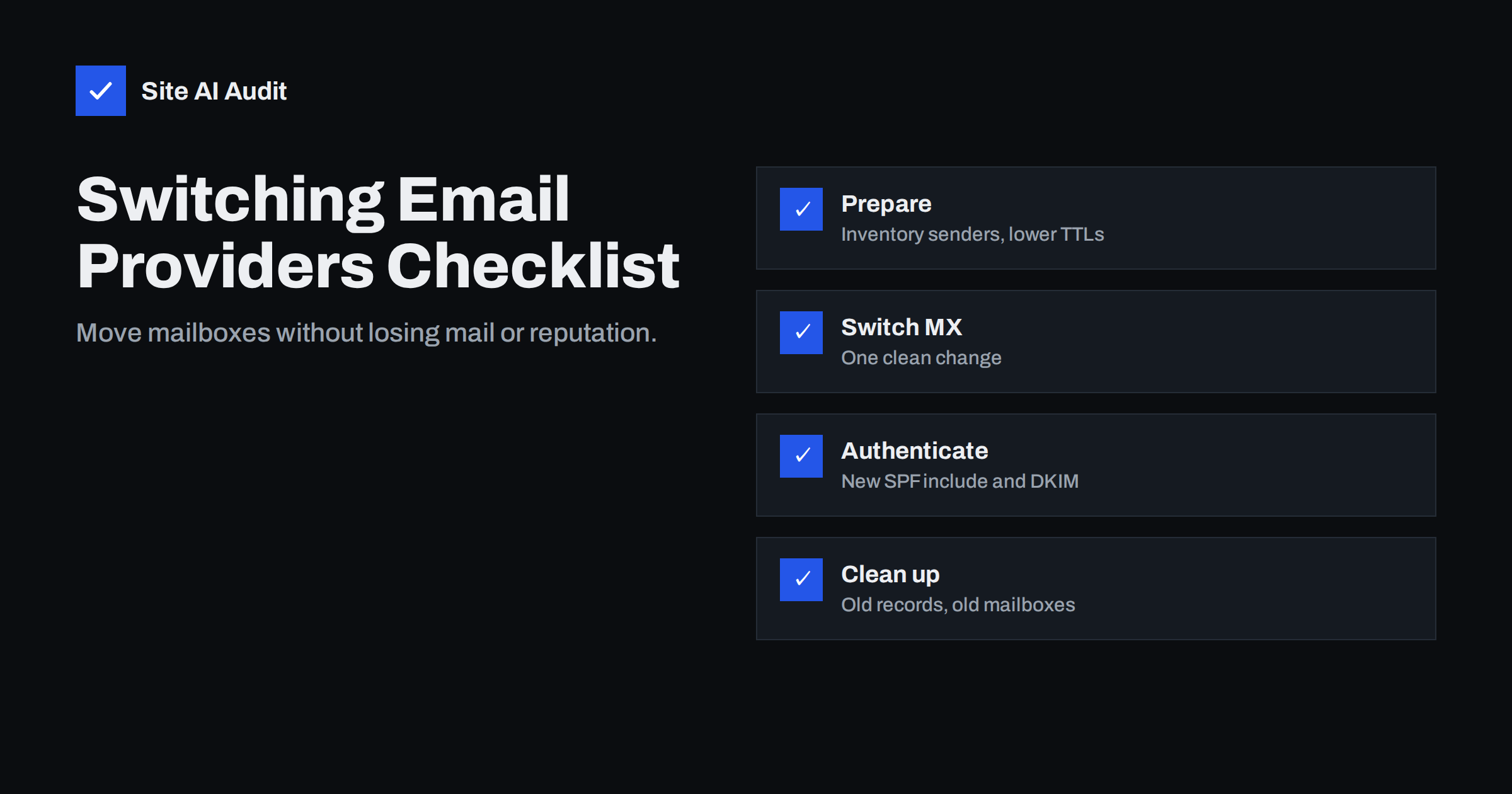
Short answer: To switch e-mail providers safely, inventory every system that sends or receives mail for your domain, lower DNS TTLs a day or two in advance, create mailboxes and verify the domain at the new provider, then change MX records in one clean edit. Update SPF and set up DKIM for the new provider before its mail goes out, keep DMARC reporting on, keep old mailboxes running for a few days, migrate old mail, and only then remove the old provider’s records.
Why migrations go wrong
Changing e-mail provider looks like a small DNS change, and the MX part is. The trouble is everything around it. Mail is connected to many systems nobody thinks about until they stop working: the website contact form, the scanner in the office, the invoicing software, the CRM that syncs mailboxes, the phone system that e-mails voicemail. Each of those can depend on the old provider’s SMTP server, credentials or IP addresses.
The second source of trouble is timing. DNS changes spread according to TTLs, so for a while some senders deliver to the old provider and some to the new one. Without a plan for that overlap, messages end up in mailboxes nobody checks.
The third is authentication. SPF, DKIM and DMARC are tied to the provider that sends your mail. If you switch MX but not SPF and DKIM, outgoing mail from the new provider fails authentication, and your deliverability drops right when your team is busy getting used to a new system.
Phase 1: inventory (one to two weeks before)
- Mailboxes, aliases, groups and shared mailboxes at the old provider, including forwarding rules.
- Every system that sends mail as your domain: website, shop, CRM, helpdesk, invoicing, newsletter, booking, devices. Note whether each sends through the old provider’s SMTP server or independently.
- Every system that receives or reads mail: mobile phones, desktop clients, CRM mailbox sync, ticketing systems that pull mail from a mailbox.
- Current DNS records related to mail: MX, SPF, DKIM selectors, DMARC, autodiscover, MTA-STS, verification TXT records. Export or screenshot them.
- Subdomains and secondary domains that also receive or send mail.
DMARC aggregate reports are a great help here, because they list every source that sends mail with your domain. If you do not have DMARC yet, publish p=none with a report address now; two weeks of reports before the migration reveal forgotten senders.
Phase 2: prepare the new provider
- Add and verify the domain at the new provider with its verification TXT record. This does not affect mail flow.
- Create mailboxes, aliases and groups to mirror the old structure.
- Generate the DKIM key at the new provider and publish it. DKIM records use their own selectors, so the new key can sit next to the old one without conflict.
- Add the new provider to SPF alongside the old one, in the same single record. For a short period, both providers may send.
- Lower TTLs on MX (and the autodiscover record, if relevant) to about 300 seconds at least one day before the switch, so that the old values expire quickly from caches.
- Plan the mail migration method: the new provider’s import tool, an IMAP migration service, or exports. Test with one mailbox.
Phase 3: the switch
- Pick a quiet time, such as a Friday evening, and tell users what will happen and how to set up their devices.
- Replace the MX records with the new provider’s values in one edit. Remove the old MX records at the same time; leaving them in “for safety” splits incoming mail between providers.
- Update autodiscover or similar client configuration records if the new provider requires them.
- Test incoming mail from an external account to several mailboxes.
- Test outgoing mail from the new provider to Gmail and Outlook.com, and check headers for SPF, DKIM and DMARC pass with your domain.
- Reconfigure devices and applications that used the old provider’s SMTP server: website, scanners, CRM. Test each one.
- Start the mailbox data migration. Many tools can run incremental passes so recent mail is copied again at the end.
Phase 4: the overlap period
For a few days after the switch, some senders still deliver to the old provider, because they cached the old MX records or retried from their queues. Keep the old mailboxes active and run a final incremental migration pass after the old TTLs have long expired. Check the old mailboxes manually once more before closing them.
Watch for:
- users reporting missing messages from specific senders;
- bounces from applications that still use old SMTP credentials;
- DMARC reports showing new failing sources, which usually means a system still sends through the old provider or directly without authentication.
Phase 5: clean up
| Item | Action | When |
|---|---|---|
| Old provider’s SPF include | Remove from the SPF record | After nothing sends through it any more |
| Old DKIM selector | Remove, or leave briefly for messages in transit | A week or so after the switch |
| Old verification TXT records | Remove | After the old account is closed |
| MTA-STS policy | Update MX list and policy id | Before the MX switch if in enforce mode |
| TTLs | Raise back to normal values | When everything is stable |
| Old mailboxes and licences | Close after final migration pass | After confirming no new mail arrives there |
| Polityka DMARC | Resume tightening towards reject | Once reports are clean with the new provider |
Removing the old SPF include matters for security and for the ten-lookup limit. Leaving a former provider authorised means anyone with an account there could send mail that passes SPF for your domain.
Communicating with users
Technical steps are only half of a smooth migration. People need to know what changes for them, and a few minutes of communication saves hours of support:
- Before the switch: announce the date, what users need to do (for example install a new app or sign in on a new web address), and what will look different.
- On the day: send short, step-by-step instructions for phones and desktop clients, and name one person to contact with problems.
- After the switch: ask users to report any missing messages with the sender and approximate time, so they can be traced in the old mailbox or the logs.
- For customers and partners: usually nothing is needed, since addresses stay the same. If any address changes, set up an alias or auto-reply rather than letting mail bounce.
Keep the old provider’s login details documented until the account is closed, in case someone needs to retrieve a message during the overlap.
Mistakes to avoid
- Adding a second SPF record for the new provider instead of merging. Two records break SPF for everyone.
- Switching MX before creating mailboxes, so incoming mail bounces as “user unknown” for hours.
- Forgetting DKIM at the new provider, so outgoing mail relies on SPF alone and fails DMARC when forwarded.
- Moving DNS hosting at the same time. Changing DNS provider and mail provider in one weekend doubles the risk. If you must, copy every existing record to the new DNS host first and compare them.
- Cancelling the old account on the switch day, losing mail that arrives during the overlap and any data not yet migrated.
- Not telling anyone. A short message to staff about new settings and who to call prevents a flood of confused support requests.
Verify the result from outside
After the migration, confirm that the world sees what you intended: MX records pointing only to the new provider, one SPF record with the right includes and within the lookup limit, a DKIM key for the new provider, and an intact DMARC record. Site AI Audit checks all of these in one run, along with the website’s SSL and security basics, and explains any finding in plain words. A free check is a good final step of the checklist; paid plans on the pricing page keep checking afterwards and alert you if a record goes missing.
Related reading
- MX Records Explained: How Email Finds Your Mail Server
- Google Workspace SPF, DKIM and DMARC Setup, Step by Step
- Microsoft 365 Email Authentication: SPF, DKIM and DMARC Setup
The bottom line
A provider switch succeeds when it is planned around the whole mail ecosystem, not just the MX records. Inventory senders and receivers, prepare the new provider with DKIM and SPF before switching, change MX cleanly with low TTLs, keep the old service running during the overlap, and clean up old records afterwards. Then verify from outside that everything points where it should.
FAQ
How long does it take to switch e-mail providers?
The MX switch itself takes effect within minutes to hours if TTLs were lowered. The whole project, including inventory, testing and mailbox migration, typically takes one to several weeks depending on the number of users and systems.
Will I lose e-mails when I change MX records?
Not if you keep the old mailboxes active during the overlap and run a final migration pass. Some senders deliver to the old provider until their cached records expire.
Should I keep the old provider in my SPF record?
Only until nothing sends through it any more. Then remove it, both to stay under the ten-lookup limit and to stop the old provider’s infrastructure from being authorised for your domain.
Do I need a new DKIM key when changing provider?
Yes. Each provider signs with its own key. Generate and publish the new provider’s key before its mail goes out, and remove the old selector after the migration.
Can I change DNS host and mail provider at the same time?
It is possible but riskier. Copy all existing records to the new DNS host first, verify them, and preferably separate the two changes by a few days.
What should I test after the switch?
Incoming mail from external accounts, outgoing mail headers at Gmail and Outlook.com, website forms, devices and every application that sends mail as your domain.


