 ENEnglish
 LTLietuviškai
 DEDeutsch
 FRFrançais
 RUРусский
 ESEspañol
 PLPolski
 ITItaliano
 UKУкраїнська
 CSČeština
 PTPortuguês
 JA日本語
 LVLatviešu valoda
 ETEesti
 HUMagyar
 IDBahasa Indonesia
 TRTürkçe
 HIहिन्दी
 ELΕλληνικά
 ARالعربية
 THไทย
 VITiếng Việt
 RORomână
 MSBahasa Melayu
 BNবাংলা
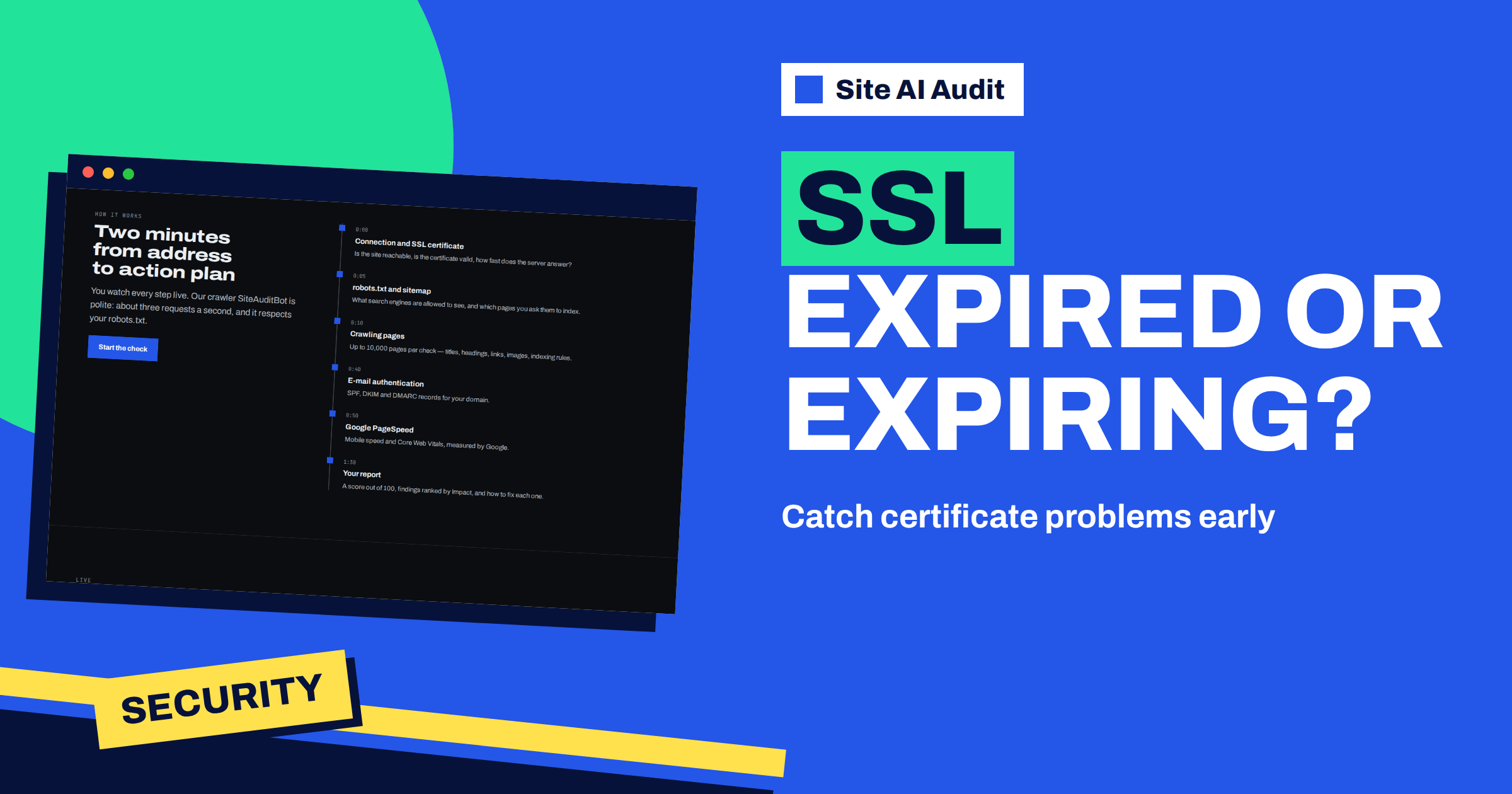
Short answer: The first step of every Site AI Audit check is the connection and the SSL certificate, and it can produce several separate findings. A site with no HTTPS, an expired certificate, a certificate that browsers do not trust or one issued for a different domain name is reported as critical. A certificate with fewer than 14 days left is critical, and one with fewer than 30 days left is a warning. Each finding comes with a plain explanation and a fix.
Why the certificate is checked first
When the audit starts, the progress screen shows “Connection and SSL certificate” as the first step, with the question “Is the site reachable, is the certificate valid, how fast does the server answer?” There is a reason for the order. If the certificate is broken, visitors see a full-page warning before they see your website at all, and most of them leave. Nothing else in the report matters much to a visitor who never gets past the warning.
The audit reads the certificate the way a browser does: it opens a secure connection to your domain and looks at what the server presents. It then compares the result with what a browser would accept. Because it works from the outside, it sees exactly what your visitors see, which is often different from what your hosting panel says. A panel may claim that a certificate is active while the server actually serves an older one.
The five certificate findings
These are the findings you can meet in the security area of the report:
- The website does not work over HTTPS (critical). The audit could not establish a secure connection at all.
- The SSL certificate has expired (critical). The date on the certificate has passed.
- The SSL certificate expires in N days. Critical when fewer than 14 days remain, and a warning when fewer than 30 remain.
- The SSL certificate is not trusted by browsers (critical). The chain is incomplete or the certificate is self-signed.
- The SSL certificate does not match the domain name (critical). The certificate was issued for a different name than the one the visitor typed.
A related warning concerns the redirect: “http:// does not redirect to https://”. It is not about the certificate itself, but it often appears next to these findings. The guide to redirecting HTTP to HTTPS without loops explains it.
Expired certificate: what to do now
An expired certificate is the most urgent finding in the whole security area. Visitors get a full-page warning, and most of them will not continue. The audit’s advice is to renew the certificate now and turn on automatic renewal. Here is how that goes in practice:
- Find out who issued it. Your host, a CDN or a free authority such as Let’s Encrypt. The place where you bought or created the certificate is the place to renew it.
- Renew or reissue. Most hosting panels have a button for this. If you manage your own server, run the renewal command of your certificate tool.
- Install and reload. A renewed certificate must be installed, and the web server often needs a reload to start serving it.
- Turn on automatic renewal and check that it works; see how to automate SSL renewal with Certbot and verify it.
- Run the check again to confirm that the outside world sees the new certificate.
Expiring soon: the warning you should not ignore
The expiry findings are different from the others, because nothing is broken yet. A warning for fewer than 30 days says that automatic renewal sometimes fails silently, and a check now avoids an outage later. When fewer than 14 days remain, the finding becomes critical. The home page of Site AI Audit shows this very example in a sample report: “SSL certificate expires in 6 days”, with the advice to turn on automatic renewal with your host or renew the certificate now.
Many expired certificates were “automatic” in theory. Renewal can fail because a DNS record changed, a validation file was moved, a firewall blocked the check or a credit card behind a paid certificate expired. The audit sees the result, not the reason, so when you get this warning, do not just trust the setting. Look at the renewal log or ask your host whether the last renewal succeeded.
Certificates are also getting shorter. The industry is moving towards shorter lifetimes, which makes automatic renewal more important, as the article on certificates moving to 47 days explains.
Untrusted certificate: chain and self-signed problems
The finding “The SSL certificate is not trusted by browsers” usually has one of two causes. The first is an incomplete chain: the server presents your certificate but not the intermediate certificate that links it to a trusted authority. Some browsers can fill in the gap and some cannot, so the site works for you and fails for a customer on another device. The fix is to install the full chain provided by your authority. The second cause is a self-signed certificate, which anyone can create and which browsers cannot trust. That can be acceptable for an internal test, but never for a public website; the article on self-signed certificates explains when they are and are not acceptable.
After installing the full chain, test from a different device or network. If the audit still reports the finding after a re-check, the old certificate is probably still being served somewhere in front of your server, such as a CDN or a proxy.
Wrong domain name: the mismatch
A name mismatch happens when the certificate was issued for one name and your site is opened under another. The classic case is a certificate for the www address that does not cover the bare domain, or the other way around. The audit’s fix is to issue a certificate that covers your domain and its www variant. Another common cause is a site moved to a new host, where the new server presents a default certificate for the host’s own name until yours is installed. If you use a CDN, check the encryption mode between the CDN and your server, which is explained in the guide to CDN SSL modes.
Staying ahead of expiry
A single check tells you where things stand today. The certificate problem that hurts most is the one that appears on a Saturday night when nobody is looking. For that reason, the Monitor plan lists e-mail alerts when something breaks, and the Business plan adds daily SSL and e-mail checks. The full audit does not run on its own schedule; a full check starts when you press the button. A calendar reminder to run the check a month before any known expiry date is a good low-tech safety net.
Why a CDN or proxy can change what the audit sees
If your site sits behind a content delivery network or a security proxy, the certificate that visitors see is often the one presented by that service, not the one on your own server. That is good news when the service renews its certificates for you, and confusing when you install a new certificate on your server and the audit still shows the old state. In that case the finding is not wrong; it reflects what the outside world sees. Check the settings of the service in front of your site, because it may have its own certificate or its own rules about how it talks to your server.
How to confirm the fix from the outside
After any change to a certificate, do not trust only the panel that you made the change in. Open your site in a browser on a different device, ideally on a phone using mobile data instead of your office network, and look at the padlock. Then run the audit again. The audit checks from the outside, from a server that has never visited your site, so a clean result there is good evidence that visitors will see a clean result too.
A worked example
An online florist uses a certificate from the hosting company. The audit shows a warning: the certificate expires in 24 days. The owner opens the hosting panel, where renewal is shown as “automatic”. She asks support, and learns that the renewal failed twice because a DNS change moved the domain’s records to another provider. Support re-validates the domain and the new certificate is issued. She runs the check again and the warning is gone. Without the report she would have found out on the day the certificate expired, probably during a busy period before a holiday.
To see what your own certificate looks like from the outside, check your website with Site AI Audit. You need a free account to run the check, and a plan to unlock the report; the plans start at €9 a month.
Related reading
- ERR_SSL_PROTOCOL_ERROR: What It Means and How to Fix It
- How to Get an A Grade in an SSL Server Test: A Practical Guide
- Certificate Transparency Logs: Every Certificate for Your Domain
- HSTS Explained: How to Enable Strict-Transport-Security Safely
The bottom line
Certificate problems are the most visible security gaps, because every visitor sees them. Read the finding in your report, renew or reinstall as the explanation says, make sure that automatic renewal really works and run the check again to see the same result that your visitors will see.
FAQ
How many days before expiry does the audit warn me?
A warning appears when fewer than 30 days remain, and the finding becomes critical when fewer than 14 days remain.
My host says the certificate is fine. Why does the audit disagree?
The audit sees what the server presents to the outside world. A panel can show a renewed certificate while an older one is still served, or a CDN in front of your server can present its own.
Is a free certificate good enough?
Yes, a certificate from a trusted free authority protects visitors in the same way. The audit only checks that the certificate is valid, trusted and matches your domain.
Why does the audit mention the www variant?
Visitors can reach your site with or without www. A certificate that covers only one of them causes a name mismatch for the other.
Can the audit warn me automatically before a certificate expires?
The Monitor plan includes e-mail alerts when something breaks, and Business adds daily SSL and e-mail checks. Full audits are started by you.


