 ENEnglish
 LTLietuviškai
 DEDeutsch
 FRFrançais
 RUРусский
 ESEspañol
 PLPolski
 ITItaliano
 UKУкраїнська
 CSČeština
 PTPortuguês
 JA日本語
 LVLatviešu valoda
 ETEesti
 HUMagyar
 IDBahasa Indonesia
 TRTürkçe
 HIहिन्दी
 ELΕλληνικά
 ARالعربية
 THไทย
 VITiếng Việt
 RORomână
 MSBahasa Melayu
 BNবাংলা
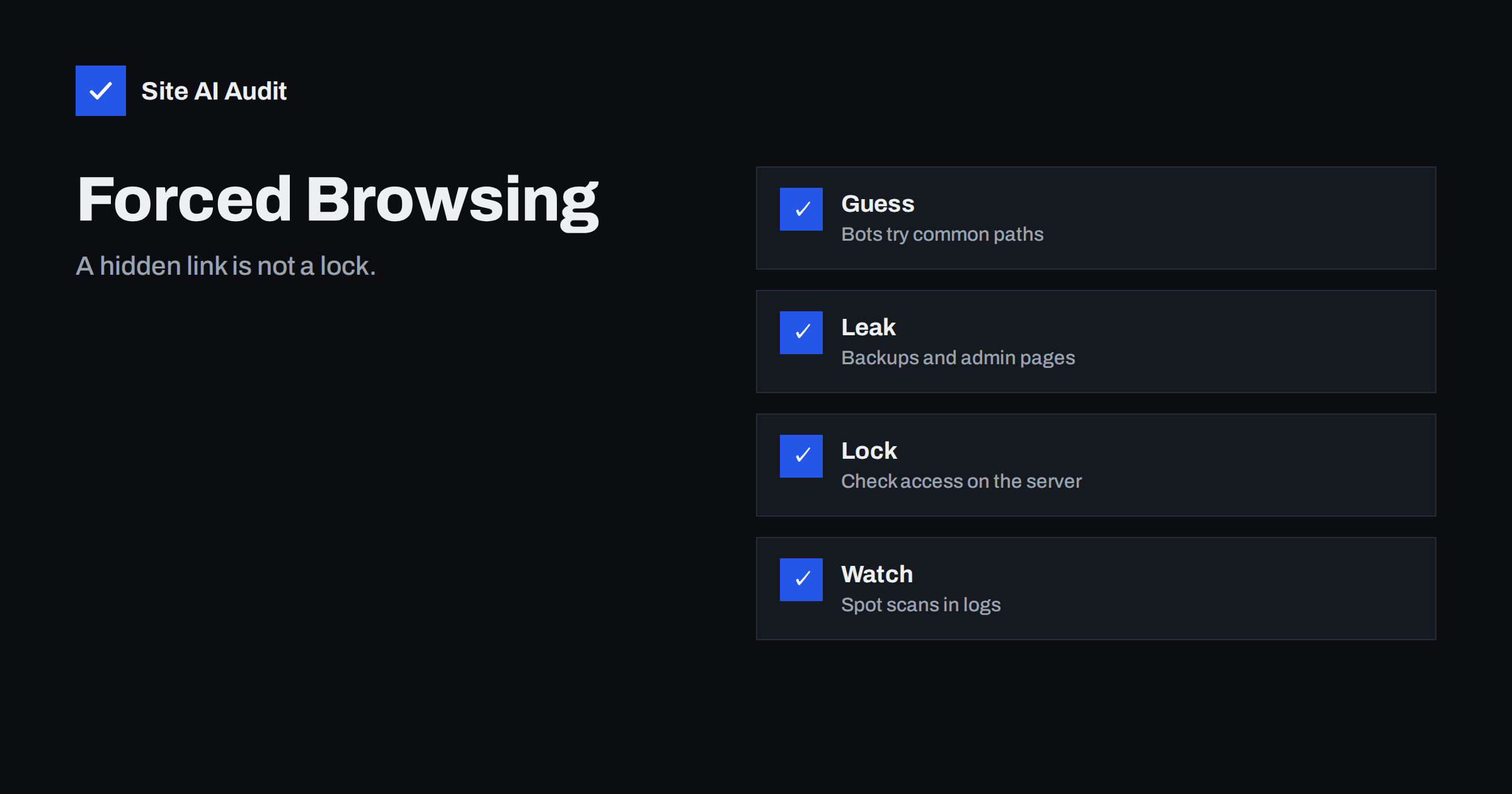
Short answer: Forced browsing is the practice of typing or scanning web addresses that are not linked from any page, in the hope that something useful is there. It works because many sites protect pages only by not linking to them. The fix is to put a real check on the server, so that anyone who requests the address is asked who they are, whatever the address looks like.
What forced browsing is
A visitor normally reaches pages by following links. An attacker does the opposite. They take a list of common paths, such as admin areas, backup files, test pages and old versions, and request each one. If the server answers with a page or a file, they have found something that the owner thought was hidden. The method is also called predictable resource location or content discovery, and automated tools can try thousands of addresses a minute.
It is not a clever exploit. It is a simple guess that pays off when a site relies on secrecy. A page that is not linked is not private, because the server will deliver it to anyone who asks.
What attackers look for
- Admin and login pages that were moved, renamed or forgotten. See the guide to exposed phpMyAdmin and admin panels.
- Backup and archive files, such as a zip of the whole site or a database dump left in the web folder.
- Configuration and version-control files, which can contain passwords and keys. The article on exposed .env, .git and backup files explains the risk.
- Old and test versions of the site, such as a copy used during a redesign, which may run outdated software.
- Private documents in an uploads folder: invoices, contracts, exports and customer lists that were saved with predictable names.
- Numbered resources, such as order pages or account pages where changing a number in the address shows another person’s data. That variant is covered in the article on IDOR and broken access control.
- Debug and status pages that reveal software versions, paths or settings.
Why hidden pages are not protected
Several habits create a false sense of safety. Each of them relies on the idea that no one will find the address.
- The page is not linked. Search engines may not index it, but bots do not need a link. They guess.
- The address is long or unusual. A secret address is a weak password. It can leak through browser history, shared screenshots, emails, referrer data, logs or an old link on another site.
- The file is listed in robots.txt as disallowed. That file is public, and it tells every reader where the sensitive paths are. The guide to robots.txt and hidden paths covers this mistake.
- The menu hides the page for normal users. A menu is only presentation. If the server does not check the visitor, the page works for anyone who types its address.
- The page is protected in the browser only. Scripts that redirect the visitor after loading can be skipped, and the data may already have been sent.
The principle is old and sound: do not depend on obscurity as the only control. Obscurity can be a small extra layer, but it must never be the lock.
The right defence: check access on the server
Every page or file that is not meant for the public needs two checks on the server, each time it is requested.
- Authentication. Is this visitor signed in? If not, send them to the login page or return an error.
- Authorisation. Is this person allowed to see this particular item? Being signed in is not enough. A customer must not see another customer’s invoice.
Apply the checks in one place that every request passes through, and not page by page, because a single forgotten page then becomes the gap. Frameworks and content management systems have built-in permission systems. Use them, and deny access by default so that new pages are closed until you open them.
For files, do not place private documents in the public web folder. Store them outside it, or in private storage, and deliver them through a script that checks the user first. The article on protecting private downloads on WordPress shows how this works in practice.
Reduce what can be found
- Delete what you do not need. Old backups, test copies, sample files, installers and “temp” folders should not stay on a live server.
- Keep backups out of the web root. Store them elsewhere, with their own access control.
- Turn off directory listing. It shows all files in a folder to anyone who visits it. See how to disable directory listing.
- Block sensitive file types at the server, for instance configuration files, logs and archives.
- Restrict admin areas by IP address or an extra password prompt, as described in the guide to restricting your admin area.
- Use unguessable names for generated files, as an extra layer and not as the main control.
Return the same answer for missing and forbidden pages
When a server answers “403 forbidden” for a path that exists and “404 not found” for one that does not, it tells a scanner which guesses were right. For sensitive areas it can be better to give the same answer in both cases, or to ask for a login first. Do not go too far, though. Clear error handling still matters for real visitors and for search engines, and a custom error page, described in the guide to custom 404 pages, should stay helpful.
Spot scans in your logs
Forced browsing is noisy. A scanner produces many requests for paths that do not exist, so the signs show up in access logs.
- Bursts of 404 errors from one address within a short time.
- Requests for strange names, such as admin, backup, old, test, dump, config and similar words, in many forms.
- Requests for file types that you do not use on the site.
- A user agent that names a scanning tool, or one that changes with every request.
The article on reading access logs to spot attacks shows how to search for these patterns. Rate limiting can slow a scan to a crawl. Read about the options in rate limiting explained. A web application firewall can also block known scanning patterns, but it should support a correct access setup, not replace it.
A realistic example
A small company redesigns its website and keeps the old version in a folder called “old-site” in case something goes wrong. Months later nobody remembers it. The old version runs outdated software with known flaws, and its contact form is open to abuse. A scanner finds the folder on its first pass, because “old” is on every wordlist. The attacker never needs to touch the new site. The same story repeats with a “backup.zip” that holds a copy of the configuration file, or a “test” page created for a developer and never removed. None of these needs a clever technique. They need only a request and a server that answers.
The cure is boring and effective: keep an inventory of what is on the server, remove anything that is not needed, and review the list when a project ends. A short checklist at the end of every redesign, migration or developer handover prevents most of these leftovers.
A quick self-test
Open a private browser window where you are not signed in. Try to open the addresses of your admin pages, a private document and a page that belongs to a logged-in user. Each should ask you to sign in or refuse access. Then look for the files that should not be there: a zip of the site, a database export, an old copy. Search your own domain for these names. If anything opens, fix it first and ask later how it got there. Repeat the test after each major change to the site.
How Site AI Audit helps
Site AI Audit does not test the pages behind a login and does not guess hidden paths, so it will not find private files by itself. It checks the public side of your site: the SSL certificate, the redirect from HTTP to HTTPS, security headers, exposed software versions, robots.txt and your sitemap. Reports that show old software versions or an unexpected robots.txt help you to find places where attention is needed. The free check covers up to 50 pages and needs no sign-up. You can run a free check of your website or see the plans for weekly monitoring and alerts.
Related reading
- IDOR Vulnerability Explained: Broken Access Control Basics
- Exposed .env, .git and Backup Files: How to Find and Block Them
- Directory Listing Enabled? How to Disable It on Any Server
- Robots.txt Can Reveal Hidden Paths: What Not to List
The bottom line
If a page or file should be private, the server must check who is asking. Hiding an address, removing a link or listing a path in robots.txt does not protect it. Delete what you do not need, apply access checks by default and watch your logs for scans.
FAQ
Is forced browsing the same as brute force?
They are related, but not the same. Brute force tries many passwords on a login. Forced browsing tries many addresses to find pages or files that should not be public.
Does a long random URL protect a private file?
It helps against guessing, but it is not a lock. The address can leak through emails, history or logs. Use a login or a signed, expiring link for anything private.
Should I block scanners?
Yes, where you can. Rate limits and firewall rules reduce the noise. Still, fix the cause by removing exposed files and checking access, because a slow scan can still succeed.
Do search engines find hidden pages?
Only if something links to them or lists them. Do not rely on that. Use noindex only to keep pages out of results, not to protect them.
How often should I test for exposed files?
After each deployment, and at least once a quarter. Old backups and test files appear whenever people work quickly.


