ENEnglish
 LTLietuviškai
 DEDeutsch
 FRFrançais
 RUРусский
 ESEspañol
 PLPolski
 ITItaliano
 UKУкраїнська
 CSČeština
 PTPortuguês
 JA日本語
JA日本語 LVLatviešu valoda
 ETEesti
 HUMagyar
 IDBahasa Indonesia
 TRTürkçe
 HIहिन्दी
 ELΕλληνικά
 ARالعربية
 THไทย
THไทย VITiếng Việt
 RORomână
 MSBahasa Melayu
 BNবাংলা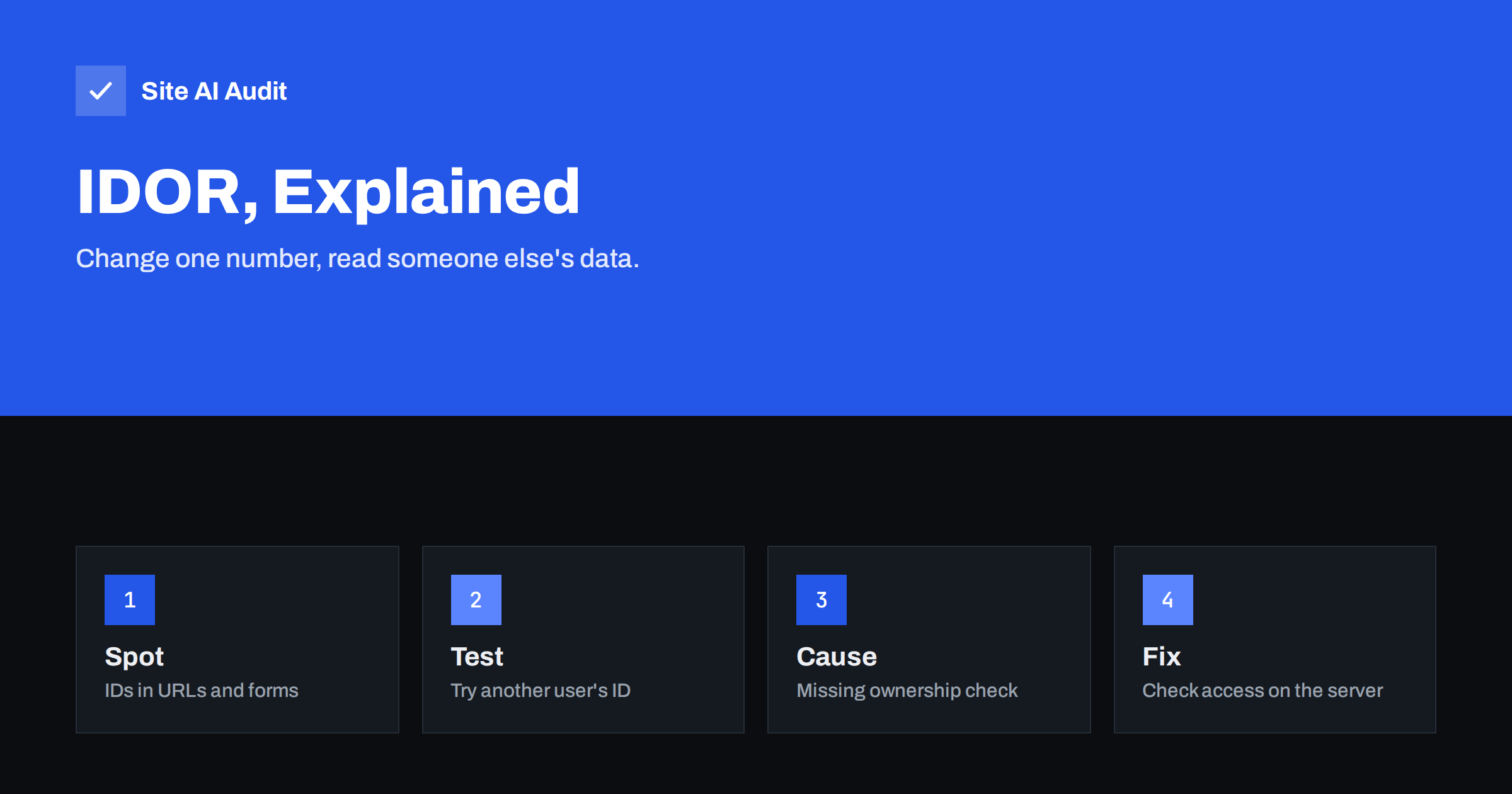
Short answer: An IDOR, or insecure direct object reference, is a flaw where a website lets a logged-in or anonymous visitor reach someone else’s record simply by changing an identifier, such as an order number, in the address or in a form. It is a form of broken access control. The fix is to check on the server, for every request, that the current user is allowed to see or change that exact record, and never to rely on hidden or hard-to-guess IDs.
What an IDOR looks like
Imagine a customer account page that shows an invoice at an address like /invoice?id=1001. The customer logs in, opens the invoice and sees their own data. Out of curiosity, they change the number to 1002. If the page now shows another customer’s invoice, the site has an IDOR. The application trusted the number in the request and never asked whether the person asking owns that invoice.
The identifier does not have to be in the address bar. It can sit in a form field, a cookie, a JSON body sent by a mobile app, a file name or an API path. Anything the visitor can change and that points at a record is a candidate.
The impact depends on what the record contains. Typical results are leaked personal data, order and invoice details, private messages, uploaded documents, and, when the same flaw exists in write actions, the ability to edit or delete other people’s records.
Why it is so common
Broken access control has been at the top of the OWASP list of the most serious web application risks for several years. IDOR is one of its most frequent forms because it is easy to create by accident:
- Developers check that the visitor is logged in, but forget to check that the record belongs to them.
- Pages are built and tested with a single user account, so the problem never appears.
- The interface hides the link to other records, and the team assumes that is enough. Hiding a link does not protect the address behind it.
- An API is added later for a mobile app or a plugin, and it skips the checks that the website pages had.
- Numbers that increase one by one make guessing trivial.
The flaw is different from a login problem. The visitor is allowed to be on the site; the failure is in what they are allowed to reach once there. For the login side, see our guides on brute-force protection and two-factor authentication.
Horizontal and vertical access problems
Two words help to describe the damage:
- Horizontal: one user reaches another user’s data at the same level, for example one customer reading another customer’s order.
- Vertical: an ordinary user reaches functions meant for staff or administrators, for example by opening an admin address directly or by sending a request that sets a role.
Both come from missing checks on the server. Vertical problems are why the idea of giving each account only the rights it needs, described in our article on user roles and least privilege, matters so much.
How to look for IDORs
You do not need to be a security specialist to run a first check on your own site or application. Use two ordinary test accounts, A and B, and follow this routine:
- Log in as user A and create or open a record: an order, a ticket, a document, a profile.
- Note every place where an identifier appears: the address, form fields, API calls visible in the browser developer tools, download links.
- Log in as user B in another browser profile. Paste the address that user A used and see what happens. The correct answer is “access denied” or “not found”.
- Repeat with actions that change data, such as saving, deleting and downloading, not just viewing.
- Try the same address without logging in at all.
Test only systems that you own or have written permission to test. Probing someone else’s site, even gently, can be illegal. If you find a flaw in another company’s site by accident, report it to them instead of exploring further.
How to fix an IDOR
The solution is the same in every language and framework: authorisation must be checked on the server, on every request, for the specific object.
- Check ownership. Load the record, compare its owner with the current user, and refuse the request if they differ. Better still, query only within the user’s own data, for example “find invoice 1002 for customer X”, so that other customers’ records never come back.
- Deny by default. New pages and API routes should require explicit permission rather than being open until someone remembers to close them.
- Use one shared check. Put access rules in a single central place that every route uses, instead of copying checks by hand into each page.
- Treat the client as untrusted. Never accept a user ID, a role or a price from a form field when the server already knows it from the session.
- Return the same response for missing and forbidden. Otherwise an attacker can learn which IDs exist.
- Log denied attempts. A burst of denied requests for sequential IDs is a strong sign that somebody is probing.
Random identifiers can reduce the chance of guessing. They are a useful extra layer, but they are not a fix by themselves. A long random address that leaks in an email, a browser history or a shared screenshot still opens the record if the server does not check who is asking.
Files and downloads
Documents are a frequent weak spot. If uploaded files are stored in a public folder with predictable names, such as /uploads/invoice-1002.pdf, anyone who guesses the name can download them, logged in or not. Private files should be served through a script that checks permission first, or stored outside the web root. Our guides on path traversal and on disabling directory listing cover two related ways files are exposed.
IDOR in WordPress sites
On WordPress, IDOR-type flaws mostly come from plugins and custom code rather than from the core software. Typical examples are a plugin endpoint that returns user or order data for any ID, a form plugin that lets anyone download any submission, or a custom REST route registered without a proper permission check. You can reduce the risk by:
- keeping core, themes and plugins updated;
- removing plugins you do not use, and replacing those that are no longer maintained;
- giving staff accounts only the role they need;
- asking developers of custom code to check permissions in every route and action.
See the WordPress security checklist for the broader routine.
Where scanners and firewalls fall short
IDORs are hard for automated tools to find, because the request that exposes data looks completely normal: a valid user asking for a valid address. The tool cannot know that this user should not see this record. A web application firewall rarely helps for the same reason. That is why manual testing with two accounts, code review and a clear permission model matter. The difference between automated checks and human testing is covered in security scan versus penetration test.
What Site AI Audit checks and what it does not
Site AI Audit does not log in to your site and cannot test who may open which record, so it will not find an IDOR. What it does look at is the outside layer that protects visitors and reduces easy mistakes: the SSL certificate and its expiry, the redirect from HTTP to HTTPS, security headers and exposed software versions. Those checks do not replace access control testing, but they are part of a healthy baseline. Run a free check of your website, and see the plans if you want weekly monitoring.
Related reading
- SQL Injection Explained: How Sites Get Breached and Protected
- CSRF Explained: How Cross-Site Request Forgery Works
- Website Security Audit Checklist: What to Check and in What Order
- Web Application Firewall (WAF): Does Your Website Need One?
The bottom line
An IDOR happens when a site trusts an identifier in the request and forgets to check who is asking. The cure is simple to state and needs discipline to apply: check ownership and permission on the server for every record and every action, deny by default, and test with two accounts. Treat random IDs as a bonus, never as the protection itself.
FAQ
What does IDOR stand for?
IDOR stands for insecure direct object reference. It means that a website exposes a direct pointer to a record, such as an ID number, and does not check whether the visitor is allowed to use that pointer.
Is IDOR the same as broken access control?
IDOR is one type of broken access control. Broken access control is the wider group of problems in which users can act outside their intended permissions, including reaching admin functions or other users’ records.
Do random or hidden IDs prevent IDOR?
They make guessing harder, but they do not remove the flaw. If the server does not verify permission, anyone who obtains or learns the identifier can still open the record. Always check access on the server.
How can I test my own website for IDOR?
Create two test accounts, create a record with the first, and try to open or change that record while logged in as the second or while logged out. Check pages, downloads and any API calls. The second account should be refused every time.
Can a firewall or an SSL certificate stop IDOR?
No. An SSL certificate protects data in transit, and a firewall blocks known attack patterns, but an IDOR request looks like a normal one. Only correct permission checks in the application itself remove the problem.