 ENEnglish
 LTLietuviškai
 DEDeutsch
 FRFrançais
 RUРусский
 ESEspañol
 PLPolski
 ITItaliano
 UKУкраїнська
 CSČeština
 PTPortuguês
 JA日本語
JA日本語 LVLatviešu valoda
 ETEesti
 HUMagyar
 IDBahasa Indonesia
 TRTürkçe
 HIहिन्दी
 ELΕλληνικά
 ARالعربية
 THไทย
THไทย VITiếng Việt
 RORomână
 MSBahasa Melayu
 BNবাংলা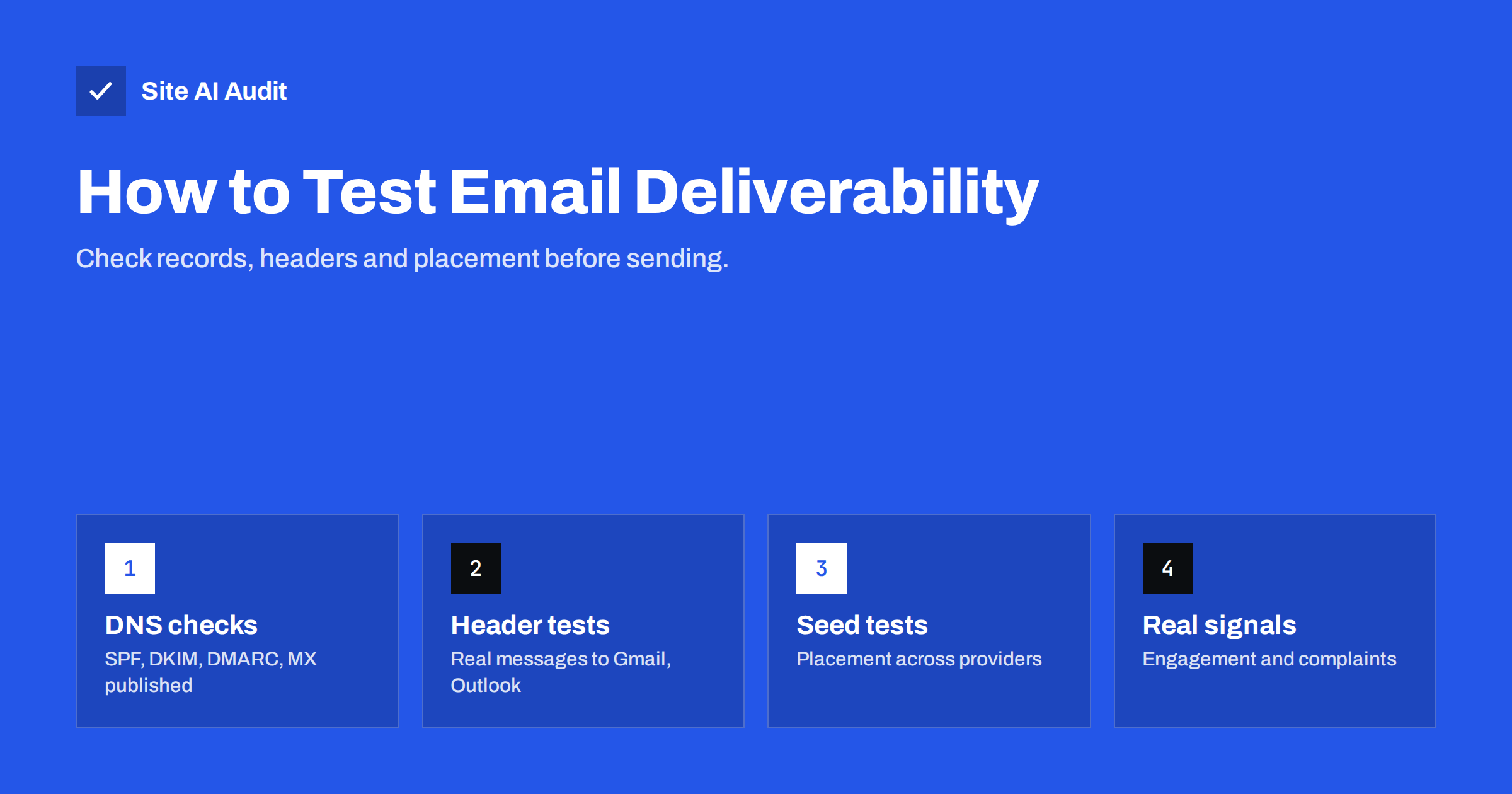
Short answer: Test deliverability in layers. First check that your DNS records (SPF, DKIM, DMARC, MX) are published and valid. Then send real messages from each sending system to Gmail and Outlook.com accounts and confirm SPF, DKIM and DMARC pass in the headers. For campaigns, use a seed test across several providers to estimate inbox placement, and after sending, watch engagement, bounces and complaints by provider. No single test is complete, but together they catch most problems before customers do.
What a deliverability test can and cannot tell you
Inbox placement is decided by each mailbox provider using signals you cannot fully see, including how recipients have treated your past mail. A test can therefore confirm technical correctness and give an estimate of placement, but it cannot guarantee how a real campaign will perform for a real audience.
That is why the most useful approach combines several kinds of evidence:
- Configuration evidence: are the DNS records and platform settings correct?
- Message evidence: did a real message pass authentication at real receivers?
- Placement evidence: where did test copies land across providers?
- Audience evidence: how did real recipients react to recent campaigns?
The layers also differ in cost. DNS and header checks take minutes and are free. Seed tests take a little setup. Audience signals require sending real campaigns, so they arrive last. Checking the cheap layers first avoids learning about a broken record from a failed campaign.
Each layer catches different problems. A perfect DNS setup does not reveal a stale list; a great engagement rate does not reveal that the website’s order confirmations are failing DKIM.
Layer 1: check the DNS records
Start with what the world can see about your domain:
- MX: points only to your current mail provider.
- SPF: exactly one record, includes every legitimate sender, stays within ten DNS lookups, ends with
~allor-all. - DKIM: a key published for each sending service’s selector, with the full value intact.
- DMARC: a record at
_dmarcwith a policy and a report address.
You can look these up with dig or nslookup, or use an outside checker that interprets them. Site AI Audit checks SPF (including the lookup limit), DKIM, DMARC and MX in one run and explains each finding in plain words, alongside the website’s SSL, speed and SEO. It is a quick first layer: a free check shows whether the foundation is in place.
Layer 2: send real messages and read the headers
DNS records show intent; headers show results. For each system that sends mail with your domain, send a message to a personal Gmail account and an Outlook.com account, then open the source:
- Find
Authentication-Resultsfrom the receiving server. - Confirm
spf=pass,dkim=passanddmarc=pass. - Confirm the DKIM domain (
header.d) is yours, not the platform’s. - Note which folder the message landed in.
If a result surprises you, compare the failing header with a passing one from another system. The difference, whether it is the sending IP, the envelope domain or the DKIM selector, usually points straight at the cause. Keep a copy of a known-good header from each system as a reference for future troubleshooting.
Test every system separately: staff mailboxes, website contact form, password reset, order confirmation, newsletter platform, CRM, helpdesk and invoicing. It is common for the mailbox provider to pass everything while one forgotten system fails completely.
Layer 3: seed tests for campaigns
A seed test sends a campaign to a list of test mailboxes spread across providers, then reports where each copy landed: inbox, promotions or other tabs, spam, or missing. Several commercial deliverability tools offer seed lists and reports, and you can build a simple version yourself with a handful of accounts at major providers.
Seed tests are useful for:
- catching provider-specific problems, such as spam placement at one provider only;
- comparing templates or sending domains before a large campaign;
- checking a new platform or subdomain before migration.
Their limits are important. Seed accounts have no real engagement history with you, so providers may treat them differently from your actual subscribers. Results vary between runs. Use seed tests as an early-warning signal, not as a precise measurement.
Building a simple seed list yourself
If a commercial seed-testing tool is more than you need, a small home-made seed list covers the basics:
- Create free accounts at the providers most common among your customers, typically Gmail, Outlook.com and Yahoo, plus any regional providers that matter in your market.
- Add one or two business mailboxes you have access to, for example a colleague’s Microsoft 365 or Google Workspace address, since corporate filtering differs from consumer filtering.
- Add these addresses to a dedicated segment in your sending platform, clearly labelled so nobody removes them as inactive.
- Include the segment in each campaign and record where each copy landed and what the headers said.
- Do not engage with the messages artificially. Opening, clicking or rescuing them from spam changes how the provider treats those accounts and makes future results less representative.
A simple spreadsheet with the date, campaign, provider, folder and authentication result is enough. Over a few months, it shows trends that a single test cannot.
Testing transactional flows
Campaign testing gets most of the attention, but transactional mail often breaks more quietly. Build a short script of flows to run after every website or platform change: submit the contact form, register a new account, request a password reset, place a test order, trigger a shipping notification and download an invoice e-mail. Use an external address each time, not an address on the same server as the website.
For each message, check the same things as for campaigns: authentication results, the DKIM domain, the folder and whether the content renders correctly. Add a timestamp check too. A password reset that arrives twenty minutes late is a failure from the user’s point of view, even if it eventually reaches the inbox.
Layer 4: content and format checks
Before sending, review the message itself:
- Links: all working, using HTTPS, pointing to your own domain where possible, no URL shorteners, and visible link text that matches the destination.
- Images: the message still makes sense with images blocked, and is not a single large image.
- Plain-text part: present and readable.
- Headers: List-Unsubscribe and List-Unsubscribe-Post present for marketing mail.
- Size: reasonable; very large HTML can be clipped by some mail apps.
- Sender details: recognisable From name, a reply address someone reads, and a physical address and unsubscribe link in the footer for marketing mail.
Content scoring tools can flag obvious problems, but modern filters rely far more on reputation and authentication than on specific words, so do not over-optimise text based on a score.
Layer 5: watch real results after sending
| Signal | What it suggests | Where to see it |
|---|---|---|
| Hard bounce rate rising | List quality problem or blocking | Sending platform reports |
| Engagement drop at one provider | Spam placement at that provider | Platform reports by domain |
| Complaint spike | Unwanted mail or wrong segment | Platform, Postmaster Tools, feedback loops |
| Deferrals increasing | Provider throttling due to reputation or volume | Platform logs |
| DMARC failures from your own source | A system lost authentication | DMARC aggregate reports |
Break the numbers down by recipient domain where your platform allows it. An overall click rate can hide a sharp drop at a single provider, and provider-level figures are often the first place where a placement problem becomes visible.
These signals are the most reliable evidence of all, because they come from your actual audience. Compare each campaign with the previous ones rather than looking at single numbers in isolation.
A practical testing routine
- Before launching a new domain, platform or sending system: layers 1 and 2 for every stream, then a seed test.
- Before each large campaign: layer 4 and a quick seed or internal test to a few accounts at different providers.
- After each campaign: layer 5, looking for changes by provider.
- Monthly: review DMARC reports and repeat layer 1.
- After any DNS, website or provider change: repeat layers 1 and 2 the same day.
Paid Site AI Audit plans on the pricing page repeat the DNS layer automatically and send an alert when a record breaks, which covers the most common silent failure.
Related reading
- How to Read Email Headers to Check SPF, DKIM and DMARC
- Email Deliverability vs Delivery Rate: What’s the Difference?
- Email Deliverability Checklist: 20 Checks for Small Businesses
The bottom line
Testing deliverability means checking layers: DNS records, real message headers, seed placement, content and real audience signals. Each catches different problems, and none is complete on its own. Build them into a routine, especially after changes, and you will find most issues before your customers do.
FAQ
How can I test if my e-mail goes to spam?
Send real messages to accounts at major providers and check the folder and headers. For campaigns, a seed test across many providers gives a broader estimate, though results are approximate.
Are seed tests accurate?
They are indicative, not precise. Seed accounts lack real engagement history, so real subscribers may see different placement. Use them to spot provider-specific problems.
What should I check before sending a newsletter?
Authentication in a test message’s headers, working HTTPS links, a plain-text version, unsubscribe headers and link, and the right segment of engaged subscribers.
Do spam score tools predict inbox placement?
Only partly. They catch obvious content and configuration issues, but placement depends heavily on reputation and recipient engagement, which such tools cannot see.
How often should I test deliverability?
Test every sending system after any change, run a quick test before large campaigns, and review DNS records and DMARC reports monthly.
Which providers should I test with?
At minimum Gmail and Outlook.com, which represent a large share of personal mailboxes, plus any provider that is common among your own customers.


