 ENEnglish
 LTLietuviškai
 DEDeutsch
 FRFrançais
 RUРусский
 ESEspañol
 PLPolski
 ITItaliano
 UKУкраїнська
 CSČeština
 PTPortuguês
 JA日本語
JA日本語 LVLatviešu valoda
 ETEesti
 HUMagyar
 IDBahasa Indonesia
 TRTürkçe
 HIहिन्दी
 ELΕλληνικά
 ARالعربية
 THไทย
THไทย VITiếng Việt
 RORomână
 MSBahasa Melayu
 BNবাংলা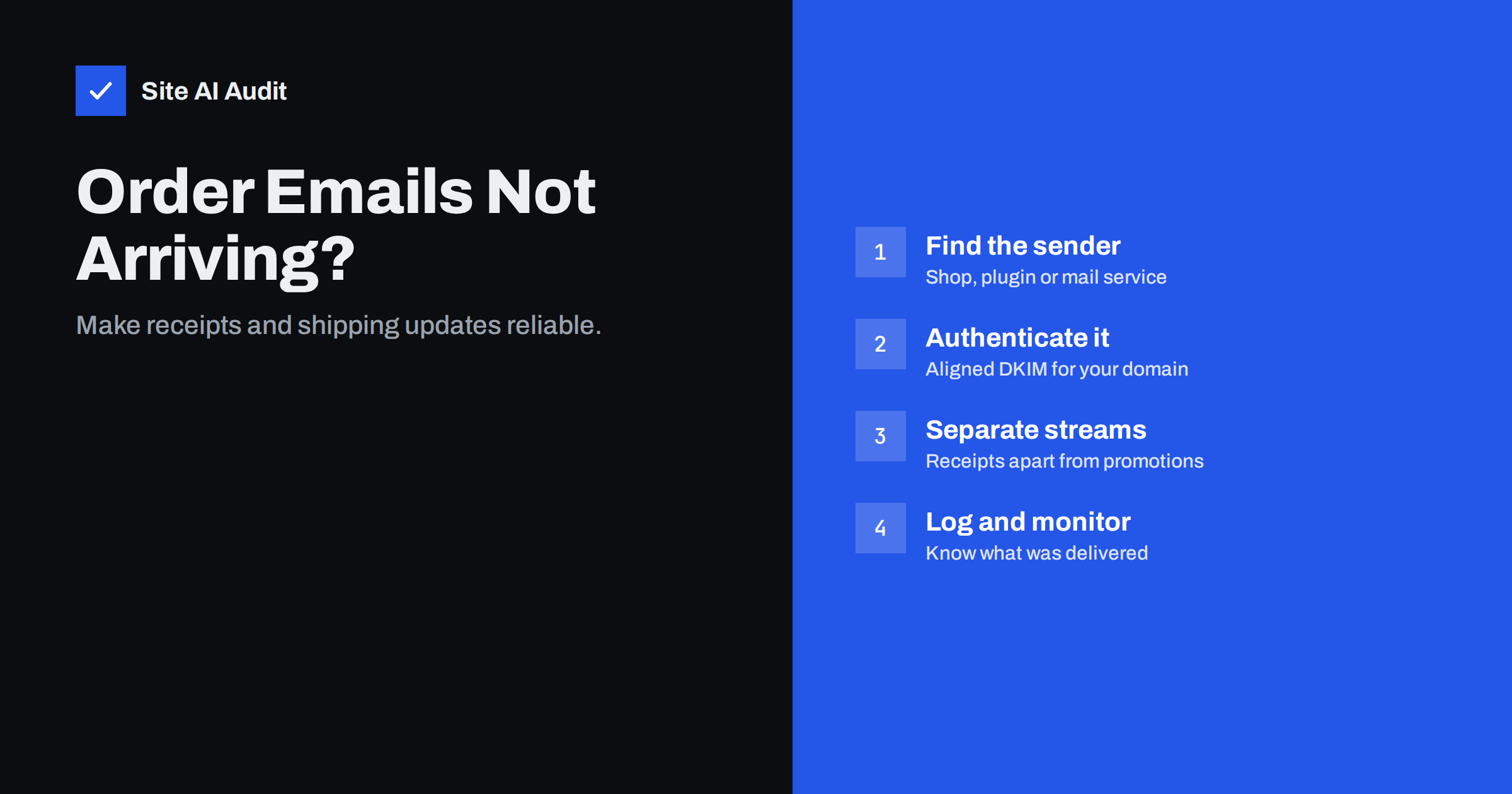
Short answer: Order confirmations usually go missing because the shop sends them from a system that is not authenticated for your domain, most often the web server itself, or because they share a sending domain and reputation with promotional mail that recipients complain about. Find out which system sends each message, route it through an authenticated transactional service or your mail provider with aligned DKIM, separate transactional from marketing mail, and keep delivery logs so you can answer “I never got my receipt” in minutes.
Why transactional mail deserves special care
Order confirmations, invoices, shipping notifications, password resets and account alerts are the messages customers actually wait for. When they do not arrive, customers contact support, place duplicate orders, dispute card payments or simply lose trust in the shop. Unlike a newsletter, a missing receipt costs money and time directly.
Transactional mail also has natural advantages: recipients expect it, open it quickly and almost never report it as spam. In principle it should be the easiest mail to deliver. When it fails, the cause is almost always technical, or it is being dragged down by other mail sent from the same domain.
Many shop owners discover the problem late, because their own test orders arrive fine. Their mailbox may be hosted on the same server as the shop, so the message never leaves the building. Customers at Gmail, Outlook.com or corporate mail systems see a different result.
The cost of the problem is also easy to underestimate. Each missing confirmation may produce a support ticket, a phone call or a worried message asking whether the payment went through. Some customers place the order a second time, which then needs a refund. Others open a card dispute because they believe they were charged without buying anything. A reliable e-mail setup is therefore not a marketing detail but part of running the shop, like secure checkout and working payment methods.
Step 1: find out what sends each message
An online shop often has several senders, and they are not always obvious:
- The shop software itself (for example WooCommerce, Magento or PrestaShop) sending through the web server’s mail function.
- An SMTP plugin or module that routes shop mail through a mail provider or transactional service.
- A hosted shop platform that sends on your behalf using its own infrastructure.
- Payment providers that send their own receipts.
- Shipping and fulfilment tools that send tracking notifications.
- Invoicing or accounting software that e-mails invoices.
- Marketing automation sending abandoned-cart and review requests.
Place a test order with a personal Gmail address, then open each message you receive and check “Show original”. The headers show which server sent it and whether SPF, DKIM and DMARC passed for your domain. Repeat for password reset and account registration flows.
Step 2: stop sending from the web server
If any shop mail leaves directly from the web server, fix that first. Web servers are rarely listed in your SPF record, do not sign with DKIM for your domain, and often share an IP address with many other websites. The fix is to route mail through an authenticated service:
- A transactional e-mail service built for automated mail, with API or SMTP sending, delivery logs, bounce handling and domain authentication. This suits most shops.
- Your business mailbox provider’s SMTP, which works for small volumes, within the provider’s sending limits and authentication rules.
Configure the shop or an SMTP plugin to use the chosen service, then set the From address to one on your own domain, such as [email protected], with a Reply-To that reaches your support team.
Step 3: authenticate every sender for your domain
- DKIM: in each service that sends as your domain, set up custom domain authentication and publish the DKIM records it provides. Confirm that headers show
dkim=passwith your domain. - SPF: include only the services that need it, merged into one record and within the ten-lookup limit. Many transactional services recommend a custom return-path subdomain, which keeps your root SPF record small and aligns SPF too.
- DMARC: publish a record with a report address. Reports will show whether any shop-related system still sends unaligned mail, which is essential before you enforce a policy.
Test again after every change. A new DKIM record that has not yet propagated, or a typo in the selector name, is enough to make the next order e-mail fail, and it is far better to find that with a test order than with a customer complaint.
Payment and shipping providers that send from their own domain do not need your authentication, but those that send “as” your shop do. Check each one’s documentation for a “custom sending domain” option.
Step 4: separate transactional from marketing mail
Promotional mail generates complaints, unsubscribes and bounces from old addresses. If it shares a sending domain, IP and platform with your receipts, a weak campaign can delay or filter your order confirmations. Separation protects the critical stream:
| Stream | Suggested setup |
|---|---|
| Order confirmations, receipts, shipping, password resets | Transactional service, subdomain such as mail.yourdomain.com for the return-path, its own DKIM key |
| Newsletters, promotions, abandoned-cart campaigns | Marketing platform, separate subdomain such as news.yourdomain.com, its own DKIM key |
| Staff correspondence and support replies | Business mailbox provider on the main domain |
Keep transactional messages transactional. Adding a large promotional block to every receipt blurs the line, and mailbox providers may begin treating the stream like marketing.
Step 5: make the messages look trustworthy
- Use a clear From name, such as “Your Shop Orders”, and a consistent From address.
- Put the order number in the subject line, which helps customers search and helps filters recognise the pattern.
- Include a plain-text version alongside the HTML.
- Link to your own domain over HTTPS, and avoid link shorteners.
- Keep attachments reasonable; many shops link to an invoice page instead of attaching large PDFs.
- Test on mobile, where most customers read these messages.
- Send immediately after the action. A confirmation that arrives an hour later looks suspicious and prompts support requests.
- Avoid “no-reply” addresses where possible; customers reply to order e-mails with questions, and bounced replies frustrate them.
Step 6: log, monitor and respond
Transactional services log every message with its status: delivered, deferred, bounced or rejected, with the receiving server’s response. When a customer says the receipt never arrived, look up the address:
- Delivered: the message reached the receiving server. Ask the customer to check spam and any filtering rules; if it is in spam, look at authentication and content.
- Bounced: read the bounce text. Typos in the address (
gmial.com) are common; checkout forms can suggest corrections. - Deferred: the receiver is temporarily refusing; the service retries.
- Not in the log: the shop never sent it, often because of a plugin error, a scheduled task that did not run, or mail still going through the web server.
Set up alerts for spikes in bounces or failures, and periodically place a test order to an external mailbox. Silent failures are the dangerous ones.
Common shop-specific pitfalls
- Staging copies sending real order e-mails to real customers. Disable mail on staging.
- Plugins overriding the From address with the WordPress default or the admin’s personal address.
- Delayed mail because a plugin queues messages on a scheduler that runs only when someone visits the site.
- DMARC enforcement introduced without checking the invoicing tool, which then has its invoices rejected.
- Contact addresses that bounce, so replies from customers to order e-mails are lost.
How an outside check helps
You cannot see individual deliveries from outside, but you can see whether the domain is set up to deliver them. Site AI Audit checks SPF with its lookup limit, DKIM, DMARC and MX records for your shop’s domain, together with SSL, speed and SEO, and explains each issue in plain words. A free check shows the state today, and paid plans on the pricing page monitor it and alert you when e-mail records or the SSL certificate need attention.
Related reading
- WordPress Emails Going to Spam or Not Sending? How to Fix It
- Email Bounce Codes Explained: Hard vs Soft Bounces and Fixes
- How to Read Email Headers to Check SPF, DKIM and DMARC
The bottom line
Order e-mails fail when they are sent from unauthenticated systems or tied to marketing mail’s reputation. Identify every sender, route shop mail through an authenticated service with aligned DKIM, separate transactional and marketing streams, and keep logs. Then test with real external mailboxes, not just your own.
FAQ
Why do my WooCommerce order e-mails go to spam?
Usually because they are sent from the web server without DKIM and outside your SPF record. Route them through an authenticated SMTP or transactional mail service and use a From address on your domain.
Should order confirmations and newsletters use the same domain?
They can share the main brand domain in the From address, but using separate sending subdomains and platforms protects receipts from the reputation effects of promotional mail.
How can I prove an order e-mail was delivered?
Use a sending service with delivery logs. The log shows whether the receiving server accepted the message and what it responded, which answers most customer questions.
Do payment provider receipts need my SPF and DKIM?
Only if they send using your domain in the From address. Receipts sent from the payment provider’s own domain are authenticated by the provider.
Why do test orders arrive but customer e-mails do not?
Your own mailbox may be on the same server as the shop, so the message never faces external filtering. Test with Gmail and Outlook.com addresses.
Can promotions inside receipts cause problems?
Small, relevant recommendations are common, but turning receipts into advertisements can make providers treat them as marketing and may raise legal questions about consent.


