 ENEnglish
 LTLietuviškai
 DEDeutsch
 FRFrançais
 RUРусский
 ESEspañol
 PLPolski
 ITItaliano
 UKУкраїнська
 CSČeština
 PTPortuguês
 JA日本語
JA日本語 LVLatviešu valoda
 ETEesti
 HUMagyar
 IDBahasa Indonesia
 TRTürkçe
 HIहिन्दी
 ELΕλληνικά
 ARالعربية
 THไทย
THไทย VITiếng Việt
 RORomână
 MSBahasa Melayu
 BNবাংলা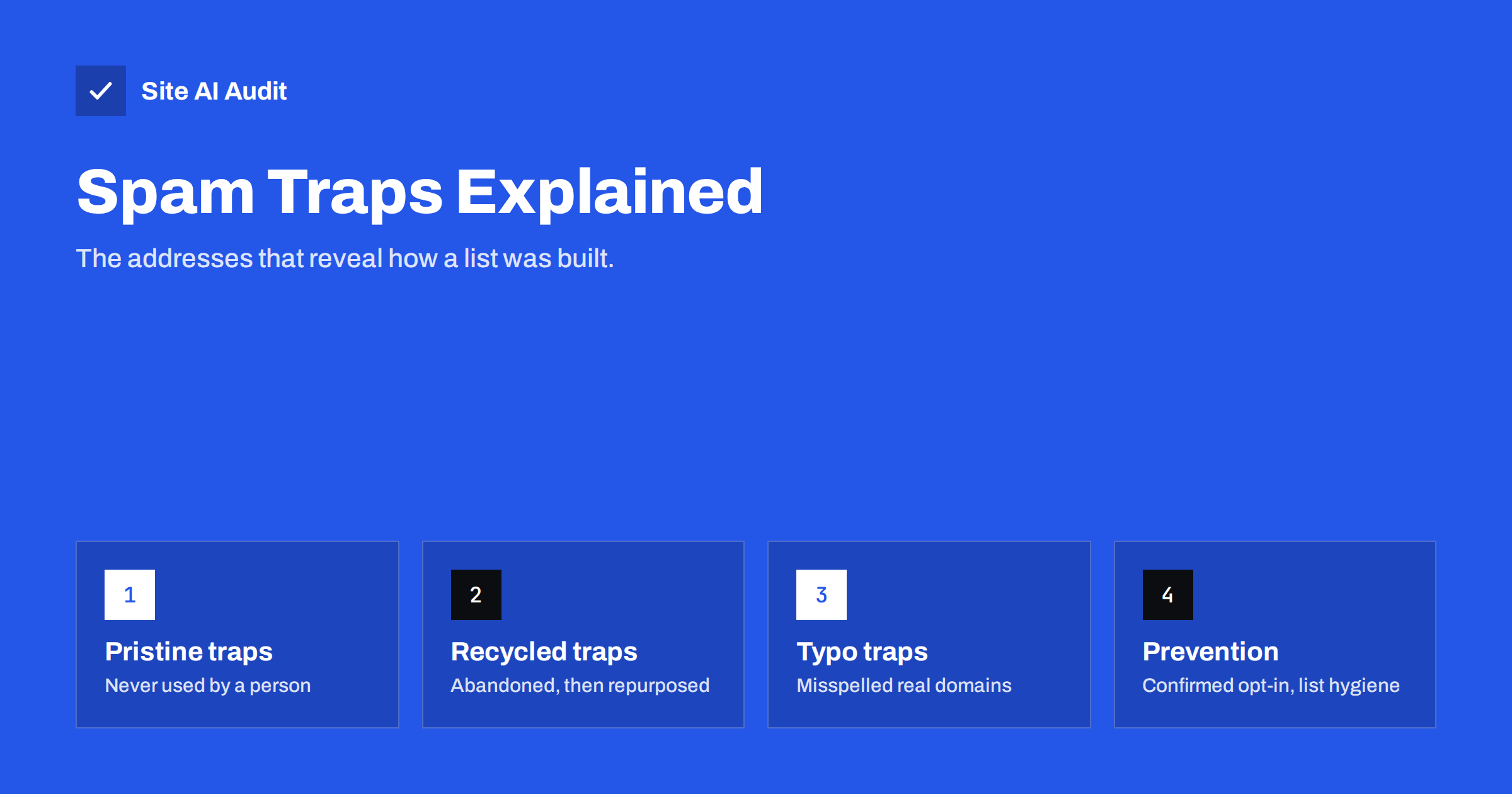
Short answer: A spam trap is an e-mail address that is not used by a real person to sign up for anything, operated by a mailbox provider or blocklist operator to identify senders with poor list practices. Pristine traps were never used by anyone, recycled traps are old abandoned addresses repurposed after a long period of bounces, and typo traps sit on misspelled domains. You avoid them by never buying or scraping lists, using confirmed opt-in, removing bounces and suppressing long-inactive contacts.
Why spam traps exist
Mailbox providers and blocklist operators need objective evidence of how senders collect addresses. Complaints are useful but noisy: some people report mail they subscribed to. Spam traps offer a cleaner signal. A trap address never signs up for a newsletter, never buys anything and never gives consent. If it receives marketing mail, the sender obtained the address in a way that did not involve a person agreeing to receive it.
That makes traps a measure of list practices rather than content. You cannot write your way around them. A beautifully designed campaign sent to a bought list will hit traps, and a plain-text note sent to confirmed subscribers will not.
Operators keep trap addresses secret, for obvious reasons. You cannot get a list of them, and services that claim to “remove all spam traps” from your list can only guess. The reliable defence is how you build and maintain the list.
The main types of spam traps
| Type | How it is created | What hitting it suggests |
|---|---|---|
| Pristine trap | An address never used by a person, often published where only scrapers will find it | Scraped, bought or harvested addresses |
| Recycled trap | A real address abandoned by its owner, bounced for a long period, then turned into a trap | Stale list: you kept mailing without removing bounces or inactive contacts |
| Typo trap | Addresses on domains that are misspellings of popular providers | No address verification or confirmation at sign-up |
Pristine traps are generally considered the most serious, because there is no legitimate way for such an address to end up on a permission-based list. Recycled and typo traps point to hygiene and validation problems, which are more common among well-meaning senders.
How traps end up on legitimate lists
Few businesses set out to mail spam traps. They arrive through ordinary shortcuts:
- Bought or rented lists. Sellers collect addresses by scraping websites, where pristine traps are deliberately placed.
- Scraping and enrichment tools that find addresses on the web or guess them from name patterns.
- Old lists imported into a new platform, including addresses that bounced for years in the previous system and have since been recycled.
- Sign-up forms without confirmation, where typos like
[email protected]or bot submissions enter the list. - Co-registration and partner lists, where consent was collected for someone else.
- Contacts collected offline, such as business cards and event lists, typed in with errors.
What happens when you hit a trap
The consequences depend on who operates the trap and how many hits occur. A mailbox provider may lower your domain or IP reputation, which pushes future mail towards spam for all recipients at that provider. A blocklist operator may list your sending IP or domain, which can cause rejections at every organisation using that list. Your e-mail service provider may suspend sending until you clean the list, because trap hits also damage their shared infrastructure.
Trap hits also tend to arrive together with other warning signs. Lists that contain traps usually also produce more hard bounces, lower engagement and more complaints, because the same shortcuts that let traps in also let in addresses of people who never wanted the mail. When several of these numbers worsen at once after an import or a new sign-up source, treat it as a likely trap problem even without direct confirmation.
You rarely get told which address was the trap. The signs are indirect: a blocklist listing citing spam traps, a sudden drop in inbox placement, a warning from your platform, or a bounce message that mentions a list known for trap-based listings.
How to avoid spam traps
- Never buy, rent or scrape addresses. This alone eliminates the most serious trap type.
- Use confirmed opt-in. A trap cannot click a confirmation link, and neither can a typo.
- Validate addresses at the point of entry. Suggest corrections for common domain typos in forms and checkout.
- Remove hard bounces immediately. A recycled trap only becomes a trap after bouncing for a long time; senders who remove bounces never reach that stage.
- Suppress long-inactive contacts. Addresses that have not engaged for a year or more may have been abandoned, and some abandoned addresses become traps.
- Keep suppression lists when changing platforms, and never re-import old bounced or unsubscribed addresses.
- Protect sign-up forms against bots, which may submit trap addresses they harvested.
- Treat partner and event lists with caution: send a single permission request, not a campaign.
If you suspect trap hits
Because you cannot identify the trap addresses, the response is to remove the whole risky segment rather than hunt for individuals:
- Find the source. Look at recent imports, new sign-up sources and old segments that were reactivated. The problem usually started with one of them.
- Stop mailing that segment immediately.
- Keep only engaged contacts from the affected period: people who opened, clicked or bought recently.
- Re-confirm the rest through a permission campaign if they are valuable, or suppress them.
- Request delisting from any blocklist only after the source is fixed, following the list’s own process.
- Change the process that let the addresses in, such as adding confirmation to a form.
Common myths about spam traps
- “Traps can be detected by their names.” Trap addresses look like any other address. Some are old personal addresses, some are ordinary-looking names on real domains.
- “Verification services remove all traps.” Address verification catches invalid syntax, non-existent domains and many dead mailboxes, which is useful. It cannot reliably identify addresses that operators deliberately keep valid and silent.
- “Only spammers hit traps.” Legitimate businesses hit recycled and typo traps regularly, usually because of stale lists or unconfirmed forms. It is a hygiene problem, not proof of bad intent.
- “A trap hit is permanent.” Reputation recovers once the cause is removed and sending remains clean over time, although the recovery can take weeks.
Business-to-business lists
B2B senders face a specific version of the problem. Company addresses change constantly as people switch jobs, and organisations often keep old mailboxes accepting mail for a while before they disappear. Addresses guessed from name patterns ([email protected]) or collected by scraping company websites are especially risky. Keep B2B lists fresh by using addresses people gave you directly, re-confirming contacts after long silence, and removing bounces the first time they occur. Role addresses such as info@ are reachable but rarely consented to marketing, so treat them carefully.
Spam traps and authentication
Authentication does not prevent trap hits, but it decides whose reputation absorbs them. When your mail is signed with DKIM for your own domain, the consequences attach to your domain; when a platform signs with its own domain, they partly attach to the platform, which is one reason platforms police list quality strictly. Either way, the fix is list practice. Meanwhile, correct SPF, DKIM and DMARC make sure your good sending history counts for you once the problem is resolved.
Site AI Audit checks those records, SPF with its lookup limit, DKIM, DMARC and MX, and explains each finding in plain words. It cannot see your list or trap hits, but it confirms the technical foundation is right. A free check takes a couple of minutes, and paid plans monitor the records over time.
Related reading
- Double Opt-In vs Single Opt-In: Which Is Better for Your List?
- Email Blocklists: How to Check Your Domain and Get Delisted
- Email Bounce Codes Explained: Hard vs Soft Bounces and Fixes
- How to Reduce Spam Complaints and Keep Your Spam Rate Low
The bottom line
Spam traps are hidden addresses that reveal how a list was built. Pristine traps catch bought and scraped lists, recycled traps catch senders who ignore bounces and inactivity, and typo traps catch forms without confirmation. You cannot find the traps, but you can make sure they never get in: permission only, confirmed opt-in, prompt bounce removal and regular pruning of inactive contacts.
BUJ
Can I find out which addresses on my list are spam traps?
No. Operators keep trap addresses secret. Tools that claim to detect them can only guess, so focus on removing risky segments and fixing how addresses are collected.
How do recycled spam traps work?
An abandoned address first bounces for a long period, signalling to senders that it is dead. If a sender keeps mailing it after it is reactivated as a trap, that shows poor bounce handling.
Does double opt-in prevent spam traps?
It prevents pristine and typo traps from joining through your forms, because traps do not click confirmation links. Recycled traps are prevented by removing bounces and inactive contacts.
Will a single spam trap hit get me blocklisted?
It depends on the operator and volume. A single hit is less likely to cause a listing than repeated hits, but any hit is a sign that a list source needs attention.
Are bought lists always full of spam traps?
Not always full, but they very often contain traps, and the recipients never consented. Bought lists are a common cause of trap hits, complaints and blocklistings.
How long should I wait before suppressing inactive subscribers?
It depends on how often you send, but many senders re-engage or suppress contacts who have shown no activity for around six to twelve months.


