 ENEnglish
 LTLietuviškai
 DEDeutsch
 FRFrançais
 RUРусский
 ESEspañol
 PLPolski
 ITItaliano
 UKУкраїнська
 CSČeština
 PTPortuguês
 JA日本語
JA日本語 LVLatviešu valoda
 ETEesti
 HUMagyar
 IDBahasa Indonesia
 TRTürkçe
 HIहिन्दी
 ELΕλληνικά
 ARالعربية
 THไทย
THไทย VITiếng Việt
 RORomână
 MSBahasa Melayu
 BNবাংলা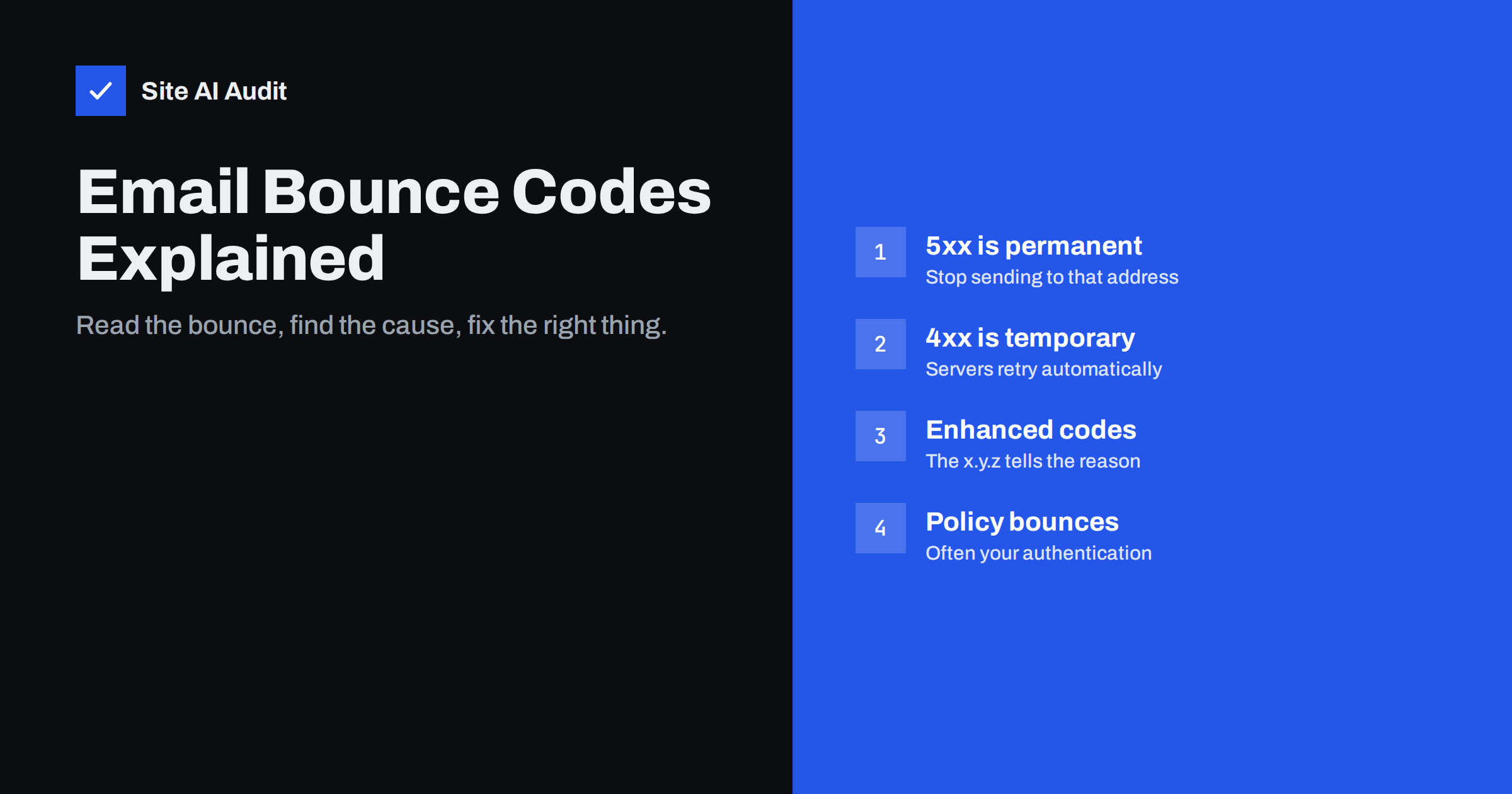
Short answer: A bounce is an automatic message saying that e-mail could not be delivered. Codes starting with 5 (such as 550) are permanent failures, called hard bounces: the address does not exist or the receiver refuses the mail. Codes starting with 4 (such as 421 or 451) are temporary failures, called soft bounces: the sending server retries later. The enhanced code and the text after it explain the reason, which may be a wrong address, a full mailbox, or a policy rejection caused by your authentication or reputation.
What a bounce message contains
When a receiving server refuses a message, it answers the sending server with a three-digit SMTP reply code, often followed by an enhanced status code in the form x.y.z and a human-readable explanation. The sending server then either retries (for temporary errors) or generates a bounce message, technically a Delivery Status Notification, back to the envelope sender.
A typical bounce contains:
- the recipient address that failed;
- the remote server that answered (the
Remote-MTA); - the status code, for example
5.1.1; - the diagnostic text, for example
550 5.1.1 The email account that you tried to reach does not exist; - often, the original message headers attached.
The diagnostic text is the most useful part, and it is often skipped. Large providers include precise reasons and links to their help pages there. Reading it carefully usually saves hours of guessing.
Bounces do not always arrive immediately. A permanent rejection during the SMTP conversation produces a bounce within seconds. A temporary failure can keep a message in the sending server’s queue for hours or even days, and some servers send a “delayed delivery” warning before the final failure. If a customer says a message arrived a day late, a chain of temporary errors is often the explanation.
Hard bounces versus soft bounces
| Hard bounce | Soft bounce | |
|---|---|---|
| Reply code | 5xx (permanent) | 4xx (temporary) |
| Typical causes | Address does not exist, domain does not exist, message rejected by policy | Mailbox full, server busy, rate limiting, greylisting, temporary reputation block |
| What the sender does | Stops and returns a bounce | Retries over hours or days, then bounces if still failing |
| What you should do | Remove invalid addresses; fix the cause for policy rejections | Wait; if it repeats, investigate volume and reputation |
Note that not every 5xx means “bad address”. A permanent rejection for policy reasons, such as failing DMARC or a blocklisted IP, is also a 5xx. Treating those as invalid addresses and deleting good customers from your list is a common mistake. Always read the reason.
Common codes and what they usually mean
550 5.1.1User unknown. The mailbox does not exist. Check for typos; if correct, remove the address.550 5.1.2/5.1.10Bad destination domain or null MX. The domain does not accept mail. Often a typo such asgmial.com.552 5.2.2Mailbox full. Sometimes returned as permanent, sometimes temporary. Repeated occurrences often mean an abandoned mailbox.552 5.3.4Message too large. Reduce attachment size or send a link.550 5.7.1Delivery not authorised or message refused. A generic policy rejection: read the text for the reason, which could be spam content, reputation, a blocklist or recipient restrictions.550 5.7.26and similar texts mentioning authentication, SPF, DKIM or DMARC. The receiver rejected the message because it failed authentication or your DMARC policy. Fix your records or the sending platform’s configuration.421 4.7.0or4.7.28style messages about unusual rates. The receiver is throttling you because of volume or reputation. Slow down and review recent campaigns.451 4.7.1Try again later, often greylisting: the receiver deliberately delays first contact from unknown senders. A proper mail server retries and succeeds.554 5.7.1Rejected, often because the sending IP appears on a blocklist. The text usually names the list.
Providers use codes slightly differently, so treat this list as orientation rather than a dictionary. The explanatory text is authoritative.
When you contact a recipient’s IT team or your own provider about a bounce, include the full diagnostic line, the time of the attempt and the sending IP address. That information lets them find the exact event in their logs instead of guessing.
Bounces caused by your own setup
Some bounces have nothing to do with the recipient. They reveal problems on your side that affect many recipients at once:
- Authentication failures. After publishing DMARC with
p=reject, messages from an unaligned tool start bouncing with authentication-related text. The fix is DKIM for your domain in that tool. - Unauthenticated website mail. Contact form notifications sent directly from a web server bounce at providers that require SPF or DKIM.
- Missing reverse DNS. Self-hosted servers without PTR records get rejected by receivers that require it.
- Blocklisting. A compromised mailbox or hacked form can get your IP or domain listed; bounces then mention the list.
- Rate limits. Sending a large batch at once from a new domain triggers temporary rejections at large providers.
When bounces suddenly appear for many different recipients at several providers, look at your own configuration first. When they concern one recipient or one company, the problem is more likely on their side.
Why bounce handling matters for reputation
Mailbox providers watch how often you send to addresses that do not exist. A sender with a clean list has few hard bounces; a sender who keeps mailing old, bought or scraped lists has many. High bounce rates are one of the clearest signals of poor list practice, and they hurt your reputation for all recipients, not only for the dead addresses.
Old addresses also carry a hidden risk: some abandoned mailboxes are eventually turned into spam traps by providers or blocklist operators. Mail sent to them marks the sender as someone who does not maintain their list.
Good practice for bulk mail:
- remove hard-bounced addresses immediately after the first hard bounce for “user unknown” type reasons;
- suppress addresses that soft bounce repeatedly over several campaigns;
- validate addresses at sign-up, for example with confirmed opt-in;
- never re-import suppressed addresses from an old spreadsheet.
Most e-mail marketing platforms do this automatically. The risk arises when lists are moved between systems and the suppression list is left behind.
Make sure bounces reach you
Bounces go to the envelope sender address (Return-Path), not necessarily the From address. For platforms, this is usually a bounce address on their domain or on a subdomain of yours, and they process bounces automatically. For your own mail server and website mail, check that:
- the envelope sender is a real, monitored address on your domain;
- your domain has working MX records, so bounces can be delivered;
- bounces are not filtered away as spam by your own mailbox.
Without working bounce handling, you keep sending to dead addresses without knowing it, and you miss the first sign that a configuration change broke authentication.
Backscatter: bounces for mail you did not send
If you receive bounces for messages you never sent, criminals are probably using your domain as the sender in spam. The receiving servers bounce the spam back to the forged sender, which is you. This is called backscatter. It is not a sign that your mailbox was hacked, although checking your sent folder does no harm. An enforcing DMARC policy reduces how much of that spam is accepted, and therefore how many bounces come back.
Checking the records behind policy bounces
Many policy bounces point to SPF, DKIM, DMARC or MX problems that you can see from outside. Site AI Audit checks those records, including the SPF lookup limit, and explains each finding in plain words next to the website’s SSL, speed and SEO results. When bounces mention authentication, a free check is a quick way to see what receivers see; paid plans repeat the checks and alert you when a record breaks.
Related reading
- Email Blocklists: How to Check Your Domain and Get Delisted
- Why Are My Emails Going to Spam? 12 Causes and Fixes
- Reverse DNS and PTR Records for Email: What You Need to Know
The bottom line
A bounce message tells you exactly what went wrong if you read past the code. 5xx means permanent, 4xx means temporary, and the enhanced code and text explain why. Remove genuinely invalid addresses quickly, but treat policy rejections as signals to fix authentication, reputation or infrastructure on your side.
BUJ
What is the difference between a hard bounce and a soft bounce?
A hard bounce is a permanent failure with a 5xx code, such as a non-existent address. A soft bounce is a temporary failure with a 4xx code, such as a full mailbox or rate limiting, and the server retries.
What does 550 5.1.1 mean?
It means the recipient’s mailbox does not exist. Check the address for typos, and if it is correct, remove it from your list.
What does 550 5.7.1 mean?
It is a general policy rejection. The accompanying text explains the reason, which may be spam filtering, a blocklist, an authentication failure or a restriction set by the recipient’s organisation.
Should I delete every address that bounced?
Delete addresses with permanent “user unknown” or “domain not found” errors. For policy rejections, fix the cause on your side instead; the address itself is usually fine.
Why do I get bounces for e-mails I never sent?
Your domain is probably being forged in spam, and receiving servers bounce it back to you. Enforcing DMARC reduces this backscatter.
How many bounces are too many?
There is no universal threshold, but hard bounce rates in bulk campaigns should typically be well under a few percent. Rising bounce rates are a signal to clean the list and review how addresses are collected.


