ENEnglish
 LTLietuviškai
 DEDeutsch
 FRFrançais
 RUРусский
 ESEspañol
 PLPolski
 ITItaliano
 UKУкраїнська
 CSČeština
 PTPortuguês
 JA日本語
JA日本語 LVLatviešu valoda
 ETEesti
 HUMagyar
 IDBahasa Indonesia
 TRTürkçe
 HIहिन्दी
 ELΕλληνικά
 ARالعربية
 THไทย
THไทย VITiếng Việt
 RORomână
 MSBahasa Melayu
 BNবাংলা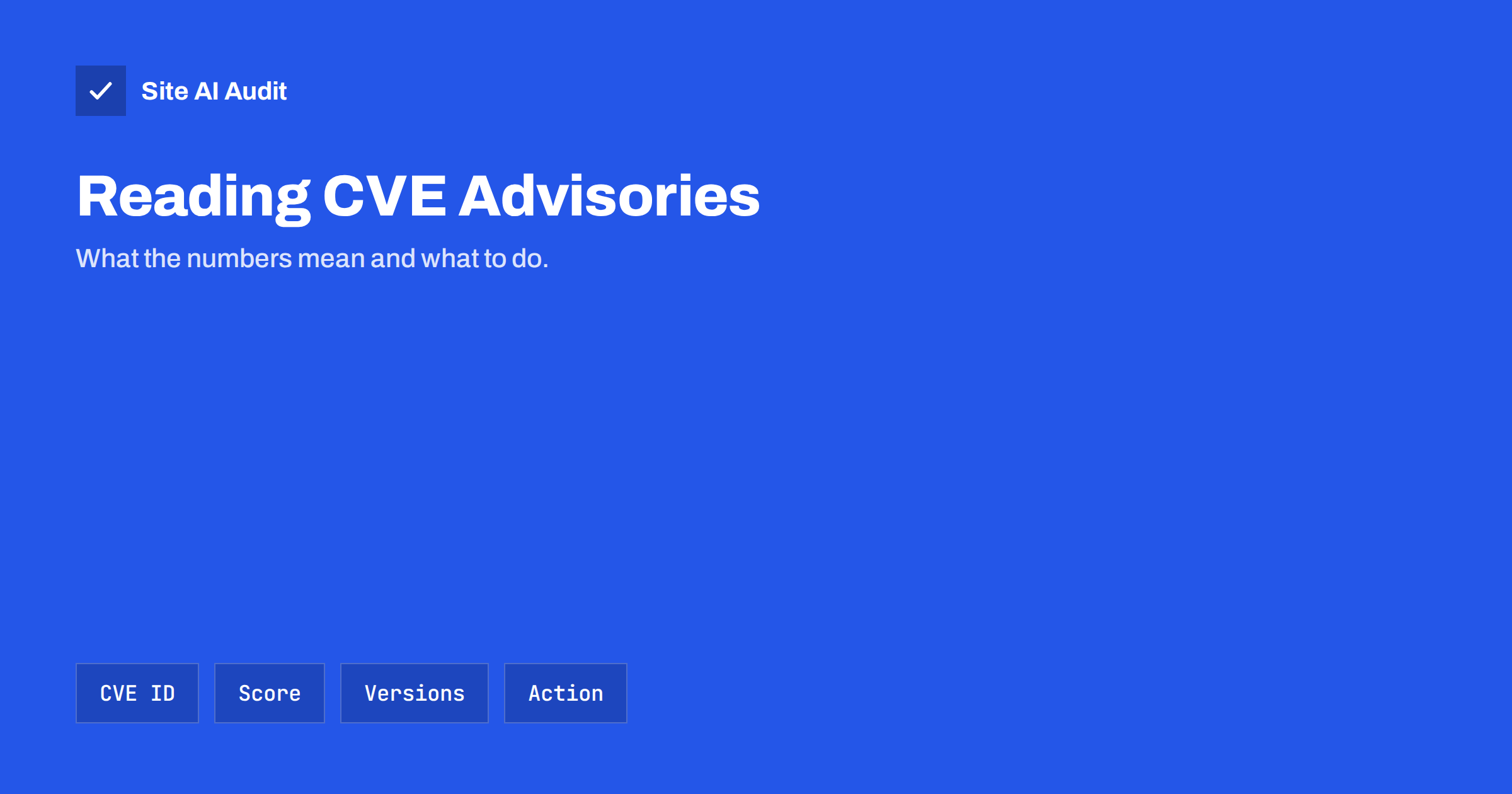
Short answer: A CVE identifier is a standard name for one publicly known security flaw, such as CVE-2026-12345. An advisory that carries it normally tells you what is affected, which versions are vulnerable, how severe the flaw is and which version fixes it. To act, check whether you use the affected software and version, read the severity and whether attackers already use the flaw, then update, apply the suggested workaround or replace the software.
What a CVE is
CVE stands for Common Vulnerabilities and Exposures. It is a public catalogue that gives each known security flaw a unique identifier, so that everyone can talk about the same problem without confusion. The identifier has a simple form: the letters CVE, the year in which it was assigned and a number, for example CVE-2026-12345. The year is the year of assignment, not necessarily the year in which the flaw was discovered or fixed.
A CVE entry is short. It gives the identifier, a brief description of the flaw and references to places with more detail. It does not tell you how to fix the problem or how serious it is for your site. Those details come from advisories, vulnerability databases and the software vendor.
Not every flaw has a CVE. Many small plugins have vulnerabilities that are reported and fixed with only a vendor note. The identifier is useful, but its absence does not mean a problem is harmless.
Where advisories come from
You will meet security information in several places, and it helps to know how reliable each is.
- The software vendor. Release notes and security notices from the plugin, theme or platform developer are the most authoritative source for which version fixes the problem.
- Vulnerability databases. The National Vulnerability Database lists CVE entries with scores and affected versions. Several security companies keep databases for specific platforms, such as WordPress plugins.
- Your host. Many hosting companies warn customers about critical flaws in common software.
- Security plugins and scanners. They compare your installed software with known issues and alert you.
- News and social media. Useful as an early signal, but always confirm the details at the vendor or in a database before you act.
Be careful with fake alerts. Emails that claim your site is vulnerable and ask you to click a link or install a tool are a common scam. Check advisories by going to the vendor’s website yourself.
The parts of an advisory
Formats differ, but a good advisory has the same core elements. Learning to find them makes reading much faster.
- Affected product. The name of the plugin, theme, library or server software.
- Affected versions. A range such as “all versions up to and including 2.4.1”. Compare it with your installed version.
- Fixed version. The release that contains the repair. If none exists, the flaw may still be unpatched.
- Type of flaw. For example cross-site scripting, SQL injection or an access control problem. Our articles on cross-site scripting and SQL injection explain common types.
- Required access. Whether the attacker needs to be logged in, and with what role. A flaw that needs an administrator account is less urgent than one that anyone can use.
- Severity score. A number that estimates how serious the flaw is.
- Workaround. A temporary measure, such as disabling a feature, when no patch exists.
- Credit and dates. When the flaw was reported and fixed.
Understanding the severity score
Most advisories show a CVSS score, the Common Vulnerability Scoring System, which rates a flaw from 0 to 10. A widely used scale is:
| Vērtējums | Rating | Meaning in practice |
|---|---|---|
| 0.1 to 3.9 | Low | Limited impact or hard to exploit |
| 4.0 to 6.9 | Medium | Real risk, often under certain conditions |
| 7.0 to 8.9 | High | Serious impact, plan a quick update |
| 9.0 to 10.0 | Critical | Severe and often easy to exploit, act immediately |
The score is a starting point and not a verdict. It describes the flaw in general, not your site. A critical flaw in a plugin you have deactivated and deleted is irrelevant, while a medium flaw in your login system may be a real problem. Always ask three questions: do we use it, can an outsider reach it, and what could they do with it?
Is anyone using the flaw already?
The most useful extra piece of information is whether attackers are exploiting the flaw in the real world. A flaw that is under active attack deserves an immediate response, even if its score is only moderate.
- The vendor or a security researcher may state that the issue is exploited in the wild.
- The United States cybersecurity agency CISA keeps a public catalogue of known exploited vulnerabilities, and being listed there is a clear signal to patch quickly.
- Some services publish an exploit prediction score, which estimates the likelihood that a flaw will be used in attacks.
- Published proof-of-concept code makes attacks easier, since attackers can copy it.
Automated attacks start fast. After a flaw becomes public, bots often scan the internet for vulnerable sites within days or even hours.
How to decide what to do
- Identify your software. Make a list of your platform, plugins, themes and libraries with their versions. You cannot assess an advisory without it.
- Match the advisory. Check whether your product and version fall in the affected range.
- Judge the exposure. Can an unauthenticated visitor reach the flaw? Is the vulnerable feature in use on your site?
- Choose the action. Update to the fixed version when it exists. If it does not, apply the workaround, disable the feature or replace the product.
- Back up first. Before you update, save the files and the database. Our guide to a safe website update strategy shows how to do it with little risk.
- Test and record. Check that the site still works, and note the date and the version for later.
- Look for signs of an earlier attack. If the flaw was public for a while before you updated, scan for changed files and unknown users. See signs that your website has been hacked.
Treat abandoned software as a special case. A flaw in a plugin whose developer has stopped work may never receive a fix, so the only safe answer is to replace it, as explained in our guide to abandoned plugins.
A worked example
Suppose a contact form plugin on your site announces a flaw. The advisory says that all versions up to 3.2.0 allow an attacker without an account to upload a file, the score is 9.8 and version 3.2.1 contains the fix. You open the plugin list and see version 3.1.4 installed, so you are in the affected range. The flaw needs no login and the score is critical, so you treat it as urgent. You take a backup, update to 3.2.1, load the contact page, send a test message and note the date. Because the flaw was public for three days before you noticed, you also look at the upload folders for files you do not recognise. The whole process takes less than an hour, and it is far cheaper than cleaning up after a break-in.
Building a simple routine
You do not need to read every advisory in the world. A small routine is enough for most businesses.
- Keep an up-to-date list of everything installed, and remove what you do not use.
- Turn on update notifications, and use automatic updates for minor and security releases where it is safe.
- Subscribe to security notices from the platform and from the two or three most important plugins.
- Run a security scan regularly and read its results.
- Check front-end libraries too. See outdated JavaScript libraries.
- Decide who is responsible for reacting, and how quickly critical updates must be installed.
What Site AI Audit can and cannot tell you
Site AI Audit looks at your website from the outside. It checks the SSL certificate and its expiry, the redirect from HTTP to HTTPS, security headers and exposed software versions. The last check is useful when you read advisories, because it shows what your site announces about its software, and a visible old version suggests where to look first. It does not match your plugins against vulnerability databases, so it cannot tell you which CVE applies to your site. You can run a free check of your website or see the plans.
Related reading
- Website Security Audit Checklist: What to Check and in What Order
- Outdated Plugins and CMS Versions: A Safe Update Strategy
- Exposed Software Versions: How to Hide Server and CMS Details
- WordPress Security Checklist: 20 Steps That Actually Matter
The bottom line
An advisory is only useful if you can act on it. Know what you run, match it to the affected versions, weigh the severity against your exposure and check whether attackers use the flaw already. Then update with a backup in hand, and replace software that nobody maintains.
BUJ
What does a CVE number tell me?
It is a unique name for one publicly known flaw, so that vendors, researchers and tools can refer to the same issue. It does not describe severity or the fix by itself, which come from the advisory and databases.
Do I have to patch every vulnerability immediately?
No, but you should prioritise. Act immediately when a flaw is critical, reachable by outsiders or already exploited. Schedule lower-risk flaws into your normal update cycle, and ignore those that affect software you do not use.
What if there is no fixed version?
Look for a workaround in the advisory, such as disabling a feature, and consider removing or replacing the product. A flaw without a patch in abandoned software tends to stay open, so plan the replacement.
Is a high CVSS score always worse than a low one?
Not for your site. The score describes the flaw in general. Your exposure decides the real risk, including whether you use the vulnerable feature and whether visitors can reach it without logging in.
How quickly do attackers use new flaws?
Automated scanners often start looking for a flaw within days of its publication, sometimes sooner. That is why a quick update after a serious advisory matters more than waiting for the next convenient maintenance window.