ENEnglish
 LTLietuviškai
 DEDeutsch
 FRFrançais
 RUРусский
 ESEspañol
 PLPolski
 ITItaliano
 UKУкраїнська
 CSČeština
 PTPortuguês
 JA日本語
 LVLatviešu valoda
 ETEesti
 HUMagyar
 IDBahasa Indonesia
 TRTürkçe
 HIहिन्दी
 ELΕλληνικά
 ARالعربية
 THไทย
 VITiếng Việt
 RORomână
 MSBahasa Melayu
 BNবাংলা
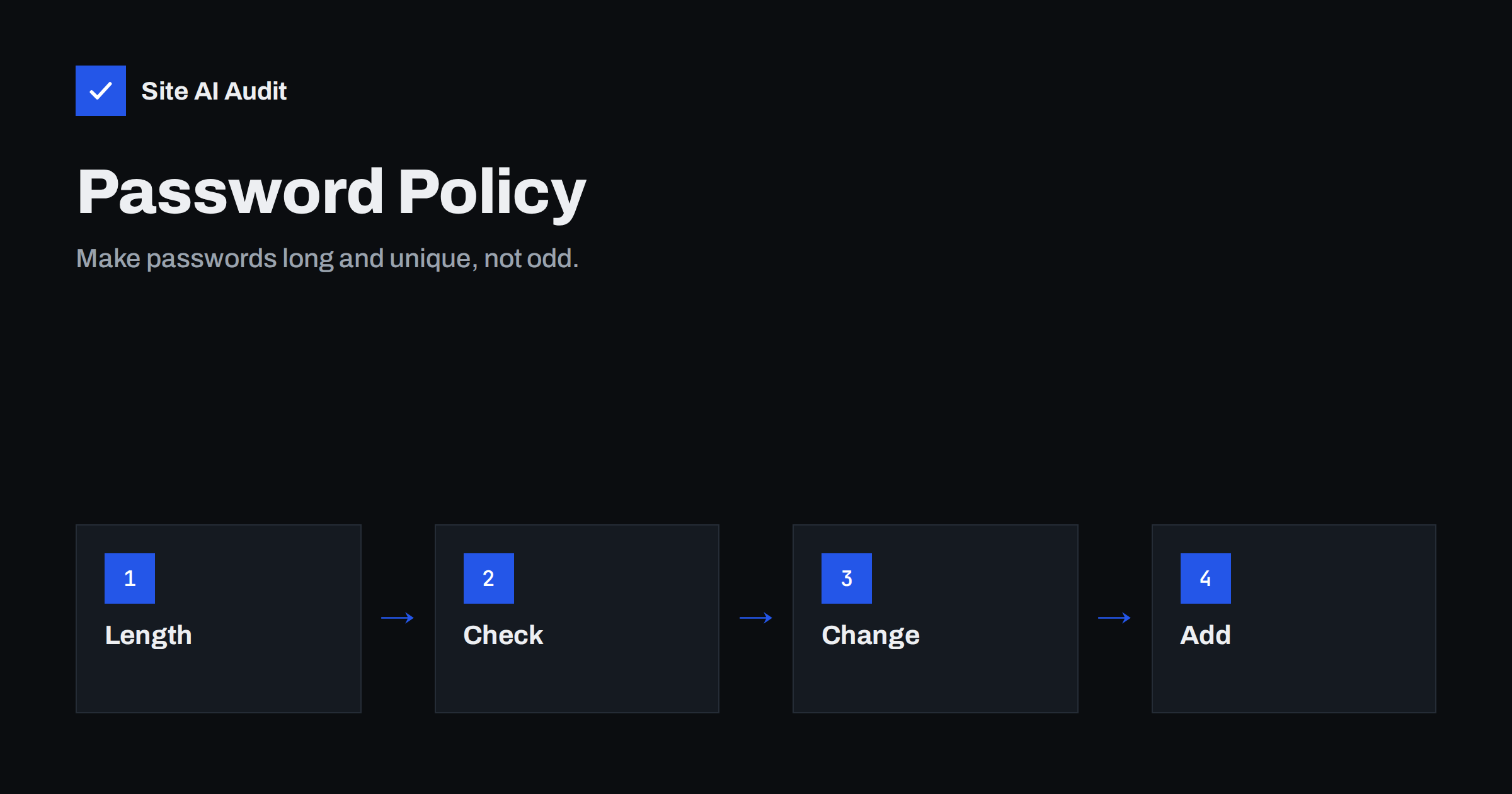
Short answer: A good password policy asks for length and uniqueness, not for strange character rules. Current guidance from standards bodies recommends allowing long passphrases, permitting paste and password managers, rejecting passwords that are common or found in known leaks, and dropping forced changes every few weeks unless there is a sign of compromise. Add a second factor for important accounts, and limit login attempts so that guessing does not succeed.
Why the old rules failed
For many years, websites asked for a capital letter, a number, a symbol and a new password every ninety days. The aim was good. The result was not. People respond to such rules in predictable ways. They start with a word, capitalise the first letter, add a number at the end and a symbol after that. When asked to change it, they raise the number by one. Attackers know these habits and build them into their guessing tools, so a password like “Summer2024!” looks strong to a checker but falls quickly to a smart attack.
The rules also create frustration. Users forget complicated passwords, reuse them on several sites or write them on notes. A reused password is the real danger, because one leak at a small shop gives attackers a key that may open the email, the bank and your own site. The damage of such reuse is described in the article on credential stuffing.
What current guidance says
The United States standards body NIST publishes widely used rules for digital identity. Its recent guidance moved away from composition rules and forced changes and towards length and screening. You should check the current text yourself, but the main points are consistent across the recent versions and across other national bodies.
- Length matters most. Longer is better. Recent guidance sets a higher minimum when a password is the only factor, and a lower one when it is combined with a second factor. Allow at least 64 characters so that passphrases fit.
- Do not force composition rules. Requirements for capitals, digits and symbols are discouraged, because they push users to predictable patterns.
- Do not force periodic changes. Change a password when there is evidence that it was exposed, not on a calendar.
- Screen against bad lists. Compare new passwords with lists of common choices and passwords found in leaks, and reject matches.
- Allow paste and password managers. Blocking paste makes people choose short passwords that they can type.
- Do not use hints or knowledge questions. Answers such as a mother’s maiden name or a first school can be found or guessed.
What a good password looks like
The best password is one that is long, unique and not based on personal facts. Three random words strung together, or a short sentence that nobody else would write, is easier to remember and harder to crack than a short jumble of symbols. Better still is a random password generated by a manager and used only on one site, because then nobody has to remember it. Teams that share logins can follow the advice in the article on password managers for website teams.
Explain this in plain words on your sign-up and change-password pages. A short note such as “Use a long phrase that you do not use anywhere else” helps more than a list of forbidden characters. A strength meter can be useful if it checks against real lists and not only counts character types, but it must not give a false sense of safety.
Check passwords against known leaks
Screening is the most effective new rule. When someone sets a password, the site checks whether it appears in a database of leaked passwords or in a list of the most common ones. If it does, the site asks for another. Services exist that let you do this without sending the password itself, using a method in which only a small part of a hashed value is shared. WordPress and other systems have plugins that add the check, and many frameworks have libraries for it.
Screening happens when the password is set or changed, because that is the only moment the site sees it in readable form. Stored passwords must be kept as salted hashes that cannot be reversed, as covered in the guide to password hashing. Never keep passwords in plain text or in any form that you can read back.
Add layers that do not depend on the user
Even a strong policy leaves risks, so add protections that work in the background.
- Use a second factor for administrators, editors and customers with stored payment data. The options are compared in the article on website two-factor authentication.
- Offer passkeys where your platform supports them. They replace the password with a cryptographic key on the user’s device, as explained in the guide to passkeys for website logins.
- Limit attempts. Slow down or block repeated failures with the methods in the articles on login brute force protection and rate limiting.
- Do not reveal which part was wrong. A message such as “email or password is incorrect” gives less help to someone who is testing addresses.
- Notify users of new logins and password changes by email, so that they notice misuse early.
- Protect the reset flow. A weak recovery process undoes a strong password, a point developed in the article on password reset flaws.
Policies for staff and administrators
Internal accounts deserve stricter rules than ordinary customer accounts, because a single stolen administrator login can lead to a full compromise. Require a password manager and a second factor for everyone with access to the content system, the hosting panel, the domain registrar and the email service. Give each person a personal account instead of a shared one, so that you can remove access when someone leaves, as described in the article on website access offboarding. Review the list of users regularly and remove accounts that are no longer needed. The principle of giving each account only the rights it needs is covered in the guide to user roles and least privilege.
How to update your policy
- Find your current rules in the sign-up form, the password change page and any plugin that enforces them.
- Raise the minimum length and allow long passphrases and every printable character, including spaces.
- Remove forced composition rules and scheduled expiry, unless a regulation that applies to you requires them.
- Add screening against common and leaked passwords.
- Enable paste in all password fields.
- Tell users what changed and why, in one short message.
If a rule comes from an outside requirement, for example a contract or an industry standard, check what it really says before you change it. Some older frameworks still list expiry and complexity, and you may need to explain your approach to an auditor, using the current guidance as your reference.
Plan the change carefully for existing users. Their old passwords stay valid, so you do not need to force a reset for everyone, but you can screen each password when the person next logs in and ask for a new one only if it appears in a leak or a common list. Explain the reason in a short, friendly message, and avoid wording that sounds like an alarm. Users who understand why a request appears are more likely to follow it.
Measure the effect after a few weeks. Fewer failed logins, fewer reset requests and fewer reports of hacked accounts show that the new approach works. A rise in support questions in the first days is normal and usually settles once users get used to the new rules. Keep the policy short and written in plain language, and put it where users can find it, so that new team members and customers see the same expectations.
How Site AI Audit helps
Site AI Audit does not test your login or your password rules, because it checks the public side of the site and not the area behind a login. It does check the foundations that protect those logins in transit: the SSL certificate, the redirect from HTTP to HTTPS, security headers and exposed software versions, together with SEO, speed and email authentication. The free check covers up to 50 pages and needs no sign-up. You can run a free check of your website or see the plans for weekly monitoring and alerts.
Related reading
- How Websites Should Store Passwords: Hashing Explained
- Passkeys for Website Logins: Passwordless Sign-In Explained
- Credential Stuffing: Why Leaked Passwords Threaten Your Site
- Website Security Audit Checklist: What to Check and in What Order
The bottom line
Strong passwords are long, unique and not guessable, and a good policy makes that easy. Allow passphrases and paste, screen out common and leaked passwords, stop forcing odd symbols and calendar changes, and add a second factor and attempt limits for the accounts that matter. Policies that respect how people behave protect your site better than strict rules that people work around.
BUJ
Should I still require special characters?
Current guidance advises against forced composition rules. Require length, block common and leaked passwords and let users choose any characters.
Should passwords expire every 90 days?
Not by default. Forced changes lead to weak variations. Ask for a change when there is evidence of exposure, such as a leak or suspicious login.
How long should a password be?
Longer is better. Set a clear minimum, higher when the password is the only factor, and allow at least 64 characters so that passphrases work.
Is two-factor authentication better than a strong password?
They work together. A strong password protects the first step, and a second factor protects the account if the password leaks. Use both for important accounts.
Why allow pasting into password fields?
Because password managers rely on it, and they produce long unique passwords. Blocking paste pushes users towards short, memorable ones.