 ENEnglish
 LTLietuviškai
 DEDeutsch
 FRFrançais
 RUРусский
 ESEspañol
 PLPolski
 ITItaliano
 UKУкраїнська
 CSČeština
 PTPortuguês
 JA日本語
JA日本語 LVLatviešu valoda
 ETEesti
 HUMagyar
 IDBahasa Indonesia
 TRTürkçe
 HIहिन्दी
 ELΕλληνικά
 ARالعربية
 THไทย
THไทย VITiếng Việt
 RORomână
 MSBahasa Melayu
 BNবাংলা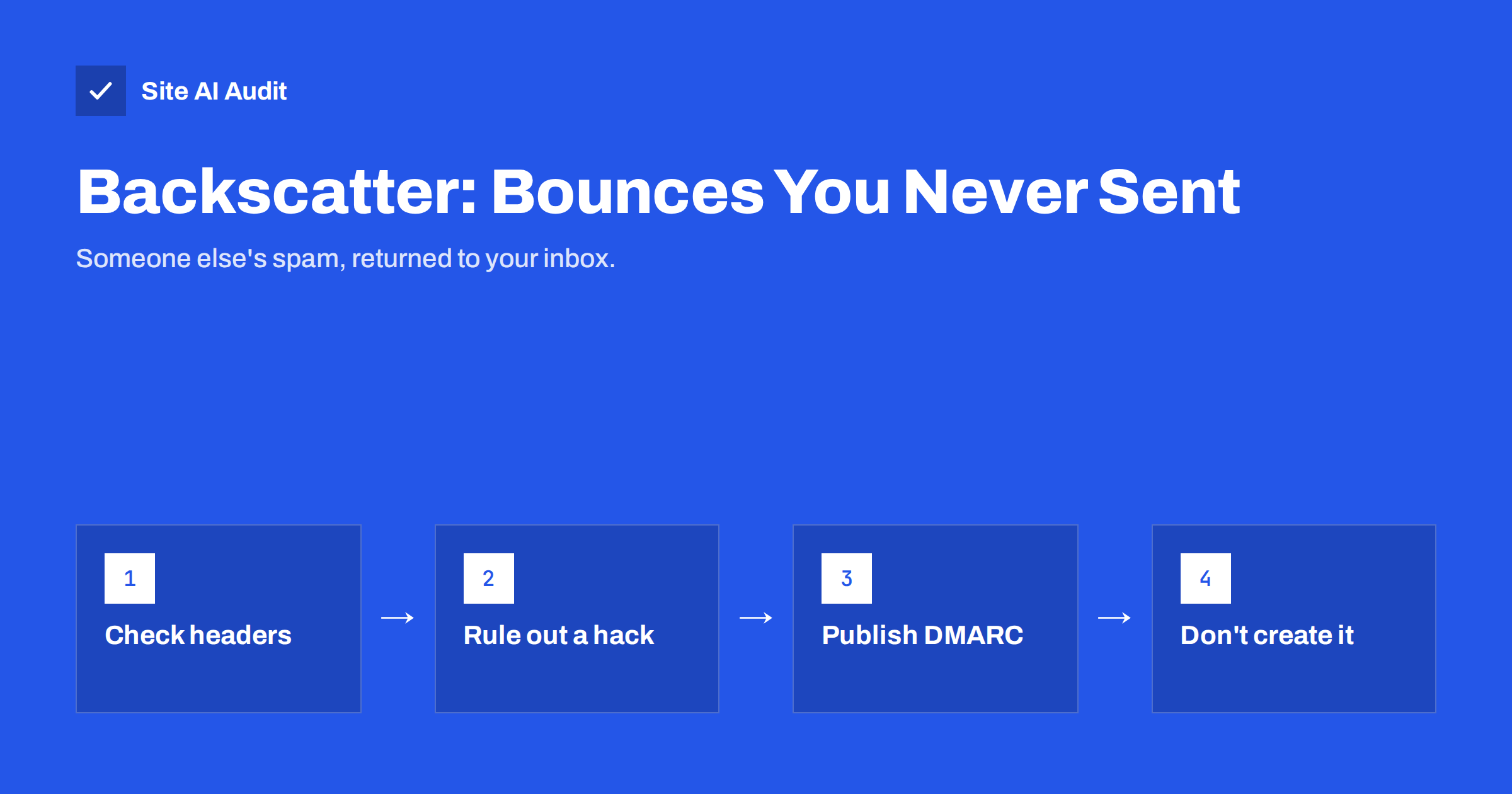
Short answer: Backscatter is the flood of bounce messages, auto-replies and “undeliverable” notices you receive for e-mails you never sent. It happens when spammers forge your address as the sender, and some receiving servers send their rejection back to the forged address instead of refusing the message outright. First check the bounced message’s headers to confirm it did not come from your own systems. Then publish SPF, DKIM and a DMARC policy so receivers can reject forged mail, and make sure your own server never produces backscatter itself.
What backscatter looks like
You open your inbox and find dozens or hundreds of messages titled “Undelivered Mail Returned to Sender”, “Delivery Status Notification (Failure)” or “Out of office” replies, often in languages you do not speak and addressed to people you have never contacted. Each one quotes or attaches a message that seems to come from your address, usually spam or a phishing attempt.
It is alarming, and the natural first thought is that your account has been hacked. Sometimes it has. More often, nobody touched your account: someone simply wrote your address into the sender field of their spam.
Why it happens
The e-mail system was designed at a time when sender addresses were not verified. Anyone can put any address in the envelope sender (the Return-Path, where bounces go) and in the visible From line. Spammers use real domains to make their messages look more legitimate and to keep bounces away from themselves.
When the spam reaches a receiving server, one of two things happens:
- Well-behaved servers check the message during the SMTP conversation and reject it immediately if the recipient does not exist or the message fails authentication. The rejection goes back to the connecting spam server, not to you.
- Badly configured servers accept the message first and only later decide it cannot be delivered. At that point the sending server has gone, so they generate a new bounce message and send it to the address in the envelope sender, which is yours.
Auto-responders add to the problem. An out-of-office reply or a ticket system confirmation sent in response to spam also goes to the forged address. The result is backscatter: side-effect mail aimed at an innocent third party.
Backscatter vs genuine bounces
Not every unexpected bounce is backscatter, and it is important not to filter away real problems. Genuine bounces relate to messages you or your systems actually sent: an invoice to a customer whose mailbox is full, a newsletter to an address that no longer exists, a reply rejected because of a policy at the recipient’s side. They quote your real message, with your normal subject and content, and they usually arrive one at a time.
Backscatter has a different pattern:
- Many bounces arrive in a short period, often dozens or hundreds.
- The quoted messages are spam or phishing that you never wrote.
- Recipients are random addresses at domains you have no connection with.
- The sender address in the original is often a made-up mailbox at your domain, such as a random name that does not exist.
Genuine bounces tell you something about your own mail and deserve attention; the guide to email bounce codes explains how to read them.
Step 1: check whether you actually sent it
Before assuming spoofing, rule out a real compromise. Open one of the bounces and look at the original message it contains, especially its full headers. Our guide to reading email headers shows how.
- Look at the first Received lines of the original message. Did it pass through your mail provider’s servers, or through unknown servers elsewhere?
- Check authentication results in the bounce, if included. A forged message typically shows SPF fail or softfail and no valid DKIM signature for your domain.
- Look in your Sent folder and your mail provider’s message trace or logs for the messages in question.
- Review sign-in activity in your mail account for unfamiliar locations or devices.
- Check your website’s forms and scripts. A contact form or old script abused by bots can send real mail from your server, which is a compromise of a different kind.
If the original went through your own systems, treat it as a security incident: change passwords, enable two-factor login, review mailbox forwarding rules and fix the abused form or script. If it did not, you are dealing with spoofing and backscatter.
Step 2: make forged mail easier to reject
You cannot stop spammers from typing your address, but you can tell receivers clearly that such messages are forged, so more of them reject the spam during the SMTP conversation instead of accepting and bouncing it.
- SPF lists the servers allowed to send for your domain. Ending it with
-allor~alltells receivers everything else is unauthorised; see SPF softfail vs hardfail for the choice. - DKIM signs your genuine mail, so receivers can distinguish it from forgeries.
- DMARC ties them together and publishes a policy. With
p=quarantineorp=reject, receivers that honour DMARC filter or refuse forged messages. The guide to DMARC policies and a safe rollout explains how to get there without blocking your own mail.
DMARC also gives you aggregate reports, which show the volume of forged mail using your domain and where it comes from. That helps confirm whether a wave of backscatter matches a spoofing campaign. More on stopping impersonation is in how to stop people sending mail as your domain.
Authentication does not eliminate backscatter completely. Some servers still accept first and bounce later, ignoring the policy. But it significantly reduces the number of forged messages that are accepted, and with them the bounces.
Step 3: filter the backscatter you still receive
- Many mailbox providers already detect and filter backscatter. Check your spam folder settings and let the filter learn by marking obvious backscatter as spam rather than deleting it.
- Create a rule that moves bounces whose original message you did not send into a separate folder, so you do not miss genuine bounces from your own mail.
- If you run your own mail server, consider Bounce Address Tag Validation (BATV) or similar tagging of your envelope sender, so the server can recognise genuine bounces and reject bounces for mail it never sent.
- Do not reply to the bounces or auto-replies, and never click links inside the quoted spam.
Waves of backscatter usually last from a few hours to a few days, following the spam campaign that caused them.
Step 4: make sure you are not a source of backscatter
Servers that generate backscatter harm innocent people and can end up on blocklists, some of which specifically track backscatter sources. If you manage a mail server, or your website sends automatic replies, check these points:
| Setting | Backscatter risk | Better practice |
|---|---|---|
| Accept mail for any address, bounce later | High | Validate recipients and reject during SMTP |
| Catch-all mailbox that forwards or bounces | Medium | Accept only real addresses, or quarantine without replying |
| Out-of-office replies to every sender | Medium | Reply only to contacts or internal senders; skip mail marked as spam |
| Help desk auto-acknowledgements | Medium | Do not respond to messages that fail authentication or look like spam |
| Spam filtering after acceptance, with bounce | High | Reject during SMTP, or quarantine silently |
If you suspect your server’s IP has been listed for backscatter or spam, see how to check blocklists and get delisted.
Domains that never send mail
Unused and parked domains are popular for spoofing precisely because nobody watches them. If a domain does not send e-mail, publish an SPF record of v=spf1 -all, a DMARC policy of p=reject and, ideally, a null MX record. That tells receivers to refuse all mail claiming to come from it, which cuts both spoofing and backscatter. The full setup is in how to protect parked and unused domains.
How Site AI Audit helps
Site AI Audit checks your domain’s e-mail authentication as part of a full website check: SPF and its lookup limit, DKIM signatures, the DMARC policy and MX records, alongside SEO, speed, SSL and security headers. Findings are explained in plain words and ranked by impact, so a missing or weak DMARC policy, the most common reason spoofing goes unchecked, is easy to spot. Start with a free check; paid plans on the pricing page add monitoring and alerts.
Related reading
- How to Read DMARC Aggregate Reports Without Getting Lost
- Why Are My Emails Going to Spam? 12 Causes and Fixes
- Invoice Fraud by Email: How Small Businesses Stay Protected
The bottom line
Backscatter is the echo of someone else’s spam: bounces and auto-replies aimed at your address because spammers forged it. Check the headers to rule out a real compromise, publish SPF, DKIM and an enforcing DMARC policy so receivers reject forgeries, filter what still arrives, and make sure your own systems reject bad mail during delivery instead of bouncing it to innocent people.
BUJ
Why am I getting bounce messages for emails I did not send?
Spammers have most likely forged your address as the sender. Some receiving servers accept their spam and then send the bounce to the forged address, which is yours. This is called backscatter.
Does backscatter mean my email account was hacked?
Not necessarily. Check the original message headers, your Sent folder and your sign-in activity. If the message did not pass through your mail servers, it was spoofed rather than sent from your account.
Does DMARC stop backscatter?
It reduces it. With an enforcing DMARC policy, receivers that honour it reject or quarantine forged mail instead of accepting and bouncing it. Some badly configured servers may still send bounces.
How long does a backscatter wave last?
Usually from a few hours to a few days, following the spam campaign that used your address. Filtering rules help you handle it while it lasts.
Can my own server cause backscatter?
Yes, if it accepts mail for non-existent addresses and bounces it later, or sends auto-replies to spam. Reject bad mail during the SMTP session and limit auto-replies.


