 ENEnglish
 LTLietuviškai
 DEDeutsch
 FRFrançais
 RUРусский
 ESEspañol
 PLPolski
 ITItaliano
 UKУкраїнська
 CSČeština
 PTPortuguês
 JA日本語
JA日本語 LVLatviešu valoda
 ETEesti
 HUMagyar
 IDBahasa Indonesia
 TRTürkçe
 HIहिन्दी
 ELΕλληνικά
 ARالعربية
 THไทย
THไทย VITiếng Việt
 RORomână
 MSBahasa Melayu
 BNবাংলা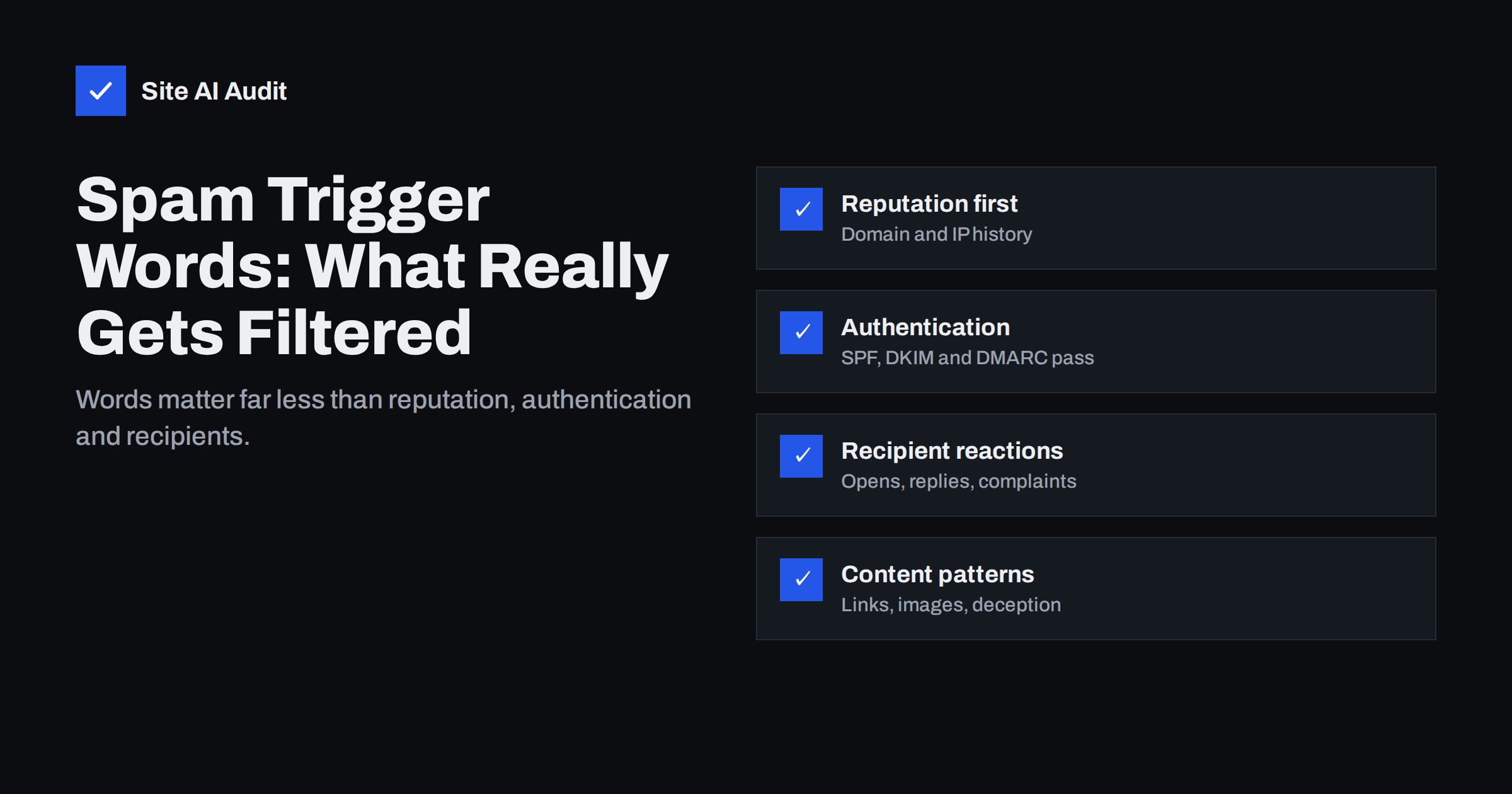
Short answer: Single “spam trigger words” such as “free” or “offer” rarely decide whether an e-mail reaches the inbox today. Modern filters at Gmail, Outlook and other providers weigh the sender’s reputation, authentication with SPF, DKIM and DMARC, how recipients react to your mail and patterns such as dangerous links or deceptive formatting far more heavily. Content still matters, but as a whole: misleading subject lines, links to poorly reputed domains, image-only messages and sloppy HTML hurt, while an individual word almost never does on its own.
Where the trigger word idea comes from
In the early days of spam filtering, many filters worked largely by looking at words. Messages containing phrases common in spam, such as certain pharmaceutical names or “make money fast”, were scored higher, and enough points sent a message to the junk folder. Lists of “words to avoid” were a reasonable response at the time.
Rule-based content scoring still exists. Open-source filters such as Apache SpamAssassin, which many hosting companies and company mail servers use, combine hundreds of tests, and a few of them look at phrases and formatting. But even there, content rules are a small part of the score next to authentication, blocklists and message structure, and the large mailbox providers rely on their own systems that learn mainly from reputation and user behaviour.
That is why a newsletter that says “free shipping” can reach the inbox, while a message with perfectly innocent wording from an unauthenticated, unknown domain goes to spam.
What modern filters actually weigh
Mailbox providers do not publish their formulas, but their sender guidelines and years of practical experience point to the same main factors:
- Sender reputation. The history of your domain and sending IP addresses: how much mail they send, how many recipients complain, how many addresses bounce and whether they appear on blocklists.
- Authentication. Whether SPF, DKIM and DMARC pass and align with the From domain. Unauthenticated mail is treated with suspicion regardless of its wording.
- Recipient engagement. Whether people open, read, reply to, move or delete your messages, and whether they mark them as spam.
- List quality. Sending to old, purchased or scraped addresses leads to bounces and spam traps, which damage reputation quickly.
- Content and structure. Links, their domains and reputation, images, attachments, HTML quality and signs of deception.
Content sits at the end of this list for a reason: it can make things worse, but good wording cannot rescue a message whose sender has a poor reputation. Our guide on why emails go to spam covers each of these causes in more detail.
These factors also interact. A sender with a long, clean history and high engagement can send a promotional message full of offers and still reach the inbox. A new or damaged sender may see even carefully worded mail filtered, because the filter has no reason yet to trust it. Reputation acts like a credit score: content only nudges a decision that reputation has mostly made already.
Myths and reality
| Myth | Reality |
|---|---|
| Using the word “free” sends mail to spam | Common marketing words are used by legitimate senders every day; reputation and engagement matter far more |
| There is a definitive list of banned words | No major mailbox provider publishes one; published lists are guesses compiled by marketers |
| Replacing letters with symbols avoids filters | Obfuscated words such as “fr33” look like spam tricks and can hurt |
| Content does not matter at all | Content patterns such as deceptive links, image-only mail and hidden text do affect filtering |
| If a test tool shows a spam score of 0, mail will reach the inbox | Content scores do not measure your reputation with Gmail or Outlook |
Content habits that really do hurt
Instead of worrying about individual words, avoid the patterns that are strongly associated with spam and phishing:
- Deceptive subject lines. Fake “Re:” or “Fwd:” prefixes, false urgency (“Your account will be closed”) and subjects that do not match the content lead to complaints, and complaints are a strong negative signal.
- Links to poorly reputed domains. Every domain linked in your message is checked. Public URL shorteners, domains on blocklists and freshly registered domains can hurt. Our article on links and tracking domains in emails explains how to set this up properly.
- Link text that does not match the link. Visible text showing one address while the link goes to another is a classic phishing trait.
- Image-only messages. A single large image with little or no text gives filters nothing to evaluate and is often used to hide spam content. Many recipients also see nothing when images are blocked.
- Hidden text. White text on a white background or tiny fonts used to stuff content are known spam techniques.
- Risky attachments. Executable files, macro-enabled documents and password-protected archives are often blocked or filtered.
- Broken or bloated HTML. Code pasted from word processors, missing closing tags or messages many times larger than necessary can look careless or suspicious.
Style details that play a small role
Some formatting habits may add small amounts to a spam score in rule-based filters, and they also annoy readers. They are worth avoiding, but none of them should be the focus of your deliverability work:
- Subject lines written entirely in capital letters.
- Multiple exclamation marks or currency symbols in a row.
- Bright, oversized fonts and many colours.
- Missing plain-text version in a multipart message; most e-mail platforms create one automatically.
- A very high number of links in a short message.
Write the way you would write to a customer you respect, and most of these take care of themselves.
A useful test is to imagine the message arriving from a stranger. If it would look pushy, confusing or suspicious to you, it will probably look that way to some recipients too, and their reactions will affect your reputation far more than any single word.
What to fix first when mail goes to spam
If your messages are being filtered, work through the causes in order of impact, not in order of how easy they are to change:
- Check authentication. Open a delivered message’s headers and confirm SPF, DKIM and DMARC pass for your domain, for every sending service you use.
- Check blocklists and reputation. Look up your domain and sending IP on major blocklists, and review Google Postmaster Tools if you send to Gmail in volume.
- Check your list. Remove hard bounces, long-inactive subscribers and any addresses that were not collected with clear consent.
- Check complaints. Make unsubscribing easy and visible; people who cannot find the link press “spam” instead. Our guide to reducing spam complaints has practical steps.
- Then review content. Links and their domains, image-to-text balance, HTML quality and whether the subject honestly describes the message.
How to test content without guessing
Content testing is useful when you treat it as one signal among several. Send test messages to accounts at the main providers your customers use and see where they land. Use a spam-checking service that runs rule-based filters such as SpamAssassin to spot formatting and link problems, and read the individual rule results rather than only the total score. Compare a plain, short version of a message with your usual template if you suspect content is a factor. Our guide on testing email deliverability before you send describes a simple routine.
Remember what these tests cannot show: your reputation with a specific provider, and how your real recipients will react. Placement in a fresh test mailbox can differ from placement for your actual subscribers, because providers personalise filtering.
Transactional mail is not immune
Password resets, invoices and order confirmations rarely contain “spammy” words, yet they still land in spam when the sending setup is wrong. A shop sending receipts through an unauthenticated web server, or an invoice tool sending with its own domain instead of yours, will have delivery problems however carefully the text is written. It is another sign that wording is rarely the real cause.
How Site AI Audit helps
Site AI Audit checks the part of deliverability that sits in your DNS: SPF and its 10-lookup limit, DKIM signatures, the DMARC policy and MX records. These records are the foundation filters check before they ever look at your wording, and missing or broken ones are among the most common reasons legitimate mail is filtered. Each finding is explained in plain words with the exact fix. You can check your domain for free.
Related reading
- Email Blocklists: How to Check Your Domain and Get Delisted
- Email List Hygiene: How to Clean Your List Without Losing Buyers
- Emails Going to Junk in Outlook and Hotmail? How to Fix It
The bottom line
Spam filters no longer work by counting forbidden words. Reputation, authentication, list quality and recipient reactions decide most outcomes, and content matters as a pattern: honest subjects, reputable links, real text, clean HTML and safe attachments. Fix the foundations first, write naturally, and stop rewriting good copy to avoid words like “free”.
DUK
Do spam trigger words really exist?
Some rule-based filters give small scores to certain phrases, but no major mailbox provider publishes a list of banned words. Individual words rarely decide delivery on their own.
Can the word “free” send my email to spam?
Very unlikely on its own. Legitimate senders use it constantly. If your mail is filtered, check authentication, reputation, list quality and complaints first.
What content does hurt deliverability?
Deceptive subject lines, links to poorly reputed domains or shorteners, image-only messages, hidden text, risky attachments and broken HTML are the content patterns that matter most.
Should I use a spam score checker?
Yes, as one tool. It finds formatting and link problems, but it cannot measure your reputation with Gmail or Outlook, so a good score does not guarantee inbox placement.
Why does my plain, harmless email go to spam?
Usually because of the sender, not the text: missing or failing SPF, DKIM or DMARC, a poor or new reputation, or a list with invalid addresses and complaints.


